
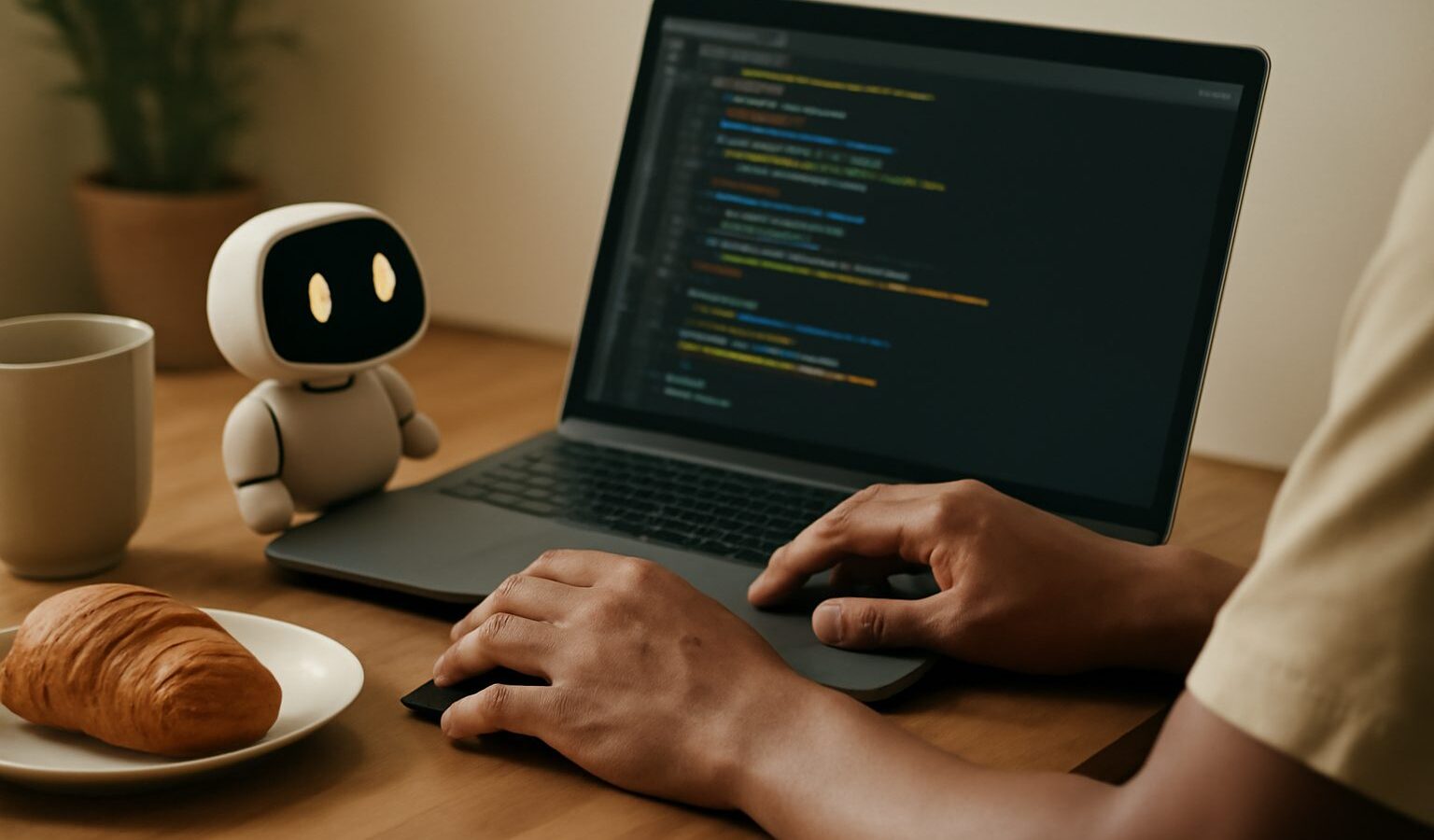
If you have ever wanted to build a small website, automate a boring spreadsheet task, or simply understand what all this programming fuss is about, AI coding assistants Singapore learners now have access to can make the first steps far less scary. These tools sit inside your code editor or web browser and help you write, explain, and fix code by turning plain English into working snippets. For a complete beginner, that feels a bit like having a patient tutor on call at any hour.
This guide explains what these assistants actually do, how to use them without picking up bad habits, and the safety points every new coder should keep in mind. The golden rule from the start: an assistant can help you learn, but you must still read and understand the code it produces.
What an AI Coding Assistant Actually Does
An AI coding assistant is a tool built on a large language model that has read a great deal of public code and documentation. You describe what you want in ordinary words, such as “write a function that adds up numbers in a list”, and it produces code you can drop into your project. Some assistants live inside an editor and suggest lines as you type. Others work as a chat window where you ask questions and paste in code that is misbehaving.
For a learner, the assistants shine in a few areas. They can explain unfamiliar code line by line, which is wonderful when you inherit a script and have no idea what it does. They can suggest a first draft of a function so you are not staring at a blank screen. They can help translate an error message from cryptic jargon into a plain explanation of what went wrong. And they can act as a sounding board when you are stuck, offering a different approach you had not considered.
What they are not is a replacement for understanding. The code they write can look confident and tidy while being subtly wrong, out of date, or badly suited to your task. This is the single most important idea for a beginner to hold on to.
Getting Started the Right Way
The best way to begin is to treat the assistant as a study partner rather than a vending machine. When it hands you a block of code, do not simply paste it and move on. Read each line and ask yourself what it does. If a line is a mystery, ask the assistant to explain that exact line. Over time this habit teaches you the language far faster than copying answers ever could.
Start with small, self contained tasks. Ask it to write a short function, then run that function yourself and check the result matches what you expected. Change an input on purpose and see whether the output still makes sense. This is how you build the instinct to spot when something is off.
Be specific in your requests. A vague prompt like “make a website” gives you a vague, generic answer. A clear prompt like “write a simple HTML page with a heading, a paragraph, and a button that shows an alert when clicked” gives you something you can actually learn from. Tell the assistant which language you are using and roughly what level you are at, and the replies improve.
When you hit an error, paste the full error message along with the code that caused it. The assistant works best with context. But always test the fix it suggests rather than trusting it blindly, because a plausible looking fix can quietly introduce a new problem elsewhere.
Reviewing Output and Watching for Weak Spots
AI assistants can be wrong. They can invent function names that do not exist, mix up versions of a library, or hallucinate an answer that reads well but does not run. This is why reviewing output is not optional. Run the code. Read it. If it touches anything important, test it with a few different inputs before you rely on it.
Security is the part beginners most often overlook. An assistant may cheerfully suggest code that stores a password in plain text, skips checking user input, or leaves a door open that an attacker could walk through. It does not do this out of malice; it simply reproduces patterns it has seen, some of which are insecure. Get into the habit of asking a second question: “is there anything insecure about this code?” You will not catch everything as a beginner, but you will start to notice the common traps.
Never paste sensitive material into an assistant. That means no real passwords, no API keys, no customer data, no confidential company code, and nothing personal or financial. Assume that anything you type could be stored or used to improve the tool unless the settings clearly say otherwise. When you must show the assistant real code, strip out secrets and replace them with obvious placeholders first.
Here is a quick reference for how to use these tools sensibly as you learn.
| Situation | Helpful move | Watch out for |
|---|---|---|
| Learning a new concept | Ask for an explanation with a small example | Accepting the first answer without testing |
| Fixing an error | Paste the full error and the code | A fix that hides the real cause |
| Writing a function | Request a draft, then read every line | Invented functions that do not exist |
| Handling passwords or data | Ask the assistant to review for security | Storing secrets in plain text |
| Any real project | Run and test the code yourself | Pasting in sensitive or private data |
Building Good Habits That Last
The learners who benefit most from these tools are the ones who stay curious rather than passive. When the assistant gives you a solution, try to write the next version yourself before asking for help. Use it to check your work rather than to skip the work. If you always reach for the assistant first, you never build the mental muscles that let you code on your own, and you will struggle the moment you face a problem the tool gets wrong.
It also helps to keep learning from proper sources alongside the assistant. Official documentation, a structured beginner course, or a reputable tutorial gives you a foundation the assistant can then support. Think of the assistant as the friend who answers your questions, not the textbook itself.
Finally, keep a healthy scepticism. When an answer feels too neat, verify it. When code touches money, security, or personal data, slow down and double check. The assistants are genuinely useful for beginners in Singapore who want to get their hands dirty, but they reward the person who reads, questions, and tests over the person who simply copies. Learn actively, guard your data, review every line, and these tools will speed up your journey rather than leave you stranded when they get something wrong.