
You do not need a studio, expensive gear or a film degree to post good clips online. The phone in your pocket is more than capable, and the apps you already have can turn raw footage into something watchable in minutes. Making videos for social media Singapore creators and small businesses share every day comes down to a few simple habits rather than fancy equipment. This guide keeps things practical, walking you from filming to editing to posting, so you can start sharing without feeling overwhelmed by all the jargon.
Filming on Your Phone
Good video starts before you press record. The single biggest improvement most people can make is lighting. Face a window during the day, or point a lamp toward yourself rather than having a bright light behind you, which turns you into a silhouette. In our sunny climate, soft daylight near a window in the morning or late afternoon flatters faces far more than harsh midday glare outdoors.
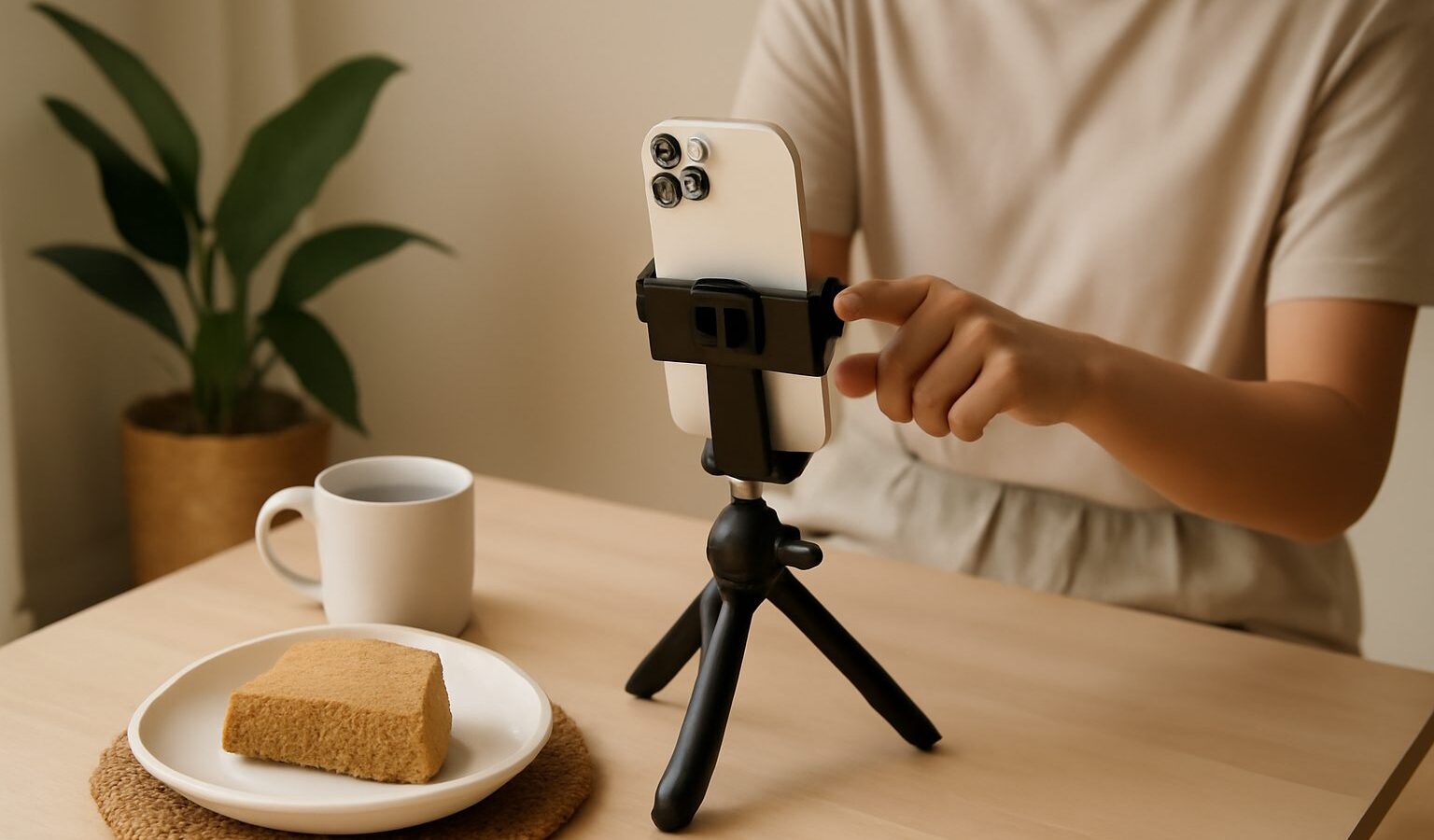
Next, think about steadiness and framing. Rest your phone against a stack of books, prop it on a shelf, or use a cheap tripod so the shot does not wobble. Shoot vertically for most social platforms, since that fills the screen the way viewers expect. Keep your subject roughly in the middle or along the upper third of the frame, and leave a little breathing room above the head.
Sound is quietly important too. Phone microphones pick up everything, so film away from roaring air-conditioners, traffic and the echo of an empty room. If you talk to camera often, a small clip-on microphone helps, but even moving closer to the phone makes a noticeable difference. A few filming pointers worth remembering:
- Clean your lens with a soft cloth before you start, as fingerprints blur everything.
- Record a few seconds of buffer at the start and end of each clip for easier editing.
- Tap the screen to lock focus and exposure so the shot does not keep readjusting.
- Shoot several short takes rather than one long, perfect one.
If you want your footage to look sharper overall, our guide on how to take better photos with your phone covers lighting and framing basics that apply just as neatly to video.
Editing Without the Headache
Editing is where rough clips become a proper video, and you do not need complicated software. Most phones include a basic editor that lets you trim the ends, join clips and add music. Free editing apps go further, offering text overlays, transitions and filters through a simple drag-and-drop timeline. The trick is restraint. A clean cut, a readable caption and a steady pace beat a pile of flashy effects every time.
Keep your videos short. Attention online is fierce, so aim to hook viewers in the first two or three seconds, then get to the point. Trim out the pauses, the “ums” and the moment you reach to stop recording. If you are stringing several clips together, cut on action or on a natural beat in the background music so the flow feels smooth rather than jumpy.
Captions matter more than people realise. Many viewers watch with the sound off while commuting on the MRT or sitting in a quiet office, so on-screen text keeps them engaged. Many apps now generate captions automatically, though you should always read through and fix errors, especially with local names and Singlish. For a deeper look at automatic subtitles, our overview of AI transcription and captioning tools explains what these tools do well and where they slip.
Music sets the mood, but be mindful of copyright. Stick to the licensed audio libraries built into the social platforms rather than lifting popular songs, which can get your post muted or taken down. If music ownership interests you, our piece on AI copyright and ownership touches on the wider debate around content rights, which is worth understanding as a creator.
Posting With Confidence
Once your video is ready, think about how it will appear in someone’s feed. Write a short, clear caption that gives context or asks a question, since that encourages comments. Add a few relevant hashtags rather than dozens, and post when your audience is likely scrolling, often during commutes or in the evening. You do not need to overthink the algorithm. Consistency, watchable content and a genuine voice do more over time than chasing every trend.
Mind your privacy while you are at it. Check the background of your shots for anything you would not want strangers to see, such as your home address, block number or personal documents. If you film family or friends, ask before posting. A quick review protects you and the people around you.
Finally, do not wait for perfection. Your first videos will feel awkward, and that is completely normal. Each clip teaches you something about lighting, sound and pacing. Making videos for social media becomes far easier with practice, so film something today, edit it simply, and post it. The habit of finishing and sharing matters more than any single video being flawless, and before long you will find your own rhythm and style.