
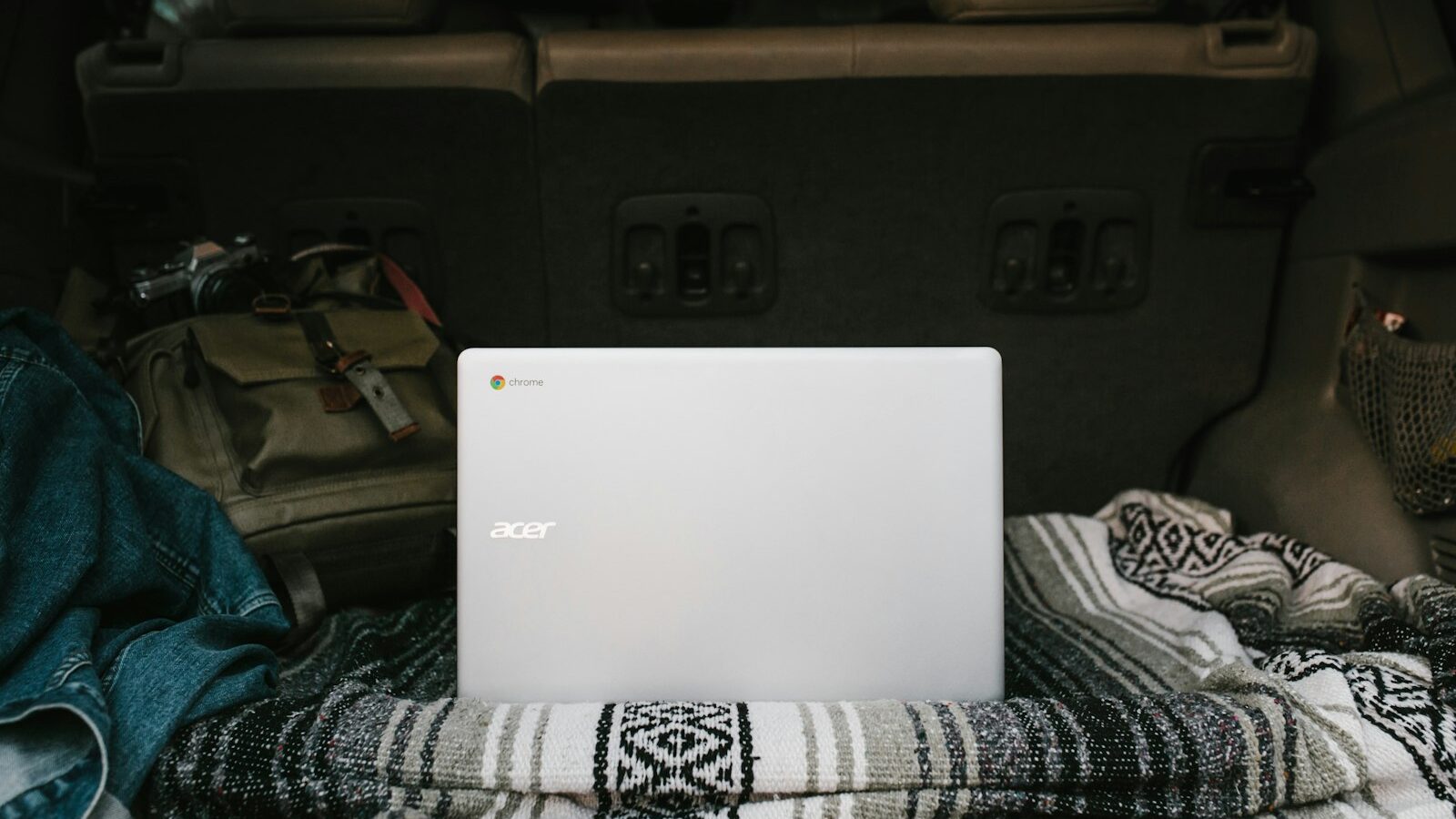
Walk through any electronics store and you will see Chromebooks sitting beside Windows laptops and MacBooks (our guide to choosing a laptop covers those), often at noticeably lower prices. They look like ordinary laptops, but they run a very different operating system. If you are weighing up a Chromebook in Singapore, for yourself, a student or an older parent, the key question is not whether it is a good laptop, but whether it fits the way you actually use a computer.
This guide explains what ChromeOS is, who it suits, where its limits are, and what to check before you buy.
What a Chromebook Actually Is
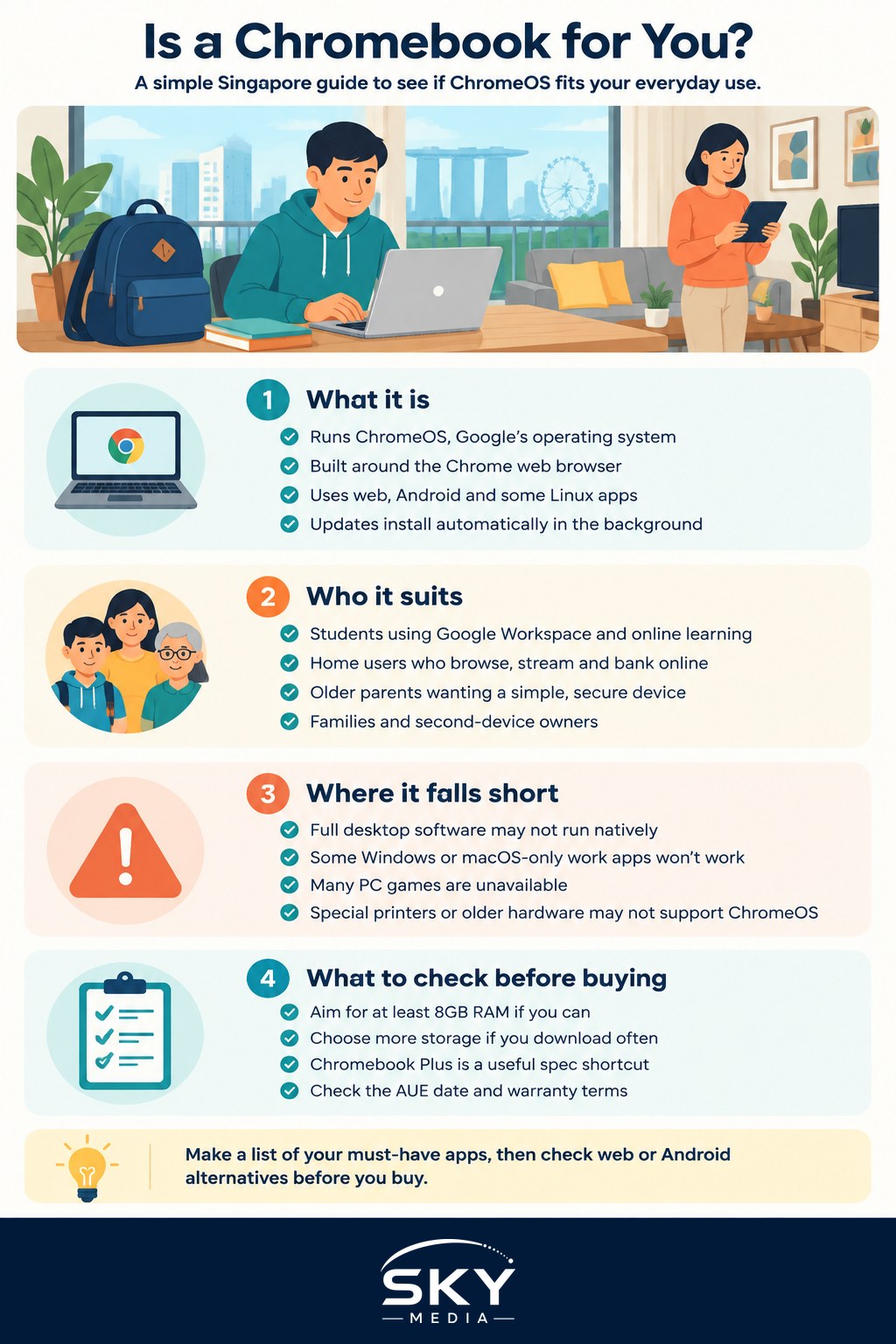
A Chromebook is a laptop that runs ChromeOS, Google’s operating system built around the Chrome web browser. Instead of installing traditional desktop programs, you mainly use:
- Web apps such as Gmail, Google Docs, Microsoft 365 on the web, streaming services, online banking and government portals.
- Android apps from the Google Play Store, on most current models.
- Linux apps, through an optional development environment, mostly of interest to programmers and tinkerers.
You sign in with a Google account, and your settings, bookmarks and files stored in Google Drive follow you to any Chromebook. Updates install automatically in the background, and the system is designed to start quickly and resist most common malware.
Each Chromebook also has an Auto Update Expiration (AUE) date, after which it stops receiving ChromeOS updates. Google has extended the support period on newer models considerably, but the exact date varies by device. Check Google’s official AUE list for the model you are considering before you buy, especially if it is an older or discounted unit.
Who a Chromebook Suits Well
A Chromebook is a strong choice when most of your computing already happens in a browser. It tends to suit:
- Students who mainly use Google Workspace, online learning platforms and research. Some schools specify particular devices, so follow your school’s list first.
- Home users who browse, email, stream video, video call and handle online banking and services.
- Older parents or grandparents who want a simple, secure machine with fewer pop-ups, fewer settings to manage and automatic updates.
- Second-device owners who want a light laptop for travel or the sofa while keeping a more powerful computer at home.
- Families who share a device, since each person can sign in with their own account and see their own files.
In a city where most errands, from bill payments to government services, are done online, a browser-first laptop covers a lot of daily life. Just confirm that any portal you depend on works in Chrome, which is usually the case.
Where ChromeOS Falls Short
The same design that makes Chromebooks simple also limits them. Think carefully if you rely on any of the following:
- Full desktop software. The complete desktop versions of Microsoft Office, Adobe Photoshop and Premiere Pro, professional audio tools and many accounting or engineering programs do not run natively. Web and Android versions exist for some, but often with fewer features.
- Work or university software that only installs on Windows or macOS, such as certain exam, design or statistics packages. Ask your employer or institution.
- Gaming. Many PC games are not available, though cloud gaming services can help if you have fast, stable internet.
- Heavy offline work. Chromebooks do work offline for many tasks, but they are at their best when connected.
- Printers and peripherals. Most modern printers work, but some specialised devices or older hardware may not have ChromeOS support.
If you are a newcomer from mainland China who relies on certain desktop apps for messaging, banking or work, check whether there is a web or Android version that works on ChromeOS before choosing one.
| Factor | Chromebook | Windows laptop | MacBook |
|---|---|---|---|
| Typical price range | Often lowest | Widest range, budget to premium | Mid to premium |
| Software | Web, Android, some Linux apps | Widest desktop software choice | Strong creative and productivity apps |
| Ease of use | Simplest, few settings | Flexible, more to manage | Polished, consistent |
| Updates and security | Automatic, until AUE date | Regular updates, user managed | Regular updates, long support |
| Best for | Browsing, schoolwork, light use | Work software, gaming, versatility | Creative work, Apple ecosystem users |
Choosing the Right Chromebook
Chromebooks range from very basic models to well-built premium machines. When comparing models in Singapore, look at:
- Processor and memory. For smooth multitasking with many browser tabs, aim for at least 8GB of RAM if your budget allows. Very basic models with 4GB can feel slow with heavy use.
- Storage. Chromebooks rely on cloud storage, so local storage is often small. If you download a lot of files or Android apps, choose more.
- The “Chromebook Plus” label. Google uses this label for models that meet higher minimum specifications for performance, display and webcam. It is a helpful shortcut if you do not want to compare spec sheets in detail.
- Screen. A Full HD (1920 x 1080) screen is far more comfortable than lower-resolution panels for reading and video calls.
- Keyboard and build. Try the keyboard in store if you can, especially for students who type a lot.
- Touchscreen or 2-in-1. Useful for Android apps, note-taking with a stylus and casual use.
- Battery life. Check independent reviews rather than relying only on the manufacturer’s claim.
- AUE date. Confirm the update support date, as noted above.
Buying a Chromebook in Singapore
A few practical points before paying:
- Buy from authorised retailers or the brand’s official store so that the local warranty applies. Grey imports may be cheaper but can come with a foreign warranty, a different keyboard layout or a different power plug.
- Check the warranty terms, including what is covered and where repairs are done.
- Compare during sales periods and at IT fairs, but check the model’s AUE date, since older stock is often what gets discounted.
- Think about accessories, such as a protective sleeve, a mouse or a USB-C hub for external screens.
- Read the return policy in case the device does not suit your needs.
For more on choosing a retailer, warranties and avoiding common pitfalls, see our guide to buying electronics in Singapore.
A Quick Test Before You Commit
Not sure if ChromeOS will work for you? Try this:
- List every program you used on your computer in the past month.
- Check whether each one has a web version, an Android app or a good alternative.
- Spend a few days doing everything through the Chrome browser on your current computer.
- If you rarely needed to leave the browser, a Chromebook will probably suit you.
If the list includes essential desktop-only software, a Windows laptop or a Mac is likely the safer buy. Either way, set a budget, shortlist two or three models, and read recent independent reviews before you buy.
Frequently Asked Questions
Can a Chromebook run Microsoft Word and Excel? Yes, through the web versions of Microsoft 365 or the Android apps, though they usually have fewer features than the full desktop programs. If you rely on advanced Excel functions or macros, test the web version first or consider a Windows laptop.
How long will a Chromebook keep getting updates? It depends on the model. Each Chromebook has an Auto Update Expiration (AUE) date after which ChromeOS updates stop. Google has lengthened support on newer devices, so check Google’s official AUE list for the exact model, especially if it is an older or discounted unit.
Is a Chromebook a good choice for a primary school child? It can be, since it is simple, secure and each child signs in with their own account. But some schools specify particular devices, so follow the school’s list first. Also confirm that any learning platform the child needs works in the Chrome browser.
Do Chromebooks work without Wi-Fi? Many basic tasks work offline, such as viewing saved files and drafting documents, and changes sync once you reconnect. Still, a Chromebook is at its best when connected, so it suits you less if you often work somewhere with no internet.
Should I buy a Chromebook or a cheap Windows laptop? If nearly everything you do happens in a browser, a Chromebook is simpler and needs less maintenance. If you need desktop-only software, games or specialised tools, a Windows laptop is the safer buy. List the programs you used last month to decide.