
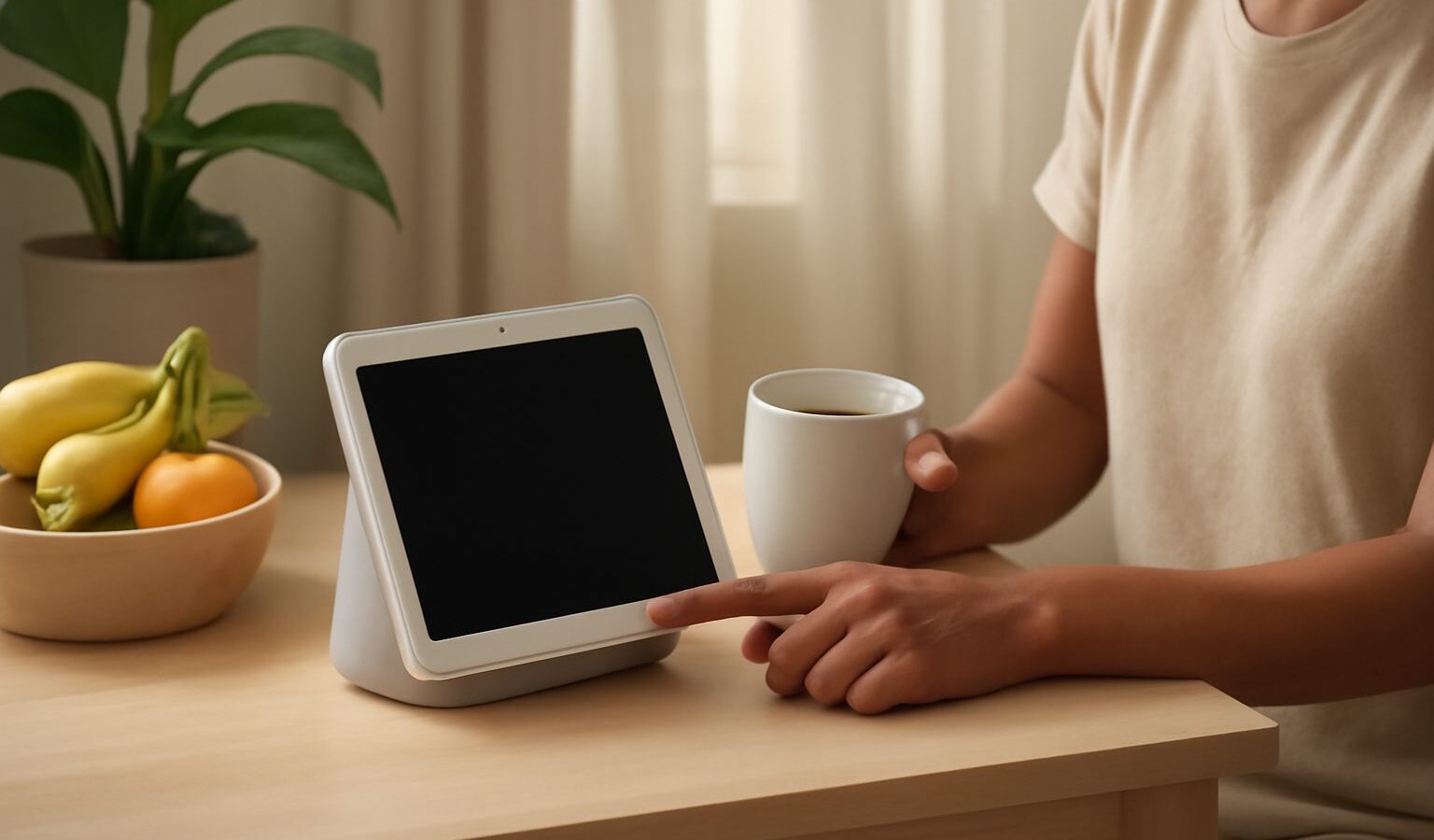
A smart display is a smart speaker with a screen, and that small addition changes what it is good for. Instead of only answering questions and playing music, it can show you the weather at a glance, play a recipe video in the kitchen, act as a digital photo frame, and let you make video calls hands-free. If you are weighing up whether a smart display singapore households would find useful, this guide walks through what these devices do, the features worth comparing, and how to think about privacy before one sits on your counter.
What a smart display is good for
The screen is the whole point, so think about where a screen genuinely helps. In the kitchen, a smart display can show step-by-step recipes, set multiple timers you can actually see, and play a how-to video while your hands are messy. On a bedside table, it can double as a gentle alarm clock and a way to check your calendar before you get up. In a living area, many people use one as a rotating photo frame that also answers the odd question.
Video calling is a common reason to buy. A display with a good camera lets you call family hands-free, which is especially nice for keeping in touch with elderly parents or relatives overseas. Some models are built around calling and even follow you around the frame as you move. If connecting older family members with tech is on your mind, our guide to helping elderly parents with tech pairs well with this decision.
A smart display also acts as a control panel for a connected home. If you have smart lights, plugs or a doorbell, the screen can show camera feeds and give you buttons to tap rather than only voice commands. If you are building things out more broadly, it is worth reading our overview of choosing a smart home ecosystem first, because your display works best when it matches the rest of your setup.
Features worth comparing
Rather than looking for one model crowned “the best”, compare these practical points and match them to your room and habits.
- Ecosystem and assistant. Smart displays are tied to a voice assistant and its wider ecosystem. Pick the one that matches the phone, apps and smart home gear you already use, so everything talks to each other smoothly.
- Screen size and placement. Smaller displays suit a bedside table or a tight kitchen counter, while larger ones are easier to read a recipe or watch a video on from across a room. Measure your space before deciding.
- Sound quality. Because it is also a speaker, listen to how it handles music and voices. Bigger models generally sound fuller, which matters if it will play music while you cook.
- Camera and calling. If video calls are a priority, look at camera quality and features like automatic framing, and check which calling apps the display supports.
- Privacy controls. Look for a physical camera shutter or cover and a hardware microphone switch. These give you real, visible control rather than relying only on software.
- Smart home support. Check that it works with the lights, cameras and plugs you own or plan to buy, and that it supports common standards so you are not locked in.
- Content and apps. Confirm the streaming, music and video services you actually use are available on the device.
Prices, models and app support change over time, so read current reviews close to when you buy and treat any single recommendation with healthy caution. The right choice is the one that fits your room, your budget and the ecosystem you already live in.
Privacy, placement and practical fit
An always-listening device with a camera deserves a moment of thought about where it goes. A smart display listens for its wake word and can see whatever is in front of it, so placement matters. A kitchen or living room is usually fine; a bedroom or bathroom is a more personal choice. Favour a model with a physical camera shutter and a microphone mute switch so you can be certain the camera is covered and the mic is off when you want privacy, not just trusting an on-screen setting.
Go through the settings when you first set it up. You can usually review and delete stored voice recordings, turn off camera features you do not use, and limit what appears on the screen when it is idle. If children use the device, set up appropriate profiles and content limits. Our guide to protecting your privacy settings on your phone covers the same instincts that serve you well here.
There are a couple of local practicalities too. A smart display needs steady home Wi-Fi to feel responsive, so make sure your network reaches the spot you want to use it. And in our warm, humid climate, keep it out of direct sun and away from splashes near the sink.
Making the choice
Start by deciding the main job: a kitchen recipe helper, a bedside clock, a video-calling hub for family, or a control panel for a connected home. Match the assistant and ecosystem to what you already use, pick a screen size that fits the space, and give weight to sound quality and privacy switches. Check recent reviews before you commit, and choose the model that suits your home and budget rather than the one with the longest spec list. Get that fit right and a smart display quietly earns its place on the counter.