
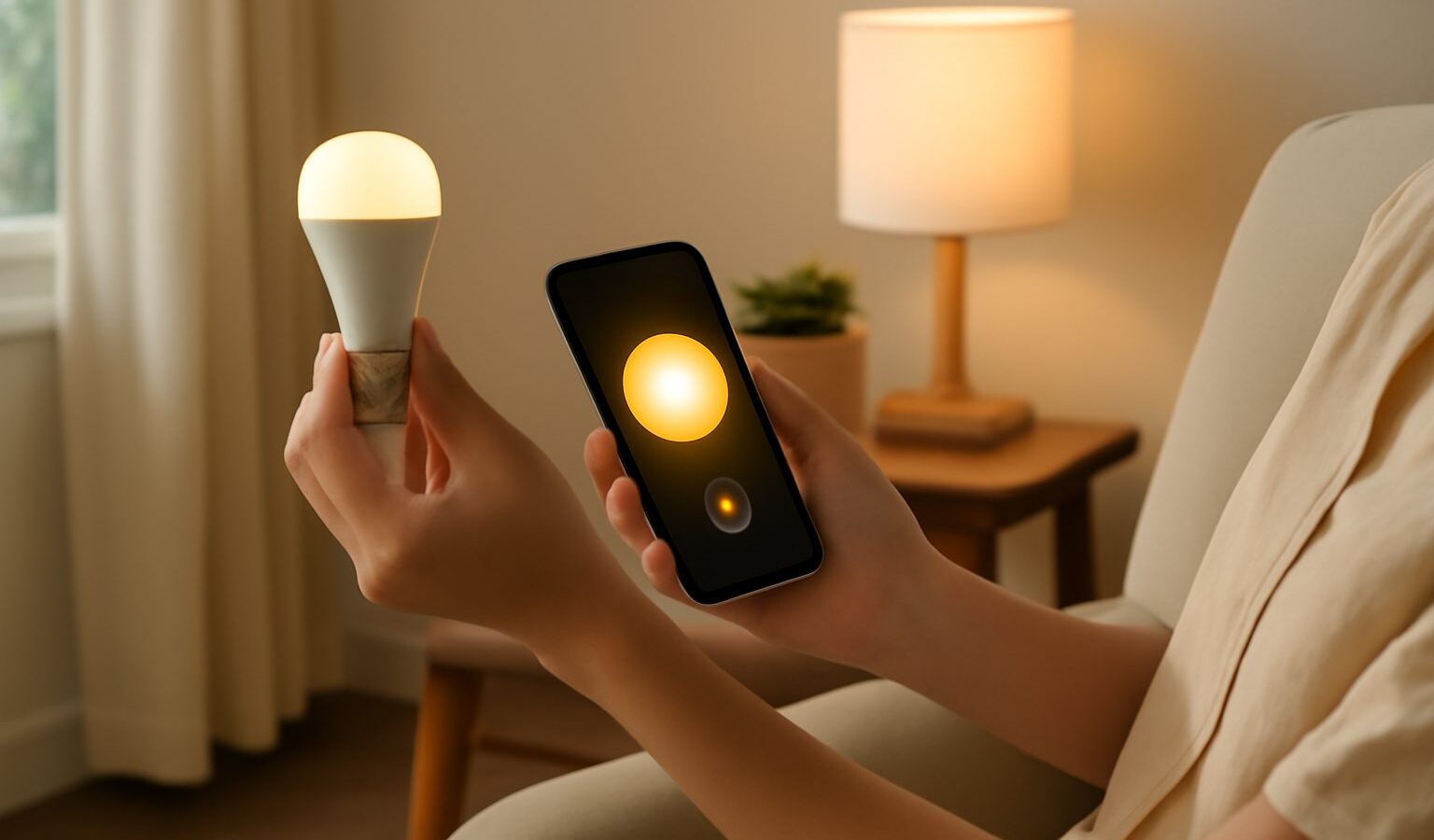
Smart lighting is often the first step people take into a connected home, and for good reason. It is affordable, genuinely useful, and you feel the benefit the moment you dim the living room from your sofa or have the hallway light greet you when you walk in. Smart lighting in Singapore suits our flats and condos particularly well, because most setups need no rewiring and work happily on the wifi you already have.
This guide walks through the real decision at the heart of it, smart bulbs versus smart switches, explains when you might want a hub, and shows how scenes turn a few lights into something that feels effortless. It closes with the security basics, because even a humble light is a device on your network.
Bulbs or Switches: The Core Decision
The first choice is whether to make the bulbs smart or the switches smart. Both give you app and voice control, but they behave quite differently, and picking the right one for each room saves a lot of frustration.
A smart bulb is a bulb with the intelligence built in. You screw or clip it in like any other, connect it to an app, and you can then dim it, change its colour or warmth, and set schedules. Smart bulbs are the easy entry point because they need no electrical work at all. The catch is the wall switch. If someone flicks the physical switch off, the bulb loses power and drops off the network until the switch goes back on. In a home where people instinctively hit the wall switch, this causes endless small annoyances.
A smart switch replaces the wall switch itself and controls whatever ordinary bulbs are wired to it. Because the switch always keeps power flowing to the fitting, the physical switch and the app stay in agreement, and the bulbs can be cheap standard ones. The downsides are that fitting a smart switch usually involves working inside the wall box, which many people will want a licensed electrician to do, and you lose per bulb colour control since you are switching the whole fitting.
A rough rule works for most homes. Use smart bulbs where you want colour and per lamp control and where the switch tends to stay on, such as a bedside lamp or a feature light. Use smart switches for ceiling lights and busy rooms where people expect the wall switch to just work.
| Option | Best for | Trade off |
|---|---|---|
| Smart bulb | Lamps, colour, easy start, no wiring | Breaks if the wall switch is turned off |
| Smart switch | Ceiling lights, busy rooms, standard bulbs | Usually needs an electrician to install |
| Smart bulb plus smart switch | The most seamless result | Higher cost and a little more setup |
Do You Need a Hub?
A hub is a small box that plugs into your router and acts as a translator between your lights and your network. Whether you need one depends on how the lights connect.
Many smart bulbs connect straight to your home wifi with no hub required, which keeps things simple and cheap for a handful of lights. If you plan to fill a whole home with many bulbs, a system that uses a hub and a low power wireless technology can be more reliable, because those bulbs do not each crowd onto your wifi and they tend to respond faster and more consistently. A hub also often unlocks smoother scenes and better away from home control.
For a first foray of a few lights, wifi bulbs with no hub are perfectly sensible. If you know you are going all in across many rooms, a hub based system is worth considering from the start so you are not migrating later.
Building Scenes and Schedules
Scenes are where smart lighting stops being a novelty and starts genuinely improving your day. A scene is a saved combination of lights set to particular brightness levels and colours, triggered by a tap, a voice command, a time, or an event.
A few that work well in local homes:
- A gentle warm scene for evenings that eases the harshness after a long day.
- A bright, cool scene for cooking, cleaning or working from home.
- A wind down schedule that dims the bedroom automatically an hour before bed.
- A wake up schedule that fades the lights up in the morning instead of a jarring switch.
- An away setting that turns a few lights on and off through the evening so an empty home looks occupied.
Start with one or two scenes rather than trying to automate everything at once. The best setups grow slowly as you notice the moments you reach for your phone, then turn those into a single tap or a spoken command.
Keep It Secure
A smart bulb is a small computer connected to the internet, so it deserves the same basic care as any other device. The steps are quick and close off most of the risk.
Change any default password on the lighting app or hub account, and use a strong, unique one. Switch on two factor authentication if the app offers it, since that account can control lights throughout your home. Keep the firmware updated by leaving automatic updates on, as these patches often fix security flaws. Finally, secure the wifi the lights sit on with a strong password and modern encryption, and if your router supports a guest network, consider placing your smart devices there so they stay separated from your phones and laptops.
Bringing It Together
Setting up smart lighting in Singapore comes down to a few clear choices made room by room. Pick bulbs where you want colour and easy installation, switches where the wall control must always work, and decide early whether a hub suits your scale. Add a couple of scenes that match how you actually live, keep the account and firmware secure, and you will have lighting that feels less like a gadget and more like the home simply knowing what you need.
Explore more
Setting Up Smart Home Devices in Singapore
Smart Home Setup
Choosing a Smart Home Ecosystem
Choosing a Smart Doorbell