

A laptop that suddenly will not boot, an external drive that starts clicking, a phone that took a swim in the pool at the condo: these moments are when people start searching for data recovery Singapore options. Some lost-file problems can be fixed at home with undelete software. Others cannot, and trying anyway can turn a recoverable situation into a permanent loss.
This guide is about the second group: when a device needs a professional lab, what happens once you hand it over, how pricing usually works, and the mistakes that make a technician’s job harder. It does not name companies or quote prices, because both change.
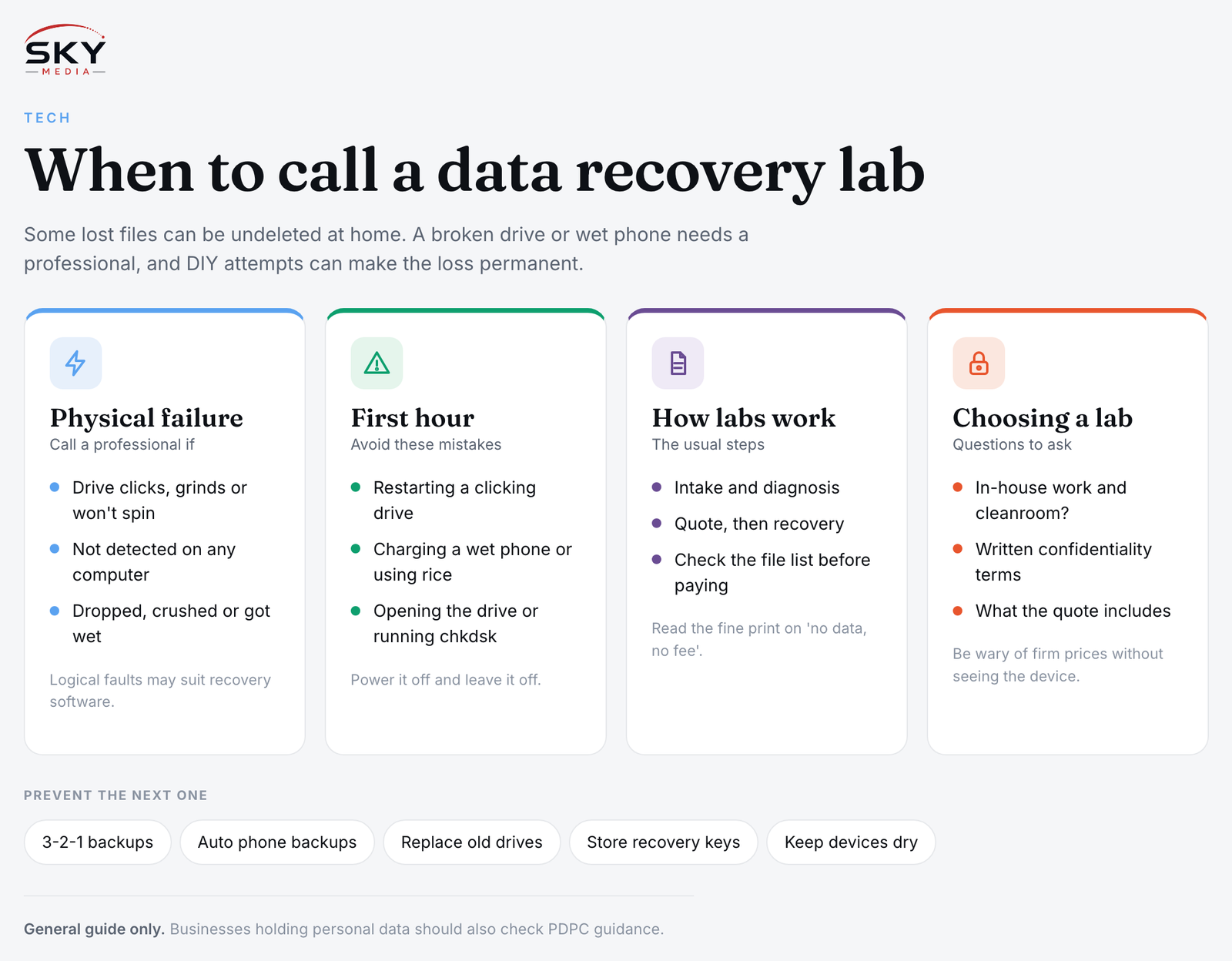
Logical Failure vs Physical Failure: The Key Question
Data loss falls into two broad types, and which one you have decides whether DIY is sensible.
Logical failure means the hardware works but the data is hard to reach. Examples include files deleted by mistake, a drive that was formatted, a corrupted partition, or a memory card that the camera says needs formatting. The device still powers on normally, makes no strange noises and shows up on your computer, even if the files do not. Many of these cases can be handled with recovery software, as long as you stop writing new data to the drive.
Physical failure means a component has broken. Signs include:
- A hard disk that clicks, grinds, beeps or does not spin up at all
- A drive that is not detected by any computer, on any cable or port
- A burning smell, or a device that was dropped, crushed or got wet
- An SSD or USB stick that suddenly appears with zero capacity or the wrong name
- A phone that will not power on or charge after water exposure or a fall
If you see any of these, software will not help, and repeated attempts can cause more damage. That is the point to call a professional.
What to Do (and Avoid) in the First Hour
What you do right after the failure often matters more than which lab you choose. The table below summarises the most common instincts and why they backfire.
| Situation | What people often do | What to do instead |
|---|---|---|
| Hard disk is clicking or grinding | Keep restarting it to “try once more” | Power it off and leave it off; each spin can scratch the platters further |
| Files deleted from a working drive | Install recovery software on that same drive | Stop using the drive; run software from another computer or a separate disk |
| Phone dropped in water | Charge it, or bury it in rice | Switch it off if you can, do not charge it, and get it assessed quickly |
| Drive not detected | Open the casing to look inside | Keep it sealed; opening a hard disk outside a cleanroom lets dust land on the platters |
| Memory card asks to be formatted | Tap “Format” to make the error go away | Decline, remove the card and stop using it |
A few more rules:
- Do not run disk repair tools such as chkdsk or “First Aid” on a failing drive. They write changes that can overwrite recoverable data.
- Do not freeze a hard drive. This old internet tip causes condensation inside.
- Find your passwords. Encrypted drives, BitLocker or FileVault laptops and phones all need the right credentials or recovery keys for any data to be readable.
Hard Drives, SSDs, Phones and RAID: Why They Differ
Not every device is equally recoverable, which is why a good lab will diagnose before quoting.
Traditional hard disks (HDDs) store data on spinning platters read by heads that float a tiny distance above the surface. When the heads fail, a lab replaces them with matching donor parts inside a cleanroom or clean-air workstation, then images the disk sector by sector. Outcomes depend heavily on whether the platters are scratched.
Solid-state drives (SSDs) have no moving parts, but a feature called TRIM clears deleted blocks quickly, so deleted files are often gone sooner than on a hard disk. Controller and firmware faults can sometimes be worked around, though success varies, and many laptops have storage soldered to the motherboard.
Phones encrypt their storage with keys tied to the phone’s own hardware, so a lab usually cannot remove the memory chip and read it elsewhere. Recovery normally means repairing the phone enough to boot and unlock it with your passcode. If the main board is badly damaged, the data may be gone, which is why cloud backups matter.
RAID arrays and NAS boxes combine several disks. A wrong rebuild after one disk fails can scramble data, so label disks in bay order and do not attempt a rebuild if unsure.
How Professional Data Recovery Usually Works
The process tends to follow a similar pattern from provider to provider, although details differ.
- Intake and diagnosis. You describe the problem and hand over the device. The lab examines it to identify the fault. Some providers charge a diagnosis or evaluation fee; others waive it. Ask before you hand anything over.
- Quote. After diagnosis you should receive a quote and an honest view of the likely outcome. Pricing usually depends on the type of failure, the capacity of the device, whether donor parts are needed and how urgently you need it back.
- Recovery. If you accept, the lab works on the device. Physical jobs can take days or longer if donor parts must be sourced.
- File list and verification. A reputable lab will usually let you review a list of recovered files, or open a few important ones, before you pay the full amount.
- Return of data. Recovered data is copied onto a new drive or one you supply.
Many providers advertise “no data, no fee” terms. Read the fine print: some still charge for diagnosis, for parts, or define “data” loosely. Ask exactly which files count as a successful recovery.
Choosing a Provider You Can Trust
You are handing a stranger your photos, tax files, chat histories or client records, so trust is as important as technical skill. Questions worth asking:
- Do they work on this specific failure in-house, or send it elsewhere? Some shops are drop-off points for another lab, possibly overseas.
- Do they have cleanroom or clean-air facilities for opening hard disks?
- How do they handle confidentiality? Ask about a written confidentiality or non-disclosure agreement, who can see your files, and how they delete copies afterwards.
- What does the quote include? Diagnosis, parts, the destination drive, express handling and return shipping can all be separate items.
- What happens if they cannot recover anything? Get the answer in writing.
For businesses, a failed device may hold customers’ personal data. Singapore’s Personal Data Protection Act (PDPA) expects organisations to protect it, including when a third party handles it; see the Personal Data Protection Commission (PDPC) website. If you think data has been exposed rather than simply lost, see our guide on what to do after a data breach.
Be wary of firm prices given without seeing the device, guaranteed success on a physically damaged drive, or pressure to decide on the spot.
Preventing the Next Emergency
Professional recovery is slow, often expensive and never guaranteed. A simple backup routine is far cheaper:
- Follow the 3-2-1 idea: three copies of important data, on two different types of storage, with one copy kept off-site or in the cloud.
- Turn on automatic phone backups to iCloud, Google or your phone maker’s service, and check occasionally that they are actually completing.
- Replace ageing drives before they fail, and store recovery keys safely.
- Keep devices cool and dry. Heat and humidity are hard on electronics left in cars or damp cupboards.
If you work from home, pair a solid backup habit with reliable equipment; our guide to webcams and video call gear covers the rest of the setup.
The short version: if a device is making noises, was dropped or got wet, or will not be detected, power it down and get a professional diagnosis.
Frequently Asked Questions
Is professional data recovery worth paying for? It depends on how valuable the data is and whether you have a backup. For irreplaceable photos, work files or business records on a physically failed device, many people find it worthwhile. Ask for a diagnosis and quote first, and get the likely outcome explained honestly before agreeing.
Can data be recovered after a factory reset? Sometimes, but it is difficult and not guaranteed. Modern phones and many laptops encrypt storage, so a reset can make old data permanently unreadable. Stop using the device, avoid installing anything on it, and speak to a recovery professional quickly if the data matters.
Can I recover files from a formatted memory card or USB stick myself? Often yes, if the device is working and you stop writing new data to it. Run recovery software from another computer and save recovered files to a different drive. If the card is not detected or shows zero capacity, it may be a physical fault that needs a lab.
How long does professional data recovery usually take? It varies. Simple cases can be quicker, while physical repairs can take days or longer, especially if donor parts must be sourced. Ask the provider for an estimated turnaround after diagnosis, and whether urgent handling is offered and what it adds to the quote.
Can data be read from a dead laptop by taking out the drive? Sometimes, if the drive itself is healthy, a technician can connect it to another computer. But encrypted drives need your credentials or recovery key, and many laptops have storage soldered to the board. If the drive is clicking or undetected, stop and seek professional help.