
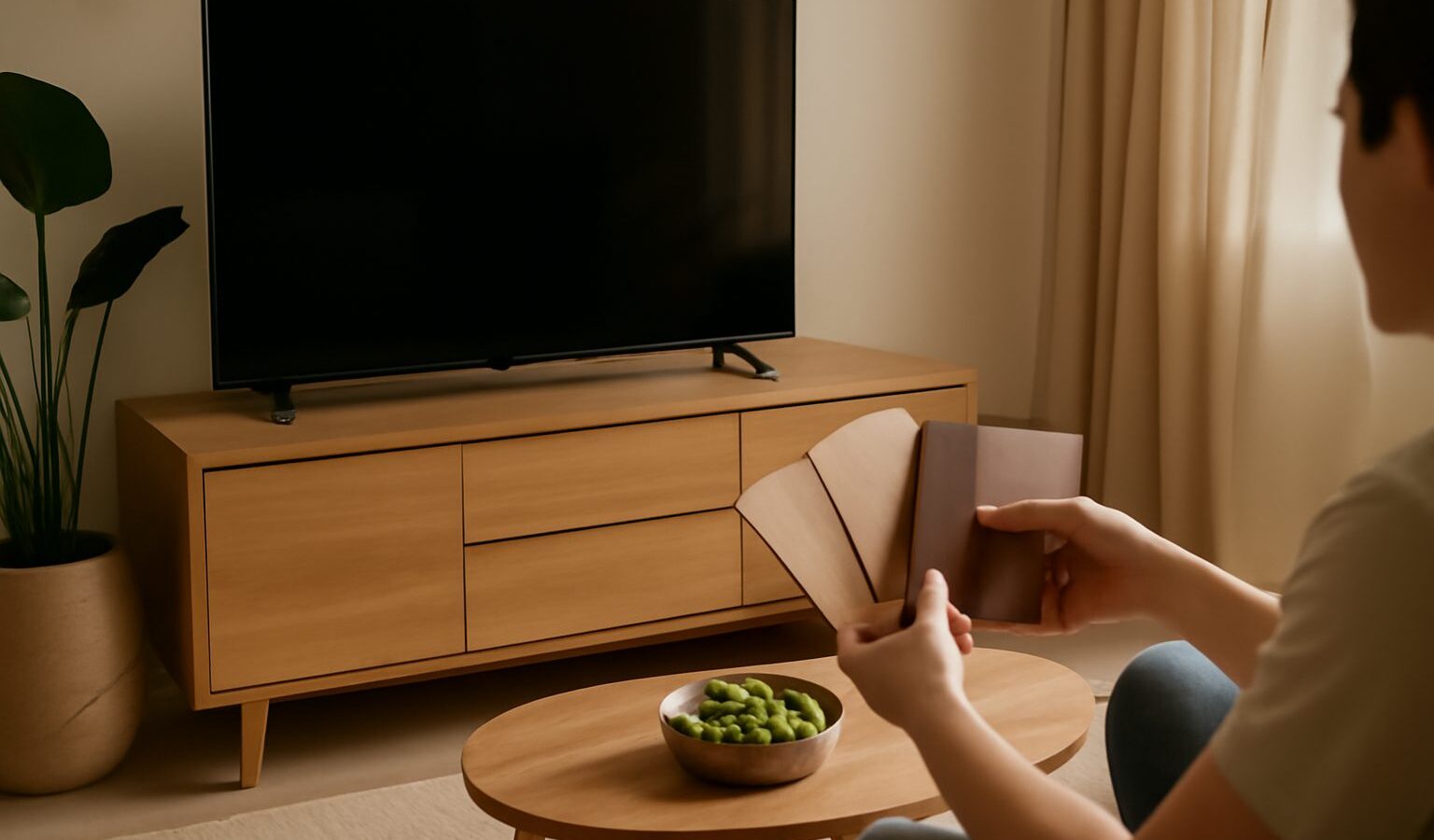
Choosing a tv console singapore living rooms can build around means balancing the size of your screen, the storage you need and the scale of a compact flat. The console anchors the living area, holds your devices, hides the cable tangle and often doubles as display space, so it deserves more thought than a quick showroom pick. Our humidity and the way sunlight streams through large windows also affect which materials wear well. This brand-neutral guide covers sizing for your screen and space, choosing height, materials that cope with our climate, storage and cable management, and how to judge value.
Sizing It for Your Screen and Space
The console should feel proportionate to both the television and the wall. A widely used rule is to pick a console noticeably wider than your TV, ideally with at least 15cm to 20cm clear on each side of the stand or the screen’s base, so the setup looks balanced and the TV does not appear to overhang. As a rough starting point, a 55-inch television pairs well with a console around 150cm or wider, while a 65-inch screen suits 180cm and above.
Depth matters in a small living room. A slim console of around 30cm to 40cm deep keeps a walkway clear, while a deeper unit holds more but eats floor space. Measure the wall and, importantly, the route to it, since a long one-piece console can be awkward to carry up in a lift or around a tight corner.
It also helps to picture the console as part of a wall, not a standalone piece. In an open-plan flat it often sits against the same wall as the main walkway or the dining zone, so a low, long unit can make the room feel wider, while a tall cabinet can close it in. If you have a feature wall or a window behind the TV, keep the console proportionate so it frames the screen rather than competing with it.
| TV size | Suggested console width | Notes |
|---|---|---|
| Up to 43 inch | 120cm and above | Bedrooms, studios, small halls |
| 50 to 55 inch | 150cm and above | Most HDB and condo living rooms |
| 60 to 65 inch | 180cm and above | Larger living areas |
| 70 inch and above | 200cm and above | Big rooms, feature walls |
Choosing the Right Height
Height is a comfort and posture question. If you sit on a standard sofa, the ideal viewing position puts the centre of the screen roughly at seated eye level, which is often around 100cm to 110cm from the floor. Work backwards from there: add the console height to the distance from the console top to the middle of the screen, and aim for that eye-level total. Lower media units around 40cm to 50cm tall suit larger screens on tall sofas, while taller units or those meant for wall-mounted TVs can hold more storage underneath. If you mount the TV on the wall instead, the console becomes pure storage and you have more freedom on height.
Materials and Coping With Humidity
A console lives near windows and electronics, so material choice affects both looks and longevity in our climate. Solid wood is warm and sturdy but can warp or crack if it sits in direct afternoon sun or swings between air-conditioning and heat, so keep it out of harsh light and use a sealed finish. Engineered wood with laminate is stable in humidity and easy on the budget, though moisture creeping into a chipped edge can swell the board, so wipe spills quickly. Glass shelves and tops wipe clean and resist damp entirely, but show dust and fingerprints and should be tempered for safety. Metal frames resist moisture well when powder-coated, giving an open, airy look that suits small rooms. Whatever you choose, keep the console slightly off a damp exterior wall to let air move behind it, and remember that electronics themselves benefit from ventilation.
Storage and Cable Management
Think about what actually goes on and in the console. Open shelves suit a soundbar, router or game console that needs airflow and easy remote access, but they show clutter. Closed cabinets and drawers hide the mess and protect items from dust, though solid doors can block remote signals, so look for units with mesh or glass fronts if you tuck devices away. Adjustable shelves add flexibility as your gear changes.
Cable management is what separates a tidy setup from a messy one. Look for cut-outs or grommets at the back to route power and HDMI cables, an open channel or gap to run wires down to the socket, and enough clearance behind the unit for plugs and adaptors. A console that lets you group a power strip inside keeps everything reachable and out of sight. For safety with young children or in bump-prone homes, an anti-tip strap for a taller unit is worth considering.
Ventilation for your devices deserves a mention too. Set-top boxes, game consoles and amplifiers all give off heat, and a fully enclosed cabinet with no airflow can let them run hot over time. If you plan to tuck warm electronics behind closed doors, choose a unit with ventilation gaps at the back or a shelf that stays partly open, so the heat has somewhere to go and your gear lasts longer.
Judging Value
Judge a TV console by build quality and how it fits your daily use, not the price alone. Press on the top and shelves to check they do not flex under the weight of a heavy screen or equipment, and confirm the stated load rating comfortably exceeds your television and devices. Test that drawers glide and doors close flush, and look for a durable, sealed surface that resists rings and moisture. A unit sized correctly for your screen, your storage and your walkway, built to hold its weight without sagging, is far better value than an oversized statement piece that crowds a small living room or struggles in the humidity.
Explore more
How to Choose a Sofa
How to Arrange Furniture in a Small Living Room
Space-Saving and Multifunctional Furniture
Caring for Wood Furniture in a Humid Climate