
A laptop is one of the bigger everyday purchases most households make, yet it often gets the least care until something goes wrong. A little regular laptop maintenance in Singapore keeps yours running cool, quiet and quick, and can add years to its life. Our warm, humid climate is genuinely hard on electronics, so the habits that matter here are slightly different from those in cooler places. The good news is that everything in this guide is simple, safe and takes only a few minutes at a time. No special skills required.
Think of it like caring for a bicycle or a kitchen knife. Small, steady attention prevents the big, expensive problems, and keeps the thing you rely on working the way it should.
Clean the Screen, Keyboard and Body Safely
Grime builds up faster than you notice, especially on a device you touch all day. Cleaning it well is mostly about being gentle and using the right approach, not harsh chemicals.
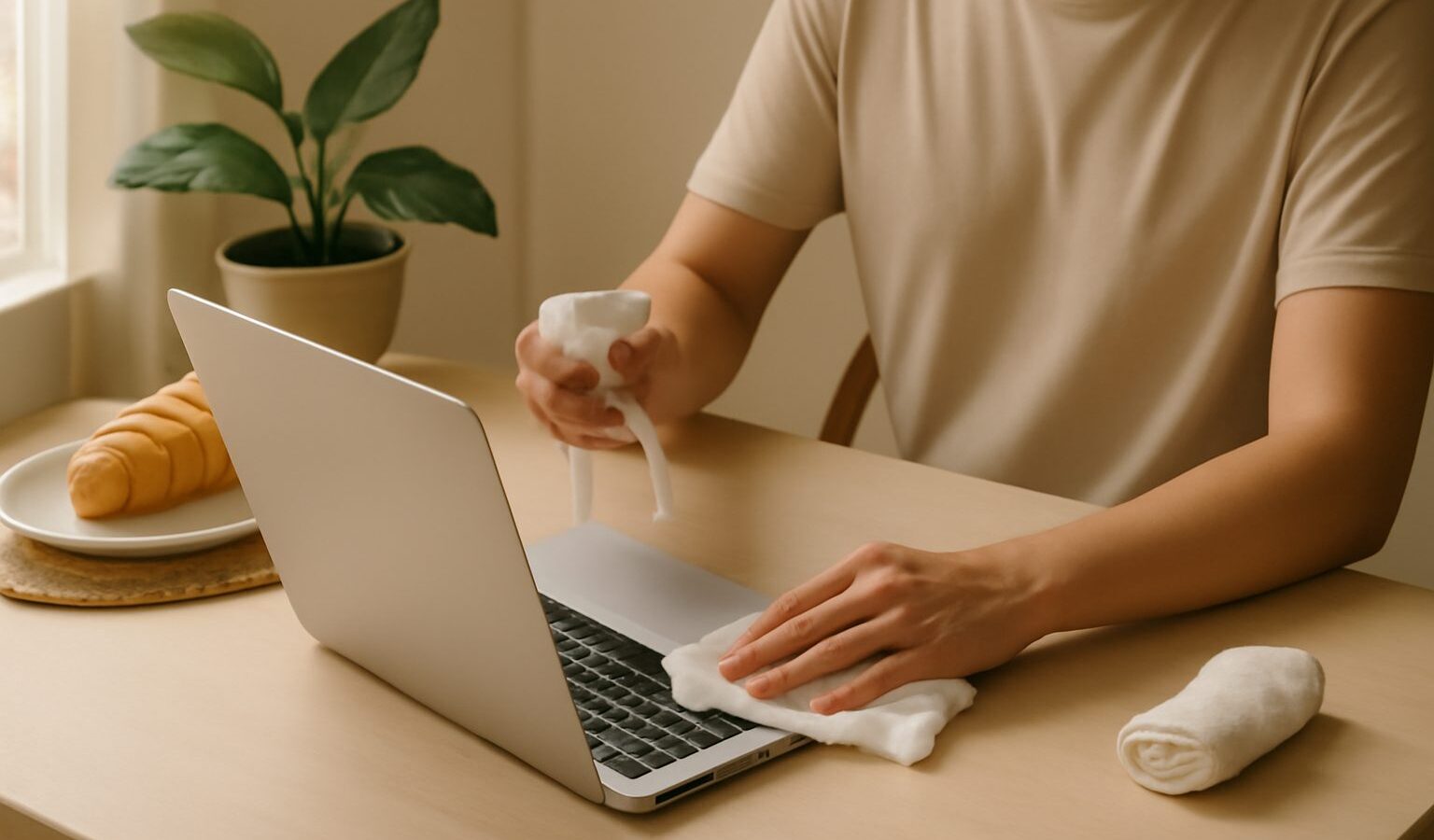
Always switch the laptop off and unplug it before cleaning. For the screen, use a soft, dry microfibre cloth to wipe away dust and smudges. If marks remain, lightly dampen the cloth with a little water or a screen-safe cleaner, never spraying liquid directly onto the screen. Wipe gently in one direction. Avoid tissue paper and rough cloths, which can scratch, and avoid household glass cleaners, which can damage screen coatings.
For the keyboard, turn the laptop upside down and give it a gentle shake to dislodge crumbs, or use a small brush to sweep between the keys. A can of compressed air, held upright, blows out trapped dust. Wipe the keys and the body with a barely damp cloth to lift oils and grime. For sticky spots, a cloth lightly moistened works better than soaking anything. Keep all moisture well away from ports and openings.
Keep It Cool and Breathing
Heat is the number one enemy of a laptop, and here it is a constant battle. A laptop that runs hot throttles its own speed to protect itself, drains its battery faster, and wears out sooner. Good airflow is the single most important thing you can do.
Dust clogs the vents and internal fans over time, trapping heat inside. Every so often, use compressed air to blow dust out of the vents along the sides and back, holding the can upright and using short bursts. This alone can bring down running temperatures noticeably. If your laptop constantly runs hot and loud even after cleaning the vents, the internal cooling may need a proper service, which is best left to a reputable repair shop rather than opening it yourself.
How you use it matters too. Always work on a hard, flat surface so air can flow underneath. Soft surfaces like a bed, sofa or your lap block the vents and trap heat, which is a common cause of overheating. A simple laptop stand or even a small raised rest improves airflow and doubles as better posture. Avoid leaving the laptop in a hot car, in direct sun by a window, or charging under a pillow.
Beat the Humidity
Our humidity deserves its own attention, because moisture is a slow, quiet threat to electronics. High humidity can encourage condensation and, over long periods, corrosion inside a device, especially one that is often moved between cold, air-conditioned rooms and warm, sticky outdoor air.
A few simple habits help a lot. Let a laptop adjust for a few minutes when moving between very cold and very warm places before switching it on, so condensation does not form on cold components. Store it in a dry, ventilated spot rather than a sealed, damp cupboard. If you keep it in a bag for long stretches, a small reusable moisture-absorbing pack in the bag helps keep things dry. Never eat or drink directly over the keyboard, since a spill in this climate is doubly unkind.
If liquid ever does get into the laptop, switch it off immediately, unplug it, do not try to power it on to check, and take it to a reputable repair service quickly. Rice tricks and hair dryers do more harm than good. Acting fast and getting it professionally dried gives the best chance of saving it.
Care for the Battery and Ports
The battery and the physical connections are the parts that wear with daily life, so a little care here pays off directly in longevity.
For the battery, heat is again the main enemy, so all the cooling habits above protect it. You do not need to drain it fully or keep it plugged in at all times. Everyday topping up is fine for modern batteries. If your laptop stays plugged in at a desk almost constantly, check whether it offers a setting to limit charging, which can ease long-term wear. When the battery eventually holds far less charge than it used to, an authorised or reputable repair service can replace it, which is far cheaper than a new laptop.
For the ports and cables, treat them gently. Pull plugs straight out rather than yanking at an angle, which strains the connectors. Keep dust and lint out of the charging port and headphone jack with the occasional puff of air. Coil cables loosely rather than bending them sharply near the plug, since that is where they usually fail.
| Task | How often | Quick note |
|---|---|---|
| Wipe screen and body | Weekly | Soft dry cloth, no sprays |
| Clear vents of dust | Every few months | Compressed air, short bursts |
| Brush out keyboard | Monthly | Tilt and sweep crumbs out |
| Check for moisture | Ongoing | Store dry, mind aircon swings |
| Back up your files | Regularly | Cloud or an external drive |
Simple Habits and When to Get Help
Most laptop care is really a set of small habits repeated. Keep it on hard surfaces, keep the vents clear, keep it dry, keep it out of the heat, and keep your files backed up. Do those, and you will avoid the majority of common problems and keep the machine feeling quick for years.
Know your limits too. Surface cleaning, clearing vents and gentle care are all safe to do yourself. But anything that means opening the laptop, dealing with the battery, or handling a liquid spill or electrical fault is best left to authorised or reputable repair services. Back up your data before handing over any device, so your files are safe whatever happens. A calm mix of regular home care and professional help when needed is the cheapest, surest way to get the most out of your laptop.
Explore more
Cleaning helps, but if your laptop still drags, our guide to speeding up a slow laptop tackles the software side. Since good care includes protecting your files, read how to back up your computer, and when age or wear finally catches up, our framework on repairing or replacing your computer helps you decide.