
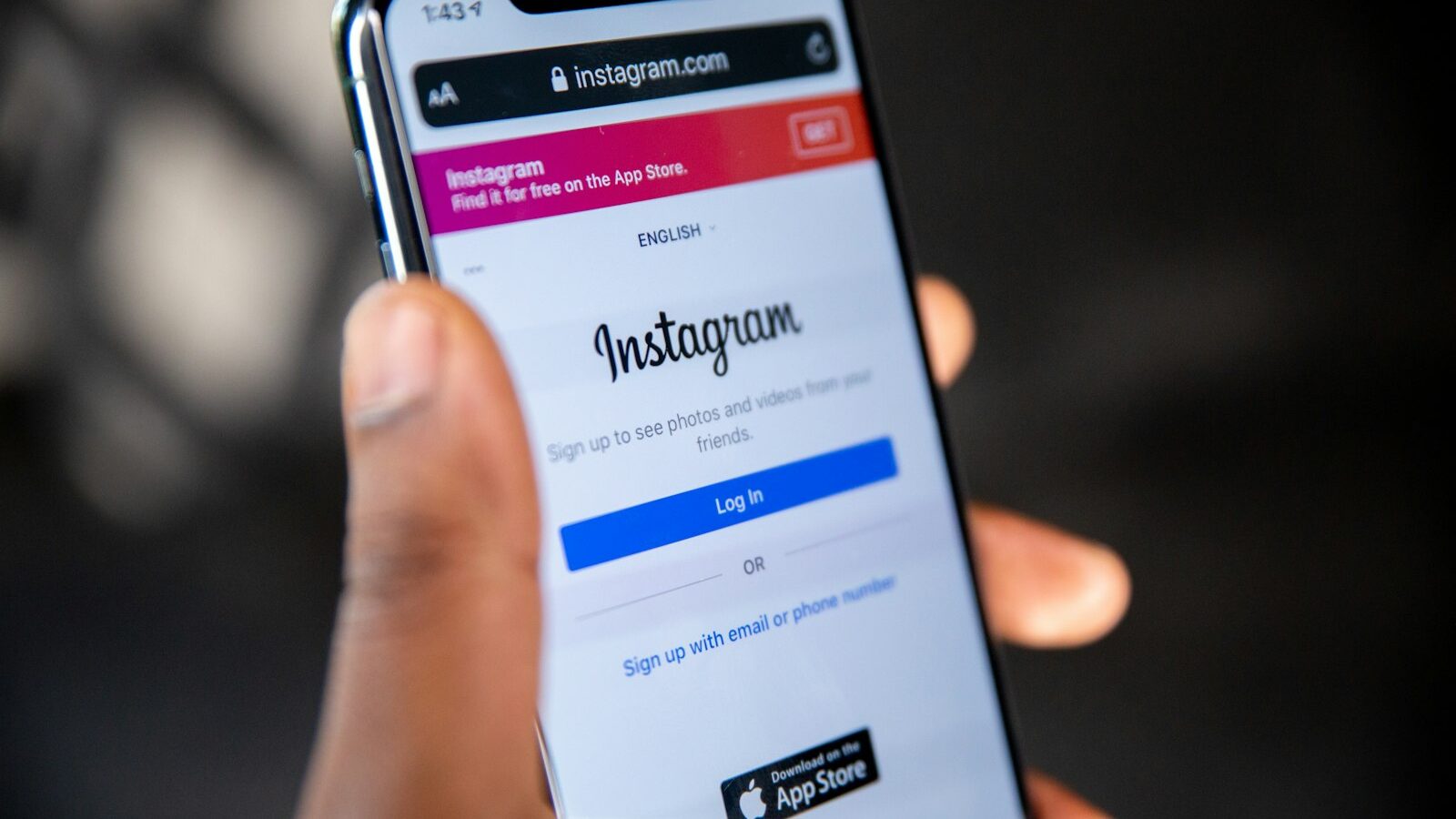
Facebook and Instagram remain where many Singaporeans spend their scrolling time, which is why running Facebook and Instagram ads Singapore businesses can afford is still one of the most flexible ways to reach customers. Both platforms are owned by Meta and share one ad system, so you can create a campaign once and show it across both. The tools are powerful, but they reward planning. This guide covers when these ads make sense, how to set them up, how to target and budget without waste, and how to measure whether the money is working.
When paid social makes sense for your business
The key difference from search advertising is intent. On Google, people are already looking for you. On Facebook and Instagram, you interrupt someone mid-scroll, so your job is to catch attention and create interest they did not arrive with. That makes paid social excellent for building awareness, showing off visual products, and reaching specific groups of people who fit your customer profile.
It suits businesses with something worth seeing or a clear offer to promote: cafes, fashion, beauty, fitness, events, property, and services with strong visuals. It also suits anyone who wants to stay in front of past visitors through retargeting, which shows ads to people who already visited your site or profile.
Be realistic about what it cannot do. Because you are reaching people who were not searching, results often take more warming up than search ads. You are building demand, not just capturing it, so patience and good creative matter more than a big budget.
Setting up your ads properly
Everything runs through Meta’s Ads Manager, linked to a Facebook Page and, ideally, an Instagram account. Avoid the tempting “Boost Post” button as your main tool, because it gives you far less control than a proper campaign built in Ads Manager.
Get these foundations right before you spend:
- Connect your Page, Instagram account, and a payment method.
- Install the Meta Pixel on your website so you can track and retarget.
- Choose a clear objective, such as leads, sales, or traffic.
- Decide what action you want and where people land after clicking.
- Prepare several creative variations rather than a single image.
The Pixel, a small piece of tracking code, is what lets you measure conversions and build retargeting audiences later, so set it up early even if you start simple. Make sure the page people reach after clicking matches the ad and loads quickly on mobile, since almost all of this traffic is on phones.
Targeting and creative that gets results
Meta’s targeting is its superpower. You can reach people by location, age, interests, and behaviours, and you can build lookalike audiences that resemble your existing customers. Start broader than you think, give the system room to find responders, then narrow based on what the data shows. Over-narrow targeting often costs more and limits results.
Creative usually decides success more than targeting. On a busy feed, the image or video and the first line of text do the heavy lifting. Keep it native and human rather than overly polished, lead with a benefit or a hook, and always include a clear call to action.
The table below compares the main audience types so you can choose where to start.
| Audience type | Who it reaches | Best use | Warmth |
|---|---|---|---|
| Interest and location | People matching chosen traits | New awareness | Cold |
| Lookalike | People similar to your customers | Scaling reach | Cold |
| Website retargeting | Past site visitors via the Pixel | Recovering interest | Warm |
| Engagement retargeting | People who engaged with your posts | Nudging to act | Warm |
| Customer list | Your own contacts, uploaded | Loyalty and repeat | Warm |
Follow Meta’s advertising policies, particularly for regulated categories and personal attributes you cannot target on, and keep claims honest. No campaign can promise a fixed return, so treat early spend as testing.
Budgeting, testing and measuring
Set a daily budget you are comfortable losing while you learn, because the first weeks are about finding what works. Test a few creatives and audiences against each other, let each run long enough to gather data, then pause the weak ones and put budget behind winners. Small, structured tests beat one large guess.
Judge results by outcomes, not applause:
- Cost per result, meaning per lead, sale, or booking, not per click.
- Which creative and audience combinations actually convert.
- Return relative to what a customer is worth to you.
- The quality of enquiries, since cheap clicks that never buy help no one.
- How retargeting performs compared with cold reach.
Use Ads Manager reporting alongside your own records, and ask new customers how they found you, because tracking is imperfect and privacy changes have made attribution harder. Review often and adjust in small steps rather than overhauling everything at once.
Common mistakes to avoid
The recurring errors are easy to name and easy to fix. Boosting random posts with no goal wastes money on vanity engagement. Sending clicks to a cluttered homepage instead of a focused page loses interested people. Setting ads live and never reviewing them lets poor performers run for weeks.
Other traps include targeting so narrowly that costs climb, refreshing creative too rarely so audiences tire of the same image, and judging success by likes rather than customers. Skipping the Pixel means losing retargeting and proper measurement, which are two of the platform’s biggest strengths.
Keep it disciplined. Start with a clear objective, strong creative, a sensible budget, and honest tracking, then scale only what proves itself. Treat this as general marketing guidance, follow Meta’s own rules, and bring in a qualified specialist if paid social grows into a significant spend.
Explore more
Paid social works best as part of a wider mix. See how intent-driven search compares in how to run Google Ads for your business in Singapore, and how short video builds organic reach in how to use TikTok for your business in Singapore. To make every ad click count once it lands, read how to write copy that sells in Singapore.