

If you play rhythm games, shooters or MOBAs on your phone, you have probably noticed that wireless earbuds can make sound arrive a fraction of a second after the action. That delay is latency, and in fast games it can mean hearing footsteps too late or missing a beat. Low latency gaming earbuds are designed to shrink that gap. This guide explains why Bluetooth audio lags, what “gaming mode” really does, when a USB-C dongle is worth it, and what to check before you spend money.
This is about true wireless earbuds for phone gamers. If you mainly play on PC or console with a wired or over-ear headset, the priorities are different.
Why Bluetooth Audio Lags in Games
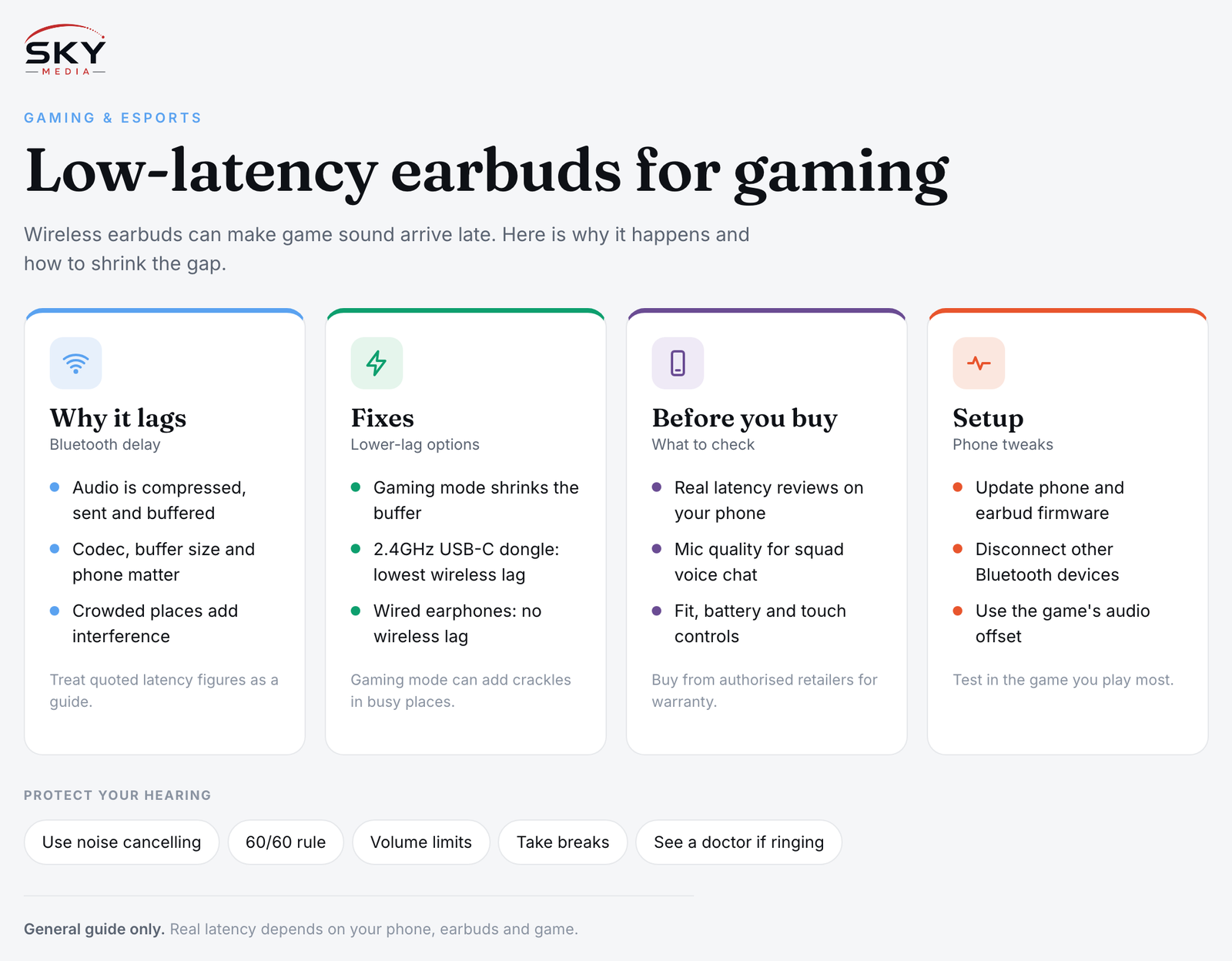
Bluetooth audio is not sent as a raw signal. Your phone compresses the sound, sends it in packets over the air, and the earbuds buffer and decode it before playing. Each step adds a little delay. For music and video this barely matters, because the phone can delay the picture to match the sound. Games cannot do that, since the sound has to react to what you do in real time.
Several things affect how much lag you hear:
- The codec, which is the method used to compress and send audio. Some are tuned for quality, some for speed.
- Buffer size in the earbuds. Bigger buffers protect against dropouts in crowded places but add delay.
- True wireless design. In many earbuds one bud receives the signal and relays it to the other, which can add delay. Newer designs often connect to both buds directly.
- Your phone. The Bluetooth chip, operating system and the game’s own audio engine all play a part.
- Interference. A packed MRT carriage or a mall full of devices can force earbuds to buffer more.
Manufacturers rarely publish latency figures in a consistent way, and real-world numbers depend on your phone and game. Treat any quoted figure as a guide, not a guarantee.
Gaming Modes, Codecs and Dongles Compared
There are three main routes to lower latency on a phone. Here is how they compare.
| Option | How it works | Pros | Watch out for |
|---|---|---|---|
| Standard Bluetooth earbuds | Phone sends audio over regular Bluetooth with a common codec | Works with any phone, widest choice | Lag is often noticeable in fast games |
| Earbuds with a gaming or low-latency mode | A toggle shrinks the buffer or switches to a faster setting | No extra hardware, easy to switch on | Can increase dropouts or reduce sound quality; benefit varies by phone |
| Earbuds with a 2.4GHz USB-C dongle | A small transmitter plugs into the phone and uses its own wireless link | Usually the lowest latency for wireless | Needs a free USB-C port, an extra item to carry, may not work with every phone |
| Wired earphones | Analogue or USB-C wired connection | Effectively no wireless lag | Cable gets in the way; many phones lack a headphone jack |
What gaming mode actually does
A gaming mode is usually a setting in the earbuds’ companion app or a tap gesture. It typically reduces buffering so audio plays sooner. The trade-off is that the connection becomes less forgiving, so you may hear crackles in busy places. Some brands pair gaming mode with their own phones for a bigger improvement, which is worth knowing if you own that brand.
Codecs in plain terms
Some newer Bluetooth standards and codecs, including LE Audio with the LC3 codec, are designed with lower latency in mind. Support depends on both the phone and the earbuds, and on software updates. If a box lists a codec, check that your phone supports it too, otherwise the earbuds fall back to a basic one.
When a dongle makes sense
A 2.4GHz dongle bypasses Bluetooth entirely. It suits competitive players who want the smallest delay without a cable. Check that the dongle fits your phone with its case on, and whether you can still charge while playing, since the USB-C port is occupied. Some earbuds let you switch between the dongle and Bluetooth, which is handy for using the same pair with a Switch or laptop.
What to Check Before You Buy
Beyond latency, earbuds for mobile gaming need to be comfortable and practical for long sessions.
- Real latency reviews. Look for reviews that test the earbuds with phones similar to yours, ideally in actual games.
- Phone compatibility. Check whether gaming mode, special codecs or the dongle work on your phone model and operating system.
- Microphone quality. If you play squad games with voice chat, the mic matters as much as the sound. Look for reviews of call and in-game mic clarity, including in noisy settings.
- Fit and comfort. Try several ear tip sizes. Earbuds that loosen during intense play are distracting.
- Battery life with features on. Gaming mode and noise cancelling can drain the battery faster than headline figures suggest.
- Sound tuning. Clear mids and highs help you pick out footsteps and cues. Heavy bass can mask them.
- Controls. Touch controls that trigger too easily can pause audio mid-match. Check whether you can customise or disable them.
- Warranty and local support. Buying from an authorised Singapore retailer usually makes warranty claims simpler. Check the terms before buying, especially from overseas marketplaces.
For a broader buying framework, our guide to choosing headphones and earbuds in Singapore covers fit, noise cancelling and budget tiers in more detail.
Setting Up Your Phone for the Lowest Lag
Even good earbuds benefit from some tuning on the phone side:
- Update everything. Install the latest phone software and earbud firmware through the companion app. Updates sometimes improve latency or add features.
- Turn on gaming mode in the earbud app, and check whether your phone has its own game mode or game launcher that also reduces audio delay.
- Disconnect other Bluetooth devices such as smartwatches when gaming, to reduce interference.
- Check the game’s settings. Some rhythm games include an audio offset or calibration option so you can adjust timing to your earbuds.
- Keep the phone close. Bluetooth range is fine for music, but signal quality drops with distance and obstacles.
- Test in the game you play most. Latency feels different in a shooter than in a rhythm game, so judge by your own use.
If you play mostly at home and lag still bothers you, wired USB-C earphones are a reliable fallback. Many gamers keep a cheap wired pair for competitive sessions and use wireless for everything else.
Protect Your Hearing During Long Sessions
Gaming with earbuds often means long sessions at high volume, especially on noisy commutes. A few habits help:
- Use noise cancelling instead of turning the volume up to drown out the MRT.
- Follow the 60/60 rule as a rough guide: no more than about 60 percent volume for about 60 minutes at a time, then take a break.
- Turn on your phone’s headphone safety or volume limit features.
- If you notice ringing or muffled hearing after playing, rest your ears and speak to a doctor if it persists.
Our guide on how to look after your hearing has more detail on safe listening.
Matching Earbuds to the Games You Play
Not every gamer needs the absolute lowest latency:
- Casual and puzzle games: standard Bluetooth earbuds are usually fine.
- Story and open-world games: prioritise sound quality, comfort and battery.
- MOBAs and battle royales: a gaming mode plus a good mic is a sensible baseline.
- Rhythm games and competitive shooters: a dongle or wired option is worth considering, along with in-game audio calibration.
Explore more: Mobile Gaming in Singapore
Further reading: Gaming on an iPad or Android Tablet: What to Know · Choosing a Phone Controller for Mobile Gaming