
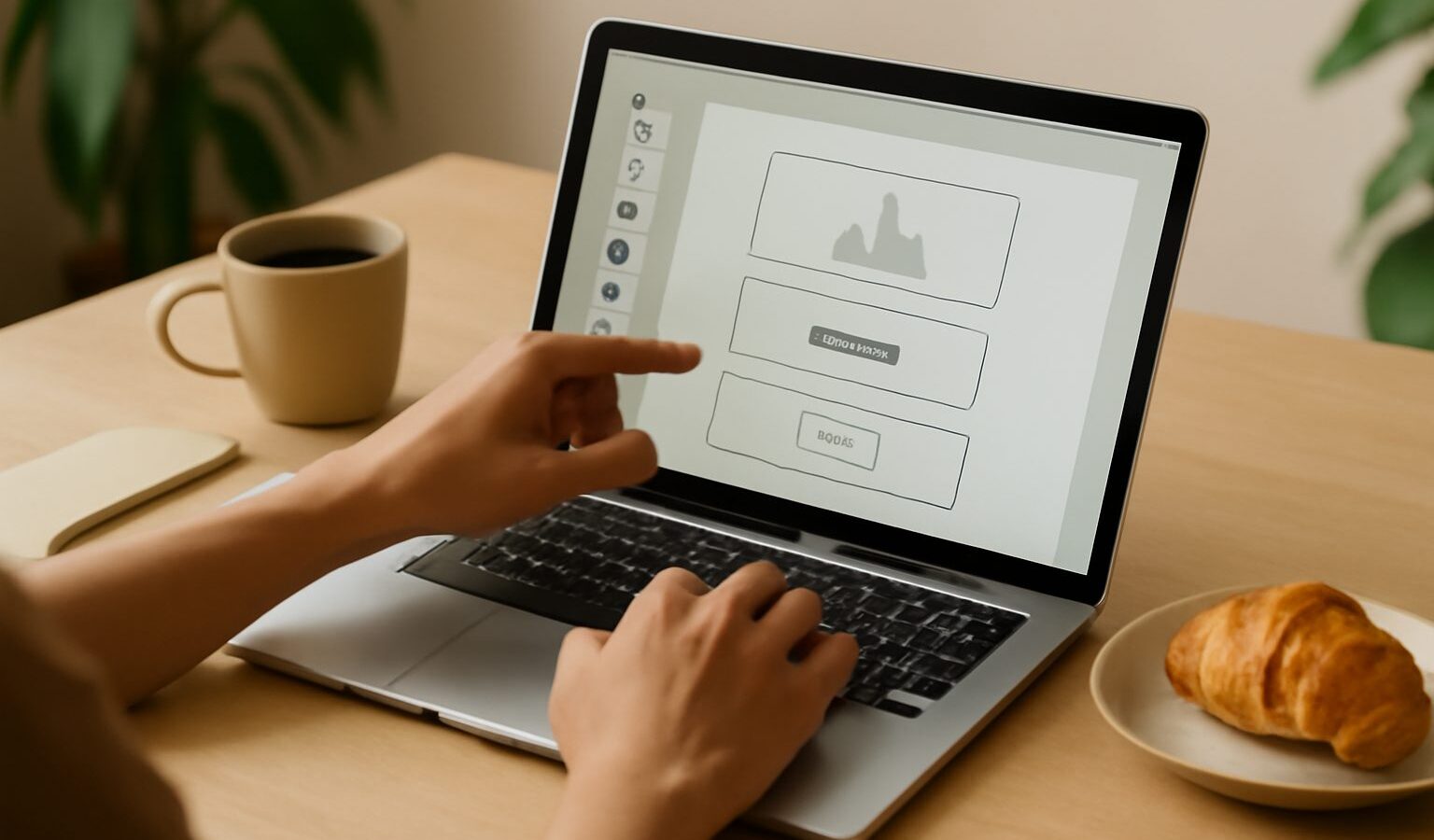
If you have an idea for an app, a booking page, or a small internal tool but you have never written a line of code, you are exactly who no-code platforms were built for. The growing range of no code tools in Singapore lets you drag, drop, and configure your way to a working website or app, often in an afternoon rather than over months. You still have to think clearly and put in effort, but you no longer need a computer science degree to get a first version live and in front of real people.
This guide explains what no-code tools actually are, what they do well, where they fall short, and how to choose one for your situation. It is honest about the trade-offs. No-code can save you a lot of time and money, but it is not magic, and it will not make you rich overnight.
What no-code tools are and what they can build
No-code tools are visual builders. Instead of typing instructions in a programming language, you assemble your app from ready-made blocks, buttons, forms, tables, and pages, and you set their behaviour through menus and simple logic like “when someone submits this form, send me an email”. The platform quietly generates the underlying code and hosts everything for you.
Broadly, the tools fall into a few families. Website and landing-page builders help you publish a clean, mobile-friendly site without touching HTML. App builders let you create web or mobile apps with logins, databases, and multiple screens. Workflow and automation tools connect the apps you already use, so a new enquiry can flow into a spreadsheet and a message automatically. Database and spreadsheet-style tools give you a shared, structured place to store records and build simple interfaces on top of them.
In practice, everyday Singaporeans and small teams use these to build things like a class booking page for a tuition or fitness business, an internal roster or inventory tracker, a simple directory or marketplace, a customer enquiry form that feeds a dashboard, or a portfolio site. If your idea is mostly forms, lists, records, and straightforward logic, a no-code tool can very likely handle it.
The honest limits and the effort involved
No-code is powerful, but it has real edges. Highly custom or unusual features, heavy number-crunching, complex animations, or very large user bases can push you past what a visual builder handles gracefully. You are also building on someone else’s platform, which means you depend on their pricing, their uptime, and their rules. If a tool raises prices or shuts down, moving your app elsewhere can be painful because your work is often locked to that platform.
Cost is worth planning for. Many tools offer a free tier that is fine for learning and small projects, then charge a monthly subscription as you add users, records, or custom domains. Prices change often, so check the current plans on the tool’s own site rather than trusting an old figure, and add up the monthly cost before you commit to a business idea.
There is also a learning curve, even without code. You will spend time understanding how the builder thinks, how data connects between screens, and how to keep things tidy. Expect a few frustrating evenings. The good news is that the skills transfer well, and the logical thinking you build maps neatly onto real programming if you ever choose to go further. If that appeals, our guide to learning to code as a beginner is a natural next step.
How to choose and get started
Start with the problem, not the tool. Write down in one plain sentence what your app should do and who will use it. A parent booking a class, a staff member updating stock, a customer sending an enquiry. That sentence tells you whether you need a website, an app with logins, an automation, or just a smarter spreadsheet.
Then try before you build. Sign up for the free tier of one or two candidates and rebuild a tiny slice of your idea, such as a single working form that saves a record. This quick test reveals far more than any review. Favour tools with good tutorials, an active community, and clear documentation, because you will lean on those when you get stuck.
Keep your first version deliberately small. Launch something that does one thing well, share it with a handful of real users, and improve from their feedback. Many people also lean on an AI assistant to explain steps or draft logic, and our overview of AI coding assistants for beginners shows how that can help even in a no-code project. If your goal is a business tool, the ideas in our guide to AI tools for small business pair well with a no-code build.
The wrap-up is simple. No-code tools are a genuine, practical way to turn an idea into something real without writing code, as long as you go in with patience, a small first goal, and clear eyes about costs and limits. Pick one tool, build one thing, and let real users guide what comes next. If you later find you want more control, coding will be waiting, and you will arrive far better prepared.