
A cracked screen is one of the most common phone mishaps, and in Singapore you are never far from a repair counter. The real question is not where to find a repairer but which kind to trust. Phone screen repair in Singapore usually comes down to two routes: the manufacturer’s official or authorised service centre, or an independent third-party shop. Each has trade-offs in cost, part quality, warranty, data safety and speed. This guide helps you weigh them for your phone and your situation. It also helps to know your warranty and consumer rights for electronics, and whether AppleCare or a telco protection plan already covers you.
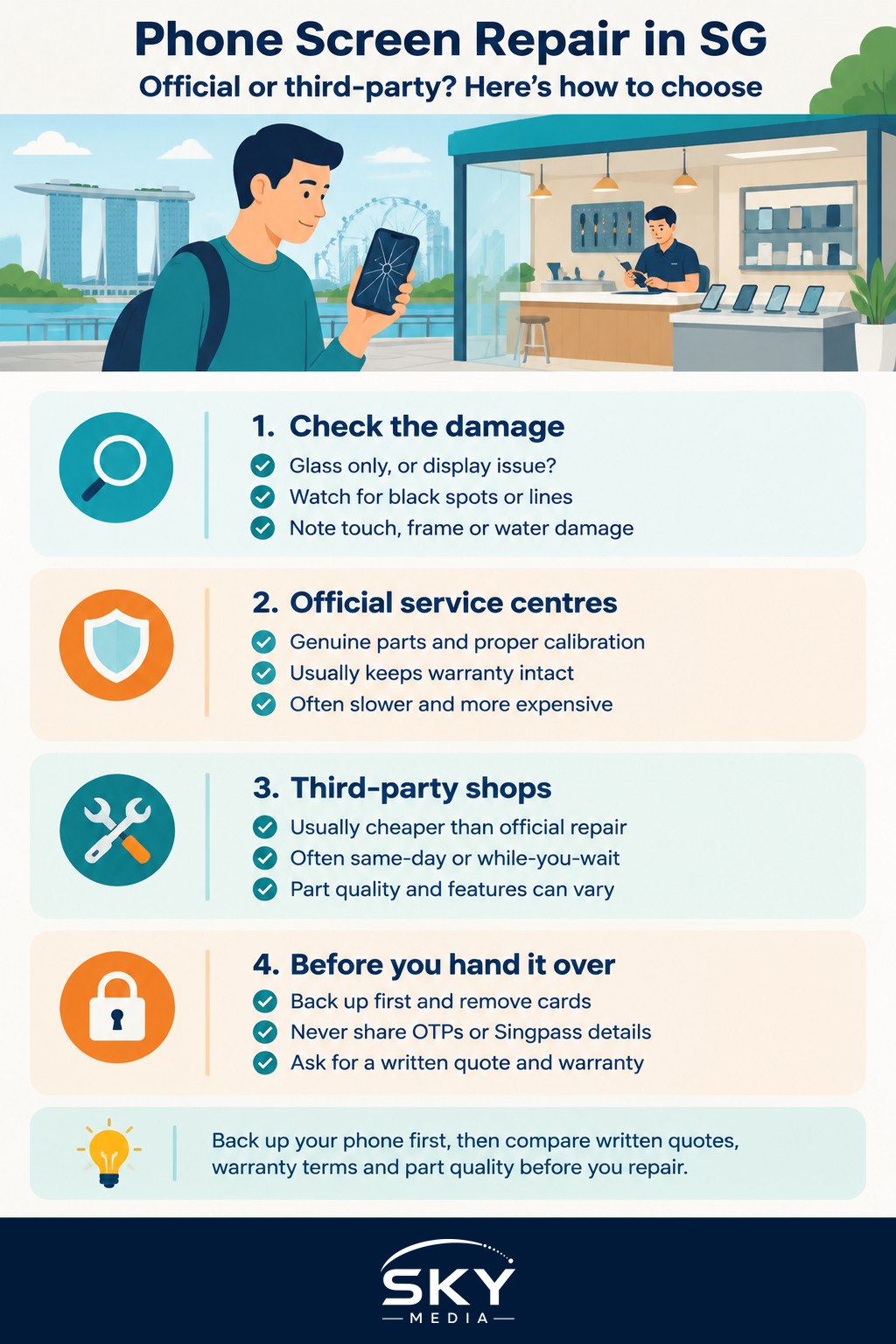
First, Assess the Damage
Before choosing a route, work out what is actually broken.
- Glass only. Cracks on the surface, but the display underneath works and touch responds normally.
- Display damage. Black spots, lines, flickering, green or purple patches, or a screen that does not light up.
- Touch problems. Parts of the screen do not respond, or the phone registers “ghost” touches.
- Frame or back damage. A bent frame or cracked back glass may need separate repair.
- Liquid exposure. If the phone was also wet, mention it. Water damage changes the diagnosis and often the price.
On many modern phones, the glass and display are fused together, so even a “glass only” crack usually means replacing the whole screen assembly. Back up your phone as soon as possible, while the screen still works.
Official and Authorised Service Centres
Most major phone brands operate their own service centres in Singapore or appoint authorised service providers. Some also offer mail-in repairs or self-service repair programmes for selected models.
Strengths:
- Genuine parts. Screens are original manufacturer parts, so colour accuracy, brightness, touch response and features such as auto-brightness and adaptive colour should work as designed.
- Warranty-friendly. A repair by the manufacturer or its authorised provider generally keeps your remaining warranty intact, and the repair itself usually carries its own warranty.
- Protection plans. If you have a manufacturer protection plan or a telco device protection plan, accidental damage claims usually have to go through the official or approved channel, often for a fixed service fee or excess.
- Calibration. Official centres have the tools to pair and calibrate parts, which matters for features such as Face ID, fingerprint sensors under the screen and display settings.
Drawbacks:
- Cost. Out-of-warranty screen replacements at official centres are typically more expensive than third-party options.
- Waiting time. You may need to book an appointment, and some repairs require the phone to be sent away.
- Data policies. Some official centres require you to disable tracking features and may reset the phone, so a full backup is essential.
Third-Party Repair Shops
Independent repair shops are everywhere, from malls to neighbourhood centres. Quality ranges from excellent to poor, so choosing well matters.
Strengths:
- Lower prices. Many shops offer cheaper screens, often with a choice of grades.
- Speed. Same-day or even while-you-wait screen repair is common.
- Older phones. Shops may repair models that the manufacturer no longer services or that are not worth an official repair.
Drawbacks:
- Part quality varies. Third-party screens may be refurbished originals, or aftermarket copies. Aftermarket LCD replacements for OLED phones can look dimmer, use more battery and have thicker borders. Touch sensitivity and colour may differ.
- Feature loss or warnings. Some phones display a message that a non-genuine or unknown part has been installed. Features linked to the screen, such as True Tone style colour adjustment, under-display fingerprint sensors or proximity sensors, may not work properly.
- Warranty effects. A third-party repair generally will not void your entire statutory consumer rights, but manufacturers may refuse warranty service for damage caused by, or parts affected by, an unauthorised repair. If your phone is still under warranty, read the manufacturer’s terms before opening it.
- Water resistance. Original adhesive seals may not be replaced to factory standard, reducing water and dust resistance.
Side-by-Side Comparison
| Factor | Official or authorised centre | Third-party shop |
|---|---|---|
| Typical cost | Higher, unless covered by a protection plan | Lower, often with different part grades |
| Part quality | Genuine manufacturer parts | Varies from refurbished original to aftermarket copy |
| Feature compatibility | Designed to work with all phone features | Some features may be affected or show warnings |
| Effect on warranty | Generally keeps remaining warranty intact | May affect warranty on related parts or future claims |
| Turnaround | Can take longer, appointments often needed | Often same day |
| Repair warranty | Usually provided | Varies by shop; ask for it in writing |
Prices change often and differ by model, so get written quotes from both routes before deciding.
How to Choose a Good Third-Party Shop
If you go independent, these checks reduce the risk:
- Ask what part they are using. Is it original, refurbished original or aftermarket? For OLED phones, ask whether the replacement is OLED or LCD.
- Get a written quote and repair warranty. Ask how long the warranty lasts and what it covers, such as touch issues or dead pixels.
- Read recent reviews. Look for comments about part quality and after-sales service, not just speed.
- Test before you pay. Check touch across the whole screen, brightness, colours, the camera, speakers, Face ID or fingerprint, and auto-brightness.
- Keep your receipt. If a problem appears later, you will need proof of repair.
If you run into a dispute with a shop, CASE (Consumers Association of Singapore) offers guidance for consumers. For a broader look at fixing devices, including laptops, see our guide to getting your phone or laptop repaired in Singapore.
Protect Your Data Before Any Repair
Whichever route you choose, someone else will handle your device.
- Back up first, using your phone’s cloud backup or a computer.
- Remove or note payment cards in digital wallets if the phone will be reset, and re-add them later.
- Sign out of sensitive apps such as banking if the repairer needs your passcode, and change the passcode afterwards.
- Remove the SIM and memory card unless the shop needs them for testing.
- Never hand over one-time passwords or Singpass details. A genuine repairer will not need them.
Which Route Makes Sense?
- Phone under warranty or protection plan: go official. The savings from a third-party repair rarely outweigh the warranty risk.
- Newer flagship phone you plan to keep for years: official, or a reputable shop using genuine parts, so features and resale value hold up.
- Older phone out of warranty: a reputable third-party shop is often the sensible, budget-friendly option.
- Phone nearing replacement anyway: compare the repair quote with the trade-in value of the cracked phone before spending.
Whatever you choose, a good screen protector and case afterwards are the cheapest repairs you will ever make.