
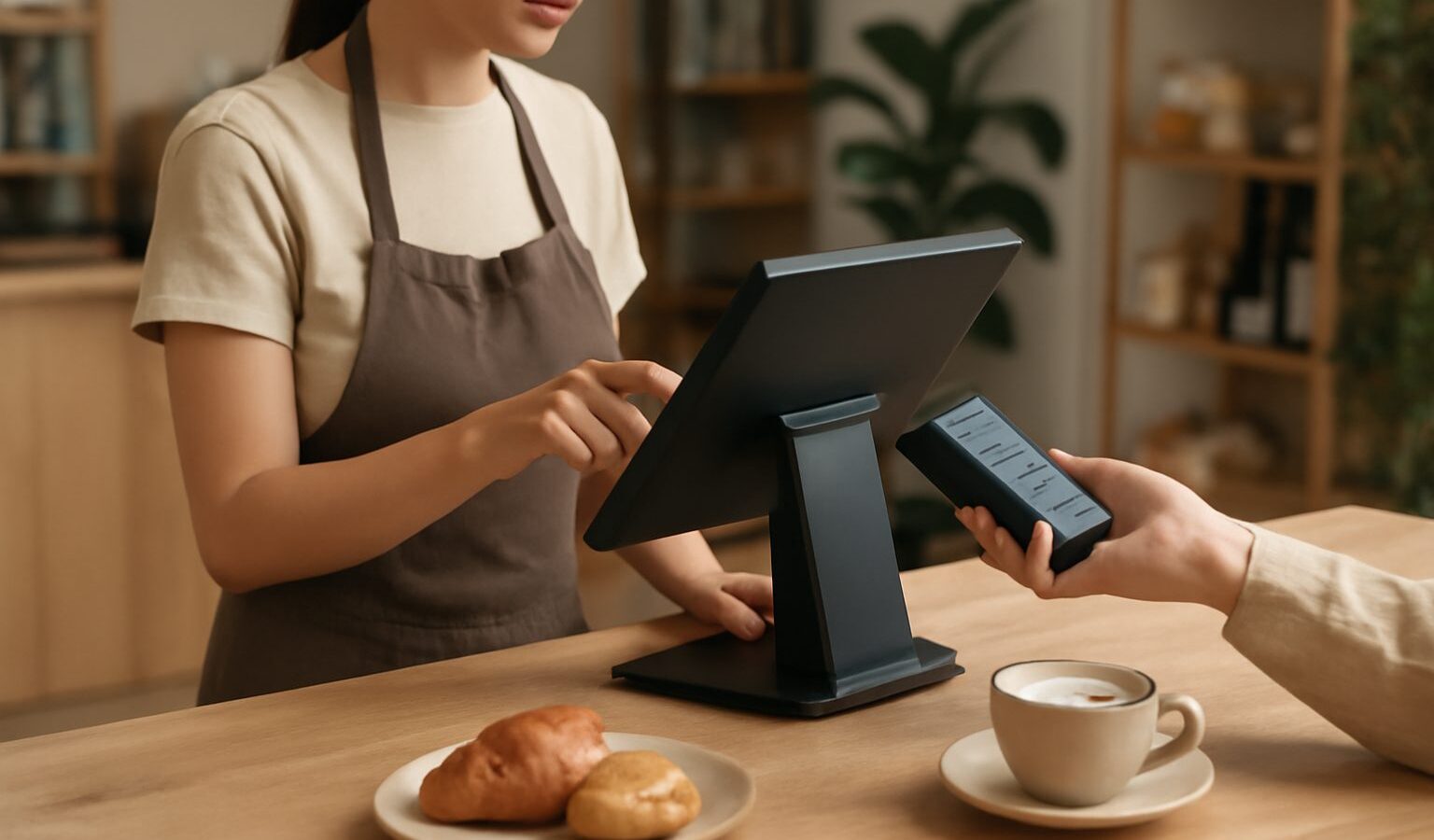
Choosing among POS systems in Singapore is one of the more consequential decisions a new shop or cafe makes, because the point of sale is where your business actually collects money. A modern POS is far more than a cash register. It rings up sales, tracks stock, takes card and QR payments, and quietly builds a record of what sells and when. Pick well and daily operations feel effortless; pick badly and you fight your own till through every busy lunch rush. This guide explains what matters for retail and F&B here, and how to compare your options sensibly.
What a Modern POS Actually Does
At the counter, a POS handles the obvious job of taking payment and printing or emailing a receipt. Behind that, a good system does a lot more. It deducts items from your inventory as they sell, so your stock count stays current without manual work. It records every transaction, giving you sales reports by product, hour, and staff member. It often manages a customer database or loyalty programme, and it can split bills, apply discounts, and handle refunds cleanly.
Most systems sold today are cloud POS, meaning the software runs online and your data syncs to a dashboard you can check from anywhere. That is a real advantage for an owner who wants to see today’s takings without being physically at the shop. The trade-off is that you depend on an internet connection, so it is worth asking any vendor how their system behaves offline during an outage.
For Singapore businesses, two local realities shape the choice. First, customers expect to pay by PayNow QR, card, and increasingly GrabPay or other wallets, so your POS needs to connect smoothly to payment terminals and QR acceptance. Second, if you are GST-registered your POS should produce records that make tax filing straightforward; confirm the specifics with IRAS or your accountant.
Retail Versus F&B Needs
Retail and food businesses look similar at the counter but need different things underneath, so match the system to your trade.
Retail POS priorities tend to be inventory depth and product variants. A clothing shop needs to track the same shirt across sizes and colours, scan barcodes quickly, and manage stock across a shopfront and an online store at once. Reporting on margins and bestsellers matters, and so does a smooth returns process.
F&B POS priorities lean toward the flow of service. A cafe or restaurant benefits from table management, order routing to a kitchen display or printer, menu modifiers such as “less ice” or “no chilli”, and fast bill splitting. Integration with food delivery platforms can save a lot of double entry if you take orders from apps as well as walk-ins. If you are opening a cafe, the POS is one piece of a much larger setup.
A few systems serve both trades well, but many specialise, so be honest about which side of the line your business sits on before you shortlist vendors.
Comparing POS Options
The table below sketches the common types of POS setup. Features and pricing change frequently and vary by plan, so treat this as orientation only and check each vendor’s current terms before committing.
| POS type | Best suited to | Strengths | Consider |
|---|---|---|---|
| Tablet or cloud POS app | Small retail, cafes, market stalls | Low upfront cost, quick to learn, syncs online | Relies on internet, hardware add-ons cost extra |
| All-in-one POS terminal | Busy retail counters and restaurants | Sturdy hardware, integrated printer and scanner | Higher upfront outlay |
| Mobile or handheld POS | Pop-ups, table-side ordering, events | Portable, flexible, quick setup | Smaller screen, battery dependent |
| POS with deep e-commerce sync | Omnichannel sellers | One stock pool across shop and online | Setup effort, needs tidy product data |
When you compare specific vendors, look past the headline monthly fee. Ask about payment processing arrangements and any per-transaction charges, hardware costs, contract length, offline mode, the quality of local support, and whether it integrates with your accounting and inventory tools. A slightly pricier system with responsive local help often beats a cheap one that leaves you stuck during a Saturday rush.
Payments, Grants and Local Support
Payment acceptance is where a POS meets the wallet, so make sure yours connects to what your customers use. That usually means card terminals, PayNow and other QR options, and popular e-wallets. Some POS providers bundle a payment terminal and processing; others let you pair a separate provider. Compare the total cost of accepting a payment, not just the device price, and read the current fee terms directly from the provider since these change.
On grants, Enterprise Singapore’s Productivity Solutions Grant (PSG) has at times supported certain pre-approved POS and retail or F&B management solutions. The list of supported solutions and the level of support change over time, so check the current pre-approved list on the Business Grants Portal or GoBusiness before assuming a particular system qualifies. Do not rely on a vendor’s marketing claim alone; verify eligibility at the official source.
Local support deserves real weight in your decision. When a terminal fails mid-service, you want someone reachable who understands the local payment landscape. Ask other owners in your trade which systems they run and how support has treated them, because lived experience beats a feature list.
Rolling It Out Well
Once you choose, a careful setup pays off for years.
- Enter your products cleanly. Accurate names, prices, categories, and barcodes at the start save endless corrections later.
- Train your staff. Run through common transactions, refunds, discounts, and end-of-day closing before you go live.
- Test payments end to end. Ring up a real card and QR payment and confirm the money lands correctly.
- Set up reporting. Decide which daily and weekly reports you will actually check, so the data guides your buying and staffing.
- Reconcile daily. Match your POS takings against your bank and cash drawer each day to catch issues early.
Take the time to get the basics right and your POS becomes a quiet workhorse rather than a source of stress. The best system is not the one with the longest feature list but the one your team can run confidently on your busiest day.
Explore more
A POS is one piece of opening a food business, so if that is your path, read our full guide to starting a cafe in Singapore. To get the payment side right, our guide to accepting digital payments as a merchant covers PayNow, cards and wallets in plain terms. And to keep your books tidy from every sale, see accounting software for SMEs in Singapore.