
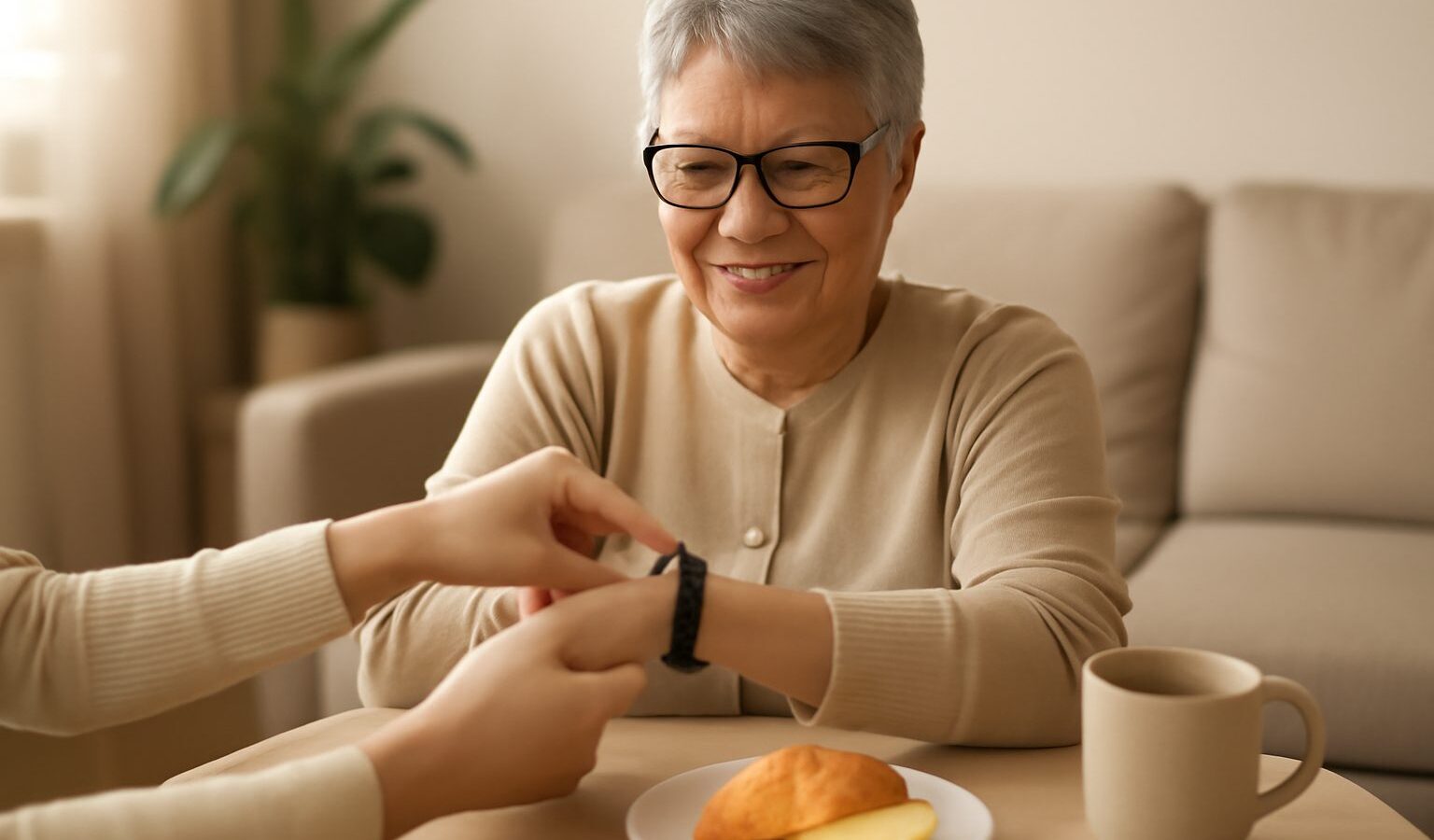
Plenty of activity trackers end up in a drawer within a month. For older adults, the reasons are usually simple: the screen is hard to read, the strap is fiddly, the battery dies too often or the phone app is confusing. A good senior activity tracker is not the one with the most features. It is the one that fits comfortably into daily life and gets worn every day.
This guide looks at the features that matter most for seniors in Singapore, from readability and fall alerts to battery life and setup, so you or your parents can choose a wearable with confidence.
Start With Why You Want a Tracker
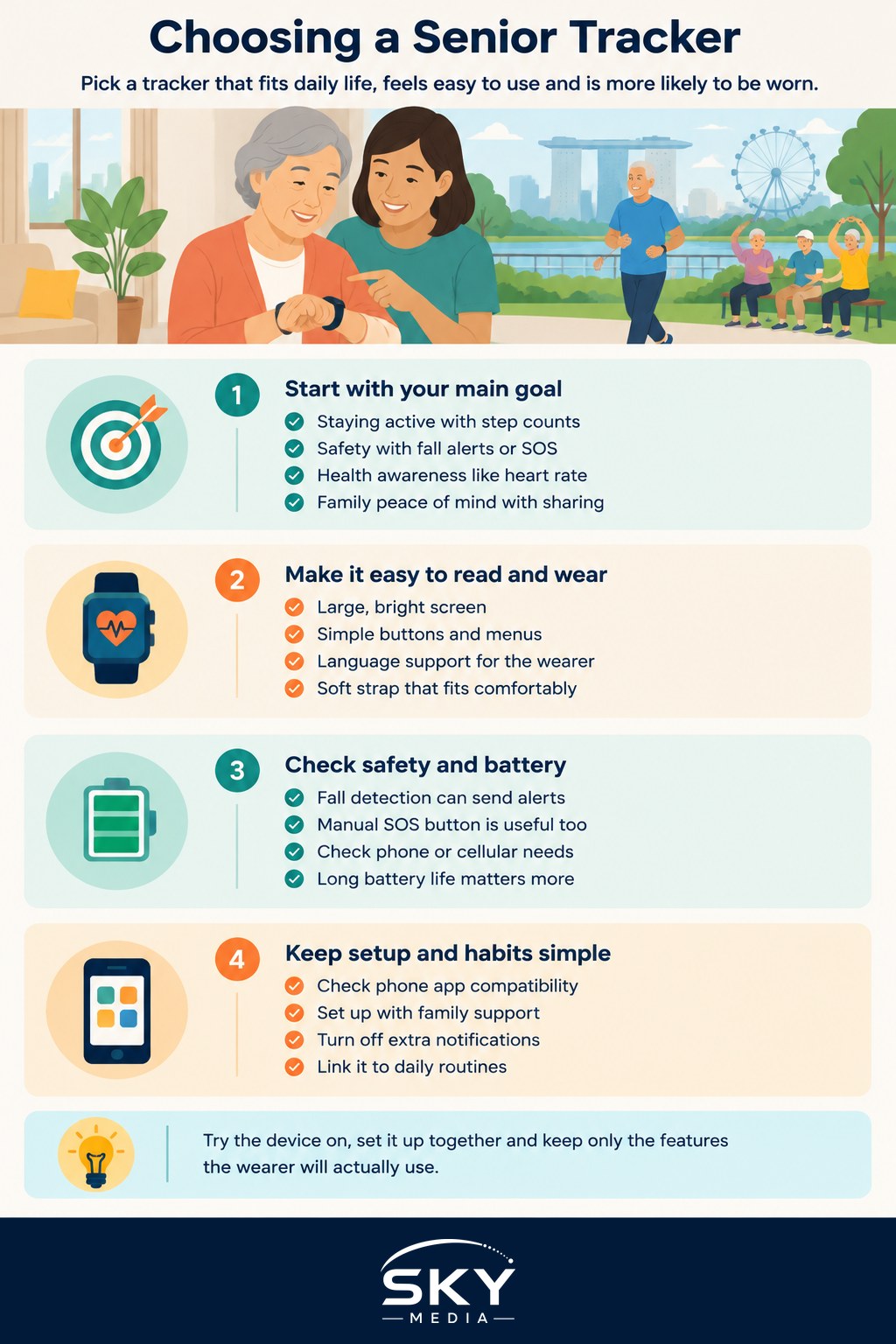
Before comparing models, decide what the tracker is mainly for. The right choice depends on the goal.
- Staying active. Counting steps, tracking walks and gently nudging you to move after sitting for a while.
- Safety. Fall detection and an emergency call or alert feature, particularly for seniors who live alone or walk outdoors by themselves.
- Health awareness. Heart rate, sleep patterns and, on some models, other readings. These are for general awareness only and are not a substitute for medical devices or a doctor’s advice.
- Peace of mind for family. Location sharing or the ability for family members to see activity summaries.
Write down the top one or two goals. It stops you paying for features that will never be used and keeps the device simpler.
Readability and Ease of Use
For many older adults, this matters more than anything else.
Screen size and brightness. Look for a display large enough to read the time and step count at a glance, ideally with large font options. Check the screen outdoors, because Singapore’s bright sun can wash out dim displays.
Simple navigation. Fewer swipes and menus are better. Physical buttons can be easier than touchscreens for people with reduced finger sensitivity or tremors.
Language options. If the wearer prefers Chinese or another language, check whether the device and its app support it before buying.
Comfortable strap. A soft silicone strap with a simple buckle is easier than fiddly clasps. In humid weather, a breathable strap reduces skin irritation. Make sure it can be adjusted to fit thin wrists.
Vibration and sound. Strong vibration alerts help if hearing is not as sharp as before.
If possible, try the device in a shop before buying. Ask the wearer to read the screen, press the buttons and fasten the strap without help.
Fall Alerts and Emergency Features
Fall detection is one of the most useful features for seniors, but it is worth understanding how it works.
- How it works. The device uses motion sensors to detect a hard fall. It usually asks the wearer whether they are okay and, if there is no response, sends an alert or calls an emergency contact.
- Connectivity matters. Some devices only work when connected to a nearby phone. Others have their own cellular connection, which needs a compatible mobile plan. Check with the seller and your telco about what is required.
- It is not foolproof. Fall detection can miss some falls and occasionally trigger by mistake. Treat it as an extra safety layer, not a replacement for checking in on loved ones.
- Manual SOS button. A clearly marked button that the wearer can press for help is often just as valuable.
Set up emergency contacts carefully, test the feature together and make sure contacts know what to do when they receive an alert. For seniors with higher care needs, ask a doctor, polyclinic or eldercare provider about other monitoring options.
Battery Life and Charging
A tracker that runs flat cannot track activity or send alerts. Battery life varies widely depending on the type of device.
Simpler fitness bands often last much longer between charges than full smartwatches, which may need charging every day or two. Features such as always-on screens, GPS and cellular connectivity drain the battery faster.
Think about charging habits:
- Will the wearer remember to charge it? A routine, such as charging during a morning shower, helps.
- Is the charger easy to use? Magnetic chargers that snap on are simpler than small clips.
- Does the device give a clear low-battery warning?
For many seniors, a longer battery life is worth more than extra features.
Comparing the Main Types of Trackers
Here is how the common categories generally compare. Exact features vary by model, so always check the product details.
| Type | Best for | Battery life | Fall alerts | Ease of use |
|---|---|---|---|---|
| Simple fitness band | Step counting, basic activity | Usually longest | Rarely included | Simple, but small screen |
| Smartwatch | Activity, notifications, safety features | Often shortest | Available on some models | More features, more menus |
| Senior-focused watch | Safety and simplicity | Varies | Often a core feature | Designed for large text and simple buttons |
| Clip-on or pendant device | Seniors who dislike wristwear | Varies | Some include SOS or fall alerts | Very simple, limited activity data |
If you mainly want to help a parent find lost items rather than track activity, a different device may suit them better; see how to use smart tags to track keys, bags and pets.
Keep the App Setup Simple
Most trackers need a smartphone app for setup, updates and viewing data. This is often where seniors get stuck.
- Check phone compatibility. Some trackers only work fully with certain phone brands or operating systems. Confirm this before buying.
- Let a family member help with setup. Pair the device, set the time, language, font size and emergency contacts together.
- Turn off what is not needed. Too many notifications can be overwhelming. Keep only the alerts that matter.
- Review privacy settings. Understand what data is collected and who can see it, especially if location sharing is turned on.
- Write simple instructions. A short note on how to charge the device and check steps can prevent frustration later.
For a deeper look at general features and brands, our guide to choosing a fitness tracker covers the wider market.
Making It Part of Daily Life
The best way to make a tracker stick is to link it to activities the wearer already enjoys. A daily walk around the estate, a morning exercise group at the community centre or a weekly visit to a senior activity centre are all easy ways to build movement into the day. If you are looking for local options, see how to choose a senior activity centre near you.
Set realistic goals. Step targets designed for younger users may be discouraging. Start with the wearer’s normal level and increase slowly. If there are health concerns, check with a doctor about suitable activity levels.
Finally, if you are buying a tracker as a gift, involve the person who will wear it. Ask what they would find useful, let them choose the colour or strap and spend time showing them how it works. A tracker that feels like their own choice is far more likely to be worn every day.
Frequently Asked Questions
Can seniors with a pacemaker wear an activity tracker? Do not assume it is safe. Some wearables contain magnets or sensors that may interfere with certain medical devices. Ask the cardiologist or the manufacturer before wearing one, and follow their advice. Tracker heart-rate readings are for general awareness and cannot replace medical monitoring.
Can my parent shower or swim with a tracker on? Only if the device is rated for water resistance, and even then the rating has limits. Check the product’s specifications for what it covers, such as splashes, showers or swimming. Hot water and soap can wear seals, so read the care instructions and rinse and dry the strap.
Should seniors wear a tracker to bed? It is optional. Wearing it overnight lets it record sleep patterns, but only if it is comfortable and the battery allows it. Some people sleep better without it. If sleep problems are a concern, a doctor is the right person to ask, not a tracker.
What if my parent keeps forgetting to wear the tracker? Link it to an existing routine, such as putting it on after brushing teeth, and keep the charger where they will see it. Choose a comfortable strap and a simple design they like. If it still gets ignored, ask what bothers them, as the device itself may be the problem.
Can a senior use an activity tracker without a smartphone? Some trackers show steps and time on the device itself, but setup and data syncing usually need a phone. Senior-focused watches and pendants may work with their own connection. Check requirements with the seller, and ask a family member to help with setup.