
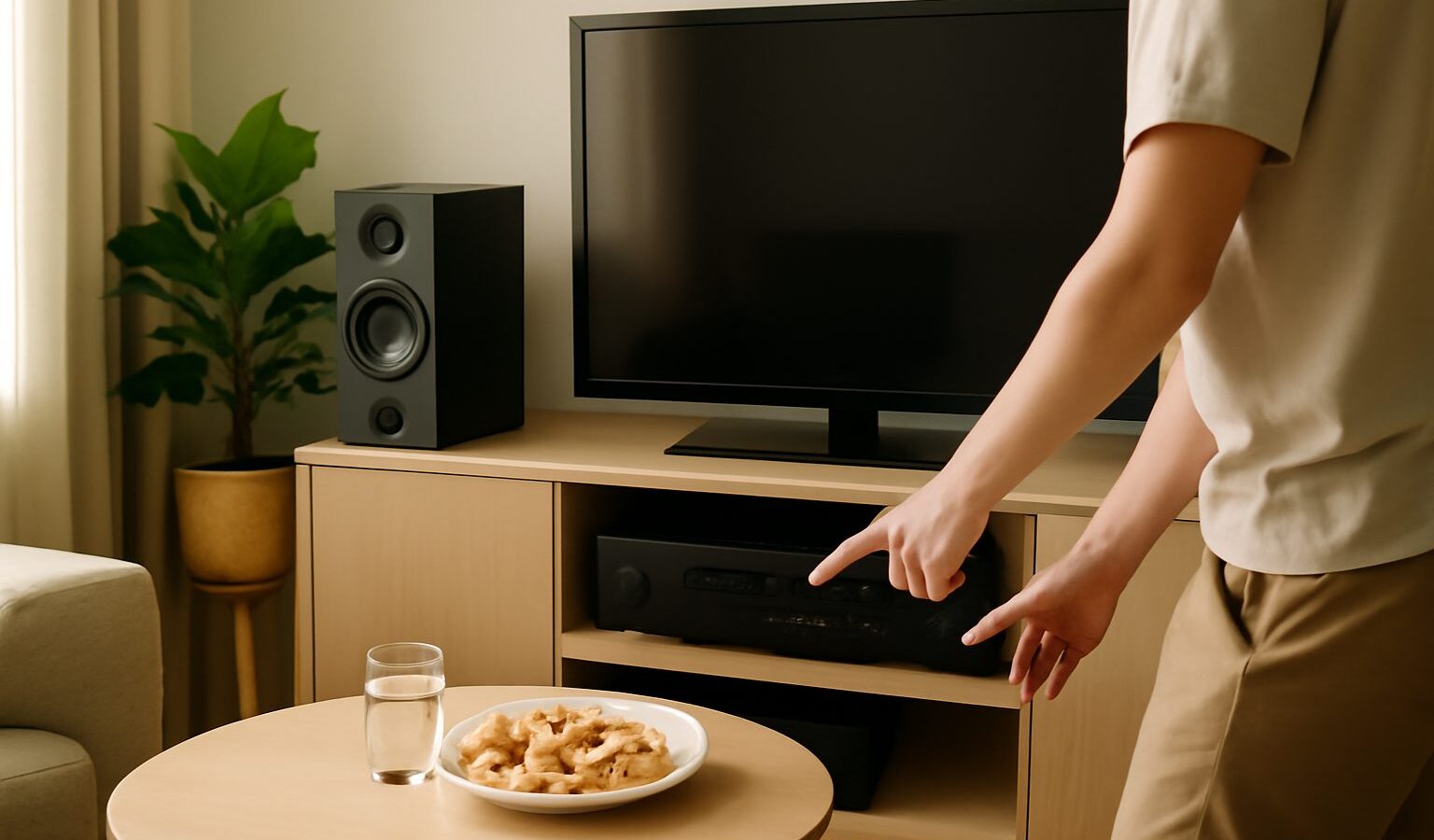
Putting together a home entertainment system singapore living rooms can actually enjoy is less about buying the biggest of everything and more about matching a handful of pieces to your space. A typical setup is a television, something to make it sound better like a soundbar or an AV amplifier, a streaming device or two, perhaps a games console, and the cables and control that tie it all together. Do it thoughtfully and you get a tidy corner that the whole family reaches for. This guide walks through planning the layout for a flat, matching gear to room size, the connection basics, keeping control simple, being kind to your neighbours, and rough budget tiers.
Planning the Layout for a Flat
Start with the room, not the shopping list. Most Singapore homes watch from a sofa a few metres from a feature wall or TV console, and that distance decides almost everything. Measure the viewing distance and the width of the wall or console before you buy anything, because a screen that overwhelms a compact HDB living room is a common and expensive mistake.
Think about the core pieces and where each lives:
- The screen, wall-mounted or on a console, at roughly eye level when seated.
- Sound, usually a soundbar under the TV, sometimes a subwoofer on the floor nearby.
- Sources, meaning a streaming device, a TV box, a Blu-ray player or a console, tucked on a shelf or behind the screen.
- Power and network, ideally a power point and a way to reach your router close by.
Sketch how everything connects before drilling holes or hiding wires. If you are wall-mounting, plan a route for cables inside a trunking channel or through the wall, and leave a little slack so you can pull a device out to reach its ports later.
Matching the Gear to Your Room Size
Bigger is not automatically better in a flat. The right screen size depends on how far back you sit: a common rule of thumb is to sit roughly one and a half to two and a half times the screen’s diagonal away, so a compact living room suits a more modest panel than a large open-plan condo. Rather than fixate on a specific number, view a few sizes in person at a showroom and picture that distance at home.
Sound scales the same way. A tidy soundbar, or a soundbar with a subwoofer, fills most HDB and condo living rooms comfortably, while a full multi-speaker AV setup with a receiver and rear speakers suits larger rooms and dedicated movie fans who have the space and are happy to run wiring. If you rent or move often, favour fewer boxes and wireless where sensible. Our companion guides on buying a TV and choosing a soundbar go deeper on sizing each piece.
| Setup tier | Typical pieces | Best for | Effort |
|---|---|---|---|
| Simple | TV plus a streaming device, TV’s own speakers | Small rooms, casual viewing, renters | Low |
| Balanced | TV, soundbar (or 2.1 with subwoofer), streaming device | Most HDB and condo living rooms | Medium |
| Enthusiast | Large TV, AV receiver with separate speakers, console, media player | Movie and gaming fans with space | High |
Treat the tiers as a starting point, not a rulebook. Many people are happiest in the balanced middle, where a soundbar and a good streaming device transform everyday watching without turning the living room into a wiring project.
Connections, HDMI and Cable Management
Most of your gear talks over HDMI, so a few basics save a lot of frustration. Each source, whether a streaming device, console or player, uses one HDMI cable into the television. If you have several sources and not enough ports, either use the TV’s inputs directly or route everything through an AV receiver or a small HDMI switch.
Two things worth knowing:
- HDMI ARC or eARC: one HDMI port on the TV, usually labelled ARC, sends sound back out to a soundbar or receiver over a single cable, and lets one remote control the volume. Plug your soundbar into that specific port.
- Cable quality and length: buy cables the right length so there is no messy coil, and for long runs or the latest high-frame-rate gaming, check the cable supports the bandwidth you need rather than assuming any cable will do.
For a clean look, bundle cables with reusable ties, run them through trunking or a cable sleeve, and label each end so you know which is which. A power strip with surge protection behind the console keeps plugs together and guards against the odd voltage spike. Leave everything accessible; the tidiest install is worthless if you have to dismantle the wall to swap a device.
One Remote, Neighbour-Friendly Volume and Streaming
Juggling three or four remotes is the fastest way to make a nice setup annoying. HDMI-CEC, a feature most modern TVs and soundbars share (each brand gives it a marketing name), lets the TV remote power on the soundbar and control its volume, and can switch inputs when you turn on a console. Turn it on in the settings menu of each device. A universal remote, or your TV brand’s app on your phone, can consolidate control further if CEC does not cover everything.
Living close together, volume is a genuine courtesy issue. Bass from a subwoofer travels through floors and walls more than you would expect, so keep levels reasonable, especially at night, place a subwoofer on a mat or away from a shared wall, and use the night mode many soundbars offer to even out loud and soft moments. Headphones, wired or wireless, are a considerate option for late sessions.
For the sources themselves, a streaming device or TV box is what actually brings apps and shows to the screen. Built-in smart TV platforms work fine, but a separate device is often faster, better supported over time, and easy to move to a new TV later. Our guide to streaming devices and TV boxes compares the types, and streaming services covers what to actually watch. Prices, models and bundles change constantly, so compare current options at chains like Courts, Harvey Norman, Challenger and Best Denki, on official brand stores, or on Shopee and Lazada, and check reviews before committing.
Explore more
Build your system piece by piece with our guides to buying a TV in Singapore and choosing a soundbar. When the screen and sound are sorted, add the right source with streaming devices and TV boxes to get everything working together.