
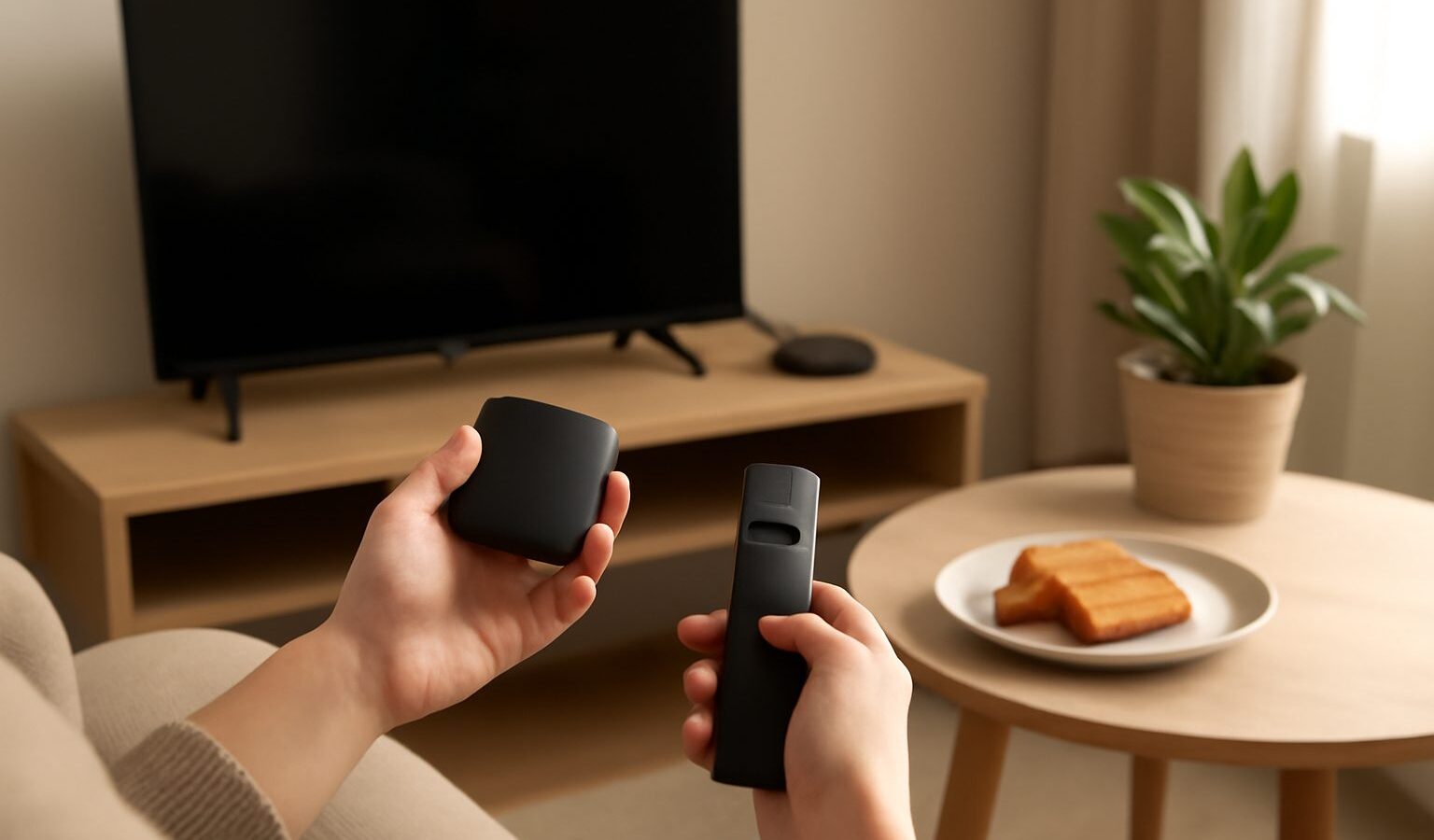
An older television with a good screen does not need replacing just because it cannot open your favourite apps. A small streaming device plugged into a spare HDMI port turns almost any TV into a smart one, giving you a modern app store, a proper remote, and a tidy interface for everything you watch. Streaming devices in Singapore come in a few forms, from thumb-sized sticks to small boxes, and choosing well is mostly about matching the device to your TV, your apps and your home network. This guide covers how these devices work, what to look for, how to cast from your phone, and an important caution about the illegal TV boxes still sold around town.
How Streaming Sticks and Boxes Make a TV Smart
A streaming device is a small computer that plugs into your TV’s HDMI port and connects to your home internet, then runs the apps you use for shows, films and music. Instead of relying on the TV’s own built-in software, which can be slow or stuck without updates on older sets, you get a faster, regularly updated system with its own remote. The main families are worth knowing:
- Apple TV is a small box aimed at people in the Apple ecosystem, known for a smooth interface and strong performance, and it plays nicely with iPhones and iPads.
- Chromecast with Google TV and similar Google TV devices come as sticks or small units, offer a huge app selection, and make casting from Android phones straightforward.
- Amazon Fire TV devices are sticks and boxes built around Amazon’s interface, with a wide app range and voice search on the remote.
- Android TV boxes from reputable brands run Google’s TV software and suit people who want a box with more ports or expandable storage.
All of these are legitimate, sold through normal retailers, and kept updated by their makers. They differ mainly in interface, how well they suit your phone and apps, and price, so the best pick often comes down to which ecosystem you already use.
What to Look For When Choosing One
Beyond brand, a few practical points decide whether a streaming device will serve you well. Start with your TV and network, then work outward.
- Match the resolution to your TV. If you have a 4K TV, choose a device that supports 4K so you get the sharpest picture; on an older HD set, a cheaper HD device is enough.
- Check the apps you actually use are available on the device’s platform before buying, since app support varies between the Apple, Google and Amazon systems.
- Look at the remote and interface. A clear remote with voice search and an interface you find easy to navigate matter more day to day than raw specifications.
- Consider ports and connectivity. A stick is neat and hides behind the TV, while a box may offer an Ethernet port for a wired connection and extra USB ports, which some people prefer.
- Buy from trusted sellers, whether Courts, Harvey Norman, Challenger, Best Denki, an official brand store, or an established seller on Shopee or Lazada, so you get a genuine, supported unit.
Because models, prices and features change regularly, treat brand names here as examples of the categories rather than fixed recommendations, and compare current models before you buy.
Comparing Streaming Device Types
Different devices suit different homes. This table sets the main types side by side to help you narrow down before you shop.
| Device type | Best for | Key strength | Watch out for |
|---|---|---|---|
| Streaming stick | Tidy setups, adding smarts cheaply | Small, hides behind the TV | Usually Wi-Fi only, fewer ports |
| Streaming box (Apple, Android) | Best performance, wired connection | Fast, more ports and storage | Costs more than a stick |
| Fire TV device | Wide app range, voice search | Simple interface, good value | Interface pushes Amazon content |
| Built-in smart TV platform | People who want no extra device | Nothing extra to buy or plug in | Can slow down or lose updates over time |
| Illegal piracy TV box | Nobody, avoid entirely | None worth the risk | Legal, security and safety risks |
For most people, a mainstream stick or box from a reputable brand covers everything, and the choice comes down to your budget and which phone you carry.
Casting From Your Phone and Connecting to Your Network
One of the handiest features of modern streaming devices is casting, which sends video or photos from your phone or tablet to the TV over your home Wi-Fi. On Google TV and Chromecast devices you tap a cast icon in a supported app, and on Apple TV you use AirPlay from an iPhone or iPad, so a video that starts on your phone continues on the big screen. This is great for showing holiday photos, sharing a clip with the family, or simply using your phone as the remote.
Casting relies on a stable home network, so connectivity matters. A few pointers help:
- Put the device and your phone on the same Wi-Fi network so they can find each other for casting.
- Sit the device within good reach of your router, since 4K streaming and casting both want a steady signal; if the TV is far from the router, a box with an Ethernet port or a mesh Wi-Fi setup helps.
- Restart the router and device if casting stops working, which clears most temporary glitches.
If buffering or dropouts are a regular problem, the issue is usually the home network rather than the device, and improving your Wi-Fi coverage often fixes it more effectively than replacing the streaming box.
The Caution About Illegal TV Boxes
Around Singapore you may come across TV boxes marketed as giving free access to paid channels, live sports and the latest films, sometimes sold openly or through resellers. These are not the legitimate devices described above. They rely on pirated streams, and buying, selling or using them to access copyrighted content without authorisation carries real legal risk. IMDA and the authorities have taken action against the sale of such devices, and the law here treats unauthorised access to copyrighted material seriously.
The problems go beyond legality. These boxes often run modified, unofficial software that receives no proper security updates, which makes them a genuine risk to your home network and privacy. They can carry malware, expose your network to intruders, and stop working without warning when a stream is shut down, leaving you with a useless box and no recourse. The apparent savings are not worth the legal exposure, the security danger, or the unreliability.
The safer and simpler path is a legitimate streaming device paired with the official apps and subscriptions you choose to pay for. You get a stable, updated system, proper support, and no legal worry, while keeping full control over what you subscribe to. Because rules and enforcement can change, treat this as general guidance and stick to genuine devices and authorised services.
Explore more
Thinking about the TV itself as well as what plugs into it? Our guide to buying a TV in Singapore covers screen sizes, panels and where to shop. And once your device is set up, decide what to watch with our overview of streaming services in Singapore.