
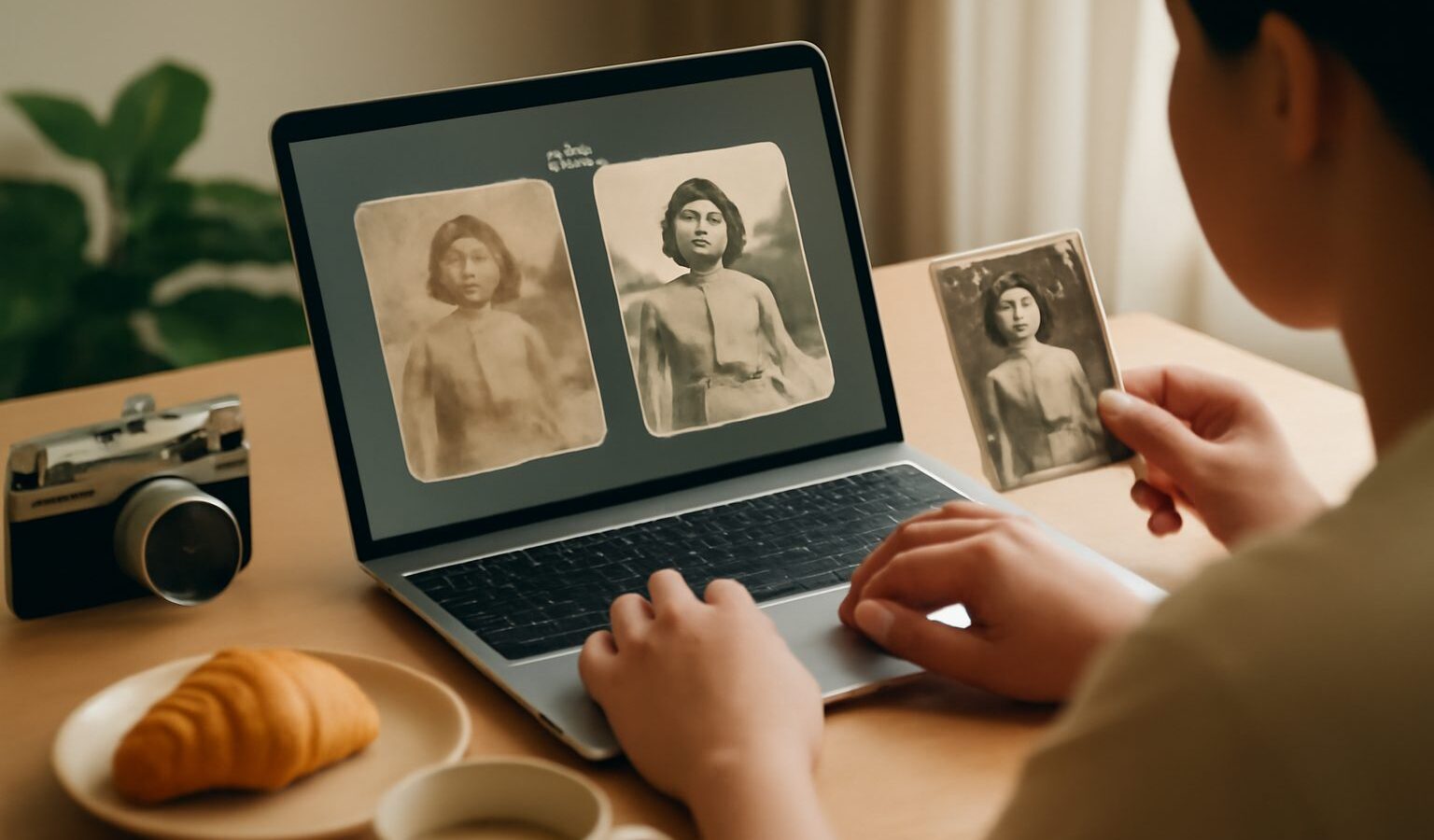
The rise of ai photo editing singapore families and hobbyists can now do at home has quietly turned tasks that once needed a studio into a few taps on a phone. You can sharpen a blurry shot, brighten a dim one, remove a stranger who wandered into the frame, or breathe life back into a faded photograph of your grandparents. The results can be genuinely impressive. They can also be misleading, because the same tools that repair a scratch can also invent details that were never there. This guide covers what AI photo editing does well, how photo restoration actually works, and the honesty and respect that should sit alongside the technology.
The category spans a wide range. At the light end are everyday enhancements: automatic exposure and colour correction, noise reduction, and one-tap “make it look better” buttons built into phones and photo apps. In the middle sit targeted edits such as removing an object, extending a background, replacing a sky or cleaning up skin. At the far end is generative work, where the tool creates new pixels to fill gaps, upscale a small image or reconstruct a damaged face. The further along that scale you go, the more the software is guessing rather than recovering, and the more careful you should be.
Restoring Old Photos and Everyday Enhancements
Photo restoration is where AI feels almost magical. Old prints fade, crack, yellow and gather dust marks, and scanning them only captures the damage in higher resolution. AI restoration tools are trained to recognise faces and textures, so they can remove scratches, rebuild torn corners, reduce blur and add colour to a black-and-white image. For a treasured family photo that has no negative and no backup, this can be the only realistic way to get a clean, printable version. Start by making a good scan, keep the original file untouched, and work on a copy so you always have the source to return to.
The honest caveat is that restoration is reconstruction, not time travel. When a tool sharpens a blurry face or colours an old photo, it is making an educated guess based on patterns it has learned, not recovering the true detail, which is simply gone. Most of the time the guess is plausible and pleasing. Sometimes it is wrong: a colourised dress may be the wrong shade, a rebuilt face may subtly change someone’s features, and heavy upscaling can give skin an artificial, waxy look. Keep the edits gentle, compare against the original, and stop before the picture stops looking like the person you remember.
For everyday photos the same principles apply with lower stakes. Automatic enhancement is great for rescuing a badly lit meal or a dim indoor shot, and object removal is handy for tidying a background. Just be aware that aggressive filters can smooth away real texture and make everyone look oddly plastic. A light touch almost always ages better than a heavy one, and it is easy to over-edit when the tool makes dramatic changes so effortless.
Honesty, Likeness and Privacy
Because AI can add things that were never in the frame, disclosure matters wherever honesty matters. A holiday snap that you brightened for the family chat needs no disclaimer. A photo used for news, a product listing, a dating profile, an insurance claim, an official document or any context where people rely on the image being an accurate record is different. If you have changed something that alters the meaning, say so. The line to hold onto is simple: enhancing a photo is fine, but presenting a manufactured image as an unedited fact can mislead people, and in some settings that causes real harm.
Respecting people’s likeness is the other half. Editing photos of others, especially generating or altering faces, using an AI tool to place someone somewhere they never were, or making changes to a person’s appearance without their agreement can be hurtful and, in some cases, a serious breach of trust. Be especially careful with photos of children, and never use these tools to create deceptive or embarrassing images of real people. The technology that removes an ex from an old picture is the same technology behind manipulated images and deepfakes, so treat it with the seriousness that power deserves.
Privacy applies to the tool itself. Many editors and restoration services run in the cloud, which means uploading your photo to a company’s servers. For casual snaps that is usually fine, but old family photographs, images of children, documents and anything sensitive deserve more thought. Check whether the tool processes images on your device or in the cloud, read what it does with uploads, and prefer local or well-regarded apps for anything private. Do not upload other people’s photos to a service without considering their privacy, and delete uploads you no longer need.
| Edit type | What AI does | Watch out for |
|---|---|---|
| Auto enhance | Fixes exposure, colour and noise | Over-smoothing that looks artificial |
| Object removal | Erases and fills the gap | Invented background details |
| Restoration | Repairs scratches, adds colour | Guessed detail that changes a face |
| Upscaling | Adds pixels to enlarge | Waxy, unreal texture when pushed hard |
| Generative edits | Creates new content | Misleading images and likeness issues |
A sensible workflow keeps you in control. Always work on a copy and preserve the untouched original, because you cannot undo an edit you have saved over. Make changes in small steps and compare against the source as you go. When restoring a face or an old photo, aim to honour what was really there rather than to perfect it. And keep a clear separation in your mind between improving how a photo looks and changing what it claims to show.
Used with judgement, AI photo tools are a wonderful addition to any Singapore household’s digital toolkit. They can rescue a fading memory, tidy a cluttered shot and make ordinary photos shine. Keep the edits honest where honesty counts, respect the people in your pictures and their privacy, protect your originals, and remember that a tool which can restore a photo can also fabricate one. That awareness is what separates a helpful edit from a misleading one.
Explore more
Organising Your Digital Photos
AI Image and Video Tools Guide
Spotting Deepfakes and AI Scams
AI and Your Privacy