
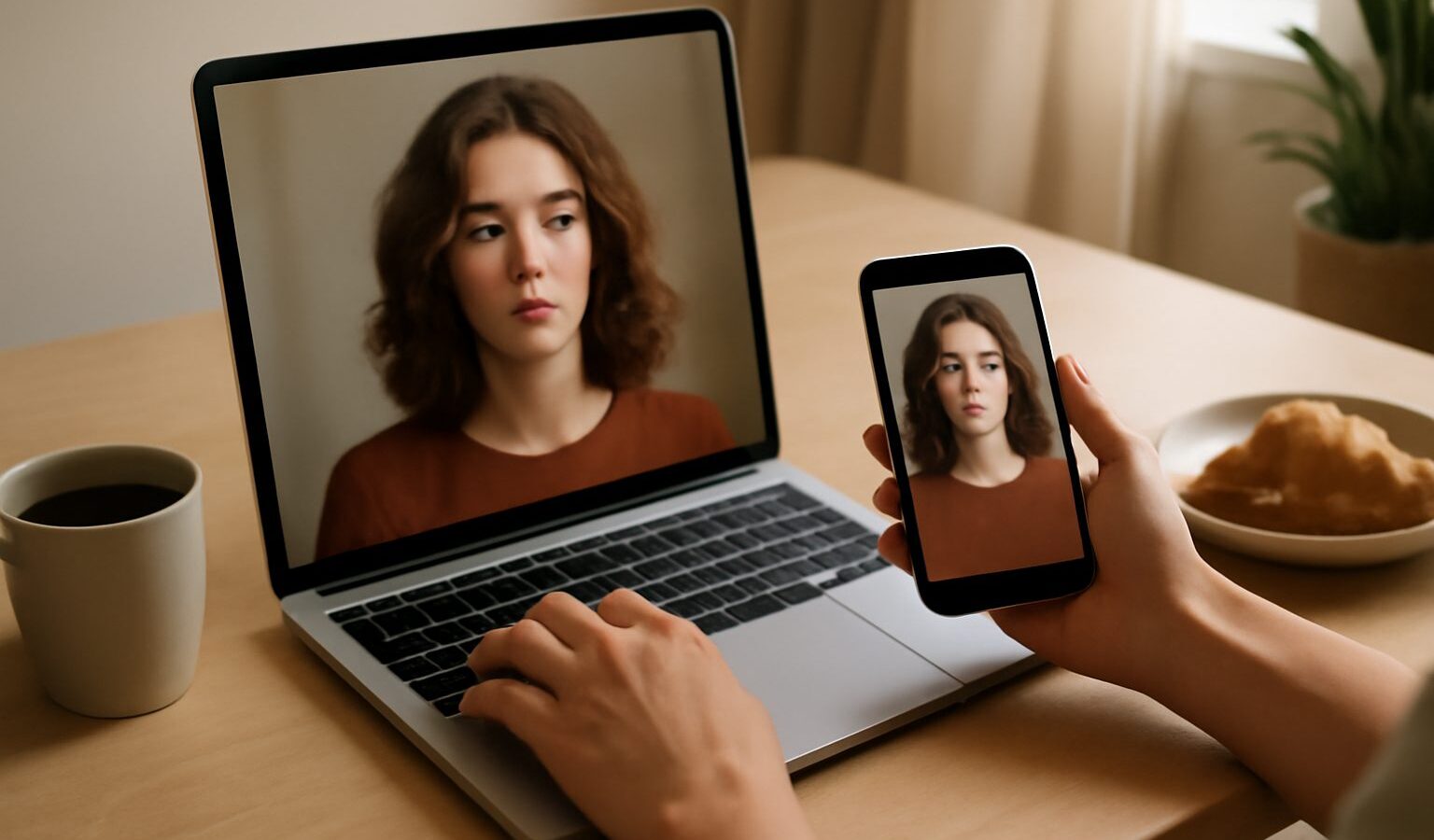
If you have watched a plain text prompt turn into a finished picture, you already know why so many people in Singapore are curious about generative media. This ai image tools guide walks through what these apps actually do, which type suits which job, and how to use them without getting burned by copyright, cost, or the occasional weird extra finger. You do not need a design background. You need a clear idea of what you want and a sense of which tool reaches for it.
The field moves quickly, but the categories underneath it are stable. Once you understand the handful of jobs these tools perform, you can pick up any new app in minutes because it will belong to one of them.
What These Tools Actually Do
Most consumer AI media tools fall into a few buckets. Knowing the bucket tells you what to expect.
- Text to image. You describe a scene in words and the tool paints it from scratch. Good for concepts, illustrations, mood boards, and social posts.
- Image editing and inpainting. You start with a real photo and change part of it: remove an object, extend the background, swap a sky, or fix a blemish. The rest of the picture stays yours.
- Upscaling and restoration. You feed in a small, blurry, or old photo and the tool rebuilds detail and sharpness. Handy for scanned family photos or low resolution product shots.
- Text to video and image to video. You describe a short clip, or hand over a still image, and the tool animates it into a few seconds of motion.
- Voice, subtitles, and avatars. Newer tools generate narration, auto caption a clip, or create a talking presenter from a script.
A single app often covers several of these. The point is to know which job you are hiring it for, because a tool that is brilliant at portraits may be mediocre at animation.
Choosing the Right Tool for the Job
Match the tool to the outcome, not to the hype. A hobbyist making birthday cards, a home based seller shooting products, and a small marketing team producing reels all have different needs.
If you mostly need clean edits of real photos, an image editing app with good object removal and background extension will serve you better than a pure text to image generator. If you want original artwork or concepts, a strong text to image model matters more. For short social clips, an image to video tool that animates a photo you already own is safer and more predictable than asking a model to invent a whole scene.
The table below groups the common tool types by what they are best at, so you can shortlist quickly.
| Tool type | Best for | Typical input | Watch out for |
|---|---|---|---|
| Text to image | Original art, concepts, social graphics | A written prompt | Hands, text, and brand logos come out wrong |
| Image editing and inpainting | Cleaning up and extending real photos | Your own photo plus a mask | Edited region can look too smooth or fake |
| Upscaler and restoration | Old, small, or blurry photos | A low resolution image | Invented detail on faces may not be accurate |
| Image to video | Animating a still into a short clip | One image plus motion prompt | Faces and hands can warp in motion |
| Text to video | Short original clips from a description | A written prompt | Very short lengths, high cost, uneven quality |
Start with the cheapest tool that can plausibly do the job, then upgrade only if the results fall short.
Getting Better Results From Your Prompts
The quality of what you get out is mostly decided by what you put in. A vague request produces a generic picture. A specific one gives the model something to aim at.
- Name the subject clearly. Say what it is, how many, and what they are doing.
- Set the scene. Add location, time of day, and background so the model is not guessing.
- Describe the look. Style, lighting, colour mood, and camera angle steer the result more than any single magic word.
- State the format. Portrait or landscape, close up or wide, and where any empty space should sit if you plan to add text later.
- Iterate in small steps. Change one thing at a time so you can tell what made the difference, then keep the version you like as a base for the next round.
For video, keep motion simple. Short clips with one clear action hold together far better than a busy scene with several things moving at once.
Staying Legal, Safe, and Honest
Generative tools raise real questions about ownership, privacy, and trust, and a little care upfront saves trouble later.
- Rights and licensing. Read each tool’s terms before you use its output commercially. Some grant broad usage rights, others restrict resale or require a paid tier for business use. Avoid prompting for living artists’ signature styles or for recognisable brand logos and trademarks.
- Likeness and consent. Do not generate or alter images of real people, especially to place them in situations that did not happen. Editing a friend’s holiday photo is fine; fabricating something misleading is not.
- Privacy. Anything you upload may be processed on overseas servers. Do not feed in sensitive documents, identity cards, or other people’s personal data. The same caution you apply elsewhere online applies here.
- Scams and deepfakes. AI generated images and voices are increasingly used in scams. If a message pairs an urgent request with a photo, screenshot, or voice note, treat the media as unverified. The Cyber Security Agency and gov.sg publish current advice on spotting manipulated content.
- Disclosure. If you publish AI generated or heavily edited media where readers might assume it is a real photo, a short note that it is AI generated keeps you honest and builds trust.
Some tools also embed invisible markers or metadata to flag AI generated content. That is a helpful signal, not a guarantee, so your own judgement still matters.
Building a Simple Workflow
You do not need a studio. A workable routine is to draft with a text to image tool, tidy the result in an image editor, upscale the final version for print or a large screen, and, if you want motion, animate the still into a short clip. Keep the original files and your best prompts in a folder so you can reproduce or tweak a look later. Over time you will build a small library of prompts that reliably match your taste, which is where the real speed comes from.
This is general information and both the tools and their terms change often, so check each provider’s current pricing and usage rights before you rely on them for anything commercial.
Explore more
For everyday assistants and writing helpers, see our guide to everyday AI tools. If you are setting up devices around the house, our smart home setup guide pairs well with this one. And because AI images now feature in online fraud, it is worth reading our tips on avoiding scams in Singapore.