
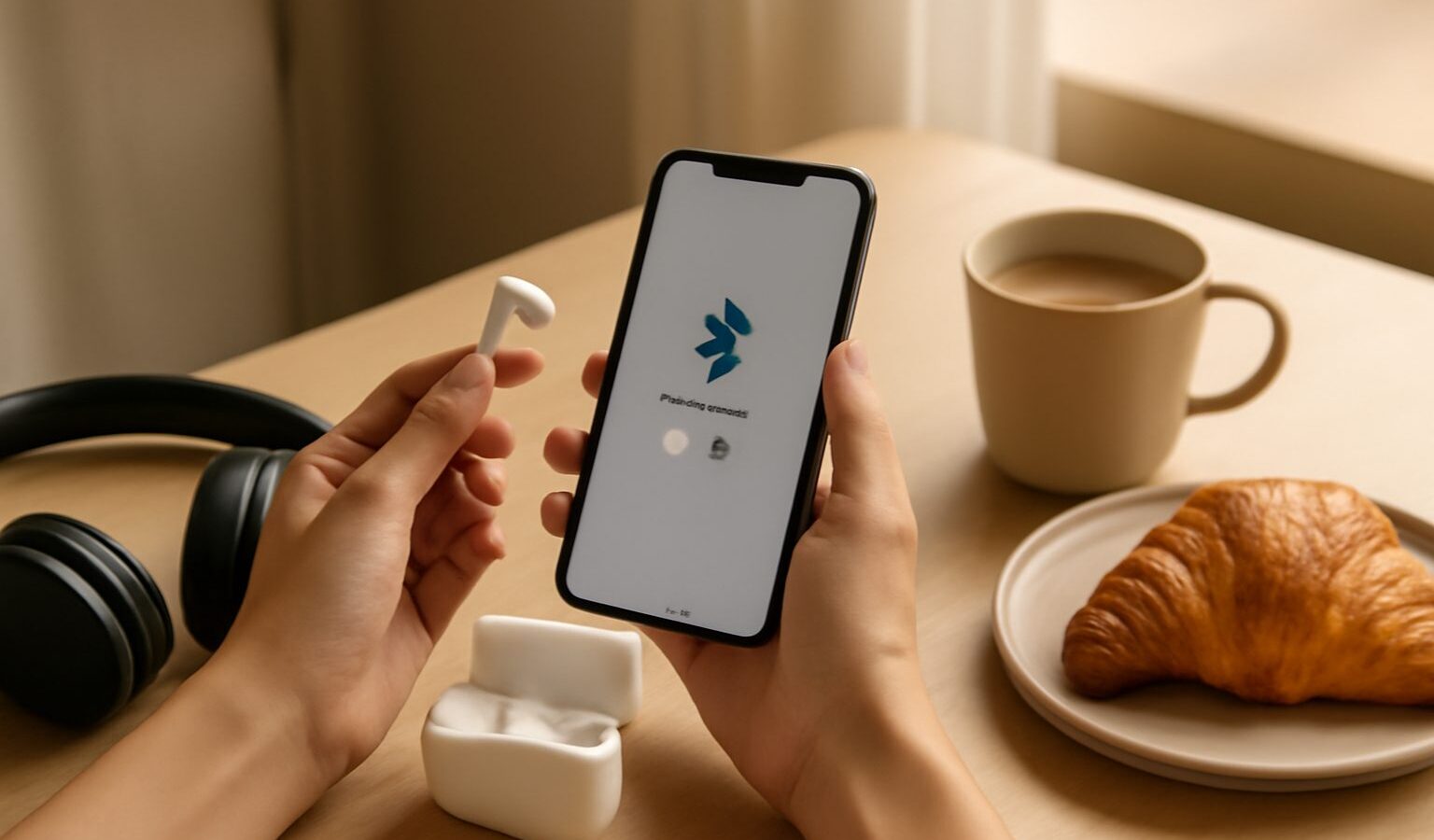
Bluetooth is the quiet workhorse behind our wireless earbuds, headphones, speakers, keyboards, car kits and smartwatches. When it just works, we barely notice it. When it does not, it is genuinely maddening: the earbuds that will not connect, the speaker that keeps dropping out, the car that refuses to see your phone. This bluetooth troubleshooting singapore guide walks through how pairing actually works, the fixes that solve most problems, why interference happens, and a brief word on audio codecs.
The reassuring news is that the vast majority of Bluetooth issues come down to a handful of causes, and you can usually fix them yourself in a few minutes.

How pairing works
Pairing is the one time handshake that introduces two devices to each other. When you pair your phone with a new pair of earbuds, they exchange a little information and remember each other, so that in future they can reconnect automatically without you starting from scratch. This is why you only pair once, and thereafter the devices tend to link up on their own when both are switched on and nearby.
To pair, one device has to be in pairing mode, which makes it discoverable to others. On earbuds or a speaker this usually means holding a button until a light flashes in a particular way. On your phone or laptop, you open the Bluetooth settings, wait for the accessory to appear in the list, and tap it to connect. Once paired, the pairing is stored on both sides.
Understanding this helps with troubleshooting, because most problems are really about the pairing being confused, stale or blocked, rather than the hardware being broken.
The fixes that solve most problems
Work through these in order and you will resolve the great majority of Bluetooth troubles.
Check the basics first. Make sure Bluetooth is actually turned on, that the accessory is charged, and that it is switched on and within a metre or two while you are setting up. Flat batteries and a Bluetooth toggle knocked off by accident cause more “faults” than anything else.
Make sure the accessory is in pairing mode. If your phone cannot see the device, it is often because the earbuds or speaker are not discoverable. Put them into pairing mode again, usually by holding the relevant button until the light changes, then look for them once more in your phone’s Bluetooth list.
Toggle Bluetooth off and on. Switching Bluetooth off, waiting a few seconds, and switching it back on clears many temporary glitches. Restarting the phone or the accessory itself is the next step up and often does the trick.
Watch out for the one device at a time issue. Many accessories can only actively connect to one source at a time, or to a limited number. If your earbuds are already connected to your tablet, your phone may not be able to grab them. Disconnect from the other device first. This is a very common cause of “it won’t connect” that has nothing to do with a fault.
Forget the device and pair again. When an accessory used to work but now misbehaves, the stored pairing may have become corrupted. In your Bluetooth settings, choose to forget or remove the device, then pair it fresh as though it were new. This clears out the confused old handshake and fixes a surprising number of stubborn cases.
Update your software. Occasionally a phone system update or an accessory firmware update resolves connection bugs. It is worth checking if a device has started playing up after working fine for ages.
The table below is a quick reference for matching a symptom to a first move.
| Symptom | Most likely cause | First thing to try |
|---|---|---|
| Device not appearing | Not in pairing mode | Re enter pairing mode |
| Was working, now will not connect | Connected elsewhere | Disconnect the other device |
| Connects then keeps dropping | Interference or distance | Move closer, clear obstacles |
| Paired before, now fails | Stale pairing | Forget the device and re pair |
| Nothing responds | Flat battery or Bluetooth off | Charge and check the toggle |
Interference and range
Bluetooth is a short range wireless technology, and its signal can be weakened by distance and obstacles. If your audio stutters or cuts out, the cause is often simply that the device is too far away or that something solid is in the way, including, oddly enough, your own body if the phone is in a back pocket and the earbud is on the far side.
Interference is the other common culprit, and it matters in dense Singapore living. Bluetooth shares its airwaves with plenty of other wireless gadgets, including some Wi-Fi, so crowded flats and busy public spaces can get congested. Other electronics, and even microwave ovens while running, can add noise. If you get dropouts in one particular spot, try moving, keeping the source device on the same side of your body as the accessory, and reducing the distance and obstacles between them.
For most people, keeping the two devices reasonably close and in line of sight solves range and interference problems without any deeper fiddling.
A brief word on codecs
If you use wireless earbuds or headphones for music, you may have seen the term codec. In simple terms, a codec is the method used to compress and send audio over Bluetooth. Different codecs offer different balances of sound quality, delay and reliability. Both your phone and your headphones have to support the same codec to use it, and they will generally agree on the best one they share automatically.
For everyday listening you rarely need to think about this. It becomes relevant if you are particular about audio quality, or if you notice a lag between video and sound while watching something, since some codecs prioritise low delay. If lip sync bothers you, that is usually a codec and processing matter rather than a fault, and it varies from device to device.
When to seek help
If you have worked through pairing mode, disconnecting other devices, forgetting and re pairing, and checking for updates, and a device still refuses to behave with everything else, the accessory itself may have a fault worth raising with the retailer or maker. But that is the exception. In day to day use, the simple routine of charge it, bring it close, put it in pairing mode, and forget and re pair when needed will get your Bluetooth working again far more often than not.
Explore more
Home WiFi and Mesh Networking
Home Broadband
Syncing Your Files Across Devices
Frequently Asked Questions
Why does my Bluetooth audio lag behind the video? It is usually a codec and processing matter, not a fault. Different codecs trade sound quality against delay, and both devices must support the same one. Lip-sync lag varies from device to device, so a different pair of earbuds or a different setting may help.
Can I connect one pair of earbuds to my phone and laptop at once? Many accessories only connect actively to one source at a time, or a limited number. If your earbuds are already linked to a tablet, your phone may not grab them. Disconnect from the other device first, then connect again.
Why does Bluetooth cut out in crowded places like the MRT? Bluetooth shares airwaves with many other wireless gadgets, so busy public spaces and dense flats can get congested. Keep the phone and earbuds on the same side of your body, reduce the distance, and clear obstacles between them.
Does forgetting a device delete my music or data? No, it only removes the stored pairing between the two devices. You then pair it again as though it were new, which clears out a confused old handshake. Your files and apps are not affected.
When should I take faulty earbuds back to the shop? After you have tried pairing mode, disconnecting other devices, forgetting and re-pairing, and checking for updates, and the accessory still misbehaves with everything. That points to a fault worth raising with the retailer or maker.