
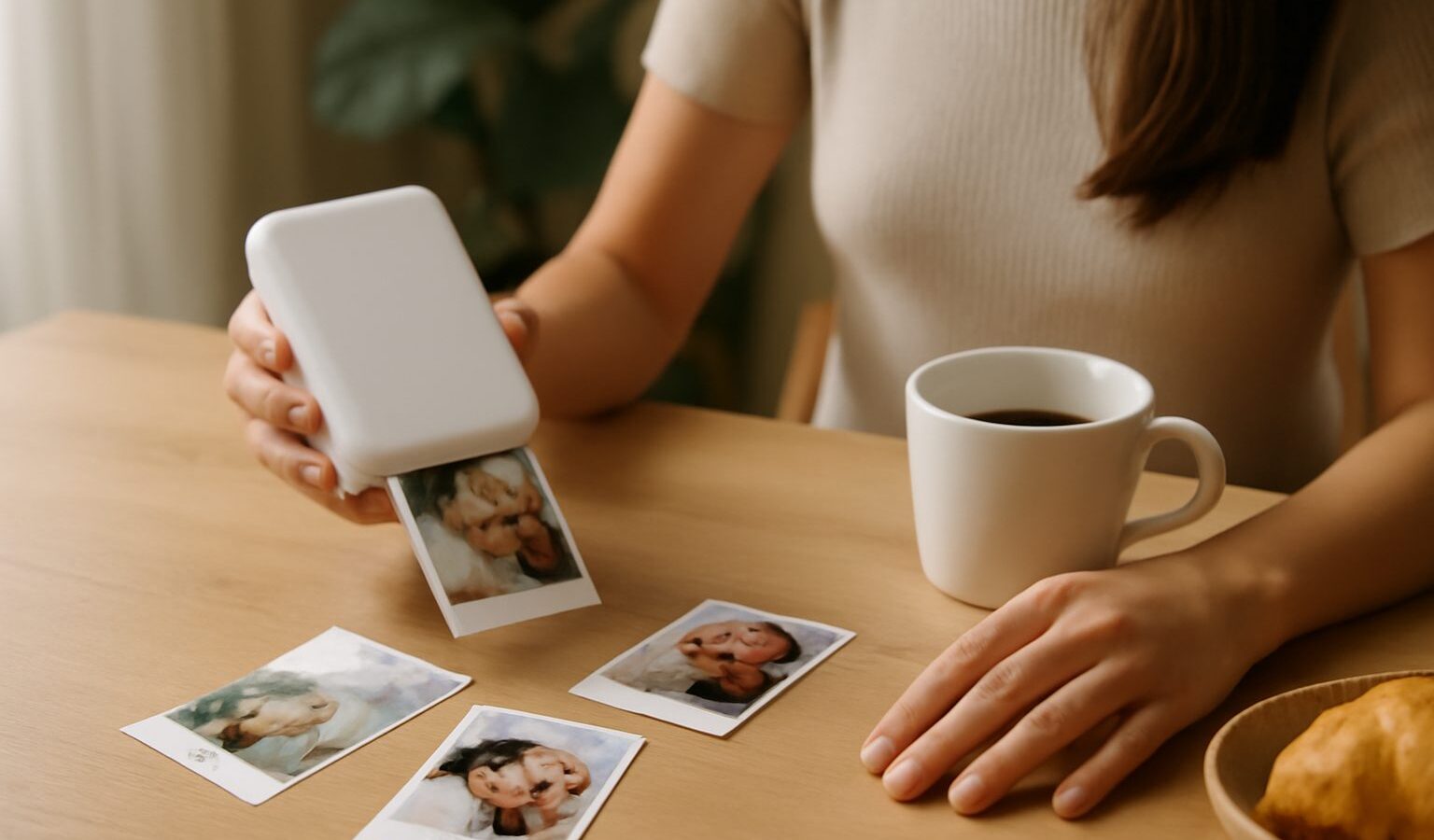
There is something lovely about turning a photo on your phone into a small print you can stick on the fridge, slip into a card or paste in a journal. Pocket photo printers make that easy: they are palm-sized, battery-powered, and print straight from your phone over Bluetooth. If you are looking at a pocket photo printer singapore shoppers can find several types, and they work quite differently, so this guide explains the main print technologies, the running costs to watch, and the features that help you choose.

How the print technologies differ
The single most important thing to understand is that not all pocket printers print the same way, and the technology shapes the look, the cost and the convenience.
One common approach uses tiny heat-activated paper, often with a peel-and-stick back. These printers use no ink at all; the heat draws the image directly onto special paper. They are cheap to run and the sticker backing is fun, but prints are usually small, and the pictures can look softer and less vivid, and may fade faster over time. They suit casual, playful uses like scrapbooking and quick labels rather than keepsake photos.
Another approach uses a dye process that lays down colour in layers and adds a protective coat. Prints look closer to proper photo-lab quality, with richer colour and better durability, and often have a glossy finish. The trade-off is that you buy paper and a colour cartridge together as a set, so the cost per print is higher, and the printer is usually a bit larger.
A third approach uses special photo paper where the colour is built into the paper itself and activated as it prints, again with no separate ink. These sit somewhere in between on quality and cost and often produce a sticker-backed print.
None of these is simply “the best”. A heat-based sticker printer is great for fun and cheap prints, while a dye-based printer is better if you want photos that hold up as keepsakes. Decide which matters more to you before comparing models.
Running costs and everyday practicalities
With any printer, the sticker price is only half the story, because you keep buying paper and, for some types, cartridges. This ongoing cost per print often matters more than the upfront price if you plan to print regularly.
- Cost per print. Work out roughly what each print costs once you add paper and any cartridge, not just the printer price. A cheap printer with expensive refills can cost more over time.
- Refill availability. Check that the paper and cartridges for your chosen model are easy to buy here and reasonably priced, so you are not stuck with a printer you cannot feed.
- Print size and format. Most pocket printers produce small prints. Confirm the size suits what you want, whether that is little stickers or slightly larger photo cards.
- Battery and charging. These printers run on a battery so you can print anywhere. Check how many prints you get per charge and how it recharges, ideally over a common USB-C cable. Our guide to understanding USB-C and charging cables can help you keep your gear on one cable.
- App and connectivity. You print from a phone app over Bluetooth, so look at whether the app is easy to use, lets you crop and add frames or text, and does not nag you with too many extras.
- Speed and noise. Some technologies print faster and quieter than others. Not a dealbreaker, but worth knowing if you will print at gatherings.
Prices, models and refill costs change, so check current reviews and shop listings close to when you buy, and match the printer to how often you will really use it. A printer that sits unused because refills are costly or hard to find is no bargain.
Getting good results and choosing well
A little care makes the prints look their best. Photos taken in good light print better, and it helps to lightly edit and crop on your phone first, since a small print hides less than a screen. If you want to sharpen up your source photos, see our guide to taking better photos with your phone and, once you have a pile of images, organising your digital photos makes it far easier to find the ones worth printing.
There are a couple of local practicalities too. Our humidity is not kind to photo paper, so keep unused packs sealed and store both paper and prints away from heat and damp. Sticker-backed prints can lift in humid conditions, so press them down well. And keep the printer out of direct sun and bags that get very hot.
To choose, start with the purpose. If you want cheap, fun, sticker-style prints for journaling and quick memories, a heat-based printer is ideal and costs little to run. If you want photos that look and last more like proper prints, lean towards a dye-based model and accept the higher cost per print. Then check refill availability and cost here, confirm the print size suits you, and read current reviews before you buy. Match the printer to your own habits and budget, and you will get a little gadget that brings your phone photos into the real world.
Frequently Asked Questions
Can I print passport photos with a pocket photo printer? It is not a good idea. Official photos must meet strict size, background and quality rules. Check the photo requirements on the ICA website or use a photo studio that produces compliant prints.
How long do pocket printer photos last? It depends on the technology. Heat-based prints may fade sooner, while dye-based prints are usually more durable. Keep prints away from sunlight, heat and damp, and store keepsakes in an album or sleeve rather than leaving them on the fridge.
Are the prints waterproof? Some are more water-resistant than others, so check the maker’s description for your paper type. Even resistant prints can lift or smudge when wet or humid, so keep them dry. Do not rely on them in damp places like the bathroom.
Will old or low-quality photos print well? Small prints can hide some flaws, but blurry, dark or heavily compressed images will still look poor. Choose the best original file, crop it sensibly and brighten it on your phone first. Photos saved from chat apps are often lower resolution.
Is a pocket photo printer a good gift? It can be a fun gift for someone who likes scrapbooking, journaling or events. Check that the refills are easy to buy before choosing a model, and consider adding a spare pack of paper. A good phone and a steady supply of paper make it more useful.
Further reading: Choosing a Label Printer for Home