
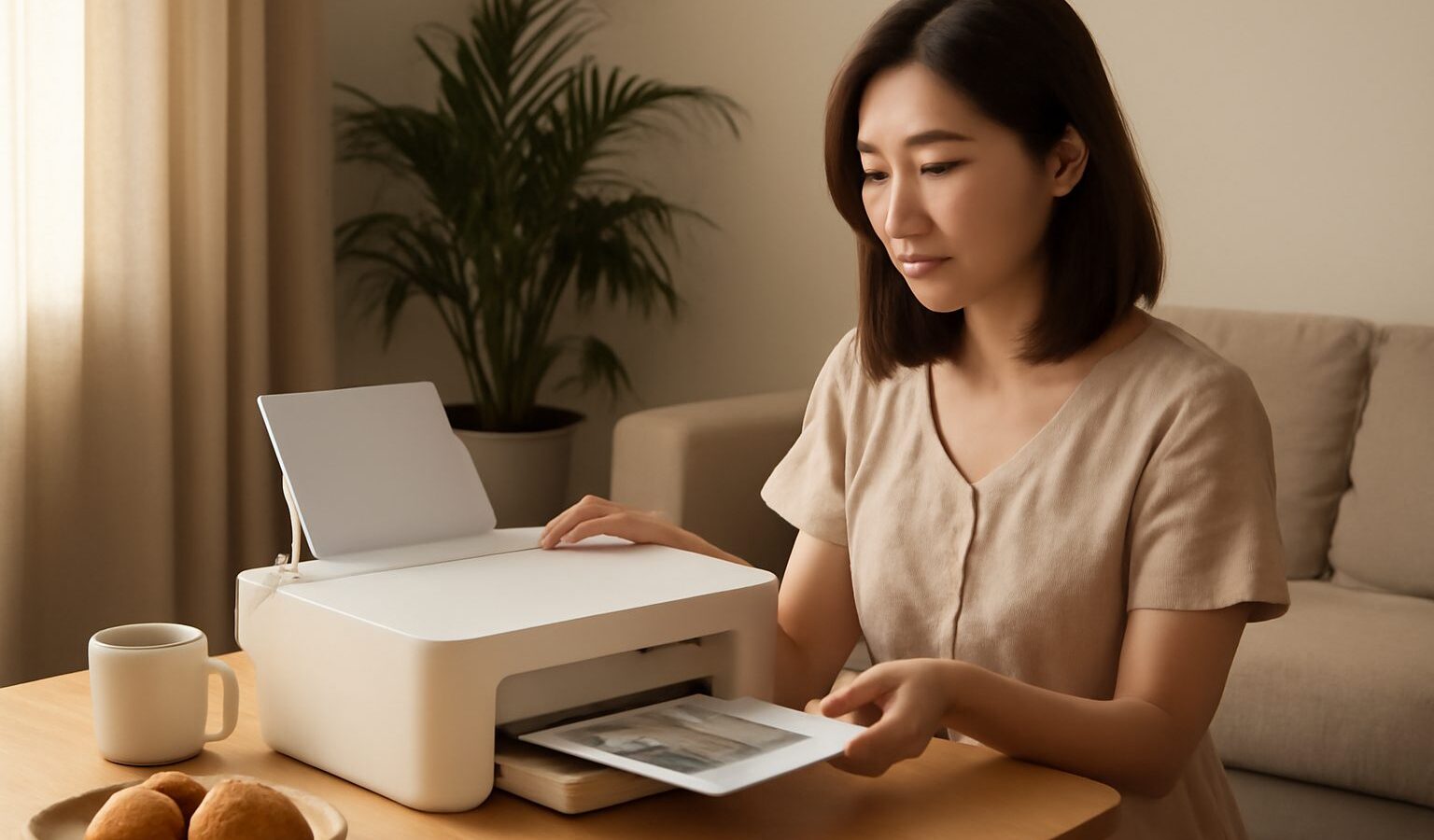
Buying a home printer singapore households will actually use is less about chasing the flashiest model and more about matching the machine to how often you print, what you print, and how much space you can spare in a flat. Print a boarding pass twice a year and your needs are very different from a family churning out school worksheets every week. This guide walks through the main printer types, the running costs that quietly add up long after the purchase, wireless printing from your phone, and the honest question of whether you need a printer at all when a neighbourhood shop is minutes away.
Do You Even Need a Printer at Home
Before comparing models, it is worth pausing on this. Many Singapore homes get by perfectly well without a printer, because printing shops are never far away. HDB neighbourhoods usually have a stationery or minimart with self-service printing, community centres and libraries offer printing and photocopying, and copy shops near schools handle bigger jobs.
- Occasional use, a few pages a year. A printing shop or library is often cheaper and simpler than owning, storing and maintaining a machine.
- Regular light use, a few pages a week. A basic home printer starts to make sense, especially for last-minute forms, tickets and children’s homework.
- Heavy or specialised use. Frequent documents, colour photos, or business paperwork justify a dedicated machine chosen carefully for cost per page.
If you print rarely, the tidiest answer may be no printer at all. A printer that sits unused for months can clog its ink and end up costing you in wasted cartridges. Be honest about your habits before you buy anything.
Inkjet, Laser and Ink Tank Explained
There are three broad families of home printer, and the right one depends mostly on what and how much you print.
Inkjet printers spray liquid ink and are the cheapest to buy. They handle both text and colour photos well, which makes them versatile for a family. The catch is the running cost: small cartridges empty quickly and replacements are pricey, so a cheap inkjet can become expensive to feed. They also suit people who print regularly, since ink can dry up in a machine left idle.
Laser printers use toner powder fused with heat. They are fast, produce crisp black text, and toner does not dry out, so they cope better with long gaps between jobs. Colour laser exists but is pricier, so most home laser buyers pick mono (black only) models for documents. If you mainly print forms, notes and paperwork rather than photos, a mono laser is often the most economical and reliable choice.
Ink tank printers (sold under names like EcoTank, Smart Tank and Ink Tank) are inkjets with large refillable reservoirs instead of small cartridges. You pay more upfront, but bottled ink brings the cost per page right down, which suits families who print a lot. They keep the photo-friendly flexibility of inkjet while easing the running-cost pain. These have become very popular in Singapore homes for exactly this reason.
What It Costs to Run, Not Just to Buy
The sticker price is only part of the story. The real cost of a printer is the ink or toner over its life, and this is where a cheap machine can quietly become the expensive one. Prices change often, so compare current cartridge, toner and ink bottle prices for any model you are considering, not just the printer itself.
| Printer type | Upfront price | Running cost per page | Best for |
|---|---|---|---|
| Basic inkjet | Lowest | Highest (small cartridges) | Very light, occasional printing |
| Ink tank | Higher | Very low (bottled ink) | Families printing often, colour and photos |
| Mono laser | Mid | Low for text | Regular black-and-white documents |
| Colour laser | Highest | Moderate | Frequent colour documents, not photos |
A few habits keep costs down whatever you choose. Buy the printer for its cartridge or ink price, not just the headline discount. Consider high-yield (XL) cartridges if you stick with a cartridge inkjet. Use draft mode and print in black for everyday pages. And be wary of very cheap printers bundled with tiny “starter” cartridges that run dry almost immediately.
Features, Connectivity and Fitting It Into a Flat
Once the type is settled, a handful of practical features shape daily life with the machine.
- All-in-one versus single function. An all-in-one adds scanning and copying, which is genuinely useful for submitting forms, saving documents and copying identity cards. Unless you truly only ever print, an all-in-one is usually worth the small premium.
- Wireless printing from your phone. Most modern printers connect over your home Wi-Fi, letting you print directly from a phone or tablet without a computer. Look for support for your devices, whether that is printing from an iPhone, an Android phone, or through the maker’s own app. This matters more than ever now that so many documents live on our phones. Pair it with a stable home network for fewer dropouts.
- Automatic double-sided printing saves paper and is handy for longer documents.
- Size and noise. In an HDB flat, a printer has to live somewhere, often a study nook, a shelf or a corner of the living room. Check the footprint, and remember laser printers tend to be bulkier and heavier while compact inkjets tuck away more easily.
Where to buy is straightforward. Electronics chains and department stores such as Courts, Harvey Norman, Challenger and Best Denki let you see models in person and ask about warranty, while official brand stores and marketplaces like Shopee and Lazada often run promotions. Sim Lim Square is a long-standing option for IT gear and consumables. For light users, Carousell can turn up gently used machines, though check the print-head condition and cartridge cost first. Wherever you shop, confirm the local warranty and compare current ink or toner prices before committing.
Explore more
A printer is one piece of a well-equipped home, so see our broader guide to buying electronics in Singapore for shopping and warranty tips. If you are setting up a study corner or home office, our guides to choosing a laptop and home Wi-Fi and mesh networking pair naturally with this one.