
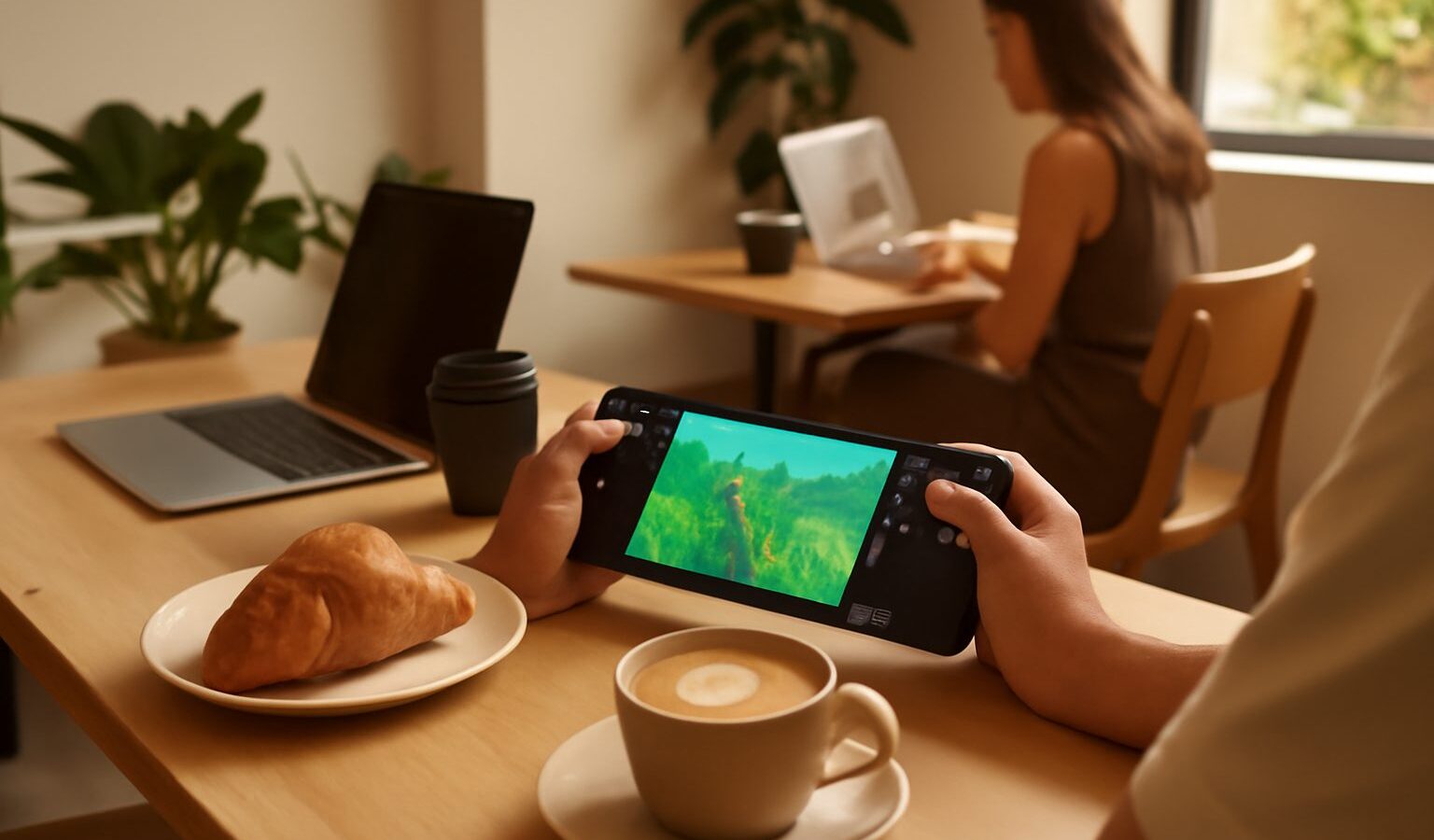
Handheld PCs, gaming laptops, portable consoles and tablets mean you no longer need to sit at home or in a LAN shop to play. Many people now take a quick session at a cafe after work, between classes or while waiting for friends. But not every space is a good fit, and some are not keen on gamers settling in for hours.
This guide covers portable gaming in Singapore outside the home: which kinds of co-working cafes and public spaces tend to suit laptop, handheld and tablet gamers, what to check before you go, and how to play without annoying staff or other customers. We do not name specific businesses, as openings, rules and policies change often. Instead, we explain how to judge any space yourself.
What Makes a Space Good for Portable Gaming
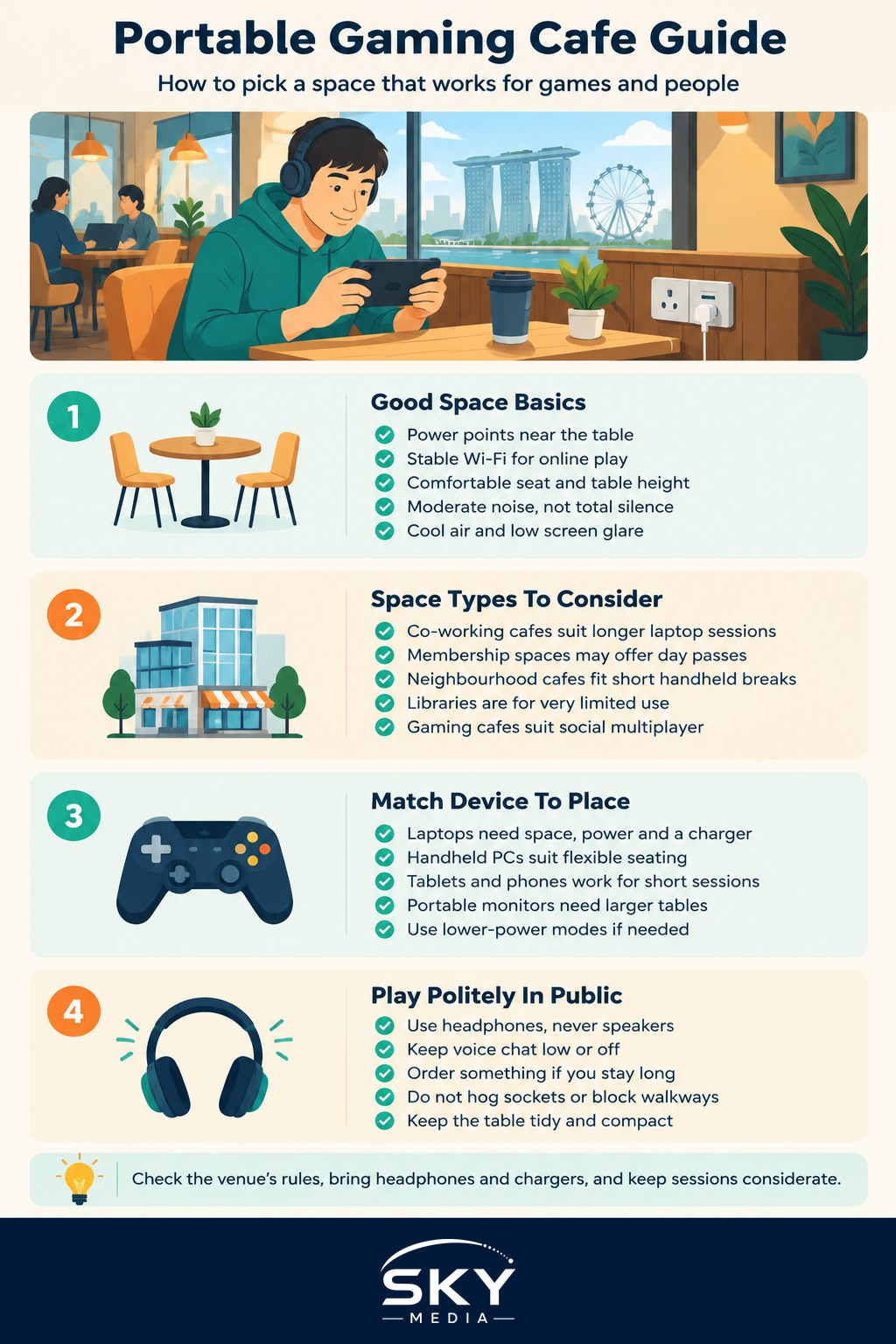
A cafe that is great for reading may be poor for gaming. Look for these features.
- Power points at the table. Gaming drains batteries quickly, especially on laptops and handheld PCs. Seats near sockets are valuable.
- Stable Wi-Fi. Online games need a steady connection, not just enough speed for email. Public networks can be congested at peak times.
- Comfortable seating and table height. Laptop gaming needs a table at a sensible height. Handheld play is easier in a supportive chair.
- Tolerance for longer stays. Some places welcome people who work for hours; others have time limits during busy periods.
- Noise level. A moderate background hum masks the clicking of keys and buttons. Very quiet spaces make every sound noticeable.
- Air-conditioning and lighting. Comfortable temperature helps both you and your device. Avoid seats with strong glare on the screen.
Types of Spaces and How They Compare
Different venues suit different devices and play styles. Here is how the main options compare.
| Type of space | What to expect | Suits | Things to check |
|---|---|---|---|
| Co-working cafes | Cafes designed for laptop users, often with sockets and long tables | Laptops, handheld PCs, longer sessions | Time limits, minimum spend, whether calls or noise are discouraged |
| Membership co-working spaces | Desks, stable internet, sometimes day passes | Laptop gaming outside work hours, quiet single-player sessions | House rules on gaming, booking terms, after-hours access |
| Regular neighbourhood cafes | Casual seating, variable sockets and Wi-Fi | Short handheld or tablet sessions | Peak hours, table turnover expectations |
| Public libraries | Quiet, air-conditioned, free seating | Very limited, offline single-player only if allowed | Library rules on device use and noise; respect study users |
| Mall seating and food courts | Open, busy, sometimes with power points | Quick handheld sessions | Security of devices, glare, crowds |
| Board game and gaming cafes | Built for play, more tolerant of noise | Multiplayer with friends, social play | Entry charges, whether outside devices are allowed |
For dedicated PC setups and multiplayer with friends, a LAN shop may be better than any cafe. Our guide to LAN shops and gaming cafes in Singapore explains what they offer, and board game cafes and tabletop gaming covers spaces that welcome group play.
Matching the Space to Your Device
Gaming laptops. These need the most space and power. Co-working cafes and day-pass co-working spaces are usually the best fit. Bring your charger and an external mouse with a quiet click. Be aware that powerful laptops can get loud under load; consider a lower-power mode in public.
Handheld PCs and portable consoles. These are the most flexible. Any comfortable seat with good lighting works for short sessions. For longer play, a power point or a power bank matters. Check your device’s charging requirements before relying on a power bank.
Tablets and phones. Ideal for short sessions almost anywhere. A small stand and a controller can make longer play more comfortable.
Portable monitors. Some players bring a portable screen for a larger view. This works in co-working spaces with large tables but can be too much in a small cafe. Our guide on choosing a portable monitor covers size and power considerations.
Gaming Etiquette in Shared Spaces
Being a considerate customer keeps these spaces welcoming for gamers.
- Always use headphones. Never play game audio through speakers in a shared space.
- Keep voice chat low or off. If you must talk to teammates, keep it brief and quiet, or step outside.
- Control your reactions. Loud celebrations or frustration disturb others.
- Buy something and respect time limits. Order regularly if you stay a long time, and leave if staff ask during busy periods.
- Do not hog the sockets. Share power points and avoid trailing cables across walkways.
- Watch your bandwidth. Avoid downloading large game updates on shared public Wi-Fi; do it at home first.
- Keep the table tidy. Gaming gear can sprawl. Keep it compact so others can sit nearby.
Practical Tips Before You Go
- Update games and download content at home. Patches can be large and public networks slow.
- Test whether your game needs a stable connection. For competitive online matches, consider a phone hotspot as backup, keeping your mobile data plan limits in mind.
- Pack a small kit. Charger, short cable, power bank, headphones, a microfibre cloth and a compact stand or grip.
- Check opening hours and rules online. Policies on laptops, time limits and minimum spend change, so confirm on the venue’s official channels before going.
- Mind your security. Do not leave devices unattended, even briefly. Use a screen lock and avoid logging into sensitive accounts on public Wi-Fi without protection.
- Manage heat. Devices can run hot during long sessions, especially if you walk in from outdoor heat. Let your device cool down in the air-conditioning before starting a demanding game, and avoid blocking vents on soft surfaces.
- Respect other customers’ privacy. If you stream or record gameplay, make sure you are not capturing people around you, and follow the venue’s rules on filming.
- Look after your body. Long sessions hunched over a handheld or laptop can cause neck and wrist strain. Take breaks, stretch and look into the distance now and then.
Building a Routine That Works
Many portable gamers settle on a couple of reliable spots: one for longer laptop sessions with sockets and steady Wi-Fi, and another nearby for quick handheld play. Visit at different times to learn when each is quiet. Off-peak hours, such as mid-afternoon on weekdays, are often easier, though this varies by neighbourhood.
If you play with friends, consider rotating between a co-working cafe for solo play and a dedicated gaming venue for group nights. That way you get the flexibility of portable gaming in Singapore without overstaying your welcome anywhere. With a bit of planning and considerate habits, a cafe can become a comfortable extension of your gaming setup.
Frequently Asked Questions
Is a handheld gaming PC better than a laptop for playing in cafes? For short, casual sessions, a handheld is easier to carry and takes less table space. A gaming laptop suits longer sessions and bigger games but needs sockets, more room and a bag to match. Choose by how long you usually play and how much you want to carry.
How can I make my battery last longer during a long cafe session? Lower the screen brightness, cap the frame rate and switch to a power-saving mode if your device has one. Closing background apps also helps. Carry a charger or power bank that matches your device’s requirements, because not every power bank can charge a laptop or handheld PC.
Is it safe to log into my game accounts on public Wi-Fi? It carries some risk, since public networks are shared with strangers. Turn on two-factor authentication, avoid saving payment details on the device, and consider a phone hotspot for important logins. Make sure the network you connect to is the venue’s real one, not a lookalike name.
Which kinds of games work best in a busy public space? Games with short rounds or easy pausing, such as puzzle, turn-based or single-player story titles, fit cafes well. Fast competitive matches are harder, because you cannot leave mid-game when staff need the table or the Wi-Fi drops. Pick what you can stop without letting a team down.
Should I ask the cafe before setting up a portable monitor or controller? It is a good idea, especially if the cafe is small or busy. A quick question to staff avoids awkwardness if they prefer you keep gear compact. Extra screens and cables take up room and can block walkways, so a smaller setup is often welcomed more.