
For most people in Singapore, the search for free office alternatives begins with a simple realisation: they use a fraction of what a paid office suite offers, yet they keep paying for the whole thing. Whether you are a student writing essays, a freelancer sending invoices, a retiree managing household documents or a small business watching costs, there are genuinely capable free tools that open, edit and create documents, spreadsheets and presentations without a subscription. The question is not whether free options exist, because they clearly do, but which type suits you and where the compatibility catches lie.
This guide covers the two main kinds of free option, downloadable office suites and cloud based document tools, explains how well they work with Microsoft formats, and helps you judge when free is genuinely enough.
Downloadable office suites
If you want software that lives on your computer and works offline, feels familiar and handles documents, spreadsheets and slides, a free desktop office suite is the closest match to the traditional Microsoft experience.
LibreOffice is the best known. It is completely free, actively maintained, and includes a word processor, spreadsheet, presentation tool and more, covering the same ground as the paid equivalents. It runs on Windows, Mac and Linux, works entirely offline, and opens and saves Microsoft formats like the .docx and .xlsx files most people exchange. For anyone who wants a no cost, no subscription tool that behaves like classic office software, it is the natural first choice.
Other free desktop suites exist with a more modern interface that some find closer to recent versions of Microsoft Office, and they too handle the common file formats. The right pick often comes down to which layout you find comfortable, so it is worth trying one before settling.
The strengths of a downloadable suite are clear. It works without an internet connection, keeps your files on your own machine for privacy, and has no ongoing cost. The trade offs are that collaboration is less seamless than cloud tools, and very complex documents built in Microsoft Office, particularly heavily formatted spreadsheets with intricate macros, may not translate perfectly. For the everyday letter, budget or slide deck, these suites are more than capable.
Cloud based document tools
The other major path is working entirely in a web browser, where your documents live online and you edit them from any device.
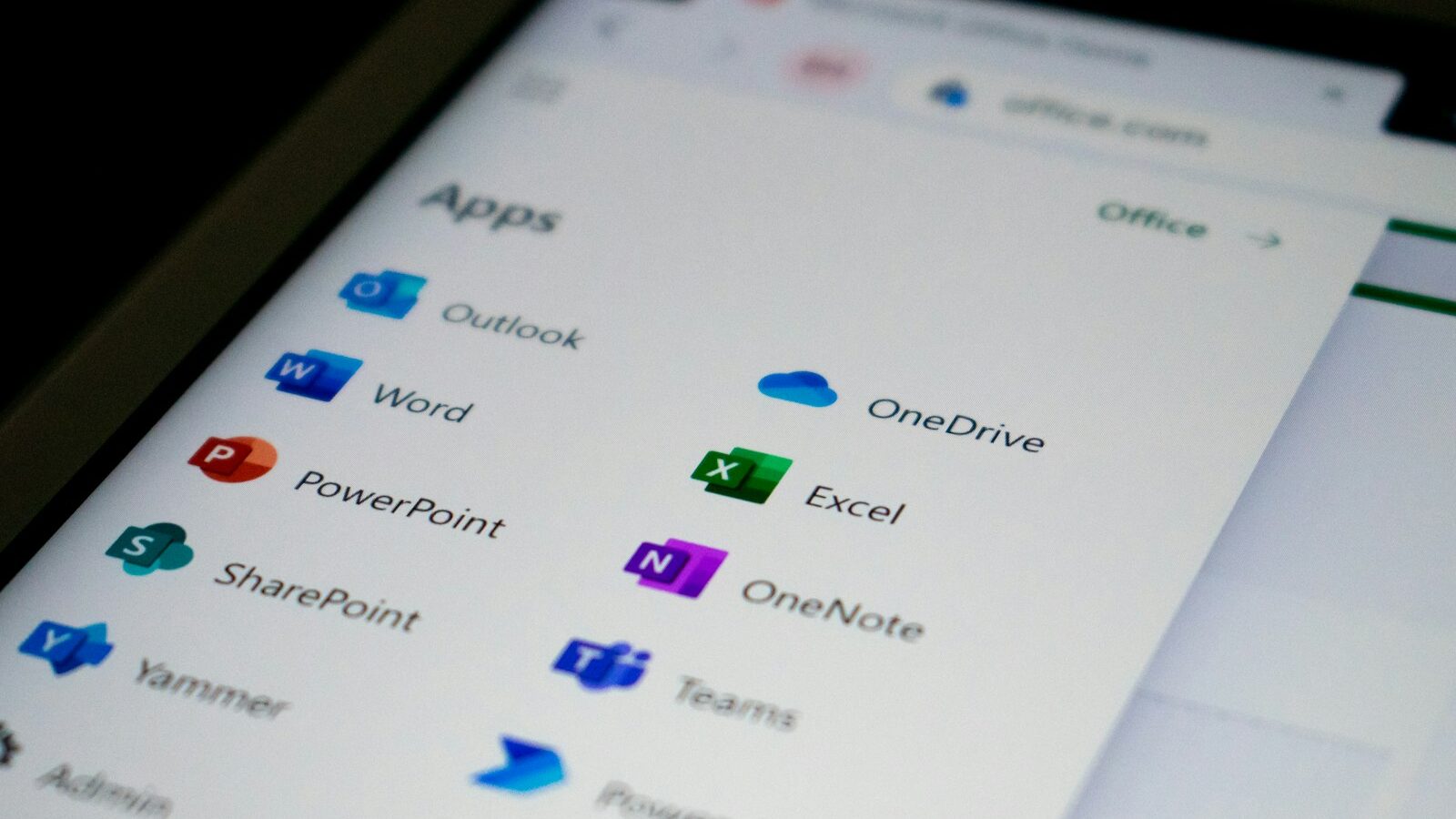
Google’s free document tools are the most widely used, offering a word processor, spreadsheet and presentation tool that run in the browser, save automatically, and make sharing and real time collaboration effortless. Several people can edit the same document at once, which is why so many group projects and small teams rely on them. Microsoft also offers free web versions of its own apps for personal use, letting you edit Word, Excel and PowerPoint files in the browser without a paid subscription, which is useful if you specifically want to stay within Microsoft formats.
Cloud tools shine at collaboration, automatic saving and access from anywhere, whether a laptop, tablet or phone. You never lose work to a crash, and sharing a document is as simple as sending a link. They also sidestep installation entirely, which suits older or lower powered computers.
The trade offs are worth weighing. You generally need an internet connection to work smoothly, though offline modes exist. Your documents sit on a company’s servers, which is a privacy consideration for anything sensitive. And while formatting is good, a document created in the desktop version of Microsoft Office can shift slightly when opened in a browser based tool. For most writing, budgeting and presenting, none of this is a real obstacle.
| Option type | Works offline | Collaboration | Best for |
|---|---|---|---|
| Free desktop suite | Yes | Basic | Private, offline document work |
| Cloud document tools | Limited | Excellent | Sharing and team editing |
| Free web Office | Limited | Good | Staying within Microsoft formats |
Compatibility with Microsoft formats
The single biggest worry people have is whether a free tool will open the files everyone else sends, and the reassuring answer is that it usually will.
Both desktop suites and cloud tools read and write the standard Microsoft formats, the .docx documents, .xlsx spreadsheets and .pptx presentations that dominate email and shared drives. For the vast majority of files, a document opens looking as intended, and you can edit and send it back without anyone noticing which software you used.
Where problems creep in is with complexity. A plain letter or a simple spreadsheet transfers perfectly. A spreadsheet packed with advanced macros, a document with unusual fonts and precise page layout, or a presentation with elaborate animations may lose some fidelity when moved between different software. Fonts are a common culprit, since a font installed on the sender’s computer may not exist on yours, causing the layout to shift.
Two habits reduce friction. First, if you must exchange a document that has to look identical, send it as a PDF, which fixes the layout regardless of what software either side uses. Second, if you regularly collaborate with people committed to Microsoft Office and swap intricate files, test a few real documents through your chosen free tool before relying on it. For everyone else, the compatibility is good enough that it simply is not an issue.
When free is genuinely enough
The honest guidance is that for most individuals and many small businesses, free is not a compromise but the sensible default.
If you write documents, keep budgets and household records, prepare presentations, and exchange ordinary files with others, a free suite or cloud tool does everything you need. Students, freelancers, retirees and lean small businesses often run for years without ever paying for office software, and the savings add up.
You might still choose a paid subscription in specific situations. If your work depends on advanced Microsoft features, if you exchange highly complex spreadsheets with clients who use the full paid apps, or if your organisation standardises on a particular platform, paying can be worth it for the seamless fit. There is no shame in that, but it should be a deliberate choice driven by a real need rather than a default habit.
Start free. Try a downloadable suite if you value offline working and privacy, or the cloud tools if collaboration and access from anywhere matter more. Test your real documents, send anything that must look perfect as a PDF, and upgrade to paid software only if you hit a wall you cannot work around. For the great majority of people in Singapore, that wall never arrives, and the free office alternatives quietly do the job year after year.