
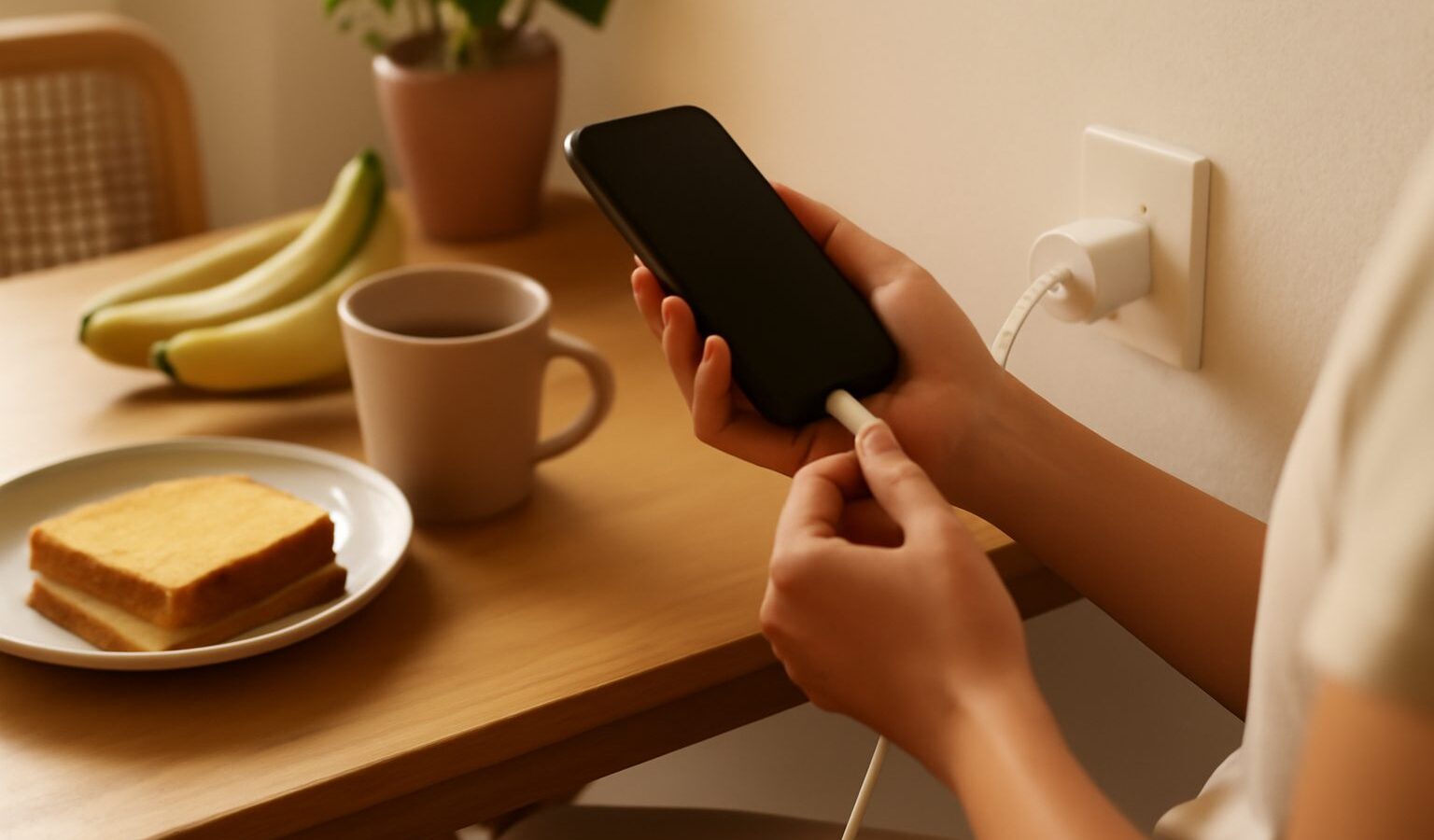
If your battery is flat by mid-afternoon, you are not alone. Improving your phone battery life in Singapore is partly about settings and habits, and partly about coping with our heat and humidity, which are genuinely hard on batteries. The encouraging part is that small changes add up quickly. You do not need to baby your phone or carry a power bank everywhere. With a few adjustments, most people get through a full day comfortably, and their battery stays healthier for years rather than months.
This guide explains what drains a battery, the settings that matter most, and the charging habits that keep your battery strong over the long run.
What Actually Drains Your Battery
A phone battery is spent by a handful of clear culprits. The screen is usually the biggest one, especially at high brightness, which we tend to crank up under bright outdoor light. After that come apps refreshing in the background, location services running constantly, and a weak mobile signal, which makes the phone work harder to stay connected. In an HDB flat with a wifi dead spot, or in a lift lobby with patchy coverage, your phone strains to hold a signal and burns through charge faster.
Heat deserves special mention here. Our climate keeps phones warm, and a hot battery both drains faster and ages faster. A phone left in direct sun, on a car dashboard, or charging under a blanket is being quietly worn down.
Settings That Make the Biggest Difference
Start with the changes that give the most return for the least effort.
- Lower your screen brightness. Turn on automatic brightness so the screen dims indoors, and avoid keeping it at maximum out of habit. This is the single most effective change for most people.
- Shorten the screen timeout. Set the screen to switch off after a short idle period so it is not glowing in your pocket.
- Rein in background activity. In settings, look for background app refresh or background data options and switch it off for apps that do not need to update constantly, such as games, shopping, and social apps.
- Tighten location access. Set apps to use your location only while you are using them, not all the time. Only maps and ride apps really need constant location.
- Turn off what you are not using. Bluetooth, and always-on features you rarely touch can be switched off. Use a battery saver or low power mode when you are running low.
- Manage notifications. Every buzz wakes the screen. Turning off non-essential notifications saves more than you would expect.
Make these changes once and they keep working for you every day.
Smart Charging Habits for a Longer Lifespan
How you charge affects how long your battery lasts before it needs replacing. Modern phone batteries prefer to live in the middle of their range rather than at the extremes.
Avoid draining to empty and constantly charging to full. Topping up in the range of roughly the low twenties to the high eighties in percentage terms is gentler than a full zero to hundred cycle. Frequent short top-ups are perfectly fine.
Do not leave the phone charging in a hot spot. Charging generates heat, and heat plus our climate is the fastest way to age a battery. Charge on a hard, cool surface, not on a bed or sofa, and take a thick case off if the phone gets warm.
Turn on battery health features if your phone has them. Many phones offer optimised or adaptive charging that slows the final top-up overnight so the battery does not sit full and hot for hours. Leave it on.
Use reputable chargers and cables. A cheap, unbranded charger from an unknown source can charge poorly or unsafely. Stick to the one that came with your phone or a quality replacement from a reputable electronics retailer.
Comparing Battery Drainers and Their Fixes
Here is a quick reference to match a common drain to its remedy.
| Battery drainer | Why it costs you | Simple fix |
|---|---|---|
| Full brightness screen | Screen uses the most power | Auto brightness, dim indoors |
| Background app refresh | Apps update when unused | Limit background data |
| Constant location access | GPS runs nonstop | Set to while using only |
| Weak signal in dead spots | Phone strains for coverage | Wifi calling, airplane mode when stuck |
| Heat from sun or charging | Hot batteries drain and age fast | Keep cool, charge on hard surface |
Coping With Heat and Weak Signal Here
Two local realities deserve their own attention: our heat, and patchy indoor coverage.
For heat, treat your phone like you would treat yourself on a hot day. Keep it out of direct sun, do not leave it in a parked car, and give it a break if it feels hot after gaming or navigation. Removing a thick case while charging helps it shed heat. If the phone regularly gets very warm, that heat is shortening its battery life.
For weak signal, switch on wifi calling at home so your phone uses your broadband instead of straining for a mobile signal in a dead spot. If you are somewhere with almost no coverage and do not need to be reachable, airplane mode stops the phone from constantly hunting for a tower and draining fast. In a flat with wifi dead spots, moving your router or adding a mesh extender helps your phone stay connected on less power.
When the Battery Itself Is the Problem
Sometimes the battery is simply worn out. Batteries lose capacity gradually, and after a few years of daily charging, yours may hold far less than when it was new. Signs include the phone dying suddenly at twenty or thirty percent, shutting down in cooler conditions, or getting hot during light use.
Many phones show a battery health figure in settings. If it has dropped low and the phone struggles to last, a battery replacement is worth considering. Use an authorised or reputable repair service rather than opening the phone yourself, since batteries can be dangerous if damaged, and always back up your data first. A fresh battery often makes an older phone feel new again, at a fraction of the cost of replacing it.
With good habits and a little care against our heat, your battery can serve you well for a long time.
Explore more
A healthy battery and a fast phone go together. If your phone also lags, our guide on speeding up a slow phone pairs well with these tips, since heat and clutter hurt both. For sudden battery drops and other glitches, see fixing common smartphone problems, and to protect the battery from heat and knocks, read protecting your phone from damage.