
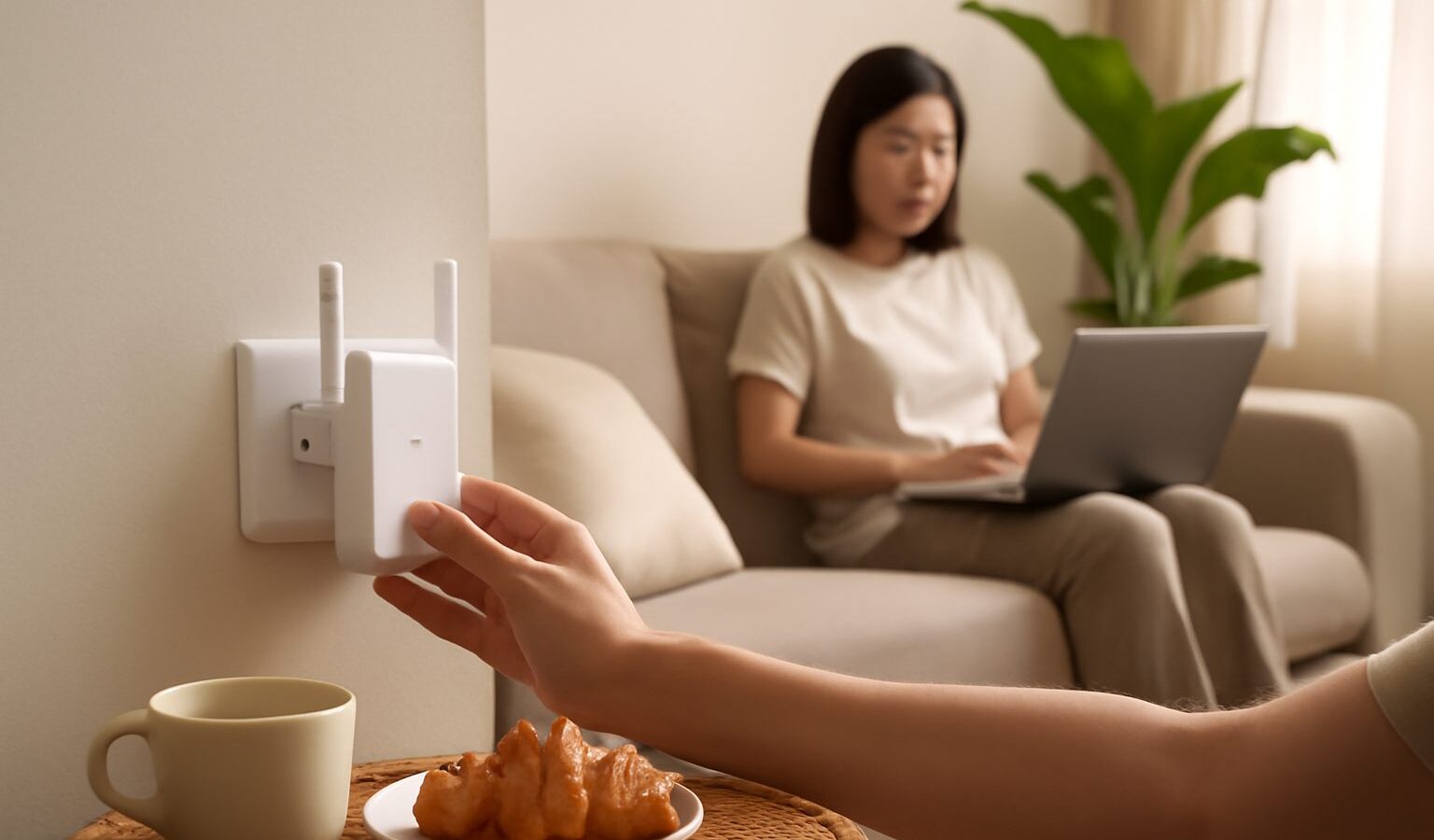
If the signal is strong in the living room but crawls in the back bedroom, you have a coverage problem, not a speed problem. The fix is to extend wifi range across your Singapore home so every room gets a usable connection. In a typical HDB flat, concrete walls, a long corridor layout, and a router tucked in a corner all conspire to create dead spots. This guide shows you how to push the signal further using free placement tricks first, then a mesh system or an extender if you still need more. You do not need a faster plan to reach a further room.
Find Your Dead Spots First
Before you buy anything, map where the signal actually fails. Walk your home with your phone and watch the wifi bars, or run a quick speed test from your provider app in each room. Note which spots are strong, weak, or dead. Common problem areas in local flats include the master bedroom furthest from the living room, the kitchen and yard behind solid walls, the bomb shelter or store room, and the toilet at the far end of the corridor.
Understanding why the signal drops helps you fix it:
- Distance weakens wifi steadily the further you go from the router.
- Concrete walls, especially several in a row, block a lot of signal.
- Mirrors, metal cabinets, fish tanks, and large appliances reflect or absorb it.
- The higher frequency band is fast but fades quickly, so far rooms lose it first.
Once you know where the gaps are, you can aim your effort at them instead of guessing.
Free Fixes Before You Spend
Many dead spots vanish once the router is placed properly, and this costs nothing.
- Move the router out into the open, not inside a cabinet or behind the TV.
- Raise it up onto a shelf or mount it higher on the wall, since signal spreads better from height.
- Shift it toward the centre of your home, or at least toward the rooms you use most.
- Keep it clear of the microwave, cordless phone, and mirrors, which interfere with the signal.
- Point any antennas upward for better coverage on the same floor.
- Update the router firmware through its app or settings page, which can improve range and stability.
If your fibre point is fixed in a bad corner, run a longer network cable to reposition the router in a more central spot. For a device that sits in one place, like a smart TV or desktop, a wired cable connection removes it from the wifi load entirely and frees up the airwaves for everything else.
Choose Between Mesh and an Extender
When placement is not enough, you add hardware. The two main choices behave quite differently, so match the tool to your home.
An extender, also called a booster, sits between the router and the dead spot and repeats the signal onward. It is cheaper and quick to set up. The trade off is that repeating often cuts the speed on the extended side, and many extenders create a second network name you have to switch between as you move. It suits one isolated dead spot, such as a single back room.
A mesh system uses two or more units that work together under one network name. Your phone hands over from one unit to the next automatically as you walk around, so there is no switching and no sudden drop. It costs more but blankets a whole flat evenly, which is why it is the better choice for long layouts, multiple dead spots, or homes over two levels.
Compare Your Range Options
Use this table to pick the approach that fits your flat and budget.
| Option | Best for | Cost | Watch out for |
|---|---|---|---|
| Better router placement | Almost every home, as step one | Free | May not reach the very furthest room |
| Wired cable to a room | A fixed TV, console, or desktop | Low | Needs a cable run along the wall |
| Wifi extender | One isolated dead spot | Lower | Speed drop, extra network name |
| Mesh system | Whole home, long or multi storey | Higher | Needs space and power for each node |
Set It Up for the Best Result
Getting the placement of your new gear right matters as much as buying it.
- Put an extender or mesh node about halfway between the router and the dead spot, not inside the dead spot itself, because it can only rebroadcast a signal it receives well.
- Keep each unit out in the open and off the floor, same as the main router.
- If you use mesh, some units connect back to the main router by cable, which gives the steadiest result if you can run a wire.
- After setup, walk the home again with your phone and confirm the weak rooms now hold a signal. Adjust the node position if a spot is still soft.
- Give everything a restart once it is all in place, so devices pick the nearest, strongest unit.
Heat is worth a thought too. Our climate is warm and humid, and units crammed into closed, stuffy spots run hot and can slow down, so leave a little air around them.
Know When to Stop and Upgrade Instead
Sometimes the real issue is an ageing router that cannot cope, and no amount of extending will hide that. If your main router is many years old, struggles even in the same room, or drops the whole home at once, replacing it may solve the coverage problem more cleanly than patching around it. Likewise, if the whole line is slow next to the router, the fix is with your plan or provider, not the range. Extending helps you spread a good signal further. It cannot create speed that the router or plan never had in the first place.
Explore more
Coverage and speed go hand in hand. If rooms are slow even up close, start with our guide on how to fix slow home wifi. If your router is old and struggling to reach anywhere, read how to choose a wifi router that suits your flat. And to improve another corner of home life, see how to get better TV picture and sound.