
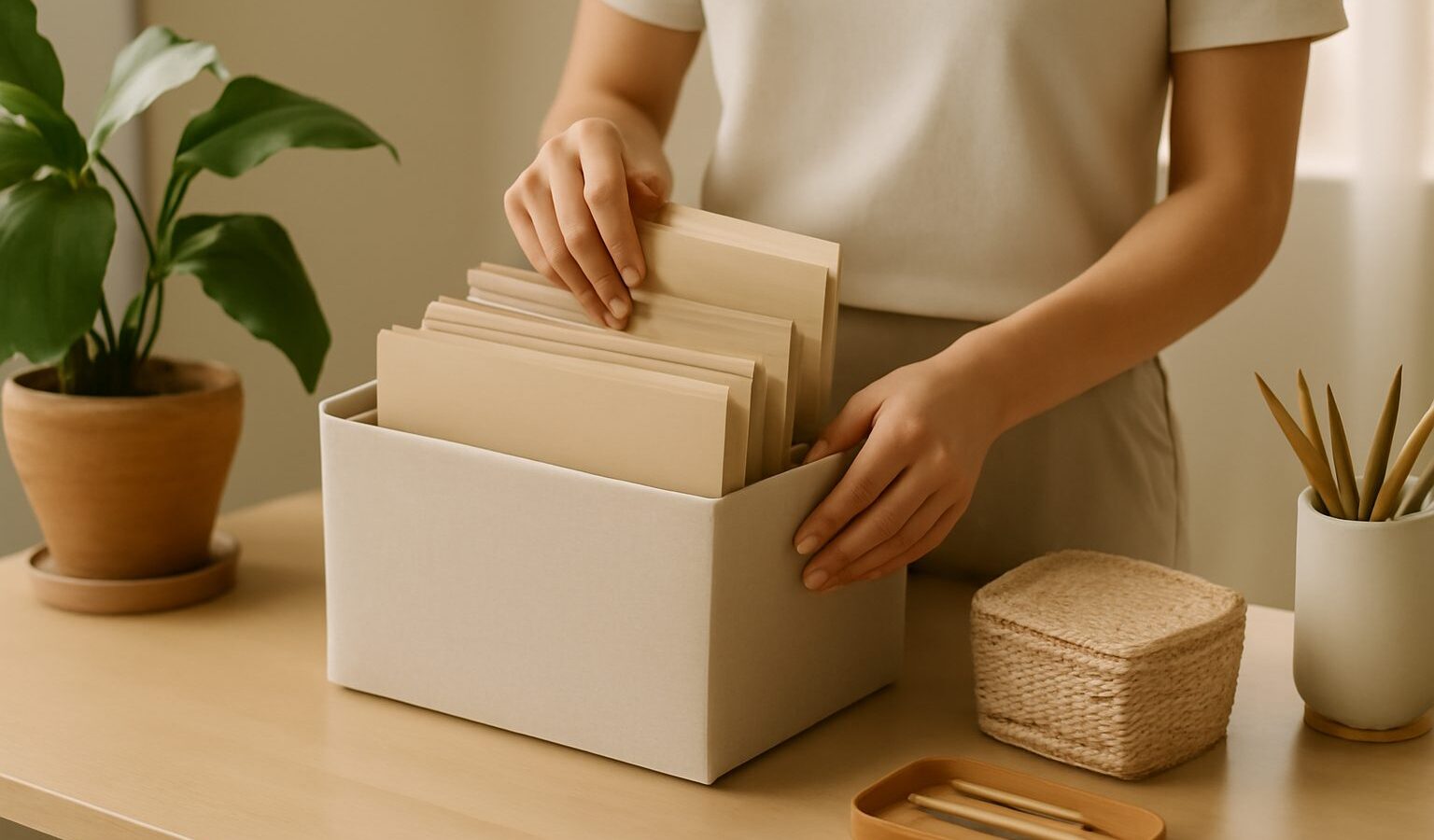
If your desktop is a sea of icons and “Downloads” is where files go to disappear, you are not alone. Learning to organise files in Singapore is less about being tidy for its own sake and more about saving time, avoiding stress, and never again losing an important document the night before you need it. This guide gives you a simple folder system, sensible naming habits, and a light routine that keeps things in order without turning file management into a second job. It works whether you are on a laptop, a phone, or a mix of both.
Build a Simple Folder Structure
A good system is one you will actually stick to, so keep it shallow and obvious rather than clever and deep. Digging through eight nested folders to reach one file is worse than a little scrolling.
Start with a small set of top-level folders that match your life, not the software’s defaults. Common ones include Work, Personal, Finance, Home, and Photos. Under Finance you might keep folders for Bank, Insurance, and Receipts. Under Home you might keep IRAS and HDB or rental documents, warranties, and manuals. The point is to sort by area of life, so you always know roughly where something belongs.
Add a year where it helps. For things that repeat, such as tax documents, payslips, or medical bills, a folder per year keeps each batch separate and easy to archive later. You do not need this everywhere, only where the pile keeps growing.
Give every project its own home. If you are planning a wedding, a renovation, or a trip, one clearly named folder holding everything, documents, quotes, and photos, beats scattering the pieces across your drive.
Tame the Downloads folder. Treat it as a temporary tray, not a filing cabinet. Once a week, move what matters into its proper folder and delete the rest. This single habit prevents most digital clutter.
Resist over-organising. Two or three levels deep is usually enough. If you find yourself creating a folder that will only ever hold one file, it probably belongs in the folder above it instead. For a wider tidy-up beyond files, our guide to declutter your digital life covers apps, photos, and inboxes too.
Name Files So You Can Find Them Later
Folders tell you where a file lives, but good names tell you what it is at a glance and let search do the hard work.
Be descriptive and consistent. A name like “Aircon Warranty 2026” beats “scan_0043”. Include what the file is, and a date or year when it matters. Putting the date first in year-month-day form, such as “2026-09-05 Invoice”, makes files line up neatly in date order automatically.
Avoid vague words like “final”, “final2”, and “latest”. They multiply until nobody knows which is the real one. If you must track drafts, add a version number, for example “v1”, “v2”, “v3”.
Keep names clean. Avoid symbols like slashes, colons, and question marks, which some systems dislike. Spaces or simple hyphens are fine and easy to read.
Use search as your friend. Once files are named sensibly, your computer’s built-in search will jump straight to them. You do not need to remember the exact folder if the name is clear.
Sync, Back Up, and Keep It Tidy
Organising is only half the job. The other half is making sure your files survive a lost phone, a dead laptop, or an accidental delete.
Use cloud storage for the files you would hate to lose. Storing important documents in the cloud means you can reach them from any device and they are safe if your hardware fails. Our guide to cloud storage and backup explains the main options and how to choose. If you work across a phone, tablet, and laptop, see syncing your files across devices so the same tidy folders appear everywhere.
Keep a real backup, not just a copy in one place. A simple rule is to keep your files in more than one location, for example on your computer and in the cloud, so a single failure never wipes out everything. A full walkthrough lives in our guide to back up your computer.
Protect sensitive documents. Files with your NRIC, bank details, or Singpass information deserve extra care. Keep them in a clearly separated folder, and never store passwords or one-time codes in a plain document. If a website or caller ever asks you to send such files, treat it as a warning sign, as banks and government agencies will not ask for these out of the blue.
Do a small monthly reset. Spend ten minutes each month clearing Downloads, filing loose documents, and deleting duplicates. Little and often keeps the system healthy, where a once-a-year marathon rarely gets done.
Putting It All Together
Start today with three top-level folders, empty your Downloads tray, and rename the next file you save in a way your future self will understand. Point your most important documents at the cloud so they are backed up automatically, and block ten minutes a month to keep things neat. A tidy set of files is quietly one of the most useful tech habits you can build, because it gives back time and peace of mind every single week.