
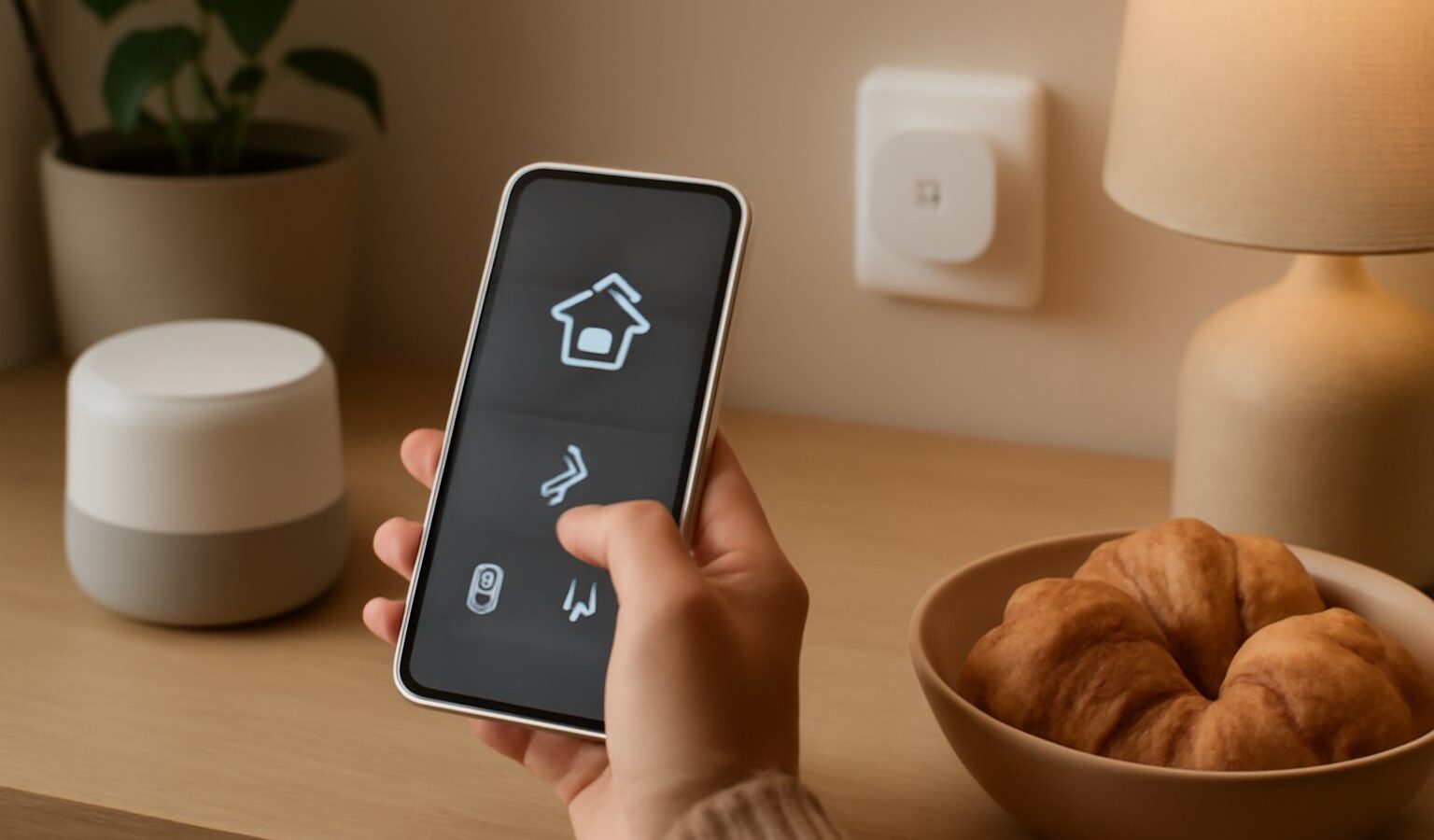
If you have shopped for a smart bulb or plug lately, you have probably seen two words popping up on the box: Matter and Thread. They sound technical, and the marketing rarely explains them clearly. This guide breaks down the Matter Thread smart home story in plain language for Singapore readers, so you can understand why these standards exist, what they actually do, and how to shop with a little more confidence.
The short version is that these two standards are trying to fix the biggest headache in the smart home, which is that gadgets from different brands often refuse to work together. That promise is real, but it is still early days, so it helps to know what is solid today and what is still maturing.
The Problem These Standards Solve
For years, the smart home has been a mess of walled gardens. You buy a bulb that only speaks to one app, a sensor that needs its own separate hub, and a plug that works with one voice assistant but not another. Many households end up juggling three or four apps just to control the lights, the aircon and the front door.
Matter is the industry’s answer. It is a common language, backed by Apple, Google, Amazon, Samsung and many device makers, that lets certified products talk to one another regardless of brand. In practice, a Matter light bulb should set up and work with Apple Home, Google Home and Amazon Alexa, rather than forcing you to pick one ecosystem and stick with it forever. You can even use the same device across several of these platforms at once.
Thread is a different piece of the puzzle. Where Matter is about the shared language, Thread is about how the devices physically connect. It is a low power wireless network, a bit like a cousin of WiFi and Bluetooth, designed specifically for small home gadgets that need to be reliable and sip very little power.
How Matter and Thread Fit Together
It helps to think of Matter and Thread as two separate layers that often work as a team but do not have to.
Matter is the language. Thread is one of the roads that language can travel on. A Matter device might connect over your ordinary WiFi, over a wired Ethernet connection, or over Thread. So you can have Matter without Thread, and you can have Thread devices, but the pairing of the two is what many newer products are aiming for.
The reason Thread is exciting is the way it is built. Thread devices form a mesh, which means many of them relay signals for one another. Mains powered gadgets, such as smart plugs and some bulbs, act as little repeaters that pass messages along. The more Thread devices you own, the stronger and more reliable the whole network tends to become, and there is no single hub that everything depends on. If one device drops off, the mesh routes around it.
To use Thread, you need at least one Thread border router in your home. This is the bridge between your Thread devices and the rest of your network. The good news is that many people already own one without realising it. Popular smart speakers and home hubs from the big platforms often include a Thread border router built in.
Here is a simple way to see who does what:
| Term | What it is | What it does for you |
|---|---|---|
| Matter | A shared standard, or common language | Lets certified devices work across Apple, Google and Amazon |
| Thread | A low power wireless mesh network | Connects small devices reliably with no single hub |
| Border router | A bridge device, often built into a hub or speaker | Links your Thread devices to your home network |
| Ecosystem | An app and voice platform such as Apple Home | Where you actually control and automate everything |
What This Means When You Shop
For a Singapore household, the practical takeaway is fairly simple. Look for the Matter logo on the box if you want the best chance of a device working across different apps and voice assistants. That single logo tells you the product has been certified to the standard rather than locked to one brand.
If a product also supports Thread, that is a bonus for reliability and battery life, especially for sensors and devices scattered around a larger flat or a landed home where WiFi coverage can be patchy. Just remember you will need a Thread border router somewhere in the home for those devices to join the mesh.
Do check which control app you plan to build around. Even with Matter, some advanced features of a device may only appear in the maker’s own app rather than in the shared platform. The basics, such as on, off and dimming, are covered by the standard. The fancier extras are sometimes not.
It Is Still Maturing
This is the honest part. Matter and Thread are genuine steps forward, but they are young standards and they are still being polished. Early adopters have run into fiddly setup, features that arrive later than promised, and the occasional device that behaves better in one ecosystem than another. Updates are rolling out steadily and things are improving month by month, but you should not expect flawless magic just yet.
A sensible approach is to treat Matter support as a helpful tie breaker rather than the only thing that matters. If two similar bulbs sit side by side and one carries the Matter logo, that one is the safer long term bet. But do not throw out perfectly good gear you already own simply because it predates these standards. Bridges and hubs can often bring older devices into a Matter setup, extending their life rather than sending them to the bin.
A Few Buying Tips
When you are ready to add a device, keep these points in mind:
- Check the box or product page for the Matter logo, and note separately whether Thread is listed.
- Confirm you have a compatible hub or speaker that can act as a Thread border router if you want Thread devices.
- Decide on your main control app first, then buy devices that play nicely with it.
- Read recent reviews, since firmware updates change how well a device behaves over time.
- Start small with a couple of devices, get comfortable, then expand.
The Matter Thread smart home is heading in a genuinely good direction, towards a future where your gadgets simply cooperate instead of forcing you into one brand. It is not fully there today, but understanding the two standards means you can buy with an eye on tomorrow and avoid the worst of the compatibility traps along the way.
Explore more
Smart Home Setup
Home WiFi and Mesh Networking
How to Choose a WiFi Router