

Picture the same playlist following you from the kitchen to the living room to the bedroom, or different music in each room, all controlled from your phone. That is the promise of whole-home sound, and building a multi room audio singapore setup is more achievable than it used to be, even in a compact HDB flat or condo. This guide explains how these systems work and the features worth looking for, without naming “the best” speakers or quoting prices, since those shift constantly and the right choice depends on your home. Think of it as a framework for reading current reviews and matching a system to your rooms, your budget, and how you actually listen.
What multi-room audio actually means
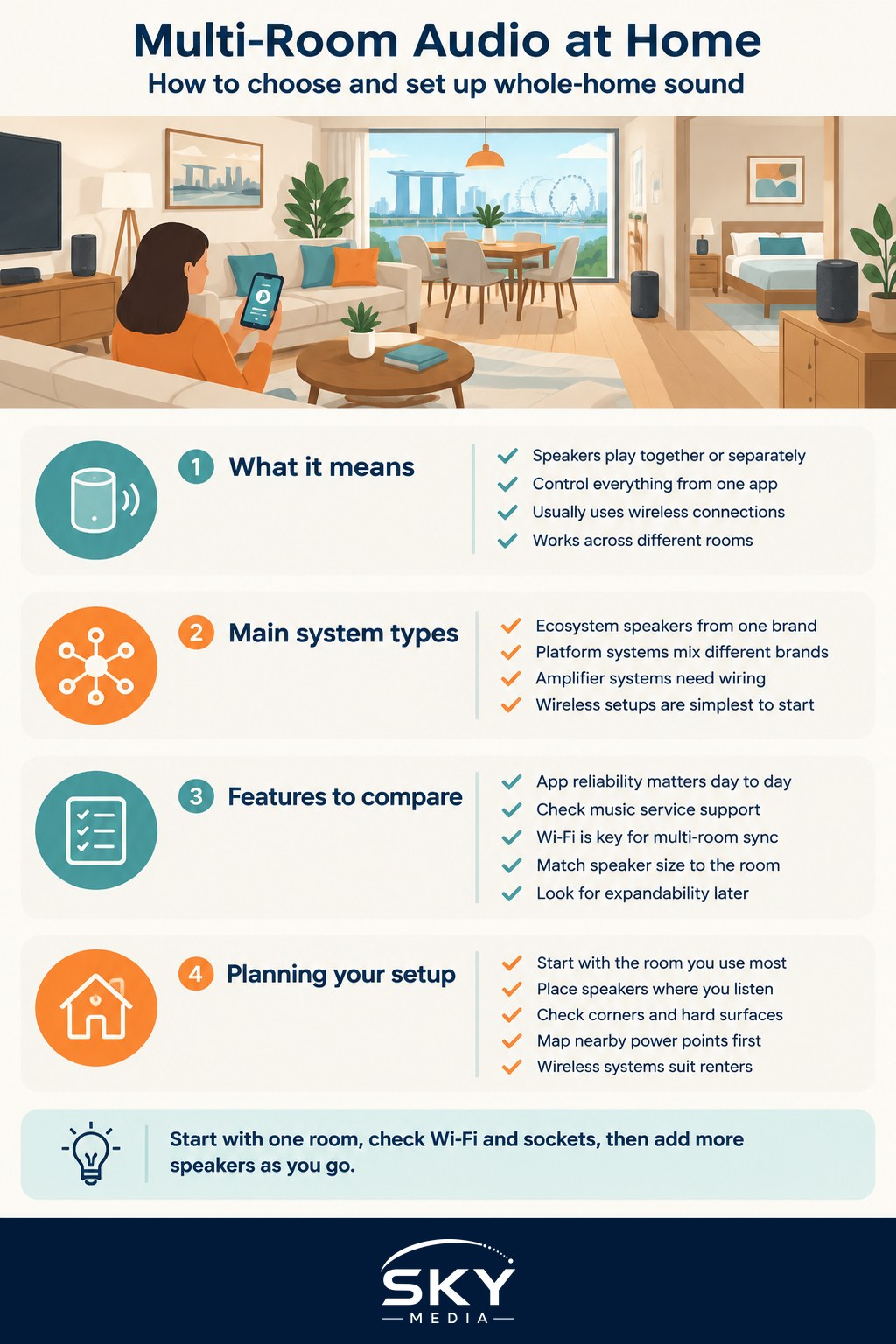
At its heart, multi-room audio is a group of connected speakers that can play in sync or independently, managed from one app. Instead of one speaker in one room, you place speakers around the home and control them together.
There are a few common approaches:
- Ecosystem speakers. Wireless speakers from a single brand or platform that are designed to work together over Wi-Fi. Easiest to set up, but you are tied to that ecosystem.
- Platform-based systems. Speakers from different makers that all support a shared streaming standard, giving you more mix-and-match freedom.
- Amplifier and wiring based systems. More involved setups where a central amplifier feeds speakers around the home. Powerful, but usually needs installation, which is tricky for renters.
Most people starting out choose wireless ecosystem speakers because they are the simplest. If you already lean on a voice assistant, our guide to smart speakers and voice assistants is a useful companion, since many multi-room speakers double as voice assistants.
Features that matter
When comparing systems, focus on the things that shape daily use.
- Ecosystem and app. As with any smart home gear, the app runs the show. Check that it is reliable and works with the streaming services you use, and consider how it fits any wider smart home setup you already run.
- Streaming support. Make sure it plays nicely with the music services you already pay for. Our overview of music streaming services can help you match them up.
- Wi-Fi versus Bluetooth. Multi-room sync generally relies on Wi-Fi rather than Bluetooth, so a stable network across your home matters. If you have dead spots, sort out home wifi and mesh networking first.
- Room size and speaker size. Match the speaker to the space. A small speaker suits a bedroom or study; a larger one suits an open living and dining area.
- Expandability. Can you start with one or two speakers and add more later? Buying into a system that grows with you avoids waste.
- Stereo pairing and home cinema. Some systems let you pair two speakers for stereo, or add a speaker to your TV setup. If TV sound is part of the goal, our guide to choosing a soundbar is worth a look.
Planning your setup
You do not need to wire up the whole flat on day one. In fact, the smart way to start is small.
- Begin with the room you use most, often the living room, and add rooms over time.
- Prioritise where you actually listen. There is little point putting a speaker in a room you rush through.
- Think about placement. Corners and hard surfaces change how sound behaves, so a little experimentation helps.
- Plan for power. Each speaker needs a socket nearby, which can be scarce in older flats, so map out your points before buying.
For renters, wireless systems are your friend because they need no permanent installation and move house with you. Avoid anything requiring in-wall wiring unless you own the place and are ready for renovation work.
Getting the most from it
Once it is running, a few habits improve the experience. Group rooms for parties or cleaning days so the same music plays everywhere, then split them when different people want different things. Use routines and voice control to start music hands-free where your system supports it. And remember that our climate means keeping speakers out of direct sun and away from damp spots helps them last.
The sensible way to buy
There is no universal best multi-room system, only the one that fits your home, your streaming habits, and your budget. Decide which rooms you truly want sound in, pick a platform that supports your music services and any voice assistant you use, and confirm your Wi-Fi can handle it. Then read current, independent reviews for the specific speakers on your shortlist, and start with one or two before expanding.
Build it up gradually, match each speaker to its room, and you will end up with sound that follows you around the home without a tangle of wires or a hole in your wallet.
Further reading: Understanding Dolby Atmos and Spatial Audio