
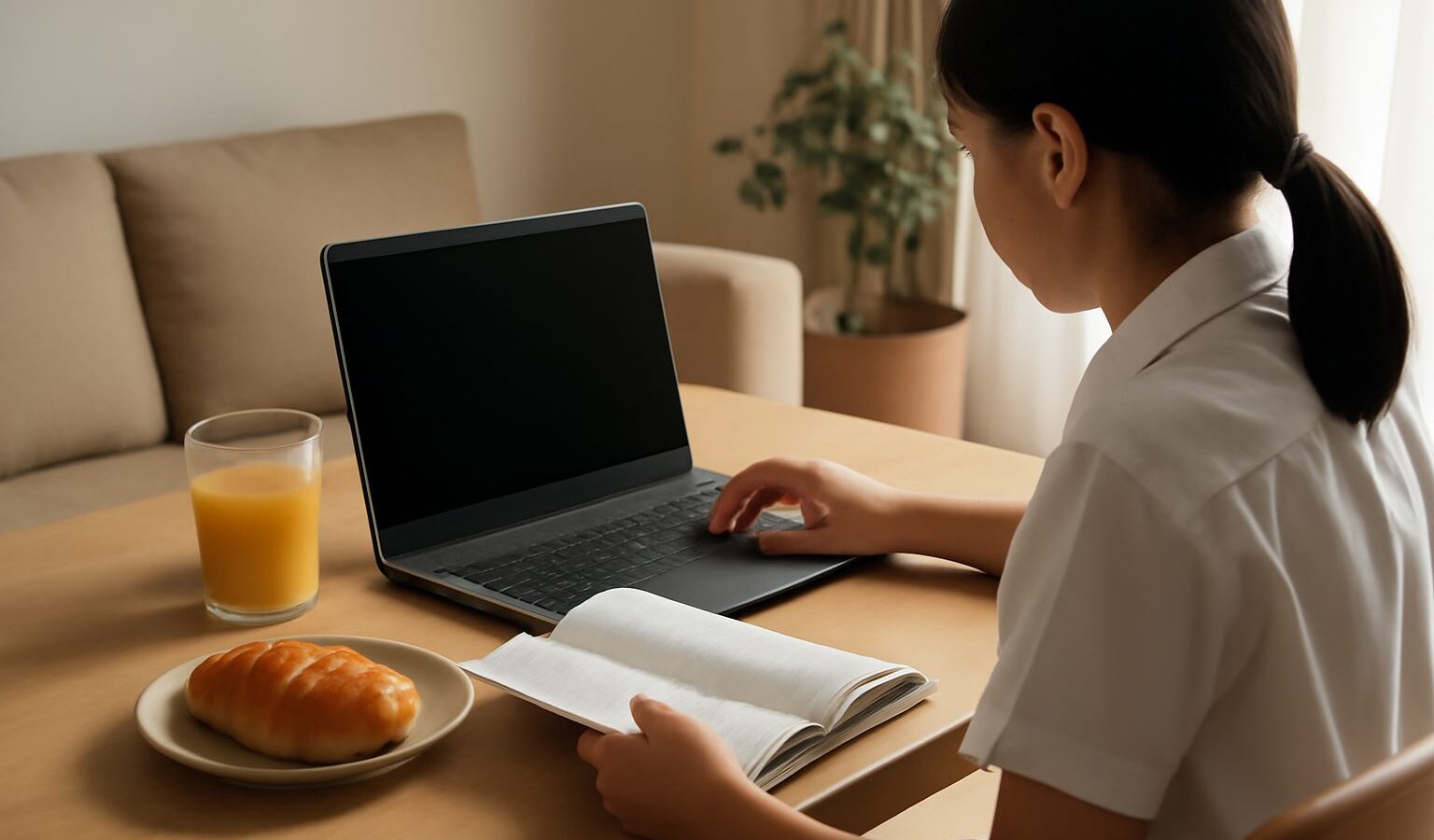
When your child starts secondary school, one of the first letters home will be about buying a personal learning device. The personal learning device in Singapore, usually called a PLD, is a tablet or laptop that each secondary student owns and uses for lessons, homework and online learning. It is part of a Ministry of Education (MOE) initiative to build digital literacy, and it comes with its own rules on payment, software and care. This guide explains how the scheme works from a parent’s point of view, so you know what you are signing up for.
This is general information. Details such as device models, costs and subsidy amounts are set by MOE and your child’s school and can change, so always refer to the school’s letter and MOE’s official website for the current terms.

How the PLD Scheme Works
Under the scheme, secondary students use a school-prescribed device for learning. The key features are:
- The school chooses the device. Each school selects a device type, such as a tablet or a laptop, from options approved for the scheme. Different schools may use different models.
- Purchase is arranged through the school. Parents are usually asked to buy the device through a school-arranged bundle rather than shopping for any device on their own.
- The bundle typically includes protection. PLD bundles have generally included an extended warranty and insurance coverage. Read the bundle terms to see what is covered, for how long and what the claim limits are.
- The device is your child’s. Ownership rests with the student, but it must be used in line with school rules during the period of study.
Schools normally explain the purchase process during Secondary 1 orientation or early in the year. If you missed the briefing, the form teacher or the school’s general office can help. Our guide on how to prepare for Secondary 1 orientation covers other things to sort out at the same time.
Paying for the Device: Edusave and Subsidies
Cost is the first concern for most families. The scheme was designed so that money should not stop any student from having a device.
- Edusave. Singapore Citizen students have an Edusave account, a government-funded account for education expenses. Parents can typically use Edusave funds to pay for the PLD, with any balance paid in cash. You will usually need to give consent through the school’s process.
- Financial assistance. Students from lower-income households may qualify for additional subsidies that reduce or cover the out-of-pocket cost. Eligibility is based on household income criteria set by MOE.
- Permanent residents and international students. Funding arrangements differ for non-citizen students. Ask the school what applies to your child.
Because subsidy amounts and income criteria are reviewed from time to time, check the latest details on MOE’s website and with the school’s financial assistance officer before you decide.
Device Management Software: What It Does and Why
Every PLD bought through the scheme has a device management application (DMA) installed. This is software that lets the school and MOE manage how the device is used. Parents often have questions about it, so here are the basics.
What the DMA generally does:
- Filters harmful content, blocking websites and material considered unsuitable for students.
- Manages screen time and apps during school hours, so the device is used for learning in class.
- Lets teachers manage the device in lessons, for example by pushing out apps or limiting distractions.
- Allows certain controls after school hours, with parents typically able to choose between settings that give different levels of restriction at home.
What parents should know:
- The DMA is required on the school-prescribed device for the period the student is in school.
- Parents usually get a say on after-school settings. The school will explain the options and how to change them, often through a parent portal or form.
- Data handling is governed by MOE policies. If you have concerns about what data is collected, read the school’s notice or ask the school directly.
- The DMA is a safety net, not a replacement for parenting. Talk with your child about online habits, privacy and screen time as well.
Comparing Your Options at Home
| Setting or choice | What it means for your child | Good fit for |
|---|---|---|
| School default settings after hours | Similar restrictions continue at home | Younger teens still building habits |
| Parent-adjusted settings | Parents set limits within the options offered | Families who want a middle ground |
| Fewer restrictions after hours | Child manages use with less filtering | Older, more independent students, with agreed house rules |
| Separate family device for leisure | PLD kept for schoolwork, gaming on another device | Families who want clear boundaries |
The exact settings available depend on what MOE and the school offer at the time, so treat these as broad approaches rather than fixed menu items.
Caring for the Device
A PLD is used daily for years, so care matters.
- Get a sturdy case and a screen protector. School bags get dropped, and tablets in particular are vulnerable.
- Label the device and charger. Many identical devices sit in the same classroom.
- Charge it every night. A flat battery in class means a lost lesson.
- Keep food and drinks away. Liquid damage is one of the most common issues.
- Do not remove the DMA or try to bypass it. This can break school rules and may affect warranty coverage.
- Back up work. Encourage your child to save files to the cloud account the school provides.
If the device is damaged or stops working, follow the claim or repair process explained in the bundle documents, which usually goes through the school or the appointed vendor. Report loss or theft promptly. A police report may be required for insurance claims involving theft, so check the policy wording.
Helping Your Child Settle Into Digital Learning
The device is one part of a bigger change. Secondary school brings new subjects, more independence and more time online for homework.
- Agree on house rules early, such as no devices in the bedroom after a set time.
- Learn the main learning platforms your child uses, so you can follow their assignments.
- Watch for signs of stress or excessive screen time, and speak to the form teacher or school counsellor if you are worried.
- Model good habits yourself, such as putting phones away at meals.
For more on the wider adjustment, read our guides on the transition to secondary school and supporting the move to secondary school.
The personal learning device in Singapore is designed to help students learn confidently in a digital world, with funding support and safeguards built in. Read the school’s PLD letter carefully, use Edusave and subsidies where you are eligible, set sensible home settings and teach your child to look after the device. With those steps in place, the PLD becomes a useful tool rather than a source of worry.
Further reading: Mobile Phone Rules in Singapore Schools: What Students Can and Cannot Do