
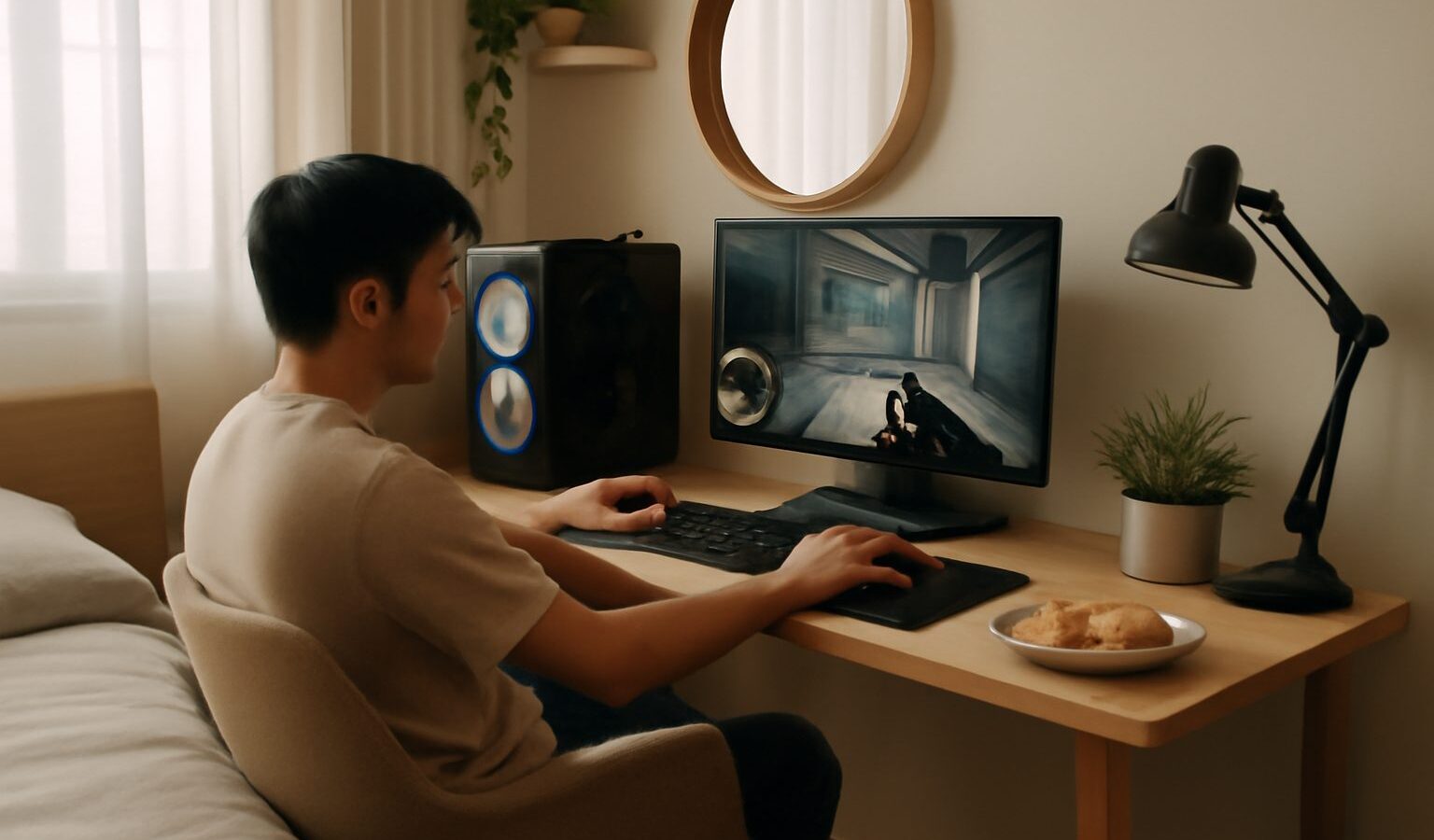
You do not need a spare room to enjoy your games. A well planned gaming corner HDB owners can be proud of fits neatly into a bedroom, a study nook or even a quiet stretch of the living room. The trick is working with the space you have, keeping cables tidy, managing heat in our warm climate and being considerate about noise. This guide walks a complete beginner through the practical choices, so you end up with a comfortable spot to play rather than a cluttered mess.
Picking the right spot in a compact flat
Start by being honest about how much room you actually have. Most HDB bedrooms are cosy, so measure the wall or corner you plan to use before buying anything. A desk of around 100 to 120cm wide suits a single monitor and keyboard, while a wider surface helps if you want a second screen later.
Think about who else shares the flat. If you game late at night, a corner away from where family members sleep is kinder to everyone. A spot near a window gives you natural light and a little airflow, but avoid placing a screen where direct sunlight causes glare during the day. A blank wall behind the desk keeps the background calm, which matters more than you would expect if you ever record or stream.
A few placement tips for small rooms:
- Face the desk into a corner to use the least floor space.
- Leave a hand’s width of gap behind the desk for cables and airflow.
- Keep the chair clear of the door swing and the wardrobe.
- If the corner doubles as a study or work-from-home spot, choose furniture that looks tidy when the games are switched off.
Choosing furniture that fits
You do not have to buy a dedicated gaming desk. A sturdy plain desk from a local furniture shop or IT mall works perfectly well, and it blends in better with the rest of an HDB flat. What matters is stability, a depth of at least 60cm so the monitor sits a comfortable arm’s length away, and a height that lets your elbows rest at roughly a right angle.
If floor space is very tight, consider a wall mounted monitor arm. It frees up desk space, lets you push the screen back, and makes the corner look neater. A small shelf or drawer unit keeps controllers, cables and snacks off the desk surface.
Seating is where comfort really counts, because you may sit for long stretches. A supportive office chair is fine to start with, and you can decide later whether a specialised chair is worth it for you. Whatever you sit on, set it so your feet are flat on the floor and the screen top is near eye level.
Keeping cables tidy and safe
Cable clutter is the fastest way to make a small corner feel chaotic, and loose cables are also a trip and dust hazard. A little planning here pays off every day.
- Group power cables and use a single good quality power strip with a surge protector rather than daisy chaining cheap extensions.
- Run cables along the back edge of the desk and hold them with reusable ties or a cable sleeve.
- Stick a cable clip near the desk edge so your phone charger and headset lead do not slide to the floor.
- Leave a little slack so you can move the monitor or tower without yanking anything.
- Keep drinks away from power points, and never overload a single socket.
If you rent or want to avoid drilling into HDB walls, adhesive cable clips and channels do the job without leaving big holes.
Managing heat in Singapore’s climate
Our warm, humid weather is the part newcomers underestimate. Electronics run hotter here, and a cramped corner traps that heat. A gaming PC or console pushed hard for hours will warm the whole nook if air cannot move.
The good news is that a few habits keep things cool without a big spend:
- Give the tower or console breathing room. Do not box it inside a closed cabinet or shove it flush against a wall.
- Keep vents clear and dust them every few weeks, because dust builds up quickly in Singapore.
- Point a small quiet fan across the corner if the room lacks airflow, or run the ceiling fan.
- If you use air conditioning, you will notice components run cooler and quieter, but you do not need the aircon on constantly to game safely.
- Raise a laptop on a stand so air can reach its underside.
Watch for warning signs such as the machine getting very hot to the touch, sudden shutdowns or loud sustained fan noise, and improve airflow before pushing on.
Being a considerate neighbour
Flats share walls, floors and ceilings, so sound travels. A late night session with the speakers up, or an excited voice chat, carries further than you think. Being thoughtful keeps the peace at home and next door.
- Use a headset for late night play so game audio and voice chat stay private. A good headset also helps you hear game cues clearly.
- Place the desk against an internal wall rather than a shared party wall where you can.
- A soft rug and curtains soak up echo, which helps if you talk while gaming or record clips.
- Keep an eye on how loud you get during tense matches, especially after quiet hours.
What to prioritise on any budget
You can build a decent corner slowly. The table below shows sensible priorities so you spend on what matters first rather than chasing extras. Treat these as general guidance and always check current prices at local IT malls or online, since gear and stock change often.
| Priority | Why it matters | Beginner friendly option |
|---|---|---|
| Comfortable seating and desk height | Protects your posture over long sessions | A stable office chair and a plain 60cm deep desk |
| Good airflow | Prevents overheating in our climate | Space around the tower plus a small fan |
| Tidy cable management | Safety, dust control and a calmer space | A surge protected power strip and cable ties |
| A quality headset | Private late night audio, happier neighbours | An entry level wired headset |
| Screen and extras | Nice to have, upgrade over time | Add or upgrade the monitor once the basics are sorted |
Putting it all together
A great gaming corner HDB style is really about comfort, airflow, tidy cables and respect for the people around you, not about spending the most money. Measure your space, choose furniture that suits the room, keep the air moving, tame the cables and reach for a headset when the flat is quiet. Start simple, live with the setup for a few weeks, then upgrade the pieces that bother you most. Done this way, even the smallest corner becomes a spot you look forward to sitting down at.
Explore more
- /choosing-a-gaming-monitor-for-your-setup/
- /are-gaming-chairs-worth-it/
- /improving-your-home-internet-for-gaming/
- /avoiding-gaming-strain-and-injury/