
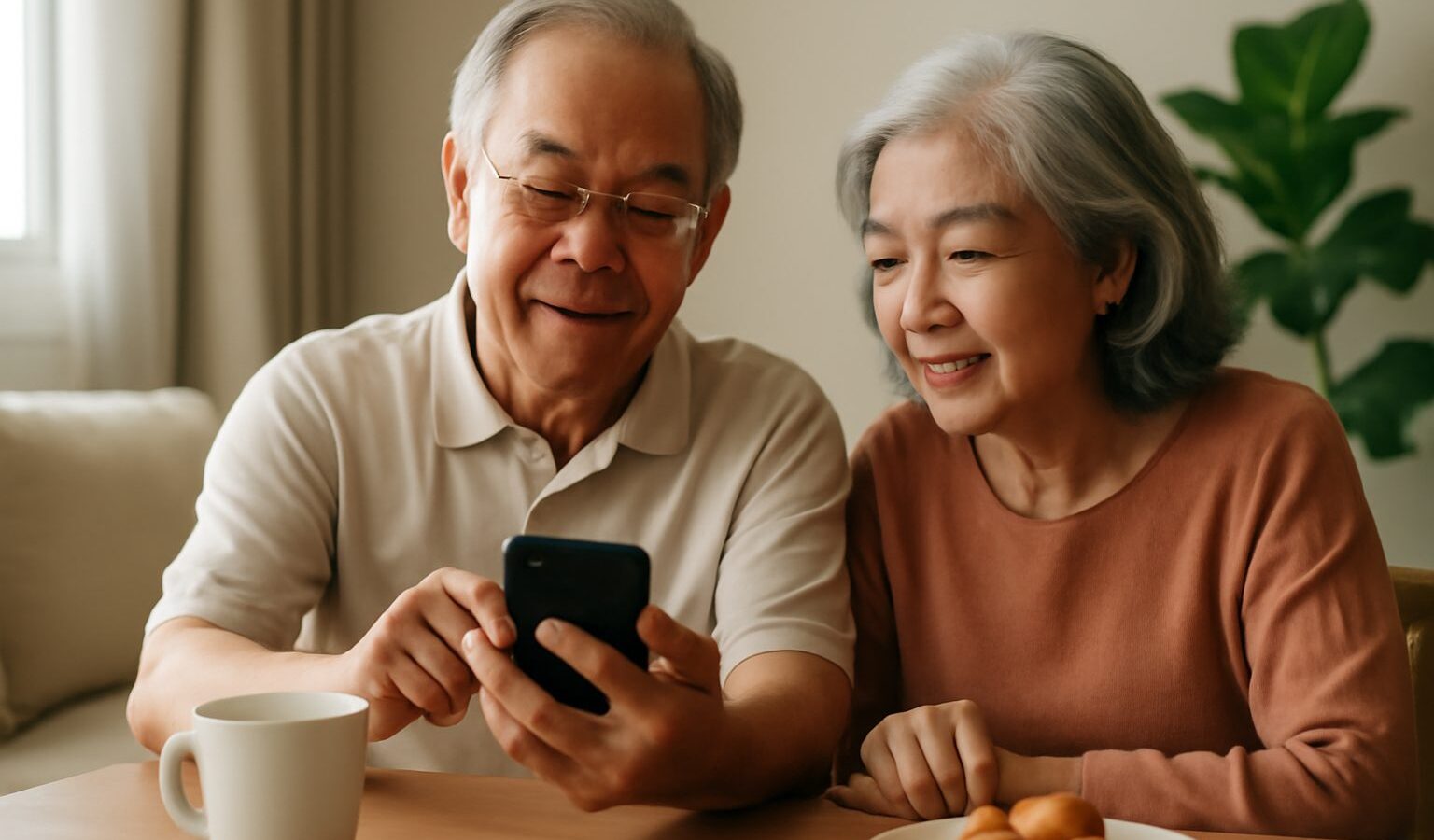
Choosing a phone for an older parent or grandparent, or for yourself in later years, is a very different exercise from picking the flashiest flagship. What matters is not the highest camera count or the fastest chip, but whether the device is comfortable to hold, easy to read, simple to operate and safe against scams. The good news is that mainstream phones have become remarkably senior friendly, so you rarely need a special “elderly phone” to get a good result. This guide to smartphones for seniors in Singapore explains the features that genuinely help, how to compare options, and how to set up a device so it feels reassuring rather than overwhelming.
The goal throughout is confidence. A well-chosen, well-configured phone keeps seniors connected to family, banking, healthcare and daily conveniences without constant frustration or fear.
What Really Matters in a Senior Friendly Phone
It is tempting to shop by brand or price, but for an older user the priorities are usually different. A few features do most of the heavy lifting:
- A clear, generous screen. A larger display with good brightness makes text and buttons easier to see, particularly for tired or ageing eyes. Screen quality often matters more than raw size.
- Comfortable handling. A phone that is too big or too slippery is easy to drop. A grippy case and a manageable weight help a lot.
- Loud, clear sound. Strong speaker volume and clear call quality matter for anyone with reduced hearing, as does compatibility with hearing aids where relevant.
- Simple, reliable software. Fewer surprises, easy-to-find settings and long-term security updates keep the phone dependable over the years.
- Good battery life. A phone that lasts more than a day reduces the anxiety of a flat battery and the chore of frequent charging.
Notice that none of these are exotic. Many mid-range phones tick every box, which is why you can often skip the premium tier and still get a device that is a pleasure to use.
Built-In Accessibility Features Do the Heavy Lifting
The biggest improvement in recent years is that ordinary smartphones now include powerful accessibility tools as standard. Before assuming a senior needs a stripped-down device, it is worth switching these on, because they transform an everyday phone into something far gentler to use.
Both the main phone systems offer settings that help:
- Larger text and display sizes so messages and menus are easy to read.
- Bold fonts and higher contrast to make words stand out from the background.
- Magnification gestures to zoom into small print or images.
- Simplified or “easy” home screen modes that show fewer, bigger app icons.
- Voice assistants and voice typing so users can call, message or search by speaking.
- Hearing aid support and adjustable audio for clearer calls.
Spending twenty minutes in the settings to enable the right options usually does more for comfort than buying a different phone. Many models also offer a guided or simplified launcher that hides clutter and surfaces only the handful of apps a person truly needs.
Comparing the Options for Seniors
Broadly, there are three routes to a senior friendly phone in Singapore, and the right one depends on the person’s confidence, budget and who will help them.
| Option | Best for | Strengths | Things to weigh |
|---|---|---|---|
| Mainstream mid-range phone with easy mode | Most seniors, especially with family support | Familiar, capable, good app and update support | Needs initial setup to simplify |
| Dedicated “simple” or big-button phone | Users who want only calls, messages and few apps | Very easy interface, large buttons | Limited apps, may lack banking or health tools |
| Hand-me-down phone from family | Tight budgets, occasional users | Low cost, reuses a known device | May be older, check it still gets security updates |
Treat the table as a guide, not a rule. Many families find that a current mid-range phone, configured thoughtfully, hits the sweet spot of being both easy today and still useful as the person grows more confident.
Whichever route you choose, pair it with a suitable mobile plan. A light data plan is usually plenty, and you can compare choices in our guide to the best mobile plans in Singapore; if the senior mostly uses wifi at home, a reliable connection matters too, as covered in our home broadband guide.
Setting Up the Phone for Confidence and Safety
Buying the phone is only half the job. A thoughtful setup is what turns a capable device into one an older user actually enjoys. Once you have unboxed it, our general walkthrough on setting up a new phone covers the basics, and then a few senior focused touches make a real difference:
- Curate the home screen. Keep only the apps the person needs, such as calls, messaging, camera, a banking app and perhaps a transport or health app. Remove or tuck away the rest.
- Enlarge everything. Turn on larger text, bigger icons and higher contrast from the start.
- Set up important contacts. Add family and emergency numbers as easy favourites, and consider a photo for each so they are simple to recognise.
- Enable a screen lock and backups. A simple PIN or fingerprint protects the device, and cloud backup means photos and contacts are not lost if it is misplaced.
- Show, then let them try. Walk through the everyday tasks together, then let the senior repeat each one so it sticks.
Safety deserves special attention, because seniors are frequently targeted by scam calls, fake messages and dodgy links. Talk through the golden rules early: do not share one-time passwords, do not click unexpected links, and verify anything urgent by calling the family. Our dedicated primers on cybersecurity for seniors and avoiding scams in Singapore are excellent to read together, and it helps to agree that the senior can always call you before acting on any suspicious message. Setting up SingPass properly also smooths access to government and healthcare services.
Helping Seniors Get the Most From Their Phone
A phone only earns its keep when it is used with ease, so ongoing support matters as much as the initial choice. Check in occasionally to update apps, clear clutter and answer questions, and be patient with repeated queries, since confidence builds through practice. Encourage the small wins, such as video calling grandchildren, using digital payments at the hawker centre, or checking bus arrivals, because each success makes the next task less daunting.
Finally, remember that too much screen time is not only a young person’s concern. A gentle balance keeps the phone a helpful tool rather than a constant distraction, a theme we explore in our guide on reducing screen time and digital wellbeing. Chosen well and set up with care, a smartphone becomes one of the most empowering things an older person in Singapore can own.
Explore More
For related reading, see our guide to cybersecurity for seniors to keep your loved one safe online, and our overview of budget smartphones in Singapore if you want capable value without overspending. When the new device arrives, our step-by-step on setting up a new phone makes the first day painless.