
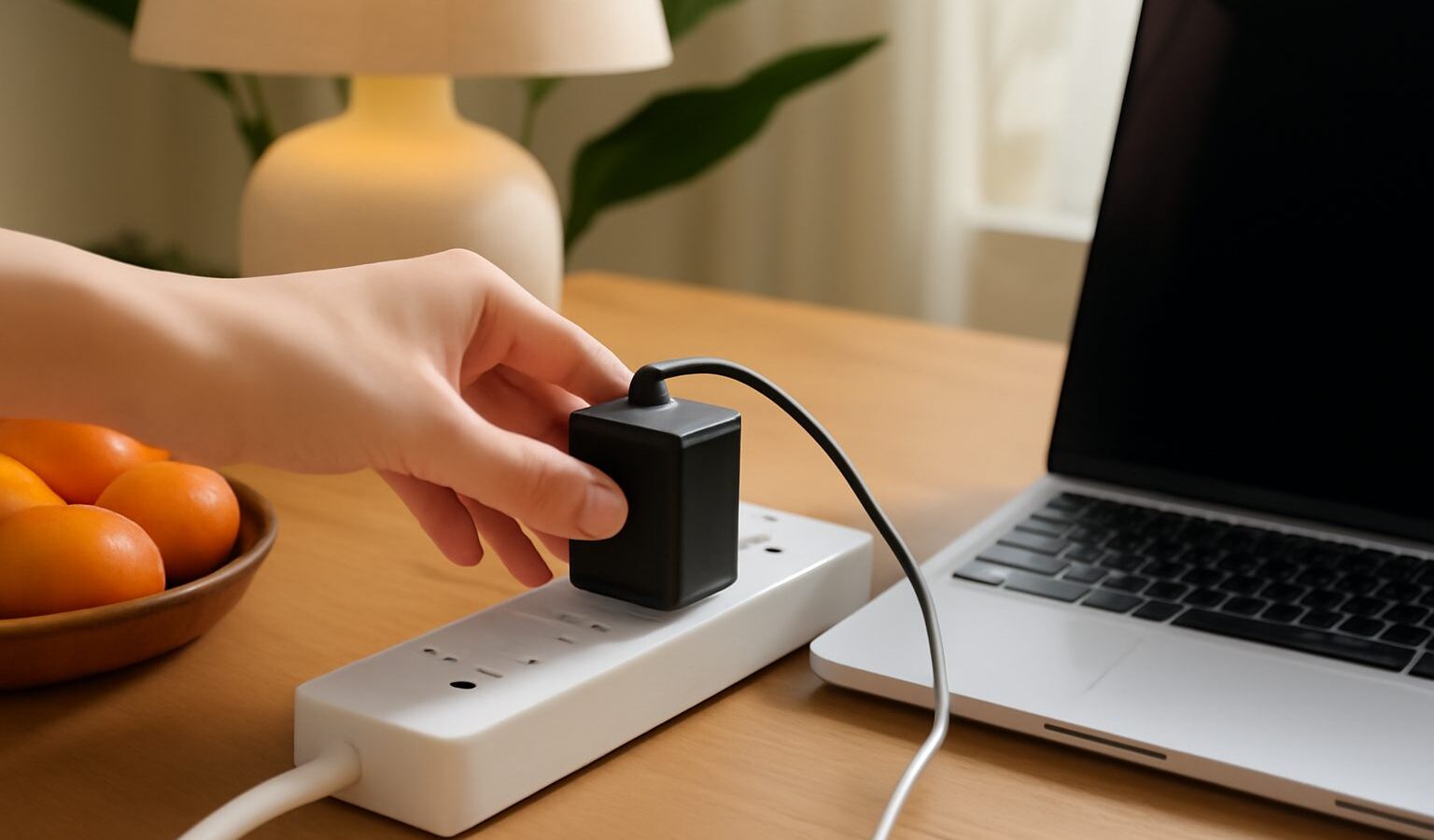
Singapore is known for frequent thunderstorms, and a lightning strike nearby or a sudden fault on the power line can send a brief spike of voltage through your home wiring. Most of the time you will not notice anything. Occasionally, though, a surge damages a router, a TV or a desktop computer, often without warning. A good surge protector is a low-cost way to reduce that risk. This guide explains what a surge protector in Singapore actually does, how to read the specifications, and how to match one to the electronics in your home.

What a Surge Protector Does, and What It Does Not
A surge is a very short burst of voltage above the normal level of the mains supply, which in Singapore is 230V. Surges can come from outside the home, such as lightning activity or switching on the grid, or from inside, when large appliances like air conditioners and refrigerators cycle on and off.
A surge protector contains components that divert excess voltage away from your devices, usually to the earth wire, when the voltage rises past a set threshold. It is designed to absorb or redirect short spikes, not to keep your devices running.
It is important to be clear about the limits:
- It does not provide backup power. If the electricity goes off, so do your devices. That is the job of an uninterruptible power supply (UPS), which is a separate product.
- It cannot stop a direct lightning strike. No plug-in device can handle that much energy. Unplugging sensitive electronics during severe storms remains the safest option.
- It wears out. Each surge it absorbs uses up some of its capacity, so an old unit may no longer protect even if the sockets still work.
- It is not the same as a plain extension socket. Many power strips sold in shops offer extra outlets but no surge protection at all. Look for the words “surge protection” and a stated rating on the packaging.
Key Specifications to Check
Surge protector boxes are full of numbers. These are the ones that matter most.
- Joule rating. This indicates how much energy the device can absorb before it stops protecting. Higher is generally better, especially for expensive equipment like computers and home theatre systems.
- Clamping voltage. The voltage at which the protector starts diverting the surge. A lower clamping voltage means it reacts sooner, which is better for sensitive electronics.
- Response time. How quickly it reacts to a spike. Faster is better, though most reputable units are very quick.
- Protection indicator light. A light that shows the protection is still working. If it goes out, replace the unit even if power still flows.
- Fused plug and overload protection. Singapore uses the three-pin Type G plug, which contains a fuse. A built-in overload switch or circuit breaker adds another layer of safety.
- Data and coaxial line protection. Some models protect network, telephone or TV antenna cables too, since surges can travel along these lines as well.
Matching Protection to Your Devices
Not every appliance needs the same level of protection. This table gives a practical starting point.
| Device type | Protection priority | What to look for | Notes |
|---|---|---|---|
| Desktop PC, gaming console, NAS | High | High joule rating, low clamping voltage, data line protection | Consider a UPS too if sudden shutdowns risk losing work |
| TV, soundbar, home theatre | High | High joule rating, coaxial protection if using an antenna | Spacing between outlets helps with bulky adaptors |
| Router, modem, smart home hub | Medium to high | Network line protection, indicator light | Often damaged via the network cable, not the power plug |
| Phone and laptop chargers | Medium | Basic surge strip with USB ports | Laptops have batteries, but chargers can still be damaged |
| Lamps, fans, kettles | Low | Standard extension socket is usually fine | High-power appliances should go directly into a wall socket |
Safety Rules for Singapore Homes
Surge protectors are electrical products, so choose and use them with care.
- Look for the Safety Mark. In Singapore, certain household electrical products, including multi-way adaptors and power strips, are regulated under the Consumer Protection (Safety Requirements) Registration Scheme administered by Enterprise Singapore. Registered products carry the SAFETY Mark. Check the Enterprise Singapore website for the current list of controlled goods and how to verify a product.
- Be wary of very cheap online imports. Products sold from overseas may not meet local safety standards, and some come with plug types that need adaptors, which adds risk.
- Do not daisy-chain. Plugging one power strip into another can overload a circuit. Use a single strip per wall socket.
- Respect the load rating. Keep the total wattage of connected devices below the strip’s maximum. Air conditioners, water heaters, ovens and other heavy appliances should plug directly into the wall.
- Keep it ventilated and dry. Do not bury a power strip under carpets or behind curtains, and keep it away from kitchen sinks and bathrooms.
- Replace damaged units. Scorch marks, a burning smell, a loose casing or a warm plug are signs to unplug and replace immediately.
If you notice repeated tripping, flickering lights or frequent surges, the problem may lie in your home wiring. Engage a licensed electrical worker to inspect it, rather than relying on plug-in protection alone.
Whole-Home Surge Protection
Plug-in protectors guard individual devices. Some homeowners also consider a surge protective device (SPD) installed at the distribution board, which helps protect the whole electrical installation. This must be installed by a licensed electrical worker, and in landed homes or older buildings it may be worth discussing during a rewiring or renovation. Condominium residents should check with the management corporation (MCST) about building-level protection already in place. A whole-home device works best alongside plug-in protectors for sensitive electronics, not instead of them.
Where to Buy and What to Keep
Surge protectors are sold at electronics chains, hardware shops and online marketplaces. Our guide to buying electronics in Singapore covers how to compare retailers and spot good value. When you buy:
- Keep the receipt and packaging. Some brands offer a connected equipment warranty, which may cover devices damaged while properly plugged in. Read the terms carefully, as claims usually require proof and have conditions.
- Register the product if required. This can make warranty claims easier.
- Note the purchase date. Since surge protectors degrade over time, it helps to know how old yours is.
If a device is damaged despite protection, our explainer on warranty and consumer rights for electronics outlines what you can reasonably ask of the seller or manufacturer.
A Simple Plan for Your Home
Start with your most valuable and sensitive electronics: the computer setup, the TV corner and the router. Give each a quality surge protector with a Safety Mark and a working indicator light. Use plain extension sockets only for low-risk items, plug heavy appliances straight into the wall, and unplug what you can during violent storms. With these habits, a surge protector in Singapore becomes a quiet, inexpensive insurance policy for the gadgets you rely on every day.
Frequently Asked Questions
Do I need a surge protector for my Wi-Fi router? It is worth it, because routers are often damaged by surges that travel along the network or phone line as well as the power cable. Choose a unit with data line protection and an indicator light. Unplugging during severe thunderstorms is still the safest option.
How long does a surge protector last before I should replace it? There is no fixed lifespan, since each surge uses up some of its capacity. Replace it if the indicator light goes out, if it has taken a big hit or if the casing is damaged. Noting the purchase date helps you judge how old it is.
Can a surge protector be used with an air conditioner or fridge? Large appliances such as air conditioners, water heaters and ovens should plug directly into the wall socket, not a power strip. Their high load can overload the strip. A licensed electrical worker can advise on dedicated protection for them.
Is a UPS better than a surge protector for a home computer? They do different jobs. A surge protector guards against voltage spikes, while a UPS also gives short battery backup so you can save work and shut down safely. For a desktop with important files, using a UPS alongside good surge protection makes sense.
Will my home insurance or warranty cover electronics damaged by a power surge? It depends on the policy or warranty, so read the terms or ask your insurer. Some surge protector brands offer connected equipment warranties with conditions and proof requirements. Keep receipts and packaging in case you need to make a claim.
Further reading: Choosing a Dry Cabinet for Cameras and Electronics in Singapore