

Open any recording program and you will meet two numbers that quietly shape your audio quality: sample rate and bit depth. They sound technical, but the ideas behind them are simple, and understanding sample rate Singapore home recordists set every day helps you make confident choices rather than guessing. This guide explains what these numbers mean, why they matter, and what settings make sense for typical home recording, all without the maths headache.
Digital audio works by taking rapid snapshots of a sound wave and storing them as numbers. Sample rate is how many snapshots are taken each second, and bit depth is how much detail each snapshot holds. Together they determine how faithfully your recording captures the original sound. Once you grasp that, the settings menu stops being mysterious.
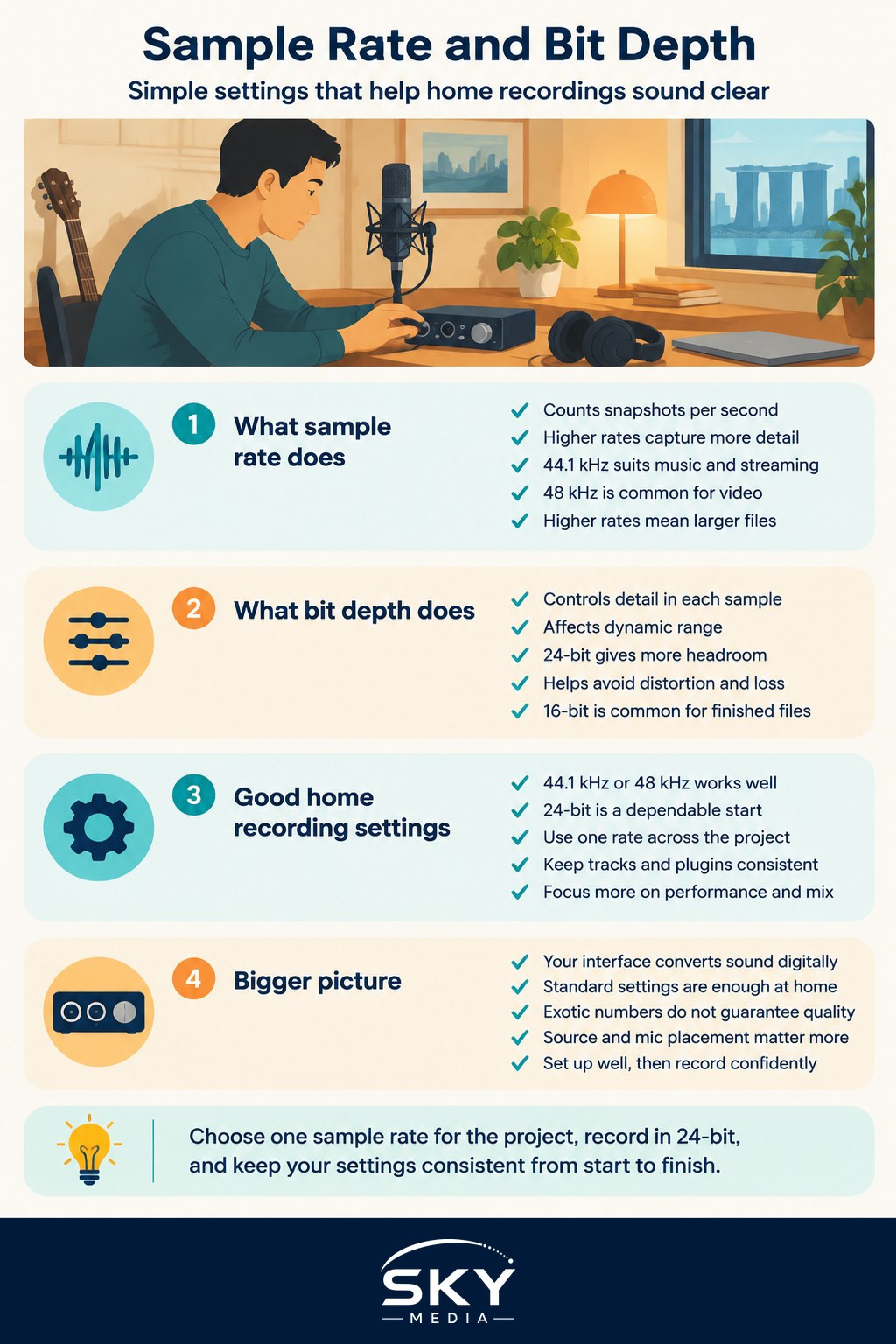
What sample rate actually means
Sample rate is measured in kilohertz, which simply counts thousands of samples per second. A higher sample rate takes more snapshots each second, which lets the system capture higher-frequency detail. Common rates you will see include 44.1 kHz, which is the long-standing standard for CDs and much streaming music, and 48 kHz, which is common for video and many modern projects.
Higher rates like 96 kHz exist and can be useful in specific situations, but they also create larger files and demand more from your computer. For most home music and podcast work, 44.1 kHz or 48 kHz is perfectly good and widely compatible. The jump to higher rates brings smaller benefits than beginners often imagine, and the difference is usually far less important than your microphone, your room, and your performance.
A sensible habit is to pick one rate for a project and stick with it across every track and plugin. Mixing sample rates within a project causes unnecessary conversions and can create problems. If your work is destined for video, 48 kHz is a safe default. If it is purely music for streaming, 44.1 kHz is a reliable choice. When you eventually prepare a track for release, the final format matters, and our guide to how to master a track for streaming covers the finishing stage.
What bit depth means for your recordings
Bit depth describes how much detail each individual sample holds, which affects the dynamic range, meaning the distance between the quietest and loudest sounds a recording can capture cleanly. You will commonly see 16-bit and 24-bit options.
For recording, 24-bit is the practical favourite because it gives you more headroom and a larger safety margin. In plain terms, it makes it easier to record without your quietest details getting lost or your louder moments distorting, and it forgives you if your levels are a little conservative. This is genuinely helpful at home, where you may not have perfect monitoring. The finished file you share with the world is often 16-bit, since that is standard for CDs and plenty of distribution, but recording and mixing in 24-bit gives you room to work.
There is also a floating-point option in many programs, used internally during mixing, which offers an enormous amount of headroom so that processing does not degrade the sound. You do not need to understand the deep detail to benefit; just know that working at 24-bit or higher while producing, then exporting to the required delivery format at the end, is a solid workflow.
Sensible settings and the bigger picture
For a typical home setup, recording at 44.1 kHz or 48 kHz and 24-bit is a dependable starting point. It balances quality, file size, and compatibility, and it will not hold your music back. Resist the urge to chase the highest possible numbers in the belief that they alone will make your recordings sound professional. They will not. Your source, your technique, and your mix decisions matter far more.
Your audio interface plays a role here, since it converts sound into these digital snapshots and back again. A dependable interface at these standard settings is more than enough for excellent home results, and our guide to choosing an audio interface explains what to look for. It also helps to understand how these settings relate to the files you end up with, which our explainer on understanding audio file formats and quality unpacks. If you are curious about the high-quality end of playback, hi-res and lossless audio explained is a good companion read.
The main takeaway is reassuring. You do not need exotic settings to make great recordings at home. Choose a standard sample rate for your project, record in 24-bit for a comfortable safety margin, keep everything consistent, and put your energy into performance, mic placement, and mixing. Those choices shape your sound far more than the numbers in the settings menu, and knowing what those numbers mean simply frees you to focus on the music.