
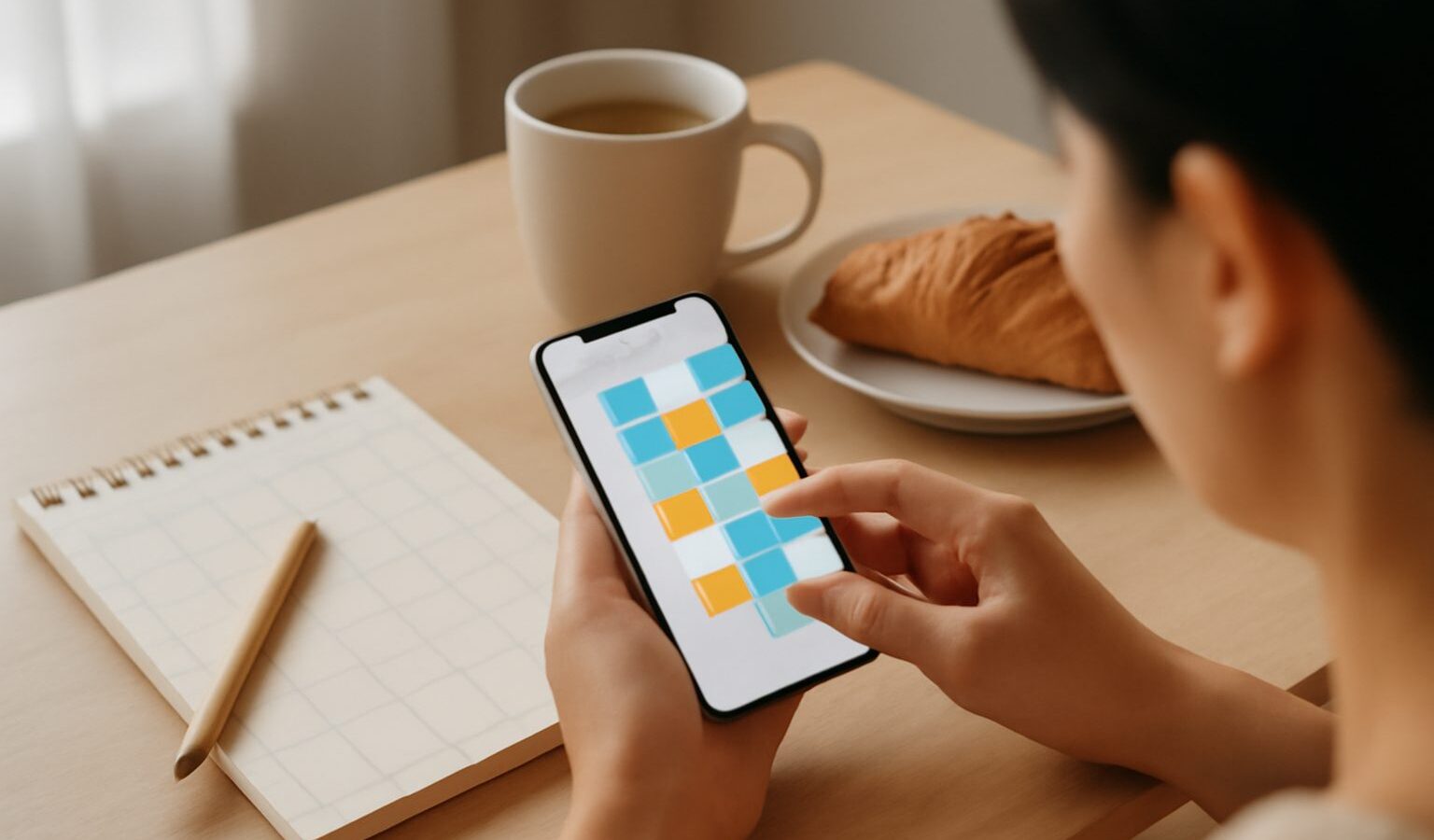
Finding the right calendar apps singapore professionals and families can lean on makes a real difference to how organised your week feels. A calendar is more than a grid of dates. Used well, it becomes the single place where work meetings, personal appointments, children’s activities and reminders all live, so nothing slips through the cracks. The trouble is that most people either underuse the calendar already on their phone or scatter their plans across chat messages, sticky notes and their memory. This guide explains the main types of calendar and scheduling apps and how to get the most from whichever you pick.
The good news is that a capable calendar comes built into every phone and computer, so you rarely need to spend anything to get started. The bigger decision is how you want your calendar to behave: whether it should sync across all your devices, coordinate with family or colleagues, and connect to the other apps you use daily. Once you are clear on that, choosing becomes easy.
Types of Calendar and Scheduling Apps
At the simplest level sits the built-in calendar that ships with your phone and computer. It syncs with your device account, shows your events across your gadgets and handles reminders and recurring events well. For many people this is genuinely all they need, especially once they start actually adding events rather than trying to remember them. The main advantage is that it is already there, already synced and already integrated with your email and contacts.
Next come cross-platform calendar services tied to a mail and account ecosystem. These shine when you live across different devices, perhaps an Android phone and a Windows laptop, because your calendar follows you everywhere through one account. They usually offer shared calendars, colour-coded categories and smart features such as pulling event details out of emails automatically. If your whole digital life already runs through one provider, using its calendar keeps everything joined up.
Scheduling apps are a distinct and increasingly popular category. Rather than just recording your events, they help you find a time to meet with other people. You share a link, others pick from your available slots, and the meeting drops into both calendars automatically. This removes the tedious back-and-forth of comparing times over chat, and it is especially handy for freelancers, tutors, small business owners and anyone who books appointments with clients.
Family and shared calendars form another useful group. These are designed for households, letting everyone see a combined view of activities, chores, appointments and reminders. Some pair with a display in the kitchen or a widget on each person’s phone, giving the whole family a shared picture of the week. For busy households juggling school, work and activities, a shared calendar can end a lot of confusion about who needs to be where.
Finally, many task and productivity apps now blend calendars with to-do lists, so your scheduled events and your tasks sit side by side. This suits people who think in terms of what needs doing rather than just when things happen, letting you block time for tasks and see your commitments in one view.
Choosing and Using a Calendar Well
The table below summarises which type tends to suit which need, so you can match a tool to how you actually live and work.
| Type | Strengths | Best suited to |
|---|---|---|
| Built-in device calendar | Free, already synced, simple and reliable | Most individuals wanting a solid everyday calendar |
| Ecosystem calendar service | Cross-device sync, shared calendars, email integration | People using many devices under one account |
| Dedicated scheduling app | Shareable booking links, automatic slot finding | Freelancers and anyone booking client appointments |
| Family shared calendar | Combined household view, shared reminders | Busy families coordinating many schedules |
| Calendar with tasks | Events and to-dos together in one view | People who plan around tasks, not just times |
Whichever you choose, a few habits turn a calendar from a passive record into a genuinely useful planning tool. Add events the moment you agree to them rather than trusting your memory, since an event you meant to add later is the one you forget. Use colours or separate calendars to distinguish work, personal and family commitments, so a single glance tells you what kind of day lies ahead. Set reminders that give you enough time to actually prepare or travel, which in our compact but traffic-prone island often means factoring in the journey, not just the appointment time.
Recurring events are one of the calendar’s most underused features. Anything that repeats, such as a weekly class, a monthly bill or a regular family gathering, should be entered once as a repeating event so you never have to think about it again. Time zones matter too if you work with people overseas, as most good calendars will adjust meeting times automatically once you set your home zone correctly.
A word on privacy is worth adding, since calendars quietly hold a lot of personal information about where you are and who you meet. Be thoughtful about which calendars you share and with whom, and check the default visibility when you use a scheduling link, so you are not exposing more of your schedule than you intend. If you connect third-party apps to your calendar, review what access they request and remove any you no longer use. Protect the account behind your calendar with a strong password and two-factor authentication, because it reveals a detailed map of your life.
Used with a little discipline, a calendar becomes the backbone of an organised week. Pick the type that fits how you live, commit to adding everything to it, and let the app carry the mental load of remembering so you do not have to.
Explore more
Best Productivity Apps
Note-Taking Apps Guide
How to Manage Notifications and Stay Focused
Protecting Your Data Online