
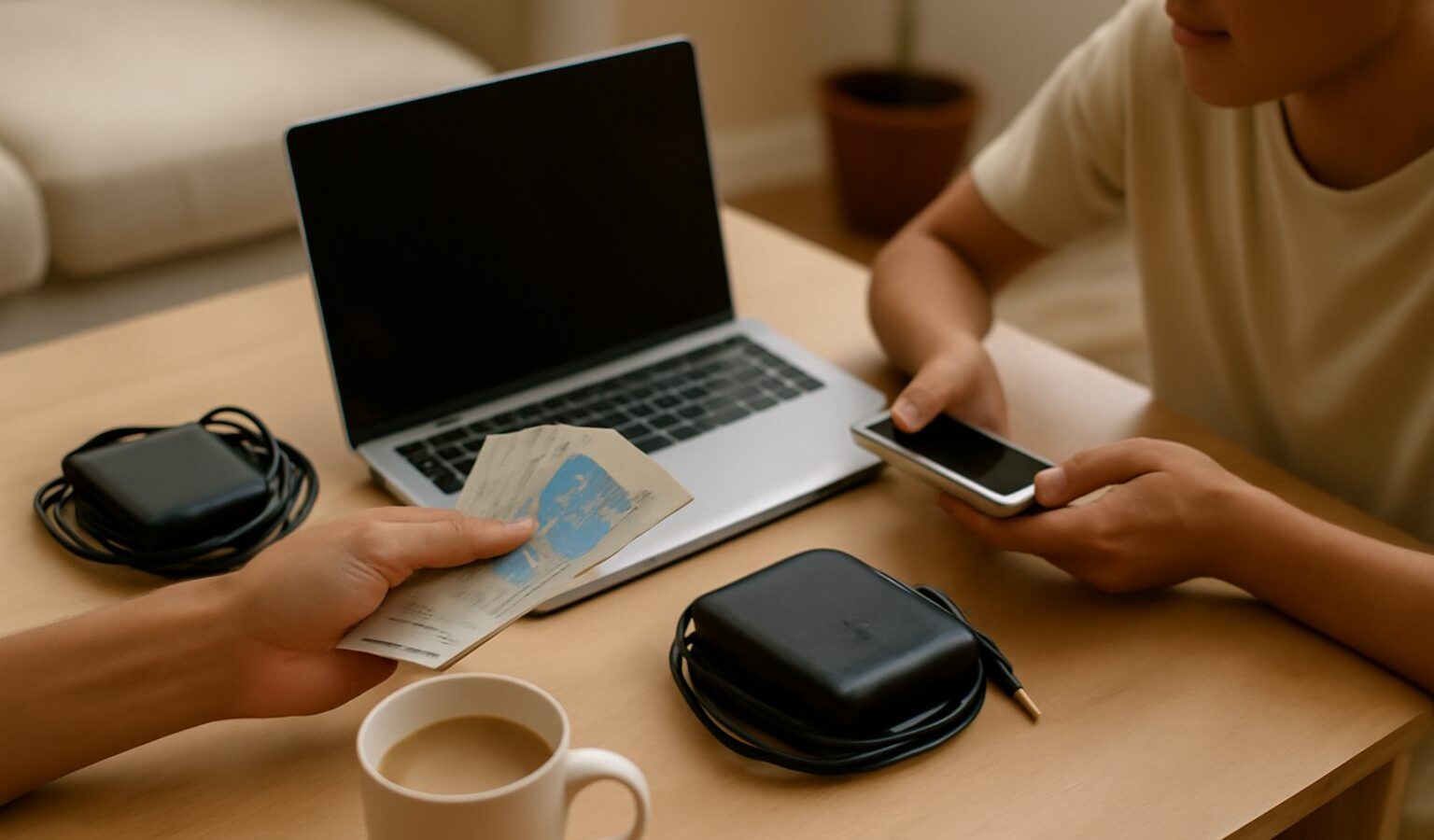
Every new phone or laptop carries a hidden cost long before you open the box, from the metals mined for it to the energy used to build and ship it. Choosing refurbished electronics Singapore shoppers can trust is one of the simplest ways to sidestep a chunk of that footprint while keeping more money in your pocket. A well graded refurbished device often performs like new for a fraction of the price, and it keeps a perfectly usable gadget out of the e-waste stream a little longer.
This guide walks through what refurbished actually means, how it differs from buying second-hand, and the practical checks that separate a great buy from a regret. It is written for everyday Singapore households, whether you are hunting for a family tablet, a work laptop or a phone for a teenager who will probably drop it anyway.
Why Refurbished and Second-Hand Make Sense Here
Singapore loves its gadgets, and we upgrade often, which means there is a healthy supply of pre-owned and professionally restored devices in good condition. Buying one of them is a small but real climate choice. The greenest device is usually the one that already exists, because most of a gadget’s lifetime carbon is locked in during manufacturing, not during the years you use it.
There is a wallet argument too. A refurbished laptop or phone can cost noticeably less than a brand new equivalent, which frees up budget for a protective case, a spare charger or simply your savings. For students, first jobbers and larger families kitting out several people at once, that gap adds up quickly.
Keeping electronics in use also eases the e-waste problem that NEA and the national e-waste scheme are working hard to manage. Every device given a second life is one less item heading for early disposal, which fits neatly with the spirit of the Singapore Green Plan 2030 and its push towards a more circular, less wasteful economy.
Refurbished, Second-Hand or New: Know the Difference
These terms get used loosely, so it helps to be clear before you spend. Refurbished usually means a device that was returned, traded in or ex-display, then inspected, repaired where needed, cleaned and tested before resale, often with some form of warranty. Second-hand or preloved typically means sold as-is by the previous owner, with no formal testing and rarely any cover. New is exactly that, at full price and full footprint.
| Option | Typical price | Cover and testing | Best for |
|---|---|---|---|
| Brand new | Highest | Full manufacturer warranty | Latest features, gifting, total peace of mind |
| Certified refurbished | Mid-range | Tested, graded, often short warranty | Balancing savings, reliability and lower waste |
| Second-hand as-is | Lowest | None, buyer beware | Confident buyers who can inspect and test in person |
Neither refurbished nor second-hand is automatically better. Certified refurbished trades a little of the saving for reassurance, while a private second-hand deal can be a bargain if you know what to look for and can test the device before paying. Match the route to how much risk you are comfortable carrying.
What to Check Before You Buy
A few minutes of checking is what turns a gamble into a smart purchase. Whether the seller is a shop or an individual, run through the same short list.
- Warranty and returns. Ask exactly what cover comes with the device, how long it lasts, and whether you can return it if a fault shows up in the first days. Even a short warranty signals a seller who stands behind the item. Get the terms in writing.
- Grading. Reputable refurbishers grade devices, often as A, B or C, to describe cosmetic wear and condition. Read what the grade means for that specific seller rather than assuming, and match it to your tolerance for a scuff or two.
- Battery health. For phones, tablets and laptops, battery health is the quiet dealbreaker. On many devices you can check the maximum capacity or a battery health reading in the settings. Anything well below full capacity means shorter runtime and a battery you may need to replace sooner.
- Function test. Power it on and test the screen for dead pixels, the buttons, ports, cameras, speakers, microphone, Wi-Fi and charging. On a phone, check that it is not locked to a carrier or blocked, and confirm it is not reported lost or stolen.
- Accessories and authenticity. Confirm what is included, such as a charger or box, and be wary of prices that look too good, which can signal counterfeits or hidden faults.
If a seller dodges these questions or rushes you, treat that as your answer and walk away. Honest sellers expect a careful buyer.
Where to Buy Safely in Singapore
You have more good options than you might think, and the safest ones share a few traits: clear listings, real reviews and a way to hold someone accountable if something goes wrong.
- Reputable refurbishers and certified sellers offer tested, graded devices with some warranty. The cover and clear condition reports are what you are paying a little extra for.
- Established online marketplaces list countless private and shop sellers. Favour sellers with a track record and genuine ratings, keep your conversation and payment within the platform, and never pay off-platform for a deal that suddenly needs to be done quickly.
- Trade-in and manufacturer refurbished programmes sometimes sell restored stock directly, which can be a reassuring middle path.
- In-person handovers for local second-hand deals let you inspect and test before paying. Meet somewhere public and busy, bring your checklist, and do not hand over money until the device passes.
Wherever you buy, keep a record of the listing, the receipt and any warranty terms. That paper trail is your safety net.
Protect Your Money and Your Data
Buying pre-owned is safe when you stay alert. Pay through traceable methods rather than untraceable transfers, be sceptical of prices far below the going rate, and never share one-time passwords or account logins to complete a sale.
Data deserves its own thought, and it cuts both ways. When you buy a used phone or laptop, do a full factory reset and set it up fresh so nothing of the previous owner lingers. Far more importantly, when you sell or pass on your own device, back up what you need, sign out of your accounts, then perform a full data-wipe or factory reset so your photos, messages and logins do not travel with it. For laptops, a proper wipe of the drive is worth the extra few minutes.
If a device is truly beyond reuse, do not bin it. Bring it to a dedicated e-waste drop-off point under the national scheme, found at many malls, community nodes and retailers, and check NEA’s guidance for your nearest location. Reuse first, recycle responsibly second.
How to Start Your Search
You do not need to be a tech expert to shop smart. Begin with what you actually need, then let the checks do the heavy lifting.
- Decide your must-haves. Storage, screen size, and the features you genuinely use, so you are not paying for extras.
- Set a fair budget. Glance at new prices first, so you can recognise a good refurbished or second-hand deal when you see one.
- Shortlist trustworthy sellers. Prefer clear grading, warranty and real reviews over the rock-bottom listing.
- Run the checklist. Warranty, grading, battery health and a full function test before any money moves.
- Set it up clean. Factory reset, update the software, and add a case or screen protector so your bargain lasts.
No one gets every purchase perfect, and that is fine. Choosing one refurbished or second-hand device instead of new is already a meaningful, money-saving win for you and a quieter one for the planet.
Explore more
If repairs interest you more than replacements, our guide to finding a repair cafe or repair service in Singapore helps you fix before you buy. When you are ready to move on old gear, read how to sell your preloved items online in Singapore, and for a leaner setup try setting up a greener home office in Singapore.
Related across Sky Media: A Guide to Refurbished Electronics in Singapore · Buying Second Hand to Save in Singapore: A Practical Guide