
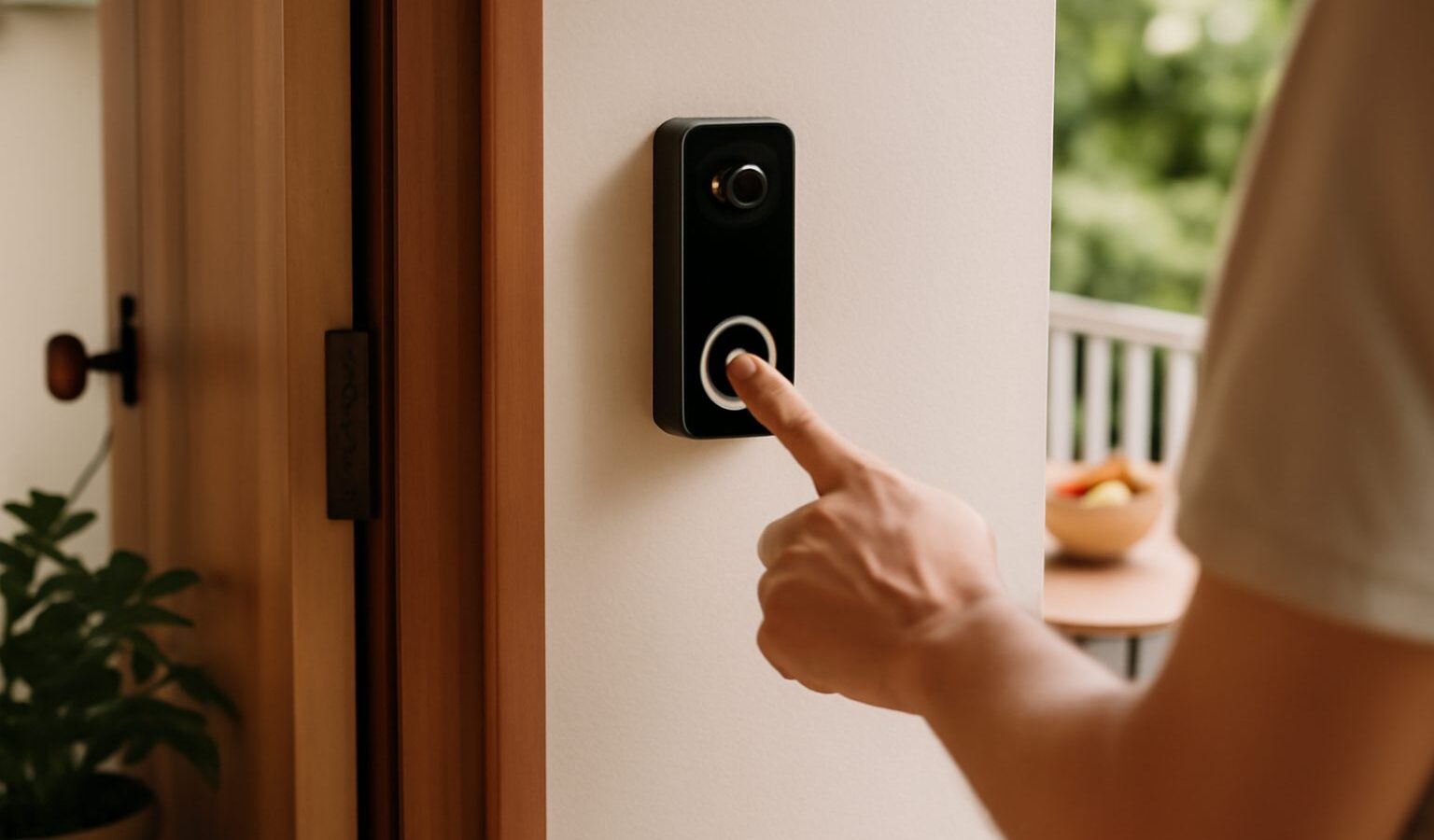
A smart doorbell lets you see and speak to whoever is at your door from your phone, whether you are in the kitchen or halfway across the island. For a smart doorbell in Singapore, that means checking on a delivery rider, telling a courier where to leave a parcel, or simply knowing who rang while you were out, all without opening the door. It is one of the most genuinely useful smart home upgrades, but it also raises a few questions unique to living close to neighbours in flats and condos.
This guide is brand neutral and covers the choices that actually matter: wired versus battery power, the privacy and neighbourly considerations that come with a camera at your door, and the storage and subscription costs that are easy to overlook. It finishes with the security basics that keep the device itself trustworthy.
Wired or Battery: The First Choice
Smart doorbells come in two broad types, and the right one depends heavily on your home.
A wired doorbell draws power from your existing doorbell wiring or a nearby power source. Because it never runs out of charge, it can watch continuously and respond instantly, and you never have to think about recharging. The trade off is installation. You need existing wiring or a way to run power to the spot, which is straightforward in some homes and awkward in others, and may call for a bit of drilling or an electrician.
A battery doorbell runs on a rechargeable pack, so it can go almost anywhere with no wiring at all. This makes it the natural choice for flats and rented homes, and for front doors that open onto a common corridor with no power point nearby. The compromise is that you recharge it every so often, from a few weeks to a couple of months depending on how busy your door is, and battery models sometimes wake a fraction slower to save power.
For many HDB and condo homes with no doorbell wiring at the door, a battery model is the practical pick. If you have wiring in place or want continuous recording, wired is the stronger long term option.
| Type | Best for | Trade off |
|---|---|---|
| Wired | Continuous recording, instant response, no recharging | Needs wiring or a power source at the door |
| Battery | Flats, rentals, doors with no power nearby | Needs periodic recharging, may wake slightly slower |
Privacy and Your Neighbours
A doorbell camera is different from an indoor camera because it points outward, into shared space. In our high density living, your camera’s view will often include the common corridor, the lift lobby, and quite possibly your neighbour’s door. This deserves real thought, both out of courtesy and because it keeps you on the right side of good neighbourly relations.
Aim the camera so it covers your own doorway and the approach to it, not directly into a neighbour’s home or windows. Many doorbells let you mask or block out parts of the image, so use that feature to exclude areas that are not yours to watch. If your device records audio, be mindful that conversations in the corridor may be captured, and consider whether you need audio recording on at all.
It is also simply good manners to let close neighbours know you have installed a doorbell camera. Most people are perfectly comfortable once they understand it is pointed at your own door for parcel and visitor safety rather than at them. A brief, friendly heads up prevents misunderstandings later. If your block has management rules about fixtures on the corridor wall or door, check those before drilling anything, as some managing agents have views on what can be mounted in common areas.
Storage and Subscriptions
This is the cost that catches people out. The doorbell hardware is only part of the picture, because the footage it records has to live somewhere.
There are two broad approaches. Some doorbells store clips locally, on a memory card in the device or on a small home hub, which means no ongoing fee but footage that lives at your door and could be lost if the unit is stolen or damaged. Others store footage in the cloud, which protects it even if the device is taken, but usually requires a monthly or yearly subscription to keep more than a brief history.
Before buying, work out what happens to your footage without a subscription. Some doorbells still show a live view and send alerts for free, but will not let you review recorded clips unless you pay. Others include a modest amount of local storage at no cost. Neither model is wrong, but knowing which you are getting, and what the recurring fee would be over a few years, lets you compare devices honestly rather than being drawn in by a low upfront price.
Think too about how long you actually need footage kept. For most homes, a few days of history is plenty to catch a missed delivery or an odd visitor, so you may not need the largest storage plan on offer.
Keeping the Device Secure
A doorbell camera is a connected device with a view of your home’s entrance, so securing it matters. The habits are the same ones that protect any smart device, and they take only minutes.
Change the default password on the account and pick a strong, unique one, since anyone who reuses a leaked password puts a camera into a stranger’s hands. Switch on two factor authentication so a stolen password alone cannot log in. Keep the firmware updated by leaving automatic updates on, because these patches fix security flaws as they are found. Secure the wifi the doorbell connects to with a strong password and modern encryption, and if your router offers a guest network, consider placing smart devices there to keep them separate from your personal phones and laptops.
Making the Right Call
Choosing a smart doorbell in Singapore comes down to matching the device to your home and your habits. Pick battery power for a flat with no wiring, or wired for continuous recording where power is available. Point the camera at your own door, mask out what is not yours, and give your neighbours a friendly heads up. Check the true cost of storage before you buy, and lock the device down with a strong password, two factor authentication and updated firmware. Get those right and you gain a quiet, dependable extra pair of eyes on your doorstep.
Explore more
Smart Home Security Cameras
Choosing a Smart Home Ecosystem
Setting Up Smart Home Devices in Singapore
Setting Up Smart Lighting at Home