
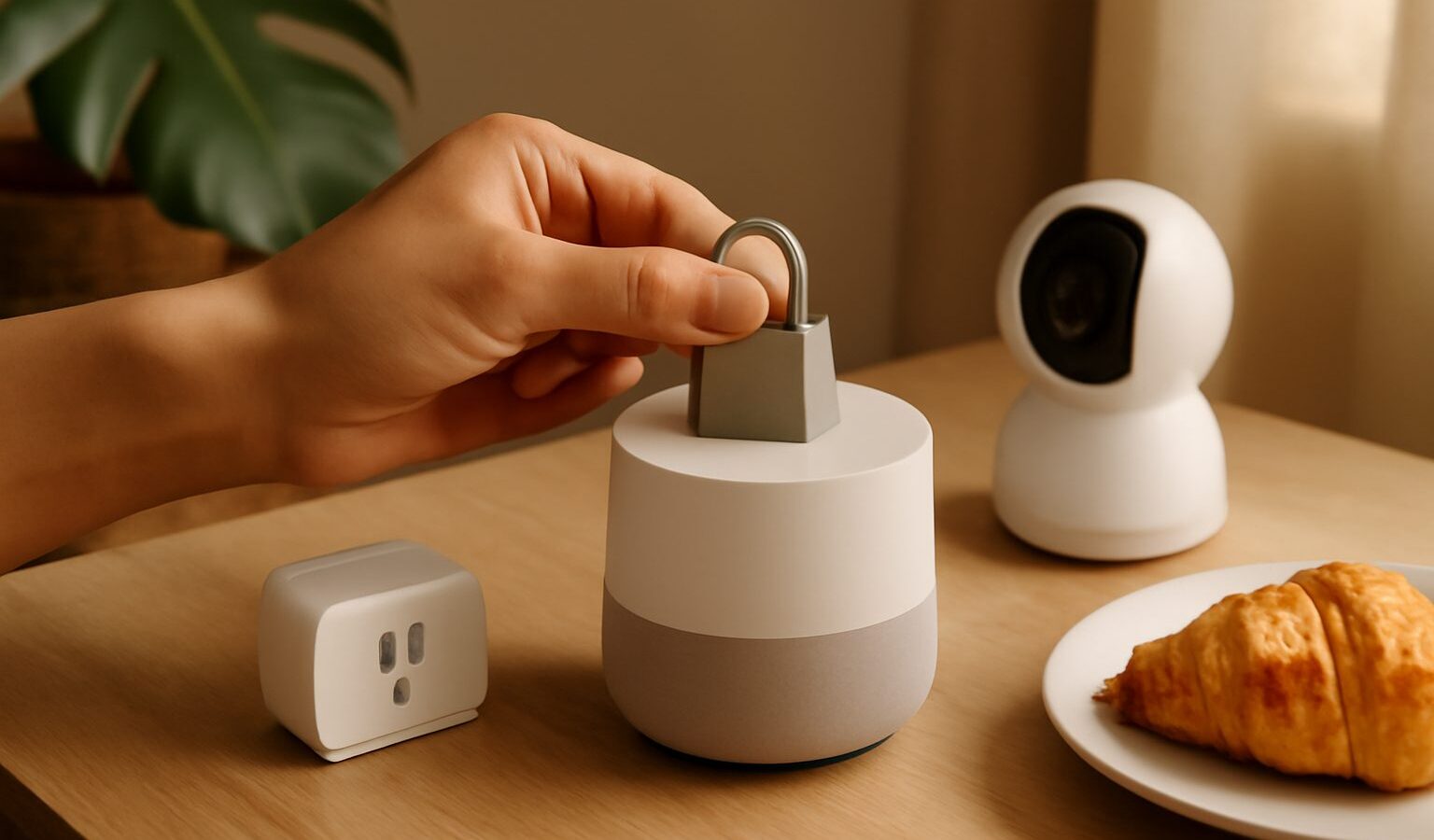
Smart home gadgets are wonderfully convenient. You can dim the lights from the sofa, check a camera while you are at work, and ask a speaker for the weather before heading out. But every one of these devices is a small computer connected to the internet, and that means each one is a possible way in for a stranger. Good smart home security singapore households can put in place is mostly about a few sensible habits rather than expensive kit. This guide explains the real risks in plain terms, and the practical steps that keep your connected home genuinely safe.
Why Smart Devices Need Protecting
It is easy to think of a smart plug or a light bulb as harmless. The concern is not usually the bulb itself, but what a poorly secured device connects to. A weak camera or doorbell can let a stranger watch your home. A hacked device can be used as a stepping stone to reach your phone, your laptop, and the files on your home network. In some cases, thousands of insecure gadgets around the world are quietly hijacked and used together to attack other services, without their owners ever noticing.
For most households, the everyday risks are simpler and more personal. A camera left on its default password can be viewed by outsiders. An account tied to your devices can be broken into if you reused a weak password. And a device that never gets updated slowly collects known security holes. The good news is that fixing these does not require technical skill, just a little attention when you set things up.
Start With Your Home Network
Your wifi is the front door to every smart device you own, so securing it comes first. Change the default name and password on your router if you have never touched them, and use a strong, unique wifi password. Make sure your network uses modern encryption, which any reasonably recent router will offer in its settings. Our guide to securing your home network walks through this step by step.
A very effective trick is to keep your smart gadgets on a separate guest network, apart from the phones and laptops that hold your personal data. That way, if a cheap device is ever compromised, it cannot easily reach the computer with your photos and documents on it. Setting this up is easier than it sounds, and our piece on setting up a guest wifi network shows how. This is especially handy in an HDB flat, where you may have many devices sharing one connection.
Lock Down Each Device and Account
Most smart devices are controlled through an app and an online account. That account is the real prize for an attacker, so protect it well. Follow these habits for every gadget you bring home:
- Change any default password immediately. A device that ships with “admin” or “1234” is wide open until you fix it.
- Use a strong, unique password for each device account, ideally stored in a password manager so you do not have to remember them all.
- Turn on two-factor authentication wherever it is offered, so a stolen password alone is not enough to get in. Our two-factor authentication guide explains the options.
- Keep the device software, or firmware, updated. Turn on automatic updates if available, since these patches fix the security holes attackers rely on.
- Review the app’s permissions and switch off features you do not use, such as remote access you never need.
These small steps, done once at setup, remove the most common ways strangers get in.
Be Careful With Cameras and Microphones
Cameras, video doorbells, and smart speakers deserve extra thought, because they can see and hear inside your home. Place cameras so they cover entrances and shared spaces rather than private areas like bedrooms and bathrooms. Check whether footage is stored in the cloud or only on the device, and understand who can access it. A strong password and two-factor authentication on the camera account are essential here.
Smart speakers are always listening for their wake word, though most only record after they hear it. If that bothers you, you can mute the microphone when you want privacy, and you can usually review and delete your voice history in the app. Think about which rooms really need a listening device, and place them accordingly.
Shop and Set Up Wisely
Security starts before you even buy. Choose devices from established makers who provide regular software updates, since a cheap unknown brand may never issue a single fix. Support matters more than a bargain price when a device sits on your network for years. When you retire or sell a gadget, reset it to factory settings first and remove it from your account, so the next owner cannot access your old data.
Watch for scams around smart devices too. Be wary of unofficial apps or “firmware” downloads that promise extra features, since these can hide malware, a risk we cover in spotting fake apps and malicious downloads. And treat any unexpected message or call about your devices with suspicion. No legitimate company will phone to ask for your account password, a one-time password, or remote access to “fix” your camera. Banks and government agencies never ask for such details either. If someone pressures you to hand over logins or let them control your screen, it is a scam, so stop and report it to ScamShield and the Police.
The Practical Takeaway
A secure smart home is not about buying more gadgets, it is about a handful of steady habits. Lock down your wifi and consider a separate network for your devices, change every default password, turn on two-factor authentication, and keep everything updated. Place cameras and microphones thoughtfully, buy from makers who support their products, and stay alert to scams that target your accounts. Do these things once at setup, revisit them now and again, and you can enjoy all the convenience of a connected home while keeping the door firmly shut on strangers.