
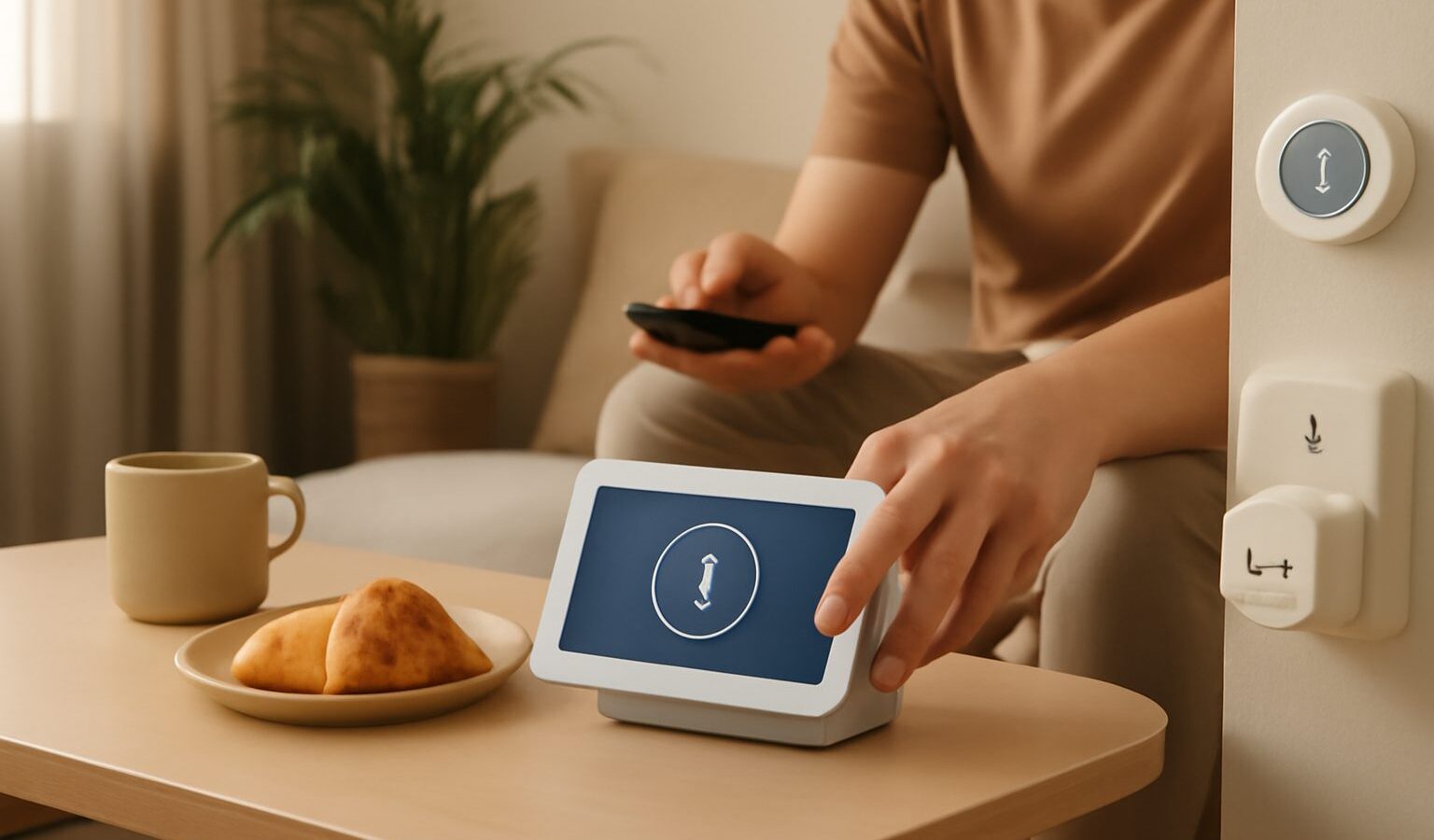
Building a smart home HDB in Singapore does not require renovation, drilling, or a landlord’s reluctant sign-off. Whether you own your flat or rent a room, most of the useful upgrades are plug-in, stick-on, or app-based, which means you can set them up in an afternoon and unplug them just as easily when you move. This guide focuses on renter-friendly, non-permanent choices that add real convenience without touching the walls.
The aim is simple: more comfort and control, fewer commitments. We will look at what works well in a typical flat, what to avoid if anything is fixed to the property, and how to keep the whole setup portable.
Start With Non-Permanent Devices
The heart of a renter-friendly smart home is gear that leaves no trace. These devices connect to your Wi-Fi and are controlled by an app or a voice assistant, and none of them require you to alter the flat.
- Smart plugs. These sit between the wall socket and any ordinary appliance, letting you switch a fan, lamp, or kettle on and off by app, schedule, or voice. They are the easiest entry point and completely portable.
- Smart bulbs. Swap a normal bulb for a smart one and you get dimming, scheduling, and sometimes colour, all without rewiring. When you leave, put the old bulb back and take the smart one with you.
- Plug-in sensors and hubs. Motion, door, and temperature sensors usually stick on with adhesive pads and run on small batteries. A hub, if needed, simply plugs in.
- Smart speakers and displays. These act as a voice control centre and need only power and Wi-Fi.
- Cameras and doorbell cameras that sit on a shelf or use a removable mount. Choose freestanding or clip-on models rather than anything hard-wired.
- Infrared blasters. A small plug-in device can control an existing air-conditioner or TV that uses a remote, adding scheduling without touching the unit.
Because everything here is plug-in or stick-on, you can build up your setup gradually, test what you actually use, and rearrange it whenever you like.
Renting? Keep It Removable and Cleared
If you rent, the guiding principle is that anything fixed to the property needs your landlord’s approval, and anything you add should come off cleanly. Most smart upgrades pass this test easily, but a few need thought.
- Get approval for anything fixed. Smart locks, hard-wired doorbells, ceiling devices, or anything that replaces part of the flat’s fittings should be discussed with your landlord first. Put the agreement in writing.
- Prefer adhesive over screws. Removable mounting tape holds sensors and small cameras well and peels off without marks. Test it on a hidden spot first.
- Keep the originals. Store the bulbs, covers, or fittings you replace, so you can restore the flat exactly and take your smart versions with you.
- Mind shared and communal areas. Cameras and doorbells should point at your own space, not neighbours’ doors or common corridors. Be considerate and check any building rules.
- Note the account setup. Devices are tied to your account, so remember to reset them to factory settings before handing over anything that might stay, and remove them from your app.
This table sorts common devices by how portable they are, so you can plan a setup that moves with you.
| Device | Permanent or portable | Renter tip |
|---|---|---|
| Smart plug | Portable | Just unplug and take it |
| Smart bulb | Portable | Keep the original bulb to swap back |
| Stick-on sensor | Portable | Use removable adhesive, test first |
| Smart speaker or display | Portable | Sign out of your account before moving |
| Freestanding camera | Portable | Point at your own space only |
| Smart lock or wired doorbell | Fixed | Get landlord approval, keep original hardware |
Keeping to the portable column means your smart home is genuinely yours, not an improvement you leave behind.
Set Up for Convenience, Not Complexity
A smart home is only worth it if it makes daily life easier. A few principles keep things simple.
- Pick one ecosystem to start. Choosing a single voice assistant or app as your hub avoids juggling several apps. You can mix brands later, but starting in one place is calmer.
- Automate the boring things. Lights that come on at dusk, a fan that switches off at bedtime, or a plug that cuts power to a device overnight are small wins you notice every day.
- Use schedules and routines. A “leaving home” routine that turns everything off, or a “good morning” routine that eases the lights on, adds real polish for no ongoing effort.
- Keep it reliable. Put devices within good Wi-Fi range, and do not overload a single socket. If your flat’s Wi-Fi is weak in a corner, a device there may drop offline.
- Think about privacy. Cameras and microphones are convenient, but place them thoughtfully, review what is recorded, and use strong passwords and two-step verification on the accounts that control them.
Start small with two or three devices, live with them for a week, and add more only where you feel a genuine gap. This avoids the common trap of buying gadgets that end up unused in a drawer.
Security and Accounts Matter
Because smart devices connect to your network and your accounts, a little care keeps them safe.
- Use strong, unique passwords for the apps that control your devices, and turn on two-step verification where offered.
- Keep firmware updated. Device apps usually prompt you when an update is available, and these often include security fixes.
- Separate guest access where your router allows it, so visitors do not share the network your devices sit on.
- Review permissions now and then, removing old devices and accounts you no longer use.
None of this is onerous, and it means your convenient setup does not become a soft spot on your home network.
A Flat That Works Around You
A smart home HDB in Singapore is well within reach for renters and owners alike, precisely because the best starting points ask nothing permanent of the property. Plug-in and stick-on devices, one tidy ecosystem, and a few thoughtful automations turn an ordinary flat into one that anticipates your day. When it is time to move, everything unplugs, peels off, and comes with you, ready to set up again in your next home.
Explore more
Smart Home Setup
Choosing a Smart Home Ecosystem
Smart Plugs and Switches
Setting Up Smart Lighting at Home