
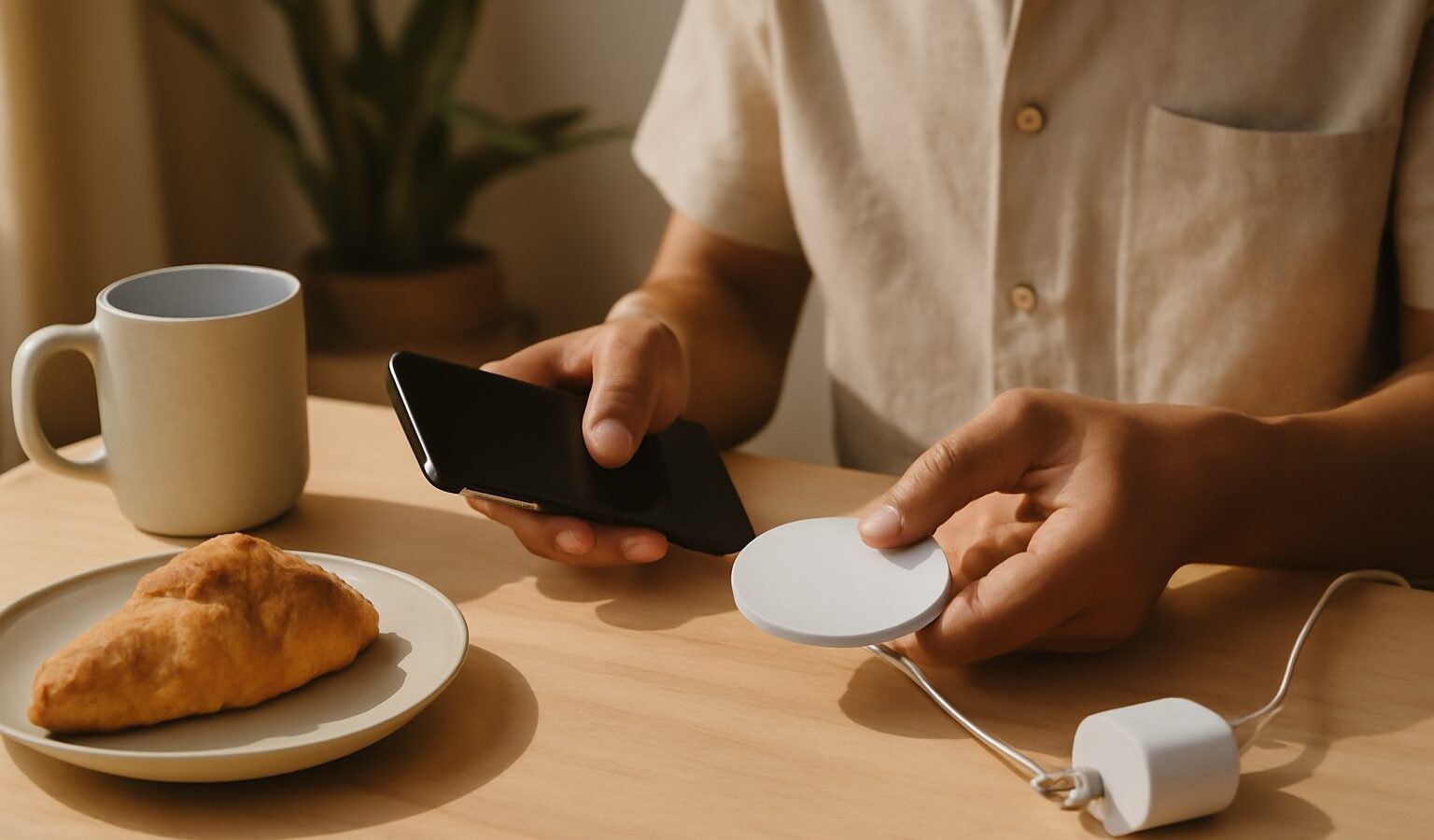
Dropping your phone onto a pad and watching it charge, with no fiddly cable to plug in, is a small daily pleasure. But wireless chargers vary a lot, and the wrong one can charge slowly, run hot or simply not suit how you use your phone. If you are shopping for a wireless charger singapore stores and online sellers offer plenty of choice, so this guide explains how wireless charging works, the main types available, and the features to weigh before you buy.
How wireless charging works
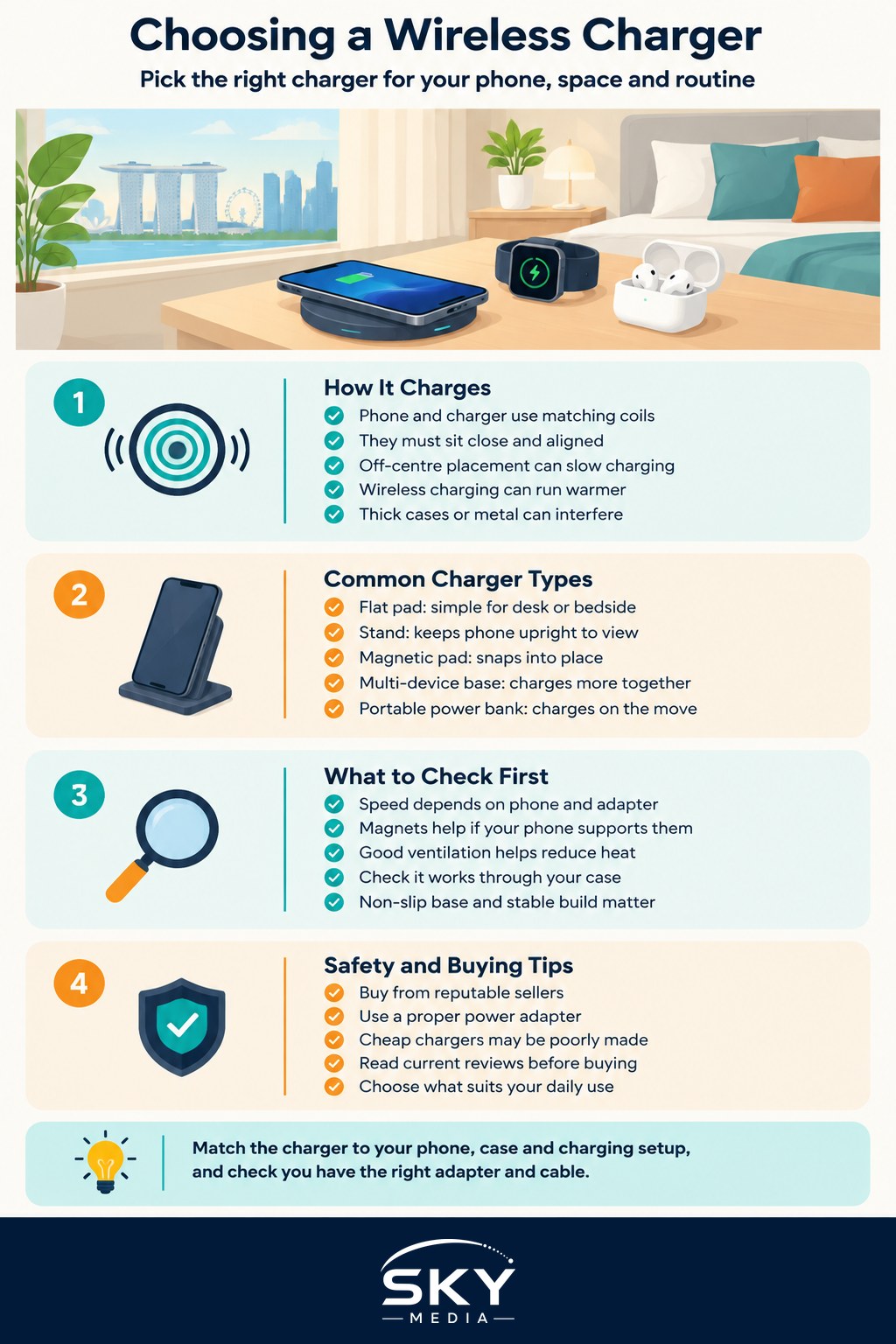
Wireless charging uses a coil in the charger and a matching coil in your phone. Power passes between them through a short magnetic field, which is why the two have to sit close together and lined up. There is no magic to it, and there are a few things worth understanding.
First, alignment matters. If your phone sits slightly off-centre on a flat pad, charging can slow down or stop. Some chargers use magnets to snap the phone into the right spot, which removes the guesswork and is one of the nicer conveniences to look for. Second, wireless charging tends to be a little less efficient than a cable, so it can generate more heat, and heat is the enemy of battery health over time. A well-designed charger manages this, sometimes with a small fan or good ventilation. Third, most cases work fine, but very thick cases, pop-sockets or metal plates can get in the way, so check yours.
It is also worth knowing that a wireless charger needs a suitable power adapter and cable to reach its rated speed, and these are not always included in the box. If you want the background on adapters, cables and charging speeds in general, our guide to understanding USB-C and charging cables is a helpful primer, and power banks and charging gear covers the wider ecosystem of charging accessories.
The main types to consider
There is no single best design, only the one that fits how and where you charge. Here are the common formats.
- Flat pad. The classic puck you lay a phone on. Simple and cheap, good on a desk or nightstand, but you glance down at the screen and alignment can drift if you bump it.
- Stand. Holds the phone upright at an angle, so you can see notifications, watch a video or use it for video calls while it charges. Great for a desk.
- Magnetic pad or stand. Uses magnets to grip a compatible phone in the perfect position, so charging starts reliably and you can pick the phone up and put it back without aiming. A popular choice if your phone supports it.
- Multi-device charger. Charges a phone, earbuds and a smartwatch together from one base. Tidy for a bedside table, though check it supports the specific watch and earbuds you own, since watch charging is often brand-specific.
- Portable wireless power bank. A battery that clings to the back of your phone and charges it on the move. Handy for a day out, though bulkier than a cable-and-battery combo.
Think about where the charger will live and what else needs charging nearby. A stand suits a work desk, a flat or magnetic pad suits a bedside table, and a multi-device base makes sense if you own a watch and earbuds too.
Features and safety to look for
Beyond the shape, a few features separate a good charger from a frustrating one.
- Charging speed. Faster is nicer, but real-world speed depends on your phone, the charger and the power adapter working together. Do not assume a big headline number without checking your phone supports it.
- Magnetic alignment. If your phone is compatible, magnets make charging reliable and effortless, which is the main reason many people upgrade.
- Heat management. Good ventilation, quality materials, or a quiet fan help keep temperatures down and protect your battery over the long run.
- Case friendliness. Confirm it works through your case, and remember to remove metal plates or thick wallets.
- Build and grip. A non-slip surface and a stable base matter, especially for a stand you tap while charging.
- Safety basics. Buy from reputable sellers and look for a proper power adapter. Cheap, unbranded chargers can be poorly made, so it is worth spending a little more for peace of mind, and using a decent adapter suited to Singapore’s three-pin sockets.
Prices, models and phone compatibility change, so read current reviews close to when you buy rather than relying on an old recommendation. Match the charger to your specific phone and the way you live with it.
A simple way to choose
Decide where the charger will sit and what it needs to charge. Pick a stand for a desk, a magnetic pad for a bedside table, or a multi-device base if you own a watch and earbuds. Check that your phone supports the alignment and speed you are paying for, make sure you have a proper adapter and cable, and buy from a trustworthy seller. Get those basics right and a wireless charger becomes one of those quiet upgrades you stop noticing precisely because it just works.
Frequently Asked Questions
Is it safe to charge my phone on a wireless pad overnight? Generally yes with a reputable charger, since phones stop charging when the battery is full. Heat is the concern, so keep the pad ventilated, avoid thick cases that trap warmth, and do not cover the phone with bedding. A cooler spot is kinder to the battery.
Why is my phone charging so slowly on a wireless charger? Common causes are poor alignment, a weak power adapter or cable, a thick case, or a phone that limits speed to control heat. Centre the phone, check that the adapter supports the charger’s rated speed, and remove metal plates.
Will any wireless charger work with my phone? Most modern phones use a common wireless charging standard, but speeds and magnetic features can differ by model. Check your phone’s specifications and the charger’s compatibility list before buying, and read reviews for your exact phone.
Can cards or a metal plate in my phone case cause problems? Yes, metal plates and thick wallet cases can block or slow charging and cause heat. Cards with chips or magnetic stripes can also be affected. Take them out before charging.
Can I use a wireless charger in the car? Yes, if it is designed for car use and holds the phone firmly. A hot car can make phones run warm, so avoid direct sun, and do not set up or fiddle with the charger while driving. Make sure the mount does not block your view.
Further reading: Choosing a Car Phone Mount and Charger