
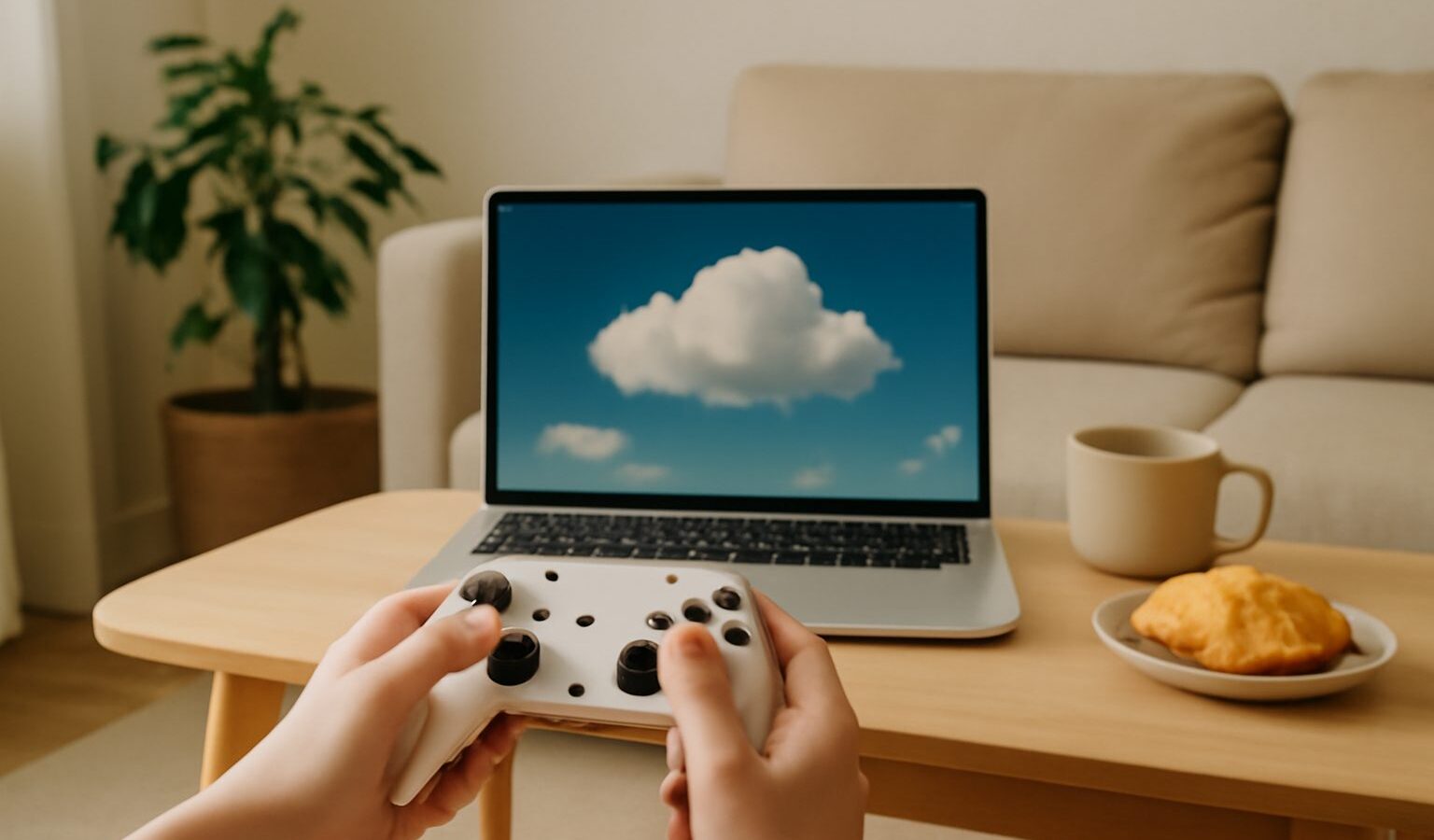
Imagine playing a demanding game on an old laptop, a phone or a basic smart TV, without buying a powerful console or gaming PC. That is the promise of cloud gaming. Instead of running the game on your own device, a powerful computer in a data centre runs it for you and streams the video to your screen, while your button presses travel back the other way.
This guide explains cloud gaming in plain terms: how it works, what you need at home, and whether it makes sense for the way people play in Singapore. It is a general overview, not a product recommendation.
How Cloud Gaming Works
Think of it like watching a video, except the video reacts instantly to your controller. When you press a button, that input is sent over the internet to a remote machine. The machine runs the game, works out what should happen next, and streams the resulting picture straight back to your screen. All of this happens many times a second.
Because the heavy lifting happens far away, your own device only needs to do two simple jobs: send your inputs and display the video. This is why a modest phone or laptop can play games that would normally need expensive hardware.
The trade-off is that everything depends on your internet connection. The round trip between your controller and the screen must feel instant, or the game will seem to lag behind your fingers. That delay is called latency, sometimes measured as ping, and keeping it low is the whole challenge of cloud gaming.
What You Need to Get Started
The appeal of cloud gaming is that the shopping list is short. You do not need a console or a gaming PC, but you do need a few basics working well.
- A stable, fast internet connection. Most cloud services suggest a wired or strong wireless connection with steady speeds. In Singapore, home fibre broadband is well suited to this, since fibre plans are widely available and generally consistent.
- A compatible device. This might be a laptop, a phone, a tablet, a modern smart TV or a small streaming stick. Many services simply run in a web browser.
- A controller or keyboard and mouse. Many recent controllers connect over Bluetooth, so you can pair one to a phone or TV easily.
- A subscription or account with a cloud gaming service. Some let you play games you already own, while others include a library for a monthly fee.
A quick tip for local homes: if your gaming corner in an HDB flat sits far from the router, a wired connection or a mesh Wi-Fi point near the screen can make a noticeable difference to stability.
The Role of Your Internet Connection
Cloud gaming lives or dies by your connection, so it helps to know which parts matter.
- Latency (ping) is the delay between your input and the response on screen. Low latency feels responsive, while high latency feels sluggish. This is the single most important factor.
- Download speed affects picture quality. More speed allows a sharper, smoother image, though most services adjust automatically if your connection dips.
- Stability matters as much as raw speed. A connection that briefly drops or fluctuates will cause stutters, even if the average speed looks high.
Singapore’s widespread fibre broadband gives most households a solid starting point. To get the best result, play near your router where possible, use a wired connection for fast-paced games, and avoid heavy downloads on the same network while you play. A gaming cafe or LAN shop can also be a good place to try demanding sessions on a strong connection.
Cloud Gaming Compared With Owning a Console
Cloud gaming is not a straight replacement for a console or PC. Each approach suits different people, and many players happily use both.
| Factor | Cloud Gaming | Owning a Console or PC |
|---|---|---|
| Upfront cost | Low, since no powerful hardware is needed | Higher, you buy the machine outright |
| Ongoing cost | Usually a subscription | Mostly the cost of games |
| Internet dependence | Very high, needs stable low-latency internet | Low, games run offline once installed |
| Performance feel | Depends on your connection | Consistent, not affected by network |
| Best for | Trying games, casual play, extra screens | Competitive play, offline gaming, ownership |
| Hardware upkeep | None, the provider maintains it | You manage storage, updates and upgrades |
If you value instant access across several screens and dislike large upfront costs, cloud gaming is appealing. If you want the steadiest possible performance for fast, competitive games, or you often play offline, owning the hardware still has the edge.
Is Cloud Gaming Right for You
Cloud gaming suits some situations far better than others. It shines when you want to try a game without committing to hardware, play across different devices around the home, or squeeze in a session on a laptop or phone. It is also a gentle, low-cost way for a newcomer or a non-gamer parent to see what a game is like before buying anything.
It is less ideal if your internet is unreliable, if you play highly competitive shooters where every millisecond counts, or if you prefer to own games permanently rather than access them through a subscription. It is also worth checking which games each service offers, since libraries differ and titles come and go.
A sensible approach is to start small. Many services offer a free tier or a short trial, so you can test how it feels on your own connection before paying. Play a few sessions, notice whether the controls feel responsive, and see whether the picture holds steady during busy moments. If it feels good on your home fibre broadband, cloud gaming can be a wonderfully flexible way to play, with almost no hardware to buy or maintain.
Explore more
Deciding how to play? Compare the classic options in PC vs console gaming, see how portable play works in handheld gaming devices explained, and start from the basics with gaming for beginners.