
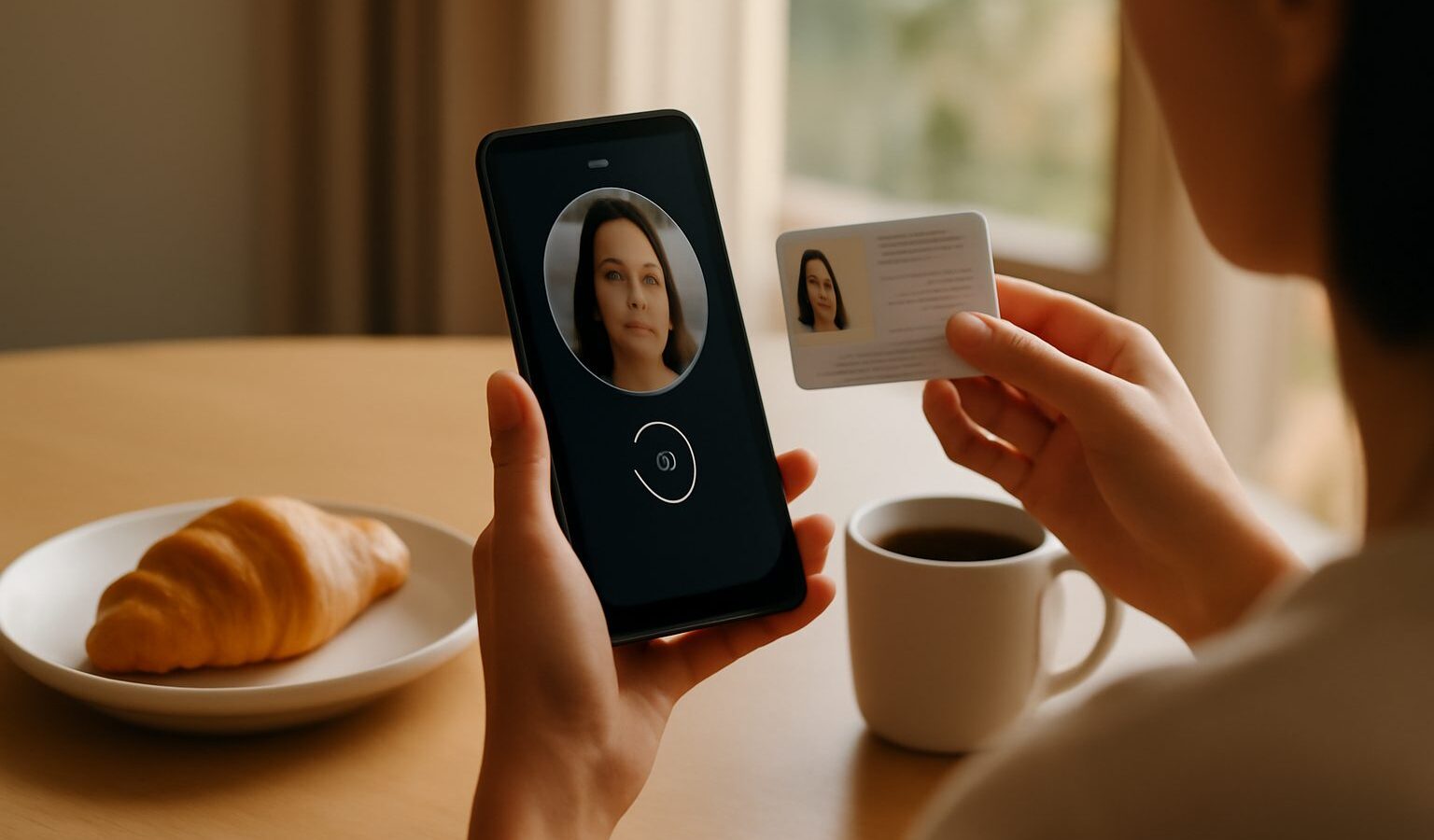
Your digital identity in Singapore is the online version of who you are. It is how banks, government agencies, and services confirm that you are really you before they let you log in, sign a form, or move money. Because so much of daily life now runs online, from booking a clinic slot to filing taxes, understanding your digital identity singapore residents rely on every day is one of the most useful things you can learn. This guide explains the basics in plain words, shows how Verify style checks work, and gives you sensible steps to keep your account safe.

What Digital Identity Actually Means
Think of your digital identity as a set of trusted facts about you that a computer system can check. It usually includes your name, your national identity number, and details the government already holds. When you log in to an official service, the system does not simply take your word for it. It runs a check to confirm the person tapping the buttons is the rightful owner of the account.
In Singapore, the central piece of this is Singpass, the national digital identity that most residents use. Singpass lets you log in to hundreds of government and private services with one secure account. Alongside it sit tools that let you prove your identity or verify that a document, person, or business is genuine. If you want a fuller walkthrough of the account itself, the Singpass guide for Singapore covers setting it up and using it day to day.
The important idea is that your digital identity is valuable. A scammer who gets control of it can pretend to be you, apply for things in your name, or drain accounts. That is why protecting it matters as much as protecting your physical NRIC card.
How Verify Style Checks Work
A verify check is simply a way of confirming that something is real. There are a few common types you will meet:
- Identity verification. You confirm you are you, often through the Singpass app and its face verification feature. The app compares a live scan of your face against government records.
- Document verification. A service confirms that a certificate, letter, or digital pass is authentic and has not been altered.
- Person or business verification. Before you deal with someone, you check that they are who they claim to be, or that a company is properly registered.
These checks reduce fraud because they close the gap between a claim and the truth. When a bank asks you to verify through Singpass rather than just typing a password, it is adding a stronger layer of proof. Face verification in particular is hard to fake, which is why more services now use it. If you are curious about how that step works, see using the Singpass app face verification.
Always start these checks from the official app or website. Do not follow a link sent to you by SMS or chat that claims to take you to a verification page. Genuine agencies will not rush you or ask you to verify through an unfamiliar link.
Protecting Your Singpass and OTPs
Your Singpass account is the master key to your digital identity, so guard it carefully. A few habits make a real difference:
- Never share your Singpass password or your one time passwords (OTPs) with anyone. No real bank officer, government staff member, or police officer will ever ask for them. Anyone who does is a scammer.
- Set up the Singpass app and use face or fingerprint login where possible. It is faster and much harder to steal than a typed password.
- Turn on two factor authentication everywhere it is offered. If you want to understand why this matters, the two factor authentication guide explains it simply.
- Be alert to fake login pages. Check that you are on the real official domain before you type anything. Learn the warning signs in how to spot a fake website.
Treat an unexpected OTP as a red flag. If a code arrives when you did not ask for one, someone may be trying to get into your account. Do not enter it anywhere, and consider changing your password.
Why This Matters More Every Year
As more services move online, your digital identity becomes the thing that unlocks them all. That convenience is genuine, but it also means one compromised account can cause a lot of damage. The good news is that the protections available to you, from face verification to two factor authentication, are strong when you actually use them.
Scammers know this, so they focus on tricking you into handing over access rather than breaking the technology. That is why the single most important rule is to keep your OTPs and passwords to yourself, and to start every login or verification from the official app or website rather than a link someone sent you.
A Simple Way to Stay Safe
To wrap up, treat your digital identity like the keys to your home. Use the official Singpass app, switch on face or fingerprint login, and never share your password or OTPs with anyone for any reason. When a service asks you to verify, do it from the app or the official site directly, not through a forwarded link. For the exact current steps on any government service, always defer to the official app or website, since procedures are updated from time to time. Build these habits now and your digital identity in Singapore will stay firmly in your own hands.
Frequently Asked Questions
What should I do first if I think my Singpass was compromised? Change your password straight away, then check recent activity and any linked accounts. Contact the Singpass helpdesk through official channels, and tell your bank if money may be at risk. If you suspect a scam, make a police report.
Is face verification safe to use? It is considered a strong layer of proof because a live scan is harder to fake than a typed password. Use it only inside the official app, and do not let anyone take your photo on their phone for a login. Check the official guide for current steps.
Do foreigners and permanent residents need a digital identity here? Many services are available to different residency types, but eligibility depends on the agency and service. Check the official Singpass site for who can register and what documents are required. Requirements change, so rely on the latest guidance.
How do I tell if a verification page is fake? Check the address carefully, avoid links sent by SMS or chat, and start from the official app or website instead. Fake pages often use urgency, odd spelling or slightly altered domain names. If anything feels rushed, stop and verify through an official channel.
Why did I get a one-time password I never asked for? It may mean someone is trying to log in to your account. Do not share or enter the code anywhere. Change your password, review your security settings and report suspicious activity to the relevant service or bank.