
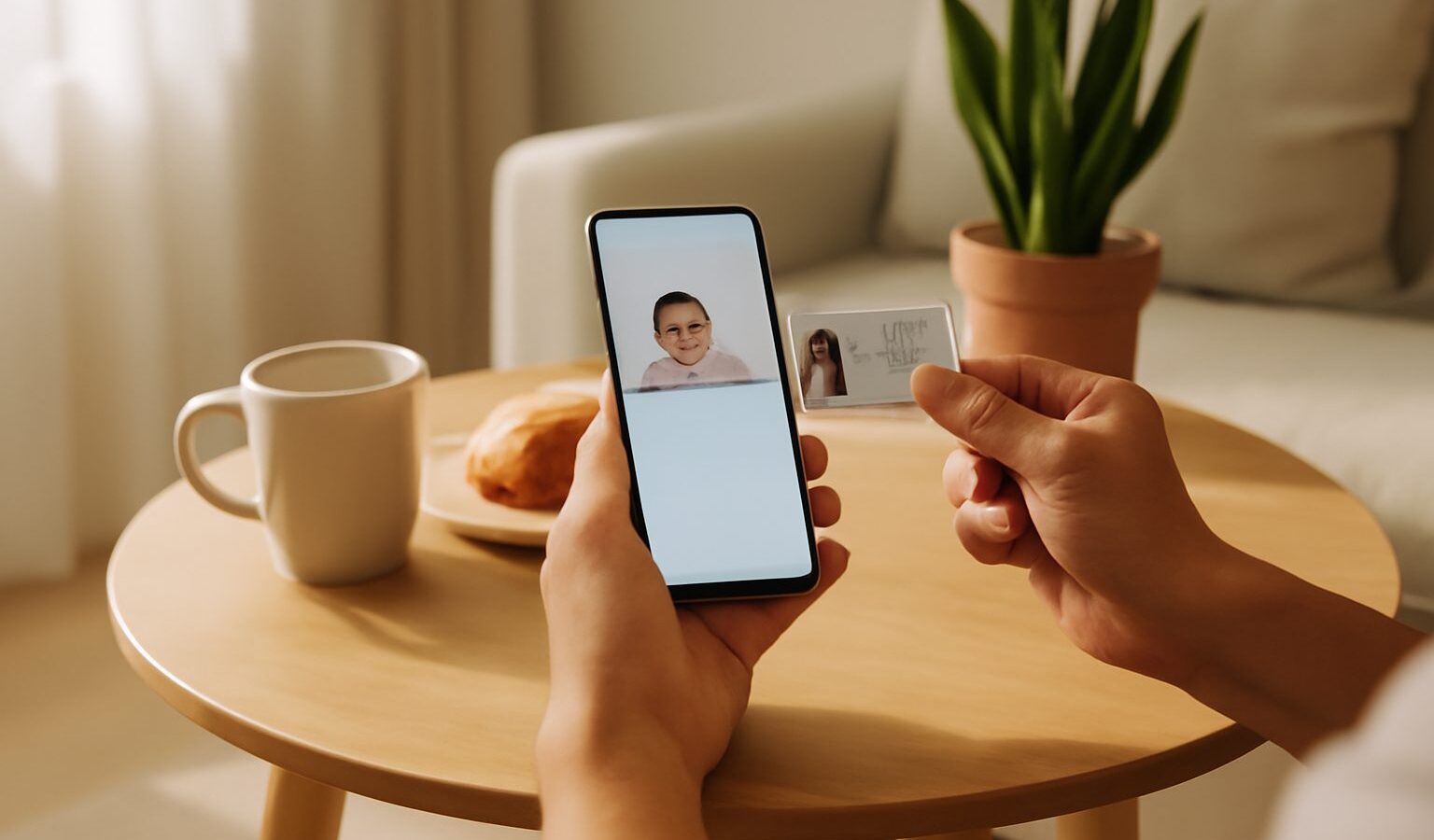
Left your wallet at home but have your phone? For many everyday situations in Singapore, the Singpass digital IC can stand in for your physical identity card. It lives inside the Singpass app, shows your key identity details and photo, and is designed so that staff at a counter can tell it is genuine and not a screenshot.
But the digital IC is not accepted everywhere, and showing it the wrong way can lead to an awkward moment at a counter. This guide focuses narrowly on the Singpass digital IC: where it tends to work, how to display it properly, and the limits you should know. For a wider explanation of Singpass itself, see our Singpass guide to Singapore’s digital ID.

What the Digital IC Actually Is
The digital IC is a view inside the Singpass app that presents your identity details, such as your name, NRIC number, photo and other information from your profile. It is generally available to Singapore Citizens and Permanent Residents who hold an NRIC (National Registration Identity Card). Foreigners using the app may see their own pass or identity details instead, depending on what the app currently supports for their pass type.
Two things make it different from a photo of your IC:
- It is live. The display is pulled from your verified Singpass profile, not a stored image.
- It has visual anti-forgery features. The app shows animated or changing elements so that a person checking it can see it is the real app rather than a static picture. The exact design may change with app updates.
Because it comes from your official profile, the information should match your physical IC. If you have recently changed your address or other details, give the records time to update.
How to Display Your Digital IC Properly
The exact taps can shift between app versions, but the general steps are similar.
- Open the Singpass app and unlock it with your passcode, fingerprint or face recognition.
- Find your profile or digital IC section, usually accessible from the home screen.
- Show the screen to the staff member, letting them see the animated elements. Some counters may ask you to hold the phone still or tilt it.
- Offer to let them scan a QR code if the organisation uses Singpass verification at the counter. In that case, the business scans your code or you scan theirs, and you approve sharing specific details through the app.
A few practical tips:
- Keep the app updated, because older versions may stop working.
- Make sure your phone is charged before appointments where you will need ID.
- Do not hand over your unlocked phone and walk away. Show the screen, and keep it in your hand where possible.
- Never send your digital IC as a screenshot over chat apps. Screenshots lack the security features and can be misused.
Where the Digital IC Is Usually Accepted
Acceptance has widened over the years as government agencies and businesses adopt Singpass. In general, you may find it accepted at:
- Government counters and service centres, where officers can recognise the digital IC or verify you through Singpass.
- Polyclinics, hospitals and clinics for registration, though some may still prefer the physical card or use their own kiosks.
- Banks and telcos for some services, often through Singpass verification rather than visual inspection of your screen.
- Collection points and private businesses that need to verify identity, such as parcel collection or key handovers, depending on their own policy.
- Age checks, at some retailers, though staff may still ask for a physical card.
Acceptance is ultimately up to each organisation. A private business can choose its own verification method, and some still insist on a physical card. If it matters, call ahead or check the organisation’s website before you go.
Digital IC vs Physical IC vs Singpass Login
People sometimes mix up three different things. The table below shows how they compare.
| Method | What it does | Typical use | Key limit |
|---|---|---|---|
| Physical NRIC | Official plastic identity card | Any situation requiring a card, including some legal and official procedures | Can be lost, damaged or forgotten |
| Singpass digital IC | Shows your identity details live in the app for visual checks | Counters and in-person checks that accept it | Not accepted everywhere; needs a working phone |
| Singpass login or verification | Shares verified data (via Myinfo) or logs you in to a service | Online applications, QR-based in-person verification | You must approve each data request; only shares what you consent to |
Myinfo, mentioned above, is the government service that lets you share verified personal data with an organisation with your consent, so you do not have to fill in forms or show documents manually.
The Limits You Should Know
The digital IC is convenient, but it is not a complete replacement for every document.
- It is not a travel document. At immigration checkpoints you still need your passport. Do not rely on the digital IC to travel.
- Some procedures need the physical card or other documents. Certain legal, financial or official processes may require your physical IC, original documents or in-person biometric checks.
- Acceptance is not guaranteed. As noted, private organisations set their own rules.
- Your phone must work. A flat battery, a broken screen or no app access means no digital IC. Keep your physical card somewhere safe and bring it when the stakes are high.
- It depends on your device’s security. If your phone is lost, your Singpass access could be at risk. Report it and follow Singpass’s guidance quickly.
If you are moving to a new phone, set up Singpass on it before you wipe the old one. Our guide on how to set up the Singpass app on a new phone walks through the process.
Keeping Your Digital IC Safe
Your digital IC carries the same kind of information as your physical card, so treat it with similar care.
- Use a strong phone passcode and keep biometric unlock limited to your own face or fingerprint.
- Do not let anyone else register their face or fingerprint on your phone.
- Be wary of anyone asking you to “send your IC” by message or email, especially strangers or callers claiming to be from an agency. Legitimate verification is usually done through the official Singpass app flow.
- If you suspect your Singpass account has been compromised, follow the instructions on the official Singpass website and contact the Singpass helpdesk.
The app’s face verification feature also plays a role in keeping your account secure. Read more in our guide to using the Singpass app and face verification.
Helping Older Family Members Use It
Seniors often benefit most from not having to dig out a card at the clinic, but they may need help getting comfortable with the app. Sit with them, practise opening the digital IC a few times, and remind them never to share codes or screenshots. Our guide on using HealthHub and Singpass as a senior has more tips for older users.
Features and acceptance can change as Singpass evolves. For the latest information on what the digital IC shows and where it can be used, check the official Singpass website.
Frequently Asked Questions
Does the Singpass digital IC work without mobile data? It may depend on the app version and what the counter needs, so do not assume it will work offline. Open the app and check before you reach the counter, and keep your physical IC handy. Check the official Singpass website for current features.
What if the staff do not recognise or accept my digital IC? Acceptance is up to each organisation, so politely offer an alternative, such as Singpass QR verification if they use it, or show your physical card. For something important, call ahead to ask what they accept, and keep the physical IC with you.
Is it all right if a shop wants to photocopy or scan my IC? Be cautious. Organisations are generally restricted from collecting NRIC numbers and copies unless the law allows or it is necessary. Ask why they need it and whether another method works. Never send a screenshot of your digital IC through chat or email.
What should I do if my address changed but the digital IC still shows the old one? The details come from your official records, so update them through the proper channel, such as ICA for your address on the IC, and allow time for the records to refresh. Check the Singpass website if the display still looks wrong afterwards.
Is the digital IC enough if I lose my physical NRIC? It can help in some everyday situations, but it does not replace your card for every purpose. Report a lost IC and apply for a replacement through ICA’s process. Check the ICA website for the steps and current requirements.
Further reading: Where Seniors Can Get Free Digital Help in Singapore · Corppass and Digital Services for Business in Singapore · Digital Identity and Verify Checks