
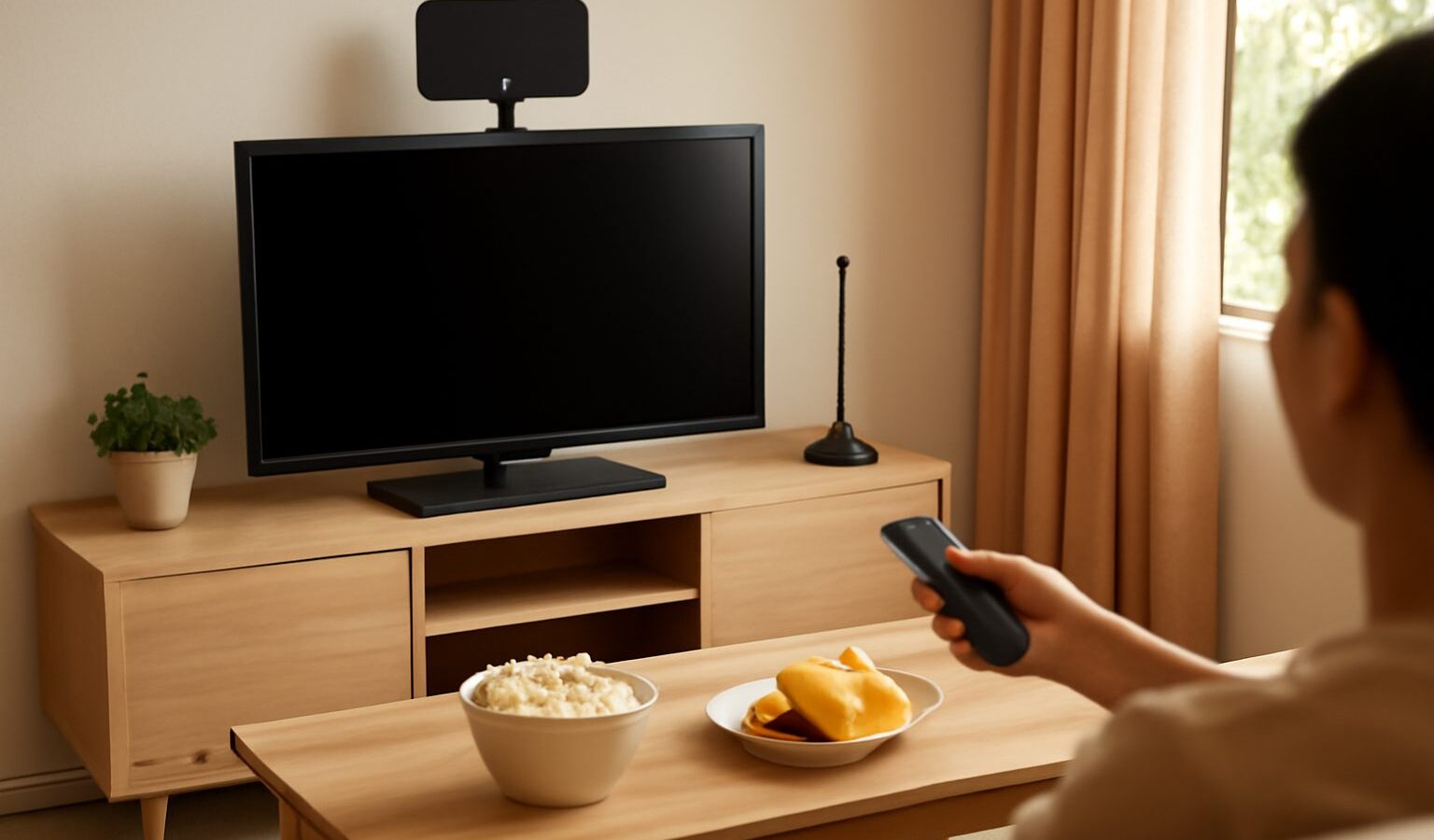
You do not need a monthly subscription or an internet plan to watch local news, dramas and variety shows. Free to air TV in Singapore is broadcast digitally, and with the right TV or a small set-top box plus an antenna connection, you can watch the local channels at no ongoing cost. This guide is written with seniors and their families in mind. It explains what equipment you need, how to connect it, how to run a channel scan and what to do when the picture freezes or channels go missing.
If you are more interested in apps and online streaming, see our guide to streaming devices and TV boxes. This article focuses only on the free broadcast signal.

How Free-to-Air Digital TV Works in Singapore
Singapore switched from analogue to digital terrestrial TV some years ago. Local channels are now broadcast over the air using a standard called DVB-T2. Your TV picks up this signal through an antenna, decodes it, and shows the channels.
The key points to know:
- It is free to watch. There is no subscription for the broadcast channels themselves.
- Your TV must support DVB-T2. Many TVs sold in Singapore in recent years have a built-in DVB-T2 tuner. Older TVs may need a separate set-top box (a small decoder box).
- You need an antenna signal. Most HDB flats and many condominiums have a TV aerial point in the wall connected to a shared building antenna on the roof. Landed homes and some older buildings may need their own indoor or outdoor antenna.
The channels available include the national broadcaster’s English, Chinese, Malay and Tamil channels, plus news and kids’ programming. The exact line-up can change, so check Mediacorp’s website or the IMDA (Infocomm Media Development Authority) website for the current list.
What Equipment You Need
Before buying anything, check what you already have. Many households discover their TV can already receive digital channels.
Check your TV
Look at the TV’s specification sticker, the manual or the model page on the manufacturer’s website for “DVB-T2”. If you see it, you do not need a set-top box. If it only says DVB-T or nothing at all, you will need a DVB-T2 set-top box.
Check your wall point
In most HDB flats, look for a round coaxial socket on the wall near where the TV usually sits, often labelled “TV”. This connects to the building’s shared antenna system, so you usually do not need your own antenna.
Items you may need
- A coaxial cable to connect the wall point to the TV or set-top box
- A DVB-T2 set-top box if your TV lacks a built-in tuner
- An HDMI cable to connect the set-top box to the TV
- An indoor or outdoor digital antenna if there is no working wall point
When buying a set-top box or antenna, look for products that clearly state DVB-T2 compatibility for Singapore. A staff member at an electronics shop can help confirm this.
Choosing Your Setup: A Quick Comparison
| Your situation | What to use | Notes |
|---|---|---|
| Newer TV with DVB-T2, HDB wall point available | Coaxial cable from wall point to TV | Simplest setup, no extra box needed |
| Older TV without DVB-T2, wall point available | Set-top box between wall point and TV | Box connects to TV by HDMI; use the box’s remote to change channels |
| No wall point or wall point not working | Indoor digital antenna | Place near a window; reception depends on location and building |
| Landed home or weak indoor signal | Outdoor antenna installed by a technician | Better reception; installation should be done safely by a professional |
Step-by-Step: Connecting and Scanning for Channels
The steps below are general. Menus differ between brands, so keep your TV or set-top box manual handy, or look up the model online.
- Switch everything off. Unplug the TV and set-top box before connecting cables.
- Connect the antenna cable. Plug one end of the coaxial cable into the wall point or antenna, and the other end into the socket marked “ANT IN”, “RF IN” or “Antenna” on the TV or set-top box.
- Connect the set-top box (if using one). Use an HDMI cable from the box’s HDMI OUT to an HDMI port on the TV.
- Power on. Switch on the TV, and the set-top box if you have one.
- Choose the input. If using a set-top box, press the “Source” or “Input” button on the TV remote and select the correct HDMI port. If using the TV’s own tuner, select “TV”, “DTV” or “Antenna”.
- Open the channel setup menu. Look for “Settings”, then “Channels”, “Broadcasting” or “Installation”.
- Set country to Singapore. This tells the TV which channel frequencies and standards to search.
- Select “Antenna” or “Air” rather than “Cable”.
- Run an automatic scan. It may be called “Auto Tune”, “Auto Search” or “Channel Scan”. This takes a few minutes.
- Check the channel list. When it finishes, flip through the channels to confirm they appear clearly.
Tip for families: once the scan is done, write the channel numbers of favourite programmes on a small card next to the remote. It makes life easier for elderly parents.
Fixing Common Reception Problems
Digital TV tends to be either clear or not working at all. Instead of a fuzzy picture, you may see freezing, blocky images or “No Signal”.
- “No Signal” message. Check that the cable is pushed fully into both ends and that the TV is on the right input. Try another wall point if your home has more than one.
- Some channels missing. Run the automatic scan again. Broadcasters occasionally change frequencies, and a fresh scan picks up the new settings.
- Picture freezes or breaks up. The signal may be weak. For indoor antennas, move the antenna higher or closer to a window, away from metal objects and other electronics.
- Problems after renovation. Contractors sometimes disconnect or damage TV wiring. Ask your contractor to check, or engage an electrician.
- Whole block affected. If neighbours have the same problem, the shared building antenna may need attention. For HDB flats, contact your Town Council; for condominiums, contact the managing agent or MCST (Management Corporation Strata Title, the body that manages the estate).
Avoid climbing onto ledges, rooftops or ladders to adjust an outdoor antenna yourself. Engage a qualified technician for anything outside the window or on the roof.
Making TV Comfortable for Seniors
A few small adjustments can make watching TV much more pleasant for older family members:
- Turn on subtitles in the TV menu, which helps with dialogue and with programmes in a different language.
- Choose a simple remote. Some set-top boxes come with large-button remotes. You can also hide unused inputs to reduce confusion.
- Adjust the picture mode to “Standard” or “Movie” if the default mode looks too bright.
- Use the programme guide. Many TVs show an on-screen guide (often an “EPG” or “Guide” button) listing what is on now and next.
- Consider wall mounting at a comfortable eye level if neck strain is an issue. See our guide on how to mount a TV on the wall.
If you are replacing an old set entirely, our guide to buying a TV in Singapore explains what features matter, including checking for a built-in DVB-T2 tuner.
Free-to-Air TV Alongside Streaming
Many households use both. The broadcast channels are reliable for live news and long-running local shows, while streaming apps add on-demand choice. Families who watch Chinese-language programmes may also enjoy the options in our guide to watching Chinese TV and streaming in Singapore.
With a DVB-T2 tuner, a working antenna point and one quick channel scan, free to air TV is one of the simplest and most affordable ways for seniors to stay entertained and informed at home.
Further reading: Cutting the Cord: Replacing Cable TV