
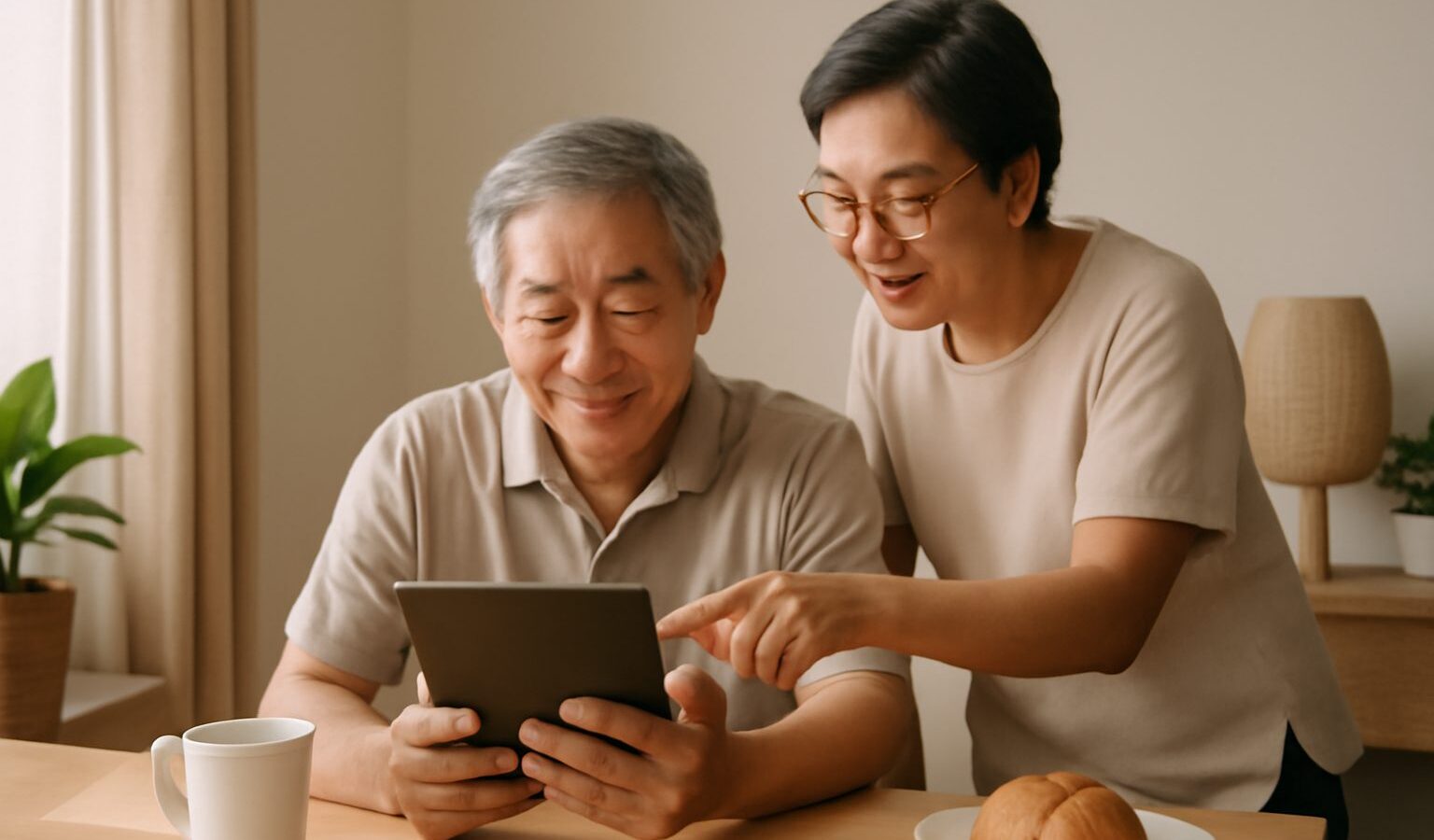
More and more daily tasks in Singapore happen on a phone: booking a polyclinic appointment, checking CPF, paying at a hawker stall with a QR code, logging in with Singpass. If you are a senior who would like to learn these things yourself, at your own pace, you do not have to wait for your children or grandchildren to have time. There is free, face-to-face help available in the community, much of it organised through the SG Digital Office. This guide explains what SG Digital Office seniors programmes offer, where else you can learn, and how to get the most out of a visit.
Programme names, locations and timings change from time to time, so always check the latest details on the official websites mentioned below or ask at your nearest community centre.

What the SG Digital Office Does for Seniors
The SG Digital Office (SDO) is a government team under IMDA, the Infocomm Media Development Authority, set up to help everyone in Singapore use digital tools with confidence. A big part of its work is helping seniors.
Its helpers are often called Digital Ambassadors. They are trained staff and volunteers who sit with you and help with your own phone, in a patient, one-to-one way. They can usually help in English and other languages commonly spoken in Singapore, including Mandarin, Malay, Tamil and some dialects, though this varies by location.
Things a Digital Ambassador can typically help you with include:
- Setting up and using a smartphone: making video calls, taking photos, adjusting text size and volume
- Using WhatsApp to message family and join group chats
- Setting up and logging in with Singpass, the national digital identity
- Using government apps such as HealthHub for appointments and records
- Paying with e-payments and scanning SGQR codes at hawker centres and shops
- Spotting scams and installing protection tools such as the ScamShield app
They will not ask for your passwords or Singpass details, and you should never share them. A genuine helper will guide you to type them in yourself.
Where to Find Free Help Near You
You do not need to travel far. Free digital help for seniors is usually found in familiar neighbourhood places.
- SG Digital Community Hubs: these are help points, often at community centres or clubs and some other public locations, where Digital Ambassadors are stationed. You can walk in during their opening hours with your phone and a question.
- Community centres and clubs (CCs): besides hosting hubs, many CCs run short basic classes for seniors. Ask at the counter or look at the notice board.
- Public libraries: the National Library Board (NLB) runs digital learning sessions and talks on topics such as using apps, staying safe online and spotting fake news. Library staff can also point you to programmes running nearby.
- Active Ageing Centres: many centres for seniors organise phone classes or invite volunteers to teach small groups. If you already go for activities, ask the staff.
- Roving booths: Digital Ambassadors sometimes set up booths at hawker centres, markets and void decks, especially when new schemes or apps are launched.
To find the nearest hub and its current opening hours, visit the IMDA or SG Digital Office pages on the official government websites, or ask any community centre counter.
Comparing Your Free Learning Options
Different places suit different needs. Here is a simple comparison to help you choose.
| Where to go | What it is like | Good for |
|---|---|---|
| SG Digital Community Hub | Walk-in, one-to-one help on your own phone | A specific problem, such as Singpass or a new app |
| Community centre class | Small group, a few sessions on set topics | Learning the basics step by step with others |
| Public library session | Talks and hands-on workshops, often by registration | Online safety, useful apps, staying up to date |
| Active Ageing Centre | Friendly, familiar setting with people you know | Gentle practice and confidence building |
Many seniors start with a class to learn the basics, then go back to a hub whenever a new question comes up.
Learning Programmes to Ask About
Beyond walk-in help, there are structured learning programmes for older adults. The best known is Seniors Go Digital, the SG Digital Office’s programme for helping seniors learn digital skills. Depending on what is running when you ask, it may include learning sessions at different levels, from first steps with a smartphone to more advanced topics like online shopping and e-services.
Other options include:
- Courses for older adults: organisations such as the Council for Third Age and the National Silver Academy have offered subsidised or free courses for seniors, including digital topics. Check their websites for what is available now.
- SkillsFuture courses: if you are a Singapore Citizen, you may be able to use SkillsFuture Credit for some technology courses. Eligibility and approved courses change, so check the SkillsFuture website first.
- Help to get a phone: the government has run schemes to help lower-income seniors get a subsidised smartphone and mobile plan. Whether a scheme is open, and who qualifies, can change, so ask at a hub or check the IMDA website.
Once you are comfortable, our guide to digital banking and e-payments for seniors explains how to pay safely, and meal delivery and grocery help for seniors shows how apps and services can make daily errands easier.
How to Prepare for Your Visit
A little preparation makes each session far more useful.
- Bring your own phone, fully charged. Learning on your own device means you can practise at home afterwards.
- Bring your charger and glasses. Small screens are easier with the right glasses.
- Write down what you want to learn. For example, “how to video call my grandson” or “how to check my polyclinic appointment”.
- Know your phone passcode. Helpers cannot unlock your phone for you. If you have forgotten it, bring proof of purchase and visit your phone shop or telco first.
- Bring your NRIC if you plan to set up Singpass or other government services, as you may need it to verify your identity.
- Bring a small notebook. Write the steps in your own words, in your own language, so you can follow them later.
Do not worry about asking the same question twice. Helpers are used to repeating steps, and practice is how everyone learns.
Staying Safe While You Learn
Learning digital skills also means learning to protect yourself. Scammers often target people who are new to apps.
- Never share your Singpass password, one-time passwords (OTPs) or banking details with anyone who calls or messages you, even if they say they are from the government or a bank.
- Government officers will not ask you to transfer money over the phone.
- Only download apps from the official app store on your phone.
- If something feels strange, stop, hang up and call a family member or the official hotline listed on the organisation’s own website.
- Ask a Digital Ambassador to help you install ScamShield and turn on security settings.
If you are unsure whether a message is real, take it to your nearest hub and ask. That is exactly what they are there for.
Making Learning a Habit
Digital skills grow with regular use. Try to use one new thing each week: send a photo to the family chat, check the weather, or look up bus arrival times. Join a class with a friend from your neighbourhood so you can help each other. With free help from SG Digital Office seniors programmes, libraries and community centres all close by, you can learn at your own speed and stay connected on your own terms.
Further reading: IMDA’s Mobile Access for Seniors Scheme Explained · Smart Home for Ageing in Place