
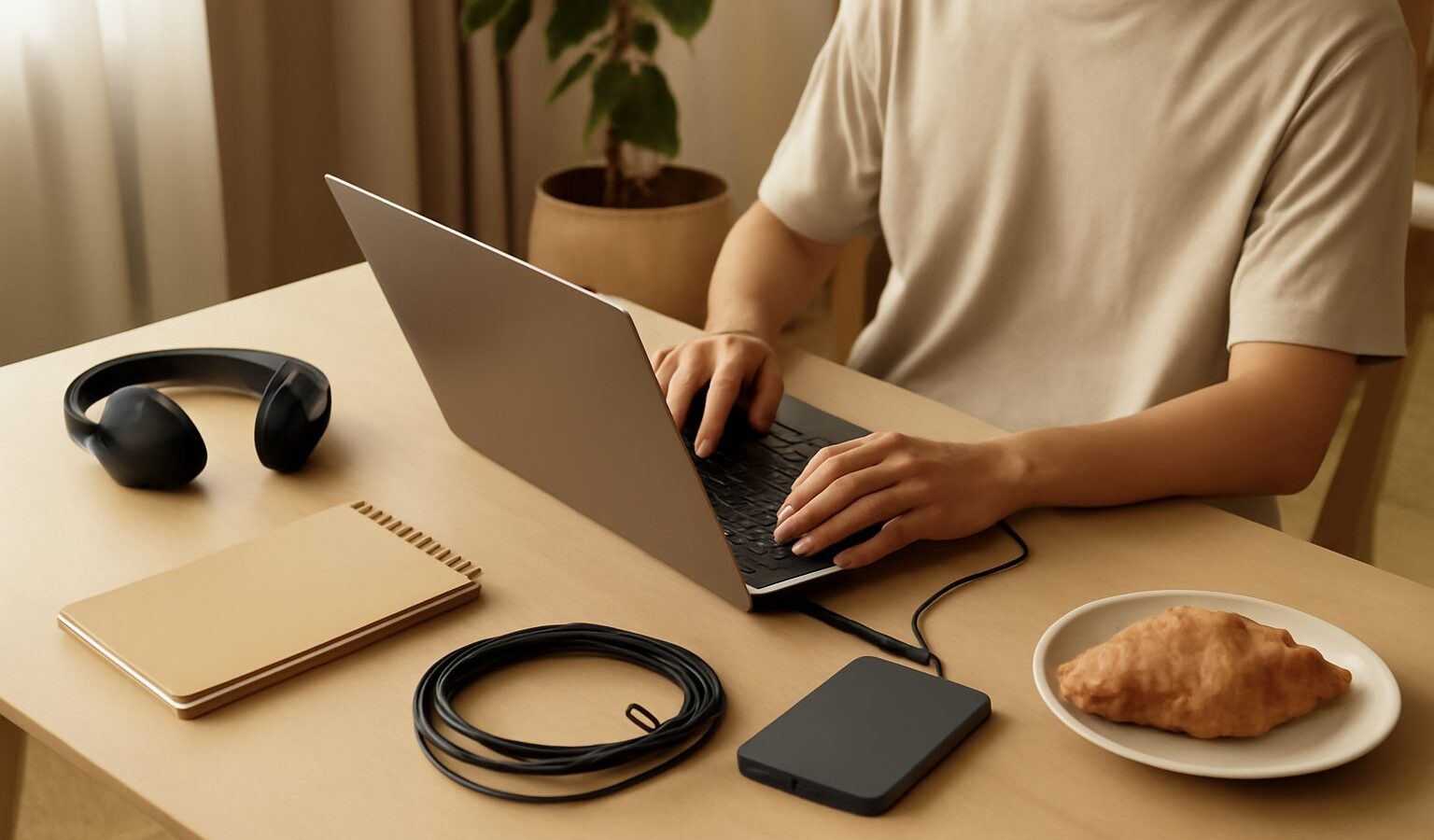
There is a special kind of heartbreak that only happens once. You spend a weekend building a track, close the lid on your laptop, and the next time you open it the file is gone, corrupted, or scattered across three folders you cannot find. Backing up music projects in Singapore is not glamorous, but it is the single habit that separates hobbyists who keep their work from those who quietly start over again and again. The good news is that a solid system takes an afternoon to set up and then runs quietly in the background for years.
This guide walks you through why backups matter, a simple rule you can actually stick to, and how to organise your files so that future you can find anything in seconds.
Why Backups Matter More Than You Think
Hard drives fail. Laptops get dropped, stolen, or left in a taxi. A software update can occasionally scramble a project file, and cloud accounts can lock you out at the worst moment. None of these are rare once you spread them across a few years of making music. If your only copy of a song lives in one place, you are one accident away from losing it forever.
There is also a creative cost to disorganisation. When your stems, samples, and session files are messy, you waste your best energy hunting for things instead of making music. A tidy, backed-up library lowers the friction of sitting down to work, which means you actually finish more songs. If you are still setting up your space, our guide to setting up a home studio in an HDB flat is a good companion, because good habits are easiest to build from the start.
The 3-2-1 Rule, Made Simple
The most trusted approach to backups is called the 3-2-1 rule, and it is worth memorising:
- 3 copies of anything you care about.
- 2 different types of storage (for example, your laptop plus an external drive).
- 1 copy kept offsite or in the cloud, away from your home.
Here is how that looks in practice for a bedroom producer in Singapore. Copy one is the project living on your laptop as you work. Copy two is an external SSD or hard drive that you sync to regularly. Copy three is a cloud folder that updates automatically. If your flat floods, your laptop dies, and your drive fails all in the same week, you still have your music. That may sound paranoid, but our humid climate is genuinely tough on electronics, so a little redundancy pays off. Our notes on caring for your audio gear in the humidity explain why drives and cables need looking after here more than in cooler places.
Choosing your storage
For local backups, an external SSD is faster and more shock-resistant than a spinning hard drive, though it usually costs a little more per gigabyte. Whatever you choose, keep it in a dry spot, ideally with a small dehumidifier or a dry box if you leave it out. For your offsite copy, any mainstream cloud service works. The key is to turn on automatic syncing so you are not relying on your own memory. A backup you have to remember to run is a backup that will eventually be forgotten.
Organise Files So Future You Can Cope
A backup is only useful if you can find what you need inside it. Start with one master “Music” folder, and give every song its own project folder inside it. A simple, consistent structure works wonders:
- Project folder name: date plus song name, such as
2026-09-05 Sunset Drive. - Inside each folder: the session file, an
Audiosubfolder for recordings, aBouncessubfolder for exports, and aReferencesubfolder for any tracks you are aiming for.
The single most important habit is telling your software to keep samples and recordings inside the project folder rather than linking to files scattered across your drive. Most programs have a “collect all and save” or “save project as, including media” option. Use it. That way, when you copy the folder to your backup drive, nothing gets left behind. If you are still learning your way around your software, our overview of understanding DAWs and music software covers where these settings usually live.
Name things clearly
Version names like final, final2, and finalREAL are a running joke for a reason. Instead, add a version number or a date to your saves, so Sunset Drive v3 clearly follows Sunset Drive v2. When you finish a track, export a full stereo bounce and a set of stems (each instrument as its own audio file). Stems are lifesavers if you ever want to remix, hand the song to someone else, or rescue a mix after your software changes. This ties in nicely with our guide to how to master a track for streaming, since a clean set of stems and bounces is exactly what you need when it is time to finish and release.
Build the Habit, Then Forget About It
The trick with backups is to make them automatic so willpower never enters the picture. Set your cloud folder to sync in the background, and pick one day a week, say Sunday evening, to plug in your external drive and copy over anything new. After a month it becomes muscle memory.
Take a moment now to do the boring but priceless first step: gather your scattered projects into one master folder, get them onto a second drive, and switch on cloud syncing. It is not the fun part of making music, but the day something goes wrong, and eventually something will, you will be endlessly glad you did. Protect the work, and you free yourself to keep making more of it.