
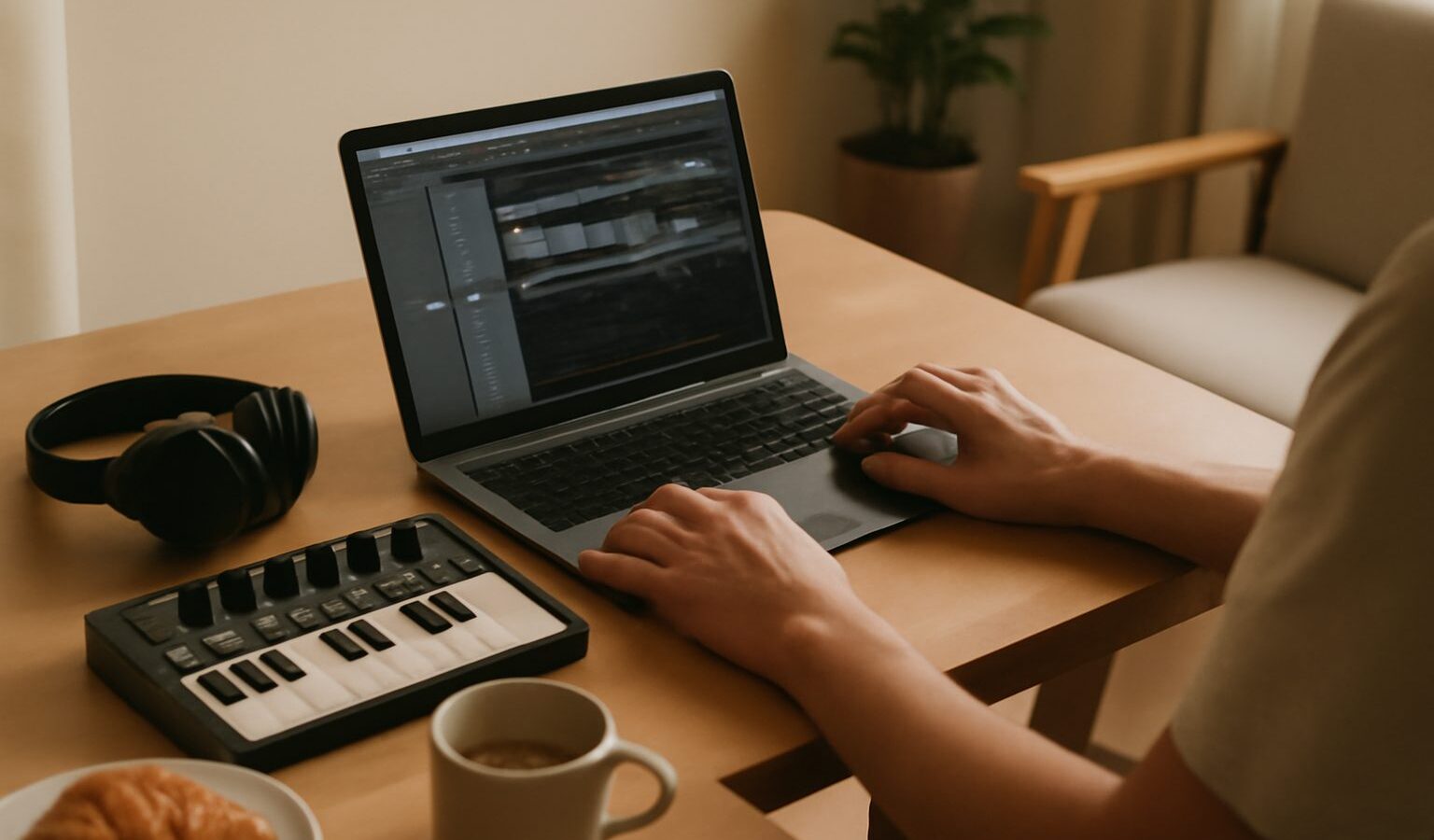
If you have ever wanted to record a song, make a beat or turn the melody in your head into something you can share, the world of DAWs and music software is where it all happens. A DAW, short for Digital Audio Workstation, is simply the programme you use to record, arrange, edit and mix music on a computer, tablet or phone. It can feel like a wall of buttons at first, but the core ideas are friendly once someone explains them plainly. This guide walks a complete newcomer in Singapore through what these tools do and how to pick one, without any hype or gatekeeping.
What a DAW Actually Does
Think of a DAW as a recording studio that lives inside your device. In the old days you needed a room full of tape machines and mixing desks. Today one piece of software does the same jobs, and a great deal more.
A DAW handles four main tasks. It records sound coming in, whether that is your voice through a microphone or a guitar through a cable. It lets you arrange those recordings on a timeline, so you can move, copy and trim sections until the song flows. It edits, so you can fix a wrong note, tidy timing or remove a cough. And it mixes, balancing the volume and tone of every part so the finished track sounds clear.
Inside a DAW you work with tracks, which are simply horizontal lanes, one for vocals, one for drums, one for bass and so on. Each track can hold audio, meaning actual recorded sound, or MIDI, which is a set of instructions telling a software instrument what notes to play. That MIDI idea is powerful, because it means you can play a simple keyboard and have it sound like a piano, strings or synth, and change your mind later.
The Building Blocks of Music Software
Beyond the DAW itself, a few other kinds of music software work alongside it. Understanding the words early saves a lot of confusion.
- Virtual instruments are software versions of pianos, drums, synths and orchestras. They respond to MIDI and produce sound, so you do not need to own the real instrument.
- Plugins are add-ons that process sound. An equaliser plugin shapes the tone, a compressor evens out the loud and soft parts, and a reverb plugin adds a sense of space, like singing in a hall rather than a cupboard.
- VST, AU and AAX are just formats for those plugins, a bit like how documents come as different file types. Your DAW will support one or more of them, and most popular plugins come in several versions.
- Samples and loops are ready made snippets of sound, from a single drum hit to a full four bar groove, that you drag in and build on.
Every DAW comes with a starter collection of instruments and plugins, which is genuinely enough to finish real songs. You do not need to buy anything extra when you begin, despite what the advertisements suggest.
Choosing Your First DAW
The honest truth is that there is no single best DAW, and the popular ones are all far more capable than a beginner needs. Well known options include GarageBand, which comes free on Apple devices, along with paid programmes such as Logic Pro, Ableton Live, FL Studio, Cubase, Studio One and the low cost Reaper. Some offer free trials or limited free versions, so you can try before you commit. Prices and versions change often, so check the maker’s own website for the current details rather than trusting an old forum post.
Rather than chasing the perfect choice, match the tool to what you want to make and to the device you already own.
| If you mostly want to | A sensible starting point | Why it fits |
|---|---|---|
| Try things for free on an Apple device | GarageBand | Already installed, simple and surprisingly full featured |
| Make beats and electronic music | FL Studio or Ableton Live | Built around loops, patterns and fast arranging |
| Record bands, vocals and acoustic instruments | Logic Pro, Cubase or Studio One | Strong at multitrack recording and editing |
| Spend as little as possible on any computer | Reaper | Very affordable, light on your machine, works on older laptops |
Whatever you pick, commit to it for a good while. Switching software constantly is the surest way to stall, because every DAW does the same things with slightly different buttons. The skills you build transfer, so learning one well is far better than dabbling in five.
The Gear That Sits Around the Software
Software is only half the picture. To get sound in and out cleanly you will usually want a couple of pieces of hardware, though you can start with almost nothing.
An audio interface is a small box that connects microphones and instruments to your computer and gives you clean, low latency sound. Latency is the tiny delay between playing a note and hearing it, and a good interface keeps it low enough to feel natural. A pair of headphones lets you work late in an HDB flat without disturbing the neighbours, which matters a great deal in close quarters. Later you might add studio monitors, which are speakers designed to reveal detail rather than flatter the sound.
You truly can begin with just your device, its built in microphone and the free software already on it. Add gear only when you feel the limits of what you have. Buying a pile of equipment before you know what you need is a common and expensive mistake.
Learning Without Feeling Lost
The interface of any DAW looks intimidating on day one, so give yourself permission to ignore most of it. Aim to learn only what you need to finish one short piece of music, then learn the next thing when a real problem calls for it.
A gentle path looks like this. Start a new project and set the tempo, which is the speed of the song measured in beats per minute. Add a software instrument track and play a simple chord pattern using a MIDI keyboard or even your computer keys. Record or program a basic drum beat. Add a bass line. Then record a vocal or melody over the top. Once you have those parts, nudge the volumes until they sit together, and you have made a song.
Singapore has a lively community to lean on, from local music schools and polytechnic media courses to hobbyist groups who share tips online. The makers of each DAW also publish free tutorials, and there is a mountain of beginner friendly videos to follow along with. Be patient with yourself, keep your projects small at first, and remember that every producer you admire once stared at the same confusing screen. The software is just a tool, and the music is still yours.
Explore more
New to all this? Start with our overview of home recording for beginners, then read up on choosing an audio interface and choosing a microphone for recording to get clean sound into your DAW. When you are ready to shape your first track, our guide to mixing basics for beginners will help it all come together.