
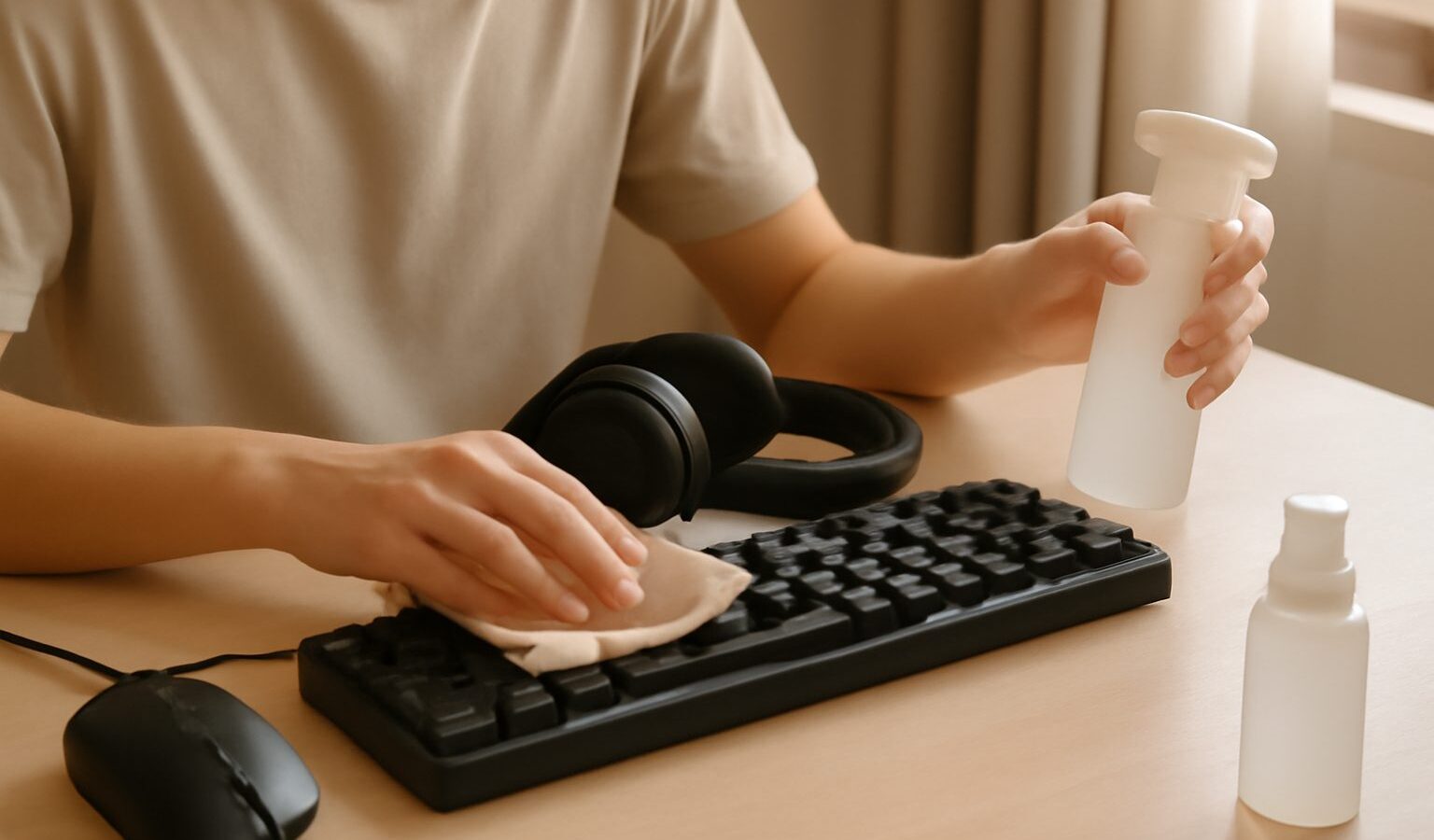
Your keyboard, mouse, headset and screen take a daily beating, and a little upkeep keeps them working like new for far longer. Learning to clean gaming gear properly protects your investment, keeps performance sharp, and matters even more in Singapore, where heat, humidity and dust never take a break. This guide covers safe, practical routines for every part of your setup.
Why maintenance matters
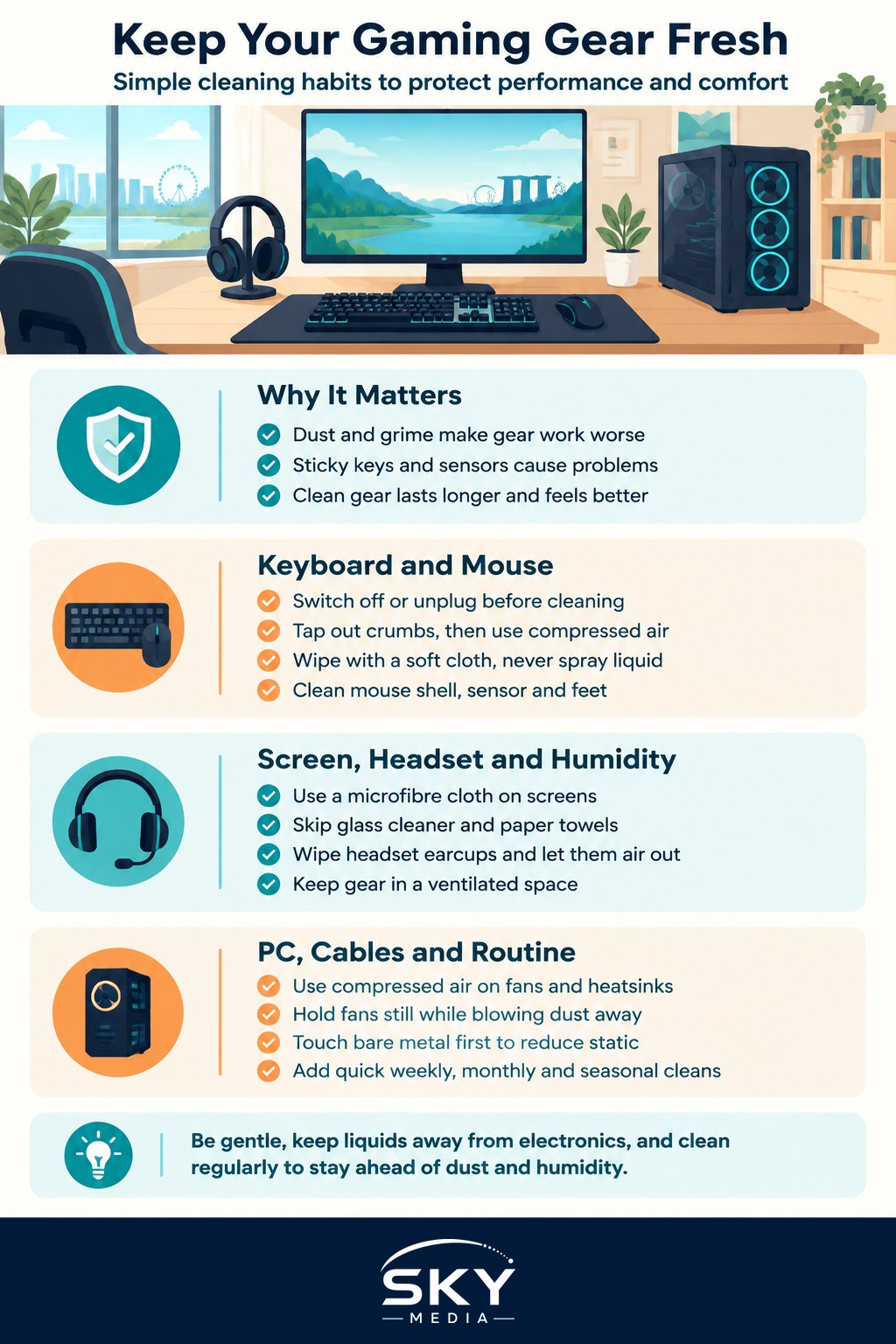
Neglected gear does not just look grubby, it works worse. Dust clogs the fans and vents that keep your PC cool, sticky keys start to feel mushy, a dirty mouse sensor skips across the mat, and grime on a screen dulls the picture. Left long enough, small problems become failures. A short, regular cleaning habit prevents nearly all of this and costs almost nothing.
The golden rule throughout is to be gentle. Power devices down, unplug them where sensible, and never let liquid pool anywhere near electronics.
Tackling dust first
Dust is the biggest enemy, and our climate produces plenty of it. Inside the PC it settles on heatsinks and fan blades, choking airflow and pushing temperatures up. Around the desk it coats every surface.
For the PC interior, use a can of compressed air or a blower to lift dust off fans and heatsinks, holding fans still so they do not spin freely while you blow. Do this in a ventilated spot so the dust does not just resettle. Wipe case surfaces and washable dust filters, then refit them once dry. A gentle clean every couple of months keeps temperatures in check.
Cleaning your keyboard
Keyboards collect crumbs, dust and skin oils faster than anything else you touch. Start by switching it off or unplugging it, then turn it upside down and tap gently to shake loose debris out. A blast of compressed air clears what is stuck between the keys.
For the surface, lightly dampen a soft, lint-free cloth with a little water or a small amount of isopropyl alcohol, never spraying liquid directly onto the board. Wipe the keycaps and case, then let everything dry fully before powering up. If your keyboard has removable keycaps and you are confident, you can lift them for a deeper clean, but note their positions first so you can put them back correctly.
Caring for your mouse
A mouse needs less work but still benefits from attention. Wipe the outer shell with a lightly dampened cloth to remove oils that make it feel slippery. Check the sensor window underneath and clear any dust or hair with a dry cloth or a gentle puff of air, since a blocked sensor causes erratic tracking.
The feet that let the mouse glide also gather grime, so wiping them and the surface of your mousepad keeps movement smooth. Fabric mousepads can usually be washed gently and air dried, which noticeably restores that fresh glide.
Screen and headset care
Screens need the most careful touch of all. Never use household glass cleaner or paper towels, which can damage coatings and leave scratches.
| Item | Cleaning approach | Avoid |
|---|---|---|
| Monitor screen | Soft microfibre cloth, dry or barely damp with water | Glass cleaner, paper towels, pressing hard |
| Headset earcups | Wipe with a lightly dampened cloth | Soaking, harsh solvents |
| Headset foam | Air out regularly, wipe gently | Trapping moisture inside |
| Mousepad | Gentle wash for fabric, wipe for hard | Aggressive scrubbing |
For screens, switch the display off so smudges show clearly against the dark panel, then wipe softly in one direction with a microfibre cloth. Headset earcups absorb sweat, so wiping them down keeps them hygienic, and letting a headset air out prevents that musty smell our humidity encourages.
Coping with Singapore’s humidity
Humidity is the quiet challenge here. Damp air encourages mould on foam earcups and fabric, and can leave a sticky film on surfaces. Keep your gear in a ventilated space rather than a sealed drawer, and let sweaty headsets breathe after long sessions. If you store gear you rarely use, a small desiccant pack in the box helps keep moisture at bay. Running a fan or air conditioning while you play also reduces the sweat and damp that build up on your kit.
Static safety when cleaning inside
If you open your PC to clean it, a little care protects the components. Static electricity can damage delicate parts, so before touching anything inside, discharge yourself by touching a bare metal part of the case. Work on a hard surface rather than carpet, avoid dragging your feet, and if you clean often, an anti-static wrist strap is a cheap safeguard. Always shut the machine down and switch off the power supply before opening the case.
Cables, controllers and extras
Your gear is more than the big four items. Controllers pick up sweat and grime around the thumbsticks and grips, so wipe them down with a lightly dampened cloth and clear dust from the seams. Charging cables and headset wires collect dust along their length, which you can wipe off while you tidy your desk. If you use a webcam or microphone, a gentle dusting of the lens or grille keeps them clear. None of this takes long, and folding it into your regular clean means nothing gets neglected.
A simple maintenance schedule
- Weekly: quick wipe of keyboard, mouse and desk
- Monthly: clean the screen, air out the headset, check for dust build-up
- Every few months: open the PC, clear internal dust, wash filters
The bottom line
Keeping your gaming gear clean is not a chore reserved for special occasions, it is a light habit that pays off in reliability, hygiene and performance. Be gentle, keep liquids well away from electronics, mind our humidity, and respect static safety when you go inside the case. A few minutes here and there keeps your whole setup feeling fresh and lasting far longer.
Explore more: Setting Up a Gaming Corner in Your HDB Flat · Power Supplies and Cooling for Gaming PCs · An Ergonomic Gaming Setup