
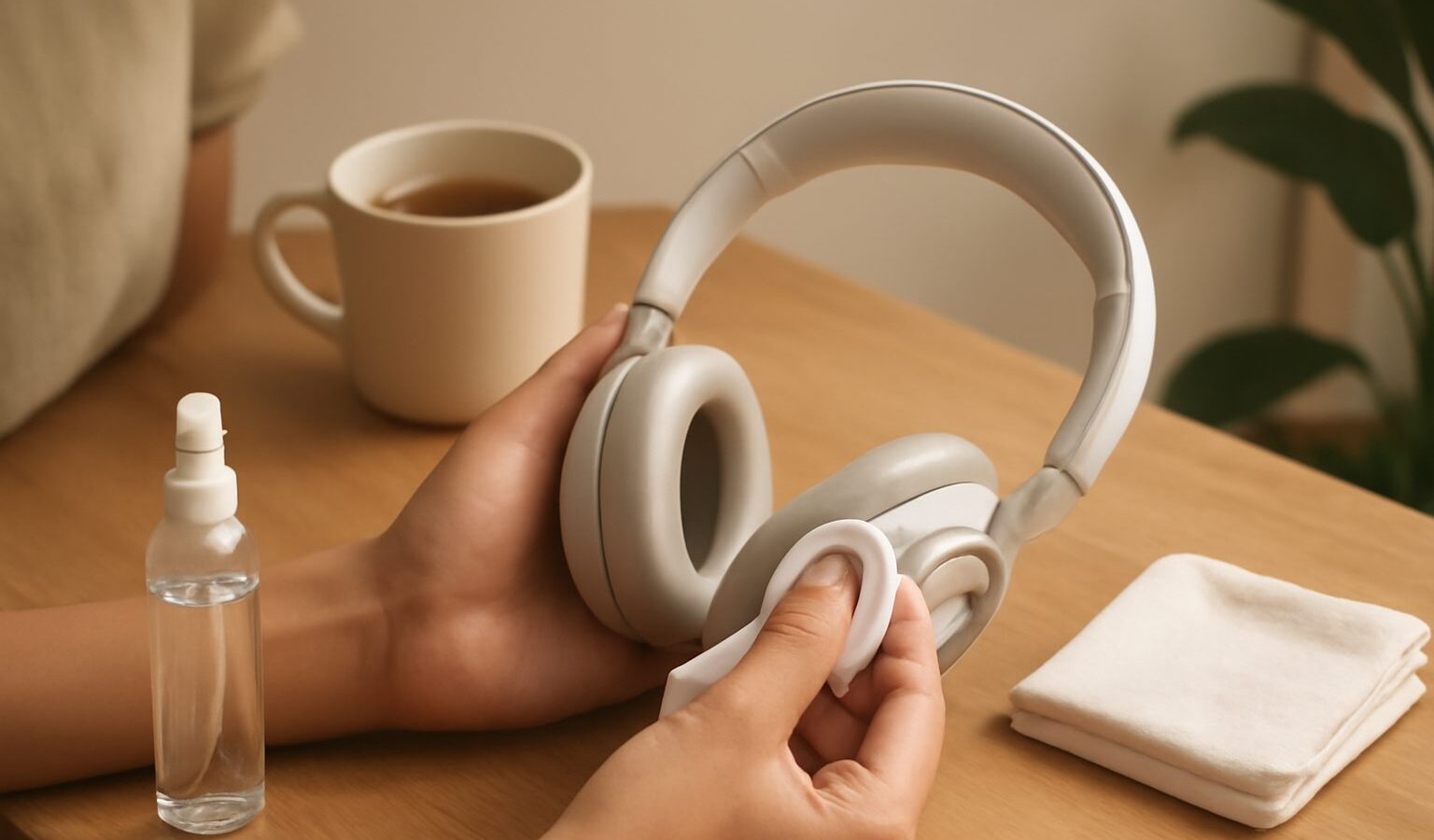
Good headphones are an investment, and a little care keeps them sounding right and hygienic for years. If you learn how to clean your headphones properly, you will avoid the crumbling pads, muffled sound, and lingering smells that shorten the life of otherwise excellent gear. In humid Singapore, maintenance matters even more, because moisture is constantly working against your equipment.
Why cleaning matters more than you think
Headphones and earbuds sit against your skin for hours. They collect earwax, sweat, skin oils, dust, and hair product. Over time this build-up does three things. It becomes unhygienic and can irritate your ears. It degrades pads and mesh, which changes how the headphones sound. And it works its way into ports and grilles, where it can muffle output or block airflow. Regular, gentle cleaning prevents all of this.
The golden rule is to use very little moisture and to never let liquid get inside the drivers. Electronics and water do not mix, so patience beats scrubbing.
What you will need
You do not need special products. A basic kit covers almost everything:
- A soft, dry microfibre cloth
- A slightly damp cloth, wrung out until nearly dry
- Cotton buds
- A soft, dry brush, such as a clean makeup or toothbrush
- Mild soap and warm water for removable pads
- Isopropyl alcohol wipes for hard surfaces, used sparingly
Keep a dedicated cloth for your gear so you are not transferring grit from other surfaces.
Cleaning over-ear and on-ear headphones
Start by unplugging any cable and switching off the power. Wipe the headband, cups, and outer shells with the barely damp cloth, then dry immediately with the microfibre. For the ear pads, check whether they are removable. Many clip or twist off. If they do, wipe protein or synthetic leather pads with a soft cloth and a tiny amount of mild soapy water, then dry thoroughly before refitting. Never soak pads, and never put them back while damp, because trapped moisture breeds odour and mould.
For fabric or velour pads that detach, follow the maker’s guidance. Some can be hand washed gently, while others should only be wiped. Use the soft brush to lift dust from the driver grille beneath the pads, brushing lightly so you do not push debris inward.
Cleaning earbuds and in-ear monitors
Earbuds need the most frequent attention because they sit directly in the ear canal. Remove the silicone or foam tips and clean them separately. Silicone tips can be washed in warm, mildly soapy water and dried completely. Foam tips are less washable and are usually replaced when they flatten or discolour.
For the earbud nozzles, use the soft brush to loosen wax, then wipe with a dry cloth or a slightly damp cotton bud. Angle the earbud downward so any loosened debris falls out rather than in. Avoid poking sharp objects into the mesh, which tears easily. A build-up of wax on the mesh is one of the most common reasons an earbud suddenly sounds quiet or lopsided, so this simple step often revives them.
Caring for cables and connectors
Cables fail more often than drivers, usually near the plug where they flex. Wipe cables down with the dry cloth to remove oils that make them sticky. Clean the plug gently with an alcohol wipe if it looks tarnished. When storing wired headphones, coil cables loosely rather than wrapping them tightly around the cups, as tight wrapping stresses the internal wires and leads to crackling over time.
A simple maintenance routine
Consistency beats intensity. A light routine keeps problems away.
| Task | How often | Notes |
|---|---|---|
| Quick wipe of pads and shells | After heavy use | Dry or barely damp cloth |
| Brush earbud mesh and grilles | Weekly | Removes wax before it hardens |
| Wash removable silicone tips | Weekly to fortnightly | Dry fully before refitting |
| Deep clean pads and cups | Monthly | Mild soap, thorough drying |
| Replace foam tips or worn pads | As needed | Restores seal and sound |
| Check cable and plug | Monthly | Look for fraying near the jack |
Beating Singapore humidity
Humidity is the quiet enemy of audio gear here. Constant moisture in the air encourages mould on pads, corrodes metal contacts, and can affect internal components if headphones are left in stagnant, damp spots. A few habits make a real difference.
- Store gear dry. Keep headphones in a case or on a stand in a ventilated spot, away from bathrooms and windows where damp collects.
- Use a dry box or desiccant. A sealed container with silica gel packs is an affordable way to hold humidity down. Recharge or replace the packs when they saturate.
- Air out sweaty gear. After exercise, wipe earbuds and let them breathe before sealing them away, so moisture does not get trapped.
- Avoid the car. A parked car swings between damp and baking heat, which is hard on pads, adhesives, and batteries.
These same principles apply across your whole collection, from turntables to amplifiers, so it is worth building humidity control into your general storage habits.
When to replace rather than clean
Some parts are designed to wear out, and replacing them is normal maintenance rather than failure. Ear pads flatten and peel after a year or two of daily use, and fresh pads restore both comfort and the correct seal, which directly affects bass response. Silicone and foam tips lose their grip and shape. Many good headphones sell replacement pads and tips precisely because they are consumables. Swapping them is far cheaper than buying new headphones and often makes an ageing pair feel new again.
Keep them sounding their best
Headphone care is not complicated. Wipe often, wash removable parts gently, dry everything fully, store away from damp, and replace consumables when they wear. Do this and your headphones will stay hygienic, comfortable, and true to their sound for far longer than neglected pairs. A few minutes of attention each week protects an investment you enjoy every day.
Explore more: Caring for Your Audio Gear in the Humidity · Headphone Amps and DACs · Hi-Res and Lossless Audio Explained