

The shoot is only half the job. How you hand over the final images shapes whether a client feels delighted, tells their friends, and comes back. Delivering photos to clients in Singapore well means getting the technical details right, being clear about what the client can and cannot do with the files, and treating their images and personal details with care. This guide covers a calm, professional handover from the moment you finish editing to the follow-up after delivery. Note that anything touching contracts and rights here is general information, not legal advice, so use a proper written agreement and consider a lawyer for the specifics.
Before you deliver anything, your files need to be selected, edited, and exported properly. If you have not already, tighten up how you cull and organise your photos so the client receives your best work and nothing unflattering slips through.
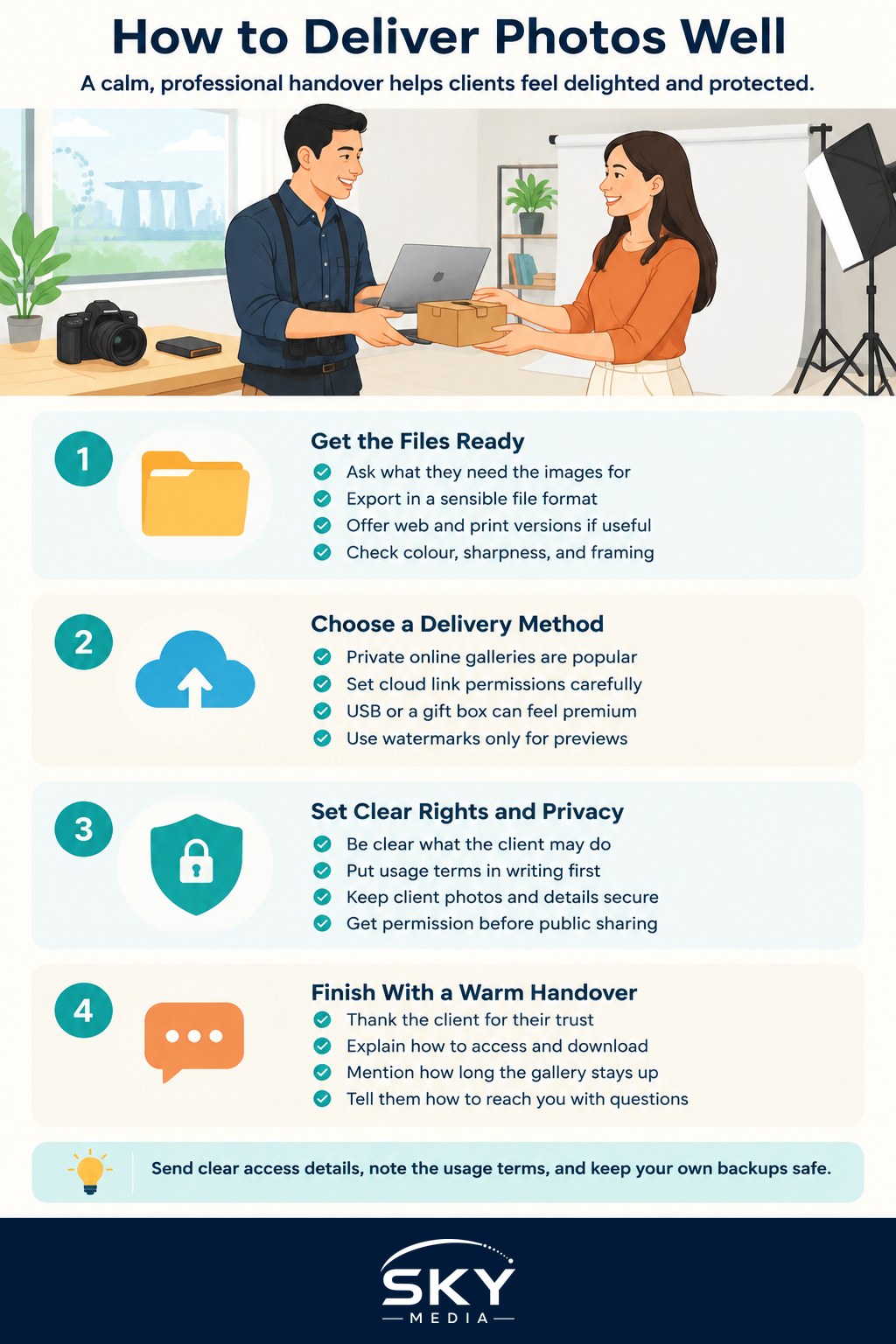
Getting the Files Ready
Delivery starts with the right files in the right format. Most clients want images that look good on a phone screen and print cleanly, so it helps to think about the final use before you export.
- Ask what they need. A couple sharing on social media has different needs from a business printing a banner. Knowing the end use tells you what resolution and format to send.
- Choose sensible formats. High-quality JPEGs suit almost every everyday client. Only supply RAW files if your agreement says so, because RAW files are large, unfinished, and easy to misuse. Our guide on exporting photos for web and print walks through the settings that keep quality high and file sizes manageable.
- Consider two versions. Many photographers deliver a web-optimised set for sharing online and a full-resolution set for printing. Label the folders clearly so the client is not confused.
- Check colour and sharpening. What looks right on your calibrated screen can shift on a phone. A final review on a normal device catches surprises.
Keep your own master copies safe. A proper backup routine protects you if a client loses their files months later, so make backing up your photos a habit rather than an afterthought.
Choosing How to Send Them
The method matters as much as the files. The goal is a delivery that is easy for the client, protects the images, and looks professional.
Online galleries are the most popular choice. A private, password-protected gallery lets clients view, download, and share a link, and many services let you control whether downloads are full resolution or web size. This is usually cleaner than email, which chokes on large files and often compresses them.
Cloud storage links work too, but set permissions carefully so only the intended person has access, and switch off public sharing.
Physical delivery on a USB drive or a nicely presented box can add a premium feel for weddings and milestone shoots, though it is best paired with an online backup in case the drive is lost or fails.
Whichever route you choose, think about watermarks. For preview or proofing galleries, a light watermark can protect your work, while final purchased files are usually delivered clean. Add any watermark tastefully so it protects the work without ruining the preview.
Rights, Privacy, and a Professional Handover
This is the part many beginners skip, and it is the part that prevents disputes later.
Be clear about licensing. When you deliver files, spell out what the client may do with them: personal use, social sharing, commercial use, printing, and whether they may edit or crop. Photographers commonly retain copyright while granting the client a licence to use the images, but the exact terms should be written down in advance. Do not invent standard fees or figures; set your own terms clearly and put them in your agreement. If you have not formalised this, our guide on writing a photography contract is a good starting point, again as general information rather than legal advice.
Respect privacy and personal data. Client photos, especially of families, children, and private events, are sensitive. Store them securely, do not leave galleries public, and do not reuse images for your portfolio or marketing without permission. Get clear consent before sharing anyone’s photos publicly, and be especially careful with images of children. If a client asks you to delete their files after delivery, honour that. Handling people’s images and details responsibly is both good practice and good ethics.
Make the handover warm. A short message that thanks the client, explains how to access and download the gallery, notes how long the gallery will stay online, and reminds them of the usage terms goes a long way. Tell them how to reach you with questions, and consider a gentle nudge before the gallery expires so nobody loses their photos.
Wrapping Up
A smooth delivery turns a satisfied client into a loyal one. Prepare clean, correctly exported files, choose a sending method that is easy and secure, be upfront about what the client can do with the images, and treat their photos and privacy with genuine care. None of this is complicated, but doing it consistently marks you out as someone people trust with their memories. Get the handover right, keep your backups safe, and you will spend far less time fixing problems and far more time doing the work you love.
Frequently Asked Questions
How long should I keep a client’s gallery online? Decide this in advance, state it in your agreement and tell the client when they receive the link. Many photographers set an expiry date and send a gentle reminder beforehand so nobody loses their photos.
Should I give clients the RAW files? Usually not, unless your agreement says so. RAW files are large, unfinished and easy to misuse, and clients normally want polished JPEGs. If someone asks for them, agree the terms in writing first.
Can I use a client’s photos in my portfolio or on social media? Only with their permission. Ask for clear consent in your contract, and take extra care with children and private events. If a client later asks you to remove or delete images, honour that request.
What if a client wants edits after I deliver the photos? Set expectations in your agreement about how many revisions are included and what counts as extra work. A polite message explaining what is covered avoids awkward arguments once the photos are delivered.
Is emailing photos a good way to deliver them? Only for a handful of small images. Email often compresses photos or rejects large files. A private, password-protected gallery or carefully shared cloud link is cleaner and lets clients download full-size copies.
Further reading: How to Find Photography Clients in Singapore