

Paper receipts fade, get lost, and pile up in drawers, and when a gadget breaks a year later, the proof of purchase you need for a warranty claim has often vanished. Learning to digitise receipts in Singapore takes an afternoon to set up and then quietly saves you stress and money for years. This is a practical how-to for turning that messy paper trail into a tidy, searchable digital archive you can actually find things in.
Why It Is Worth the Effort
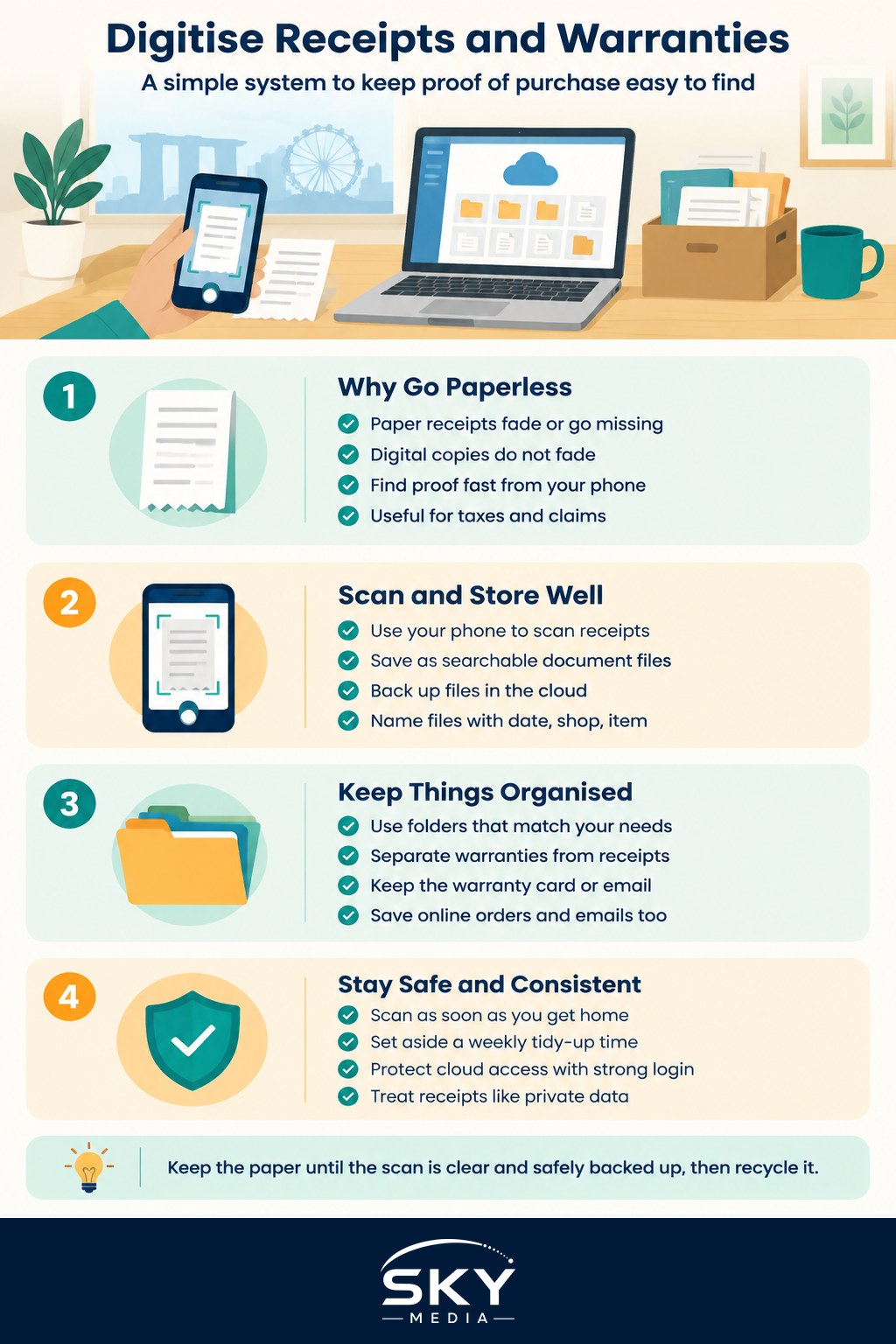
There are a few solid reasons to go paperless with receipts and warranties. Thermal receipts, the shiny ones from most shops, fade badly, and in our hot and humid climate they can become unreadable within months, which is a problem when a warranty runs for a year or more. A digital copy never fades. It also lives in your pocket, so if an item fails while you are out or overseas, you can pull up the proof instantly rather than hunting through a drawer at home.
Beyond warranties, a digital archive helps at tax time, for expense claims, for insurance, and simply for remembering what you paid and when. Once everything is searchable, finding a two-year-old receipt takes seconds instead of an evening of rummaging. The goal is not to be perfectly organised, it is to never again lose the one receipt you actually needed.
A Simple System That Works
You do not need special equipment. Your phone is a capable scanner, and the trick is to pair it with a consistent habit and a sensible place to store things. Here is a straightforward approach.
- Capture with your phone: most phones can scan a document to a clean, cropped file, either through the built-in camera or notes app or a free scanning app. A proper scan beats a random photo because it flattens the image and trims the background, making the text clearer and easier to read later.
- Save as a searchable file: scan to a document format rather than a plain photo where you can, since many scanning tools can recognise the text, which means you can later search for a shop name or item.
- Store it in the cloud: put the files in a cloud storage service so they are backed up and reachable from any device. If you only keep them on the phone and lose it, you lose the archive too. Our guide to cloud storage and backup can help you choose a service.
- Name files consistently: a simple pattern like date, shop, and item makes everything findable, for example the purchase date followed by the store and product. Consistency matters more than the exact format.
Organise with folders that match how you think. A folder for warranties on big-ticket electronics and appliances, another for general receipts, and perhaps one per year keeps things manageable. For anything with a warranty, save the receipt and the warranty card or confirmation email together, since a claim usually needs both. Our guide to how to organise your files and folders has more on building a structure you will stick with.
Do not forget digital receipts you already receive. Online orders and many shops email a receipt or confirmation, and these are easy to lose in a busy inbox. Forward the important ones into the same system or file them in a dedicated email label so everything lives in one place rather than scattered across your mailbox. Our guide to managing your email inbox covers labels and filters that make this painless.
Keeping It Going and Staying Safe
A system only works if you keep feeding it, so make the habit tiny. Scan a receipt the moment you get home, or set aside ten minutes each week to clear the small pile in your bag. Because it takes seconds per receipt, it never becomes a chore if you stay on top of it.
Two sensible cautions. First, receipts can contain partial card numbers and personal details, so treat the archive like any private data. Keep your cloud account protected with a strong password and two-factor authentication, and our guide to two-factor authentication shows how. Second, keep the original paper for anything truly important until you have confirmed the scan is clear and safely backed up, then you can recycle the rest with confidence.
Digitising your receipts and warranties is one of those small projects that feels dull to set up and then quietly proves its worth every time something breaks or you need a record. Pick a scanning method, choose a cloud folder, name your files consistently, and build the small habit of capturing each receipt as it arrives. Do that, and the next time a gadget fails just past the one-year mark, the proof you need will be a quick search away.
Further reading: How to Save and Organise Digital Receipts That Matter